
VIEW DEALS
Julia Pazin
Stream Widgets, Free Stream Widgets, OBS Studio, Streamlabs

Best Free Stream Widgets for OBS, Streamlabs & StreamElements
Great stream widgets do more than fill empty space. They make chat easier to follow, give viewers a reason to participate, and help every scene feel connected to your channel. The StreamSpell Widget Hub lets you customize browser-source widgets for OBS Studio, Streamlabs, and StreamElements with no code.
This guide separates the free Widget Hub tools from the premium collection, so you can choose the right option for your stream without mixing the two.
Free widgets in the StreamSpell Widget Hub
These are the eight free widgets currently available in the Widget Hub.
1. Chat Box
The free Chat Box displays live Twitch chat on screen with customizable bubbles, animations, and styles. It is a natural fit for Just Chatting scenes, community games, co-working streams, and any layout where chat should feel like part of the broadcast.
2. Event List
The Event List shows follows, subscriptions, cheers, and raids in a clean animated feed. It gives recent activity a visible place in your layout and makes it easier to celebrate new support as it happens.
3. Goal Bar
Use the Goal Bar for follower goals, subscription milestones, or custom community targets. Its progress-bar format is easy to read during a regular stream or a special challenge.
4. Timer
The free Timer supports countdown and count-up modes. Add it to a Starting Soon screen, a break, a timed challenge, or a planned stream segment to keep viewers informed.
5. Social Media Rotator
The Social Media Rotator cycles through your social handles with customizable cards, official icons, and animated transitions. It works especially well on Starting Soon, BRB, Intermission, and Just Chatting scenes.
6. Spin Wheel
The Spin Wheel is a customizable wheel for giveaways, challenges, rewards, punishments, and chat-driven decisions. It gives a community event a simple visual moment that viewers can follow live.
7. Slot Machine
The Slot Machine brings a spinning game format to your scene. Customize it for stream challenges, rewards, or playful audience interactions without rebuilding your overlay.
8. Bingo Card
The Bingo Card gives you a customizable grid for stream goals, recurring jokes, game events, or community challenges. Viewers can track the board with you as the stream unfolds.
9. To Do List
The To Do List helps you keep stream goals and planned tasks visible on screen. Use it to track a challenge, organize a community event, or give viewers a simple checklist to follow as the stream progresses.
How to use free Widget Hub tools
Create a free Widget Hub account, choose a widget, customize its colors, fonts, animations, and layout, then copy its browser-source URL. Add the URL as a Browser Source in OBS Studio, Streamlabs, or StreamElements and place it in your scene. For more help, read our free no-code Widget Hub guide and our guide to the best stream widgets for Twitch, YouTube, and more.
Premium widgets in the StreamSpell Widget Hub
The premium collection is separate from the free widgets above and focuses on more specialized stream features.
Spotify Widget

The Spotify Widget shows your current track on stream, with customization options for the widget look and playback display.
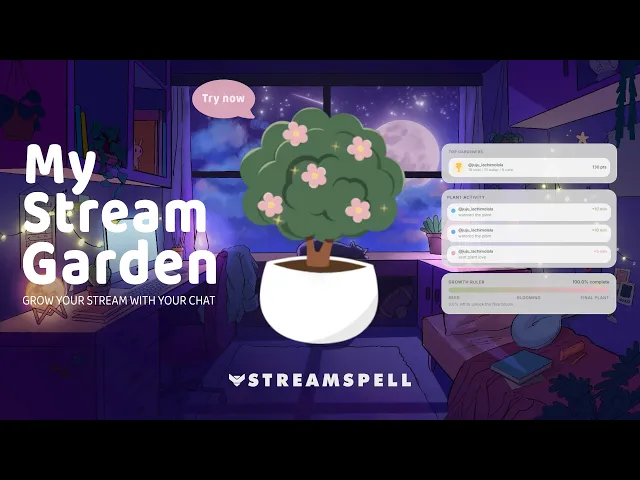
My Stream Garden
My Stream Garden is a cozy interactive widget where chat helps care for a plant with commands such as !water and !care. It is a charming choice for cozy games, study streams, reading communities, and relaxed Just Chatting content.
World Cup Widget Pack
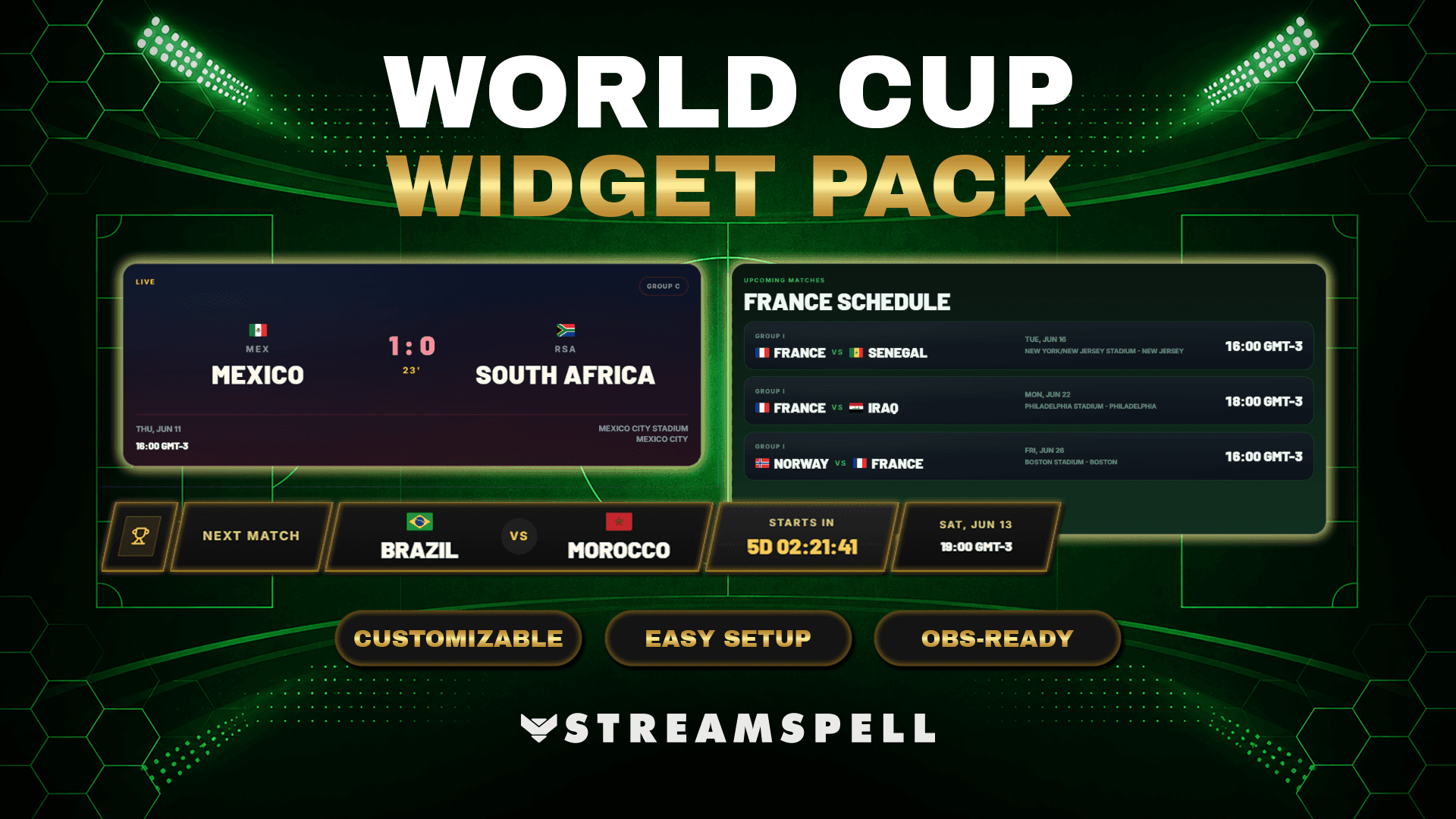
The World Cup Widget Pack includes live score, schedule, and broadcast-bar widgets for sports watch parties and football-focused stream layouts.
Bookish Reading Widget Pack
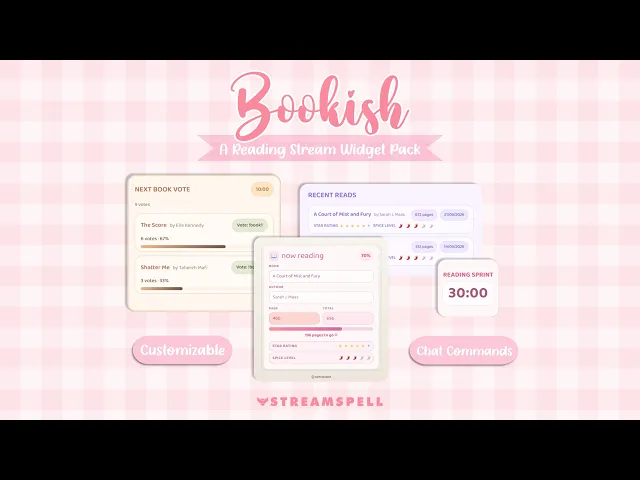
The Bookish Reading Widget Pack is made for BookTok creators, reading sprints, and book communities, with features such as Now Reading, Read Shelf, Next Book Vote, and Reading Sprint.
Subathon Widget
The Subathon Widget helps present a live subathon timer, milestone progress, and recent time-added events in one stream-ready display.
Giveaway Widget
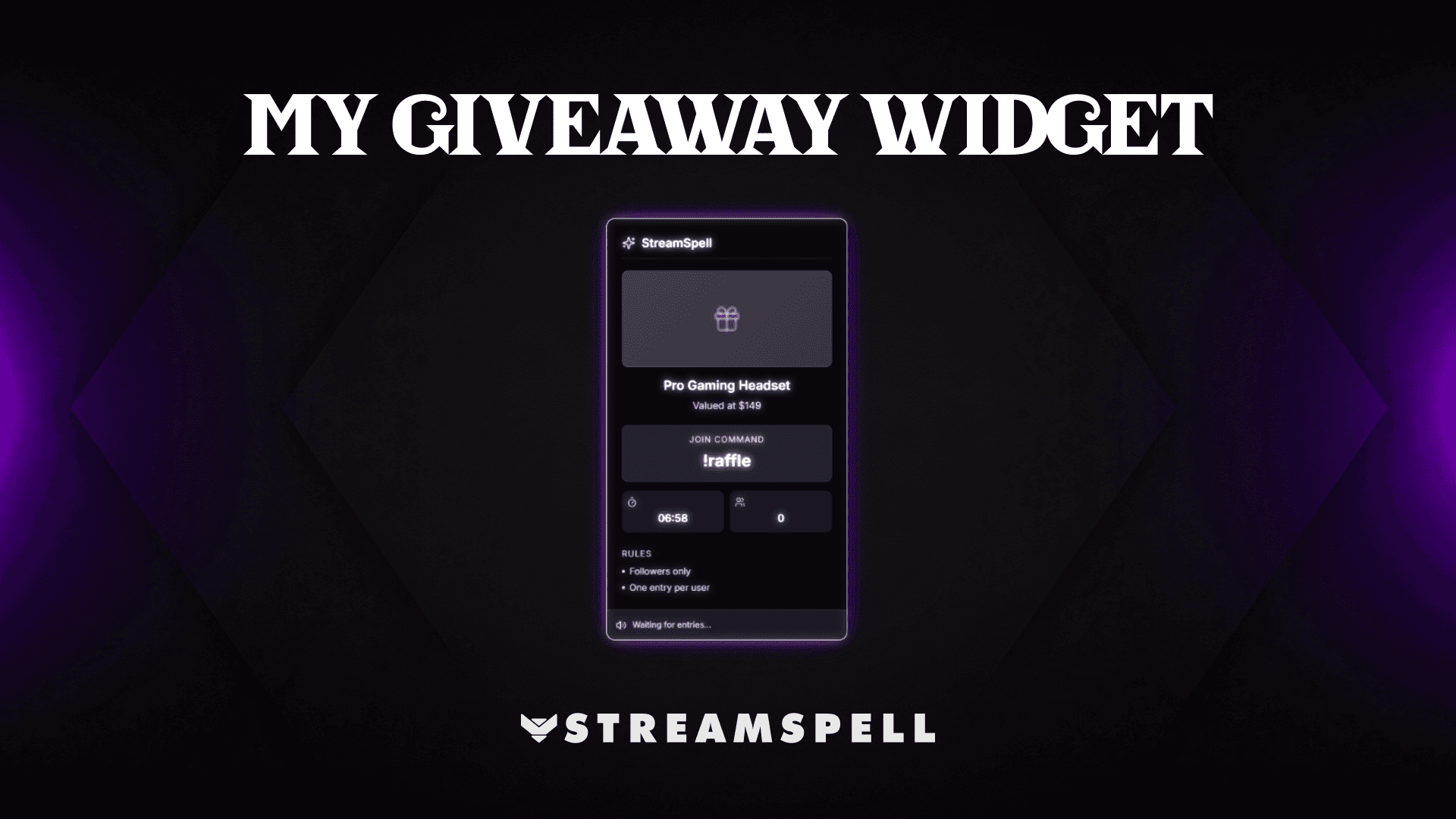
The Giveaway Widget is designed for live giveaways with chat commands, a countdown timer, and a winner reveal.
QR Code Social Rotator
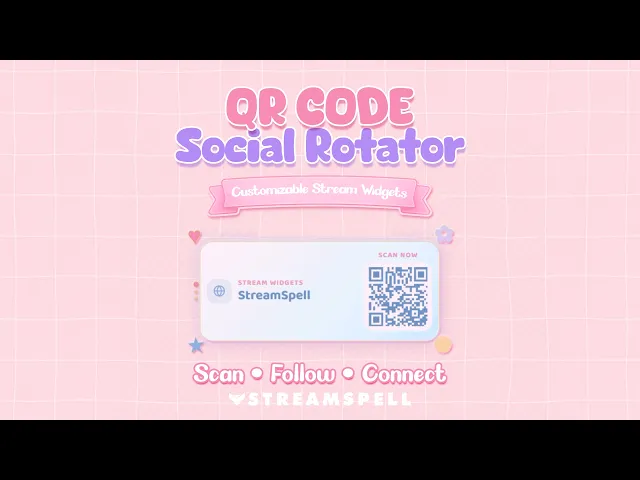
The QR Code Social Rotator displays rotating social links as scannable QR codes, helping viewers connect with your channels directly from the stream.
Explore the premium section of the Widget Hub when one of these specialized tools fits your content.
Widgets included with StreamSpell packages
Widget Hub tools are one way to build a functional stream layout. StreamSpell packages offer another: matching widgets designed as part of a full visual system.
Sun and Moon Stream Widgets
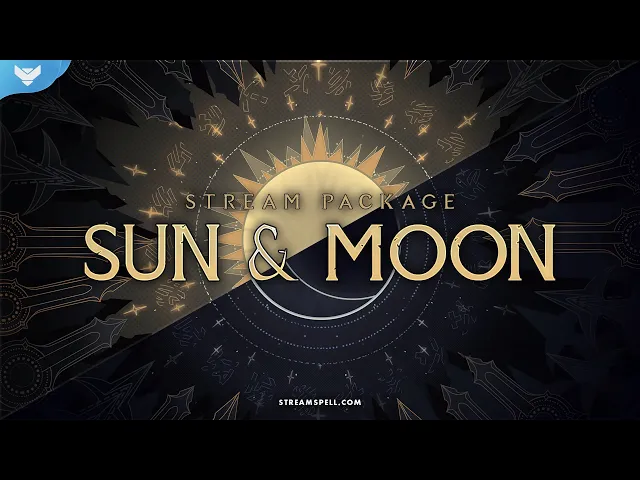
The Sun and Moon Stream Package includes a Chat Box, Event List, and Goal Bar alongside animated screens, alerts, a webcam overlay, and a transition. Its celestial Sun and Moon themes make those stream widgets feel connected to the rest of the layout.
Lofi Night Stream Widgets
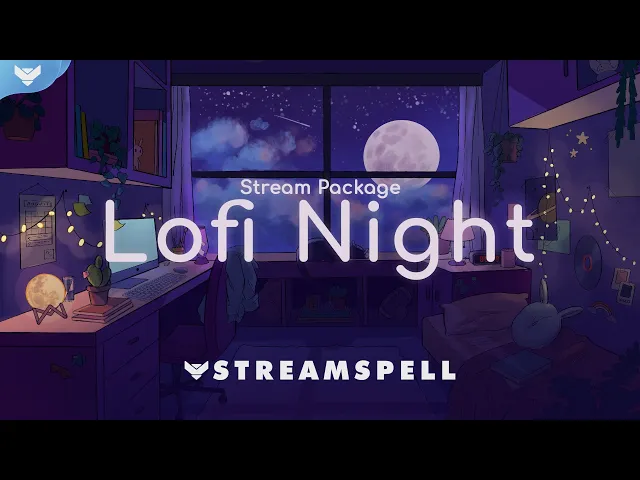
The Lofi Night Stream Package also includes a Chat Box, Event List, and Goal Bar, plus animated screens, alerts, webcam overlays, and a stinger transition. It gives each widget a cozy, late-night look that fits chill streams and Just Chatting scenes.
Looking for more ways to upgrade your stream?
Find animated stream overlays, stream alerts, transitions, Stream Deck assets, emotes, badges, widgets, and custom stream design options through StreamSpell:
We hope this guide helped you find the right widgets for your stream and gave you a few new ideas for your setup!
Thanks for reading!
See you in the next post!
Level up your stream with practical guides for OBS, Twitch, YouTube and Stream Deck.

AI Stream Deck Profile Generator: Build Profiles Faster
Build Stream Deck profiles faster with Deck Smith, a free AI Stream Deck profile generator by StreamSpell.

40 Webcam Overlay Bundle by StreamSpell
Get 40 stream-ready webcam overlays with animated styles, color customization, and themes like anime, neon, RPG, cute, and more.

5 Strategies for Staying Motivated as a Content Creator
Take care of yourself with these quick tips for staying motivated throughout your content creation journey.
Browse All Articles
Browse Stream Overlays