
VIEW DEALS
Julia Pazin
Stream Widgets, Free Stream Overlays

Stream Widgets Hub: Free No-Code Widgets for OBS, Streamlabs, and StreamElements
If you’ve ever spent way too long trying to make your stream look right (adjusting overlays, testing widgets, or dealing with complicated setups) this is for you.
StreamSpell just launched Stream Widgets Hub, a free tool that lets you build fully customizable stream widgets in minutes.
No code. No downloads. No hassle. Just pick, customize, and go live.
What Is Stream Widgets Hub?
Stream Widgets Hub is a browser-based tool designed for streamers who want clean, professional visuals without the technical complexity.
You can create fully customizable widgets and instantly use them in:
OBS Studio
Streamlabs
StreamElements
No plugins. No installs. No subscriptions.
Just generate your browser-source URL and add it to your stream.
How It Works (3 Simple Steps)
Getting started takes less than a minute:
Create your free account
Sign up with your email and password.Customize your widget
Adjust colors, fonts, animations, and layout to match your stream style.Add to your stream
Copy the browser-source URL and paste it into your streaming software.
If you’ve used a browser source before, you already know how this works.
Available Widgets (Free)
All widgets in the free collection above are 100% free.
Chat Box
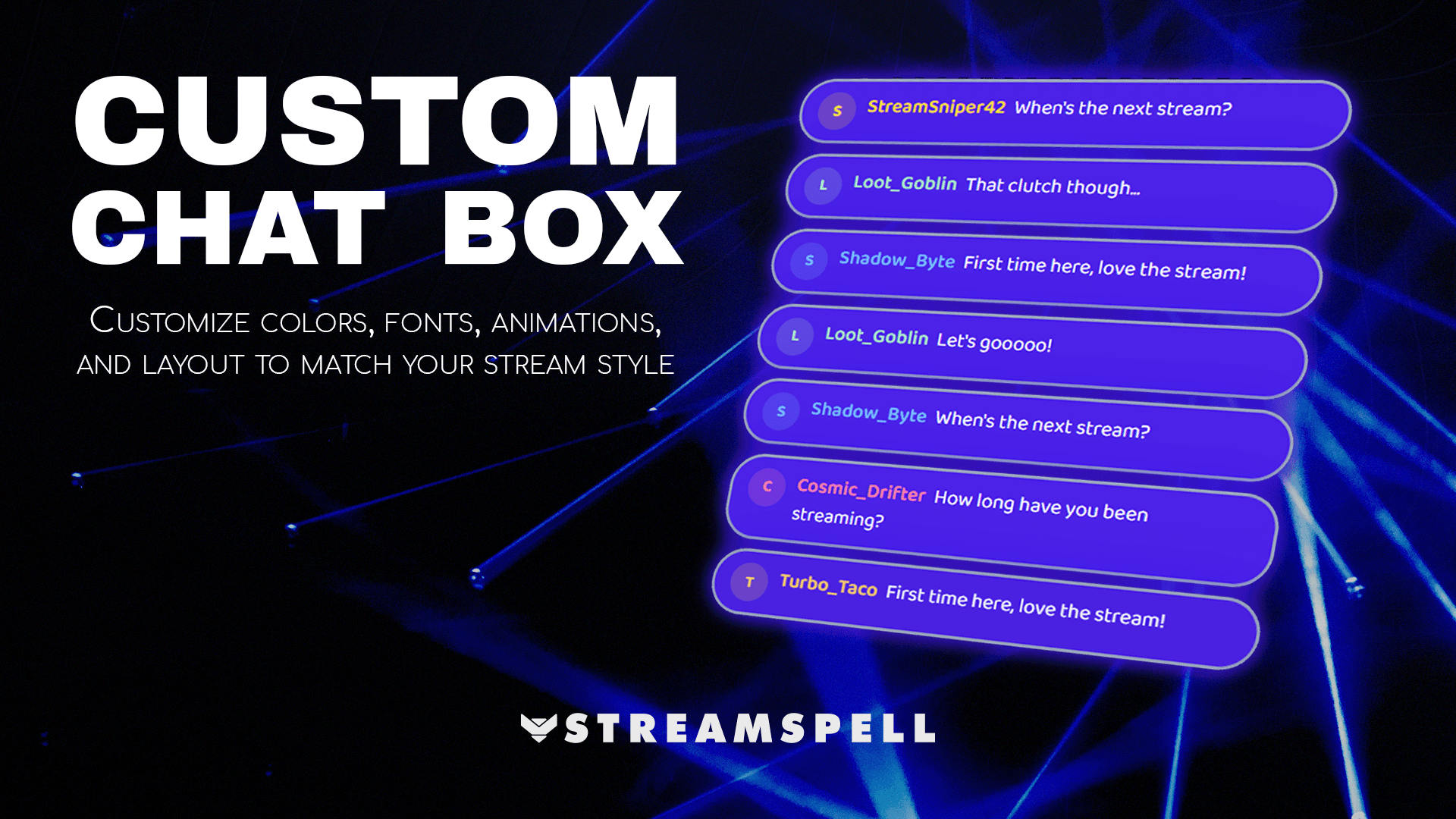
Display your Twitch chat on screen with customizable styles, bubbles, and animations that actually match your setup.
Event List
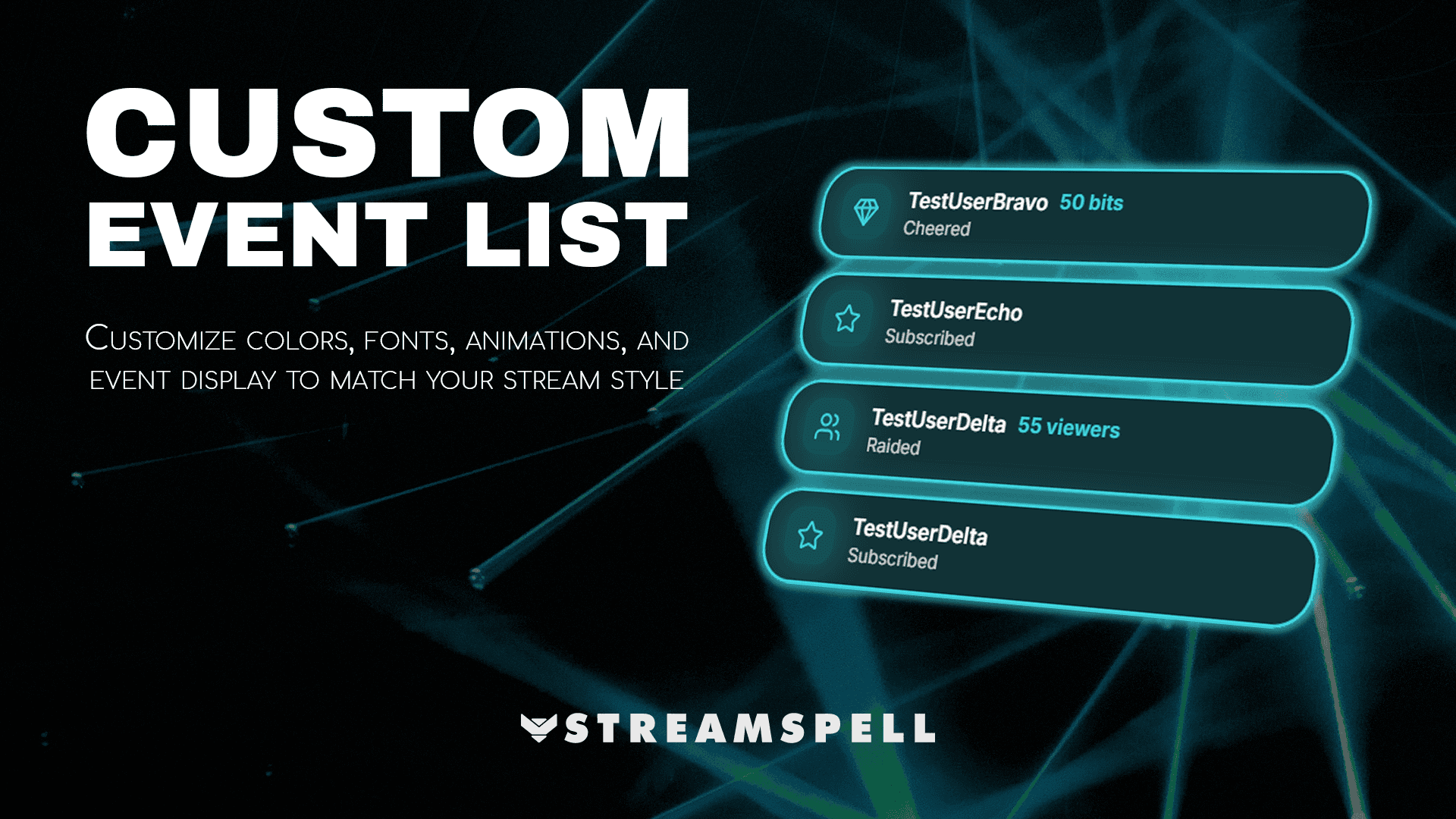
Show follows, subs, cheers, and raids in a clean, animated feed that keeps your stream active and engaging.
Goal Bar
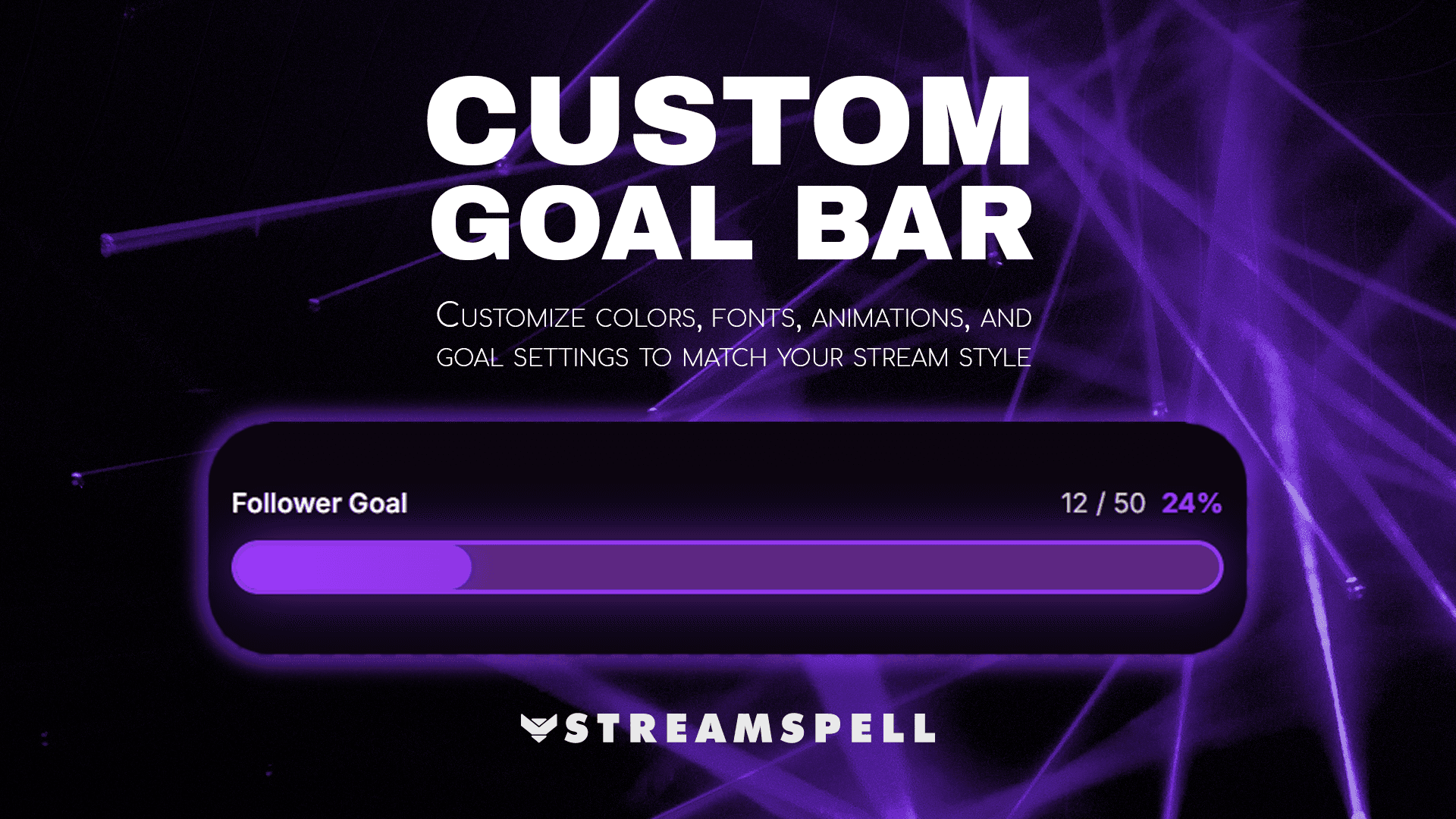
Track follower goals, sub milestones, or custom challenges with dynamic progress bars.
Timer
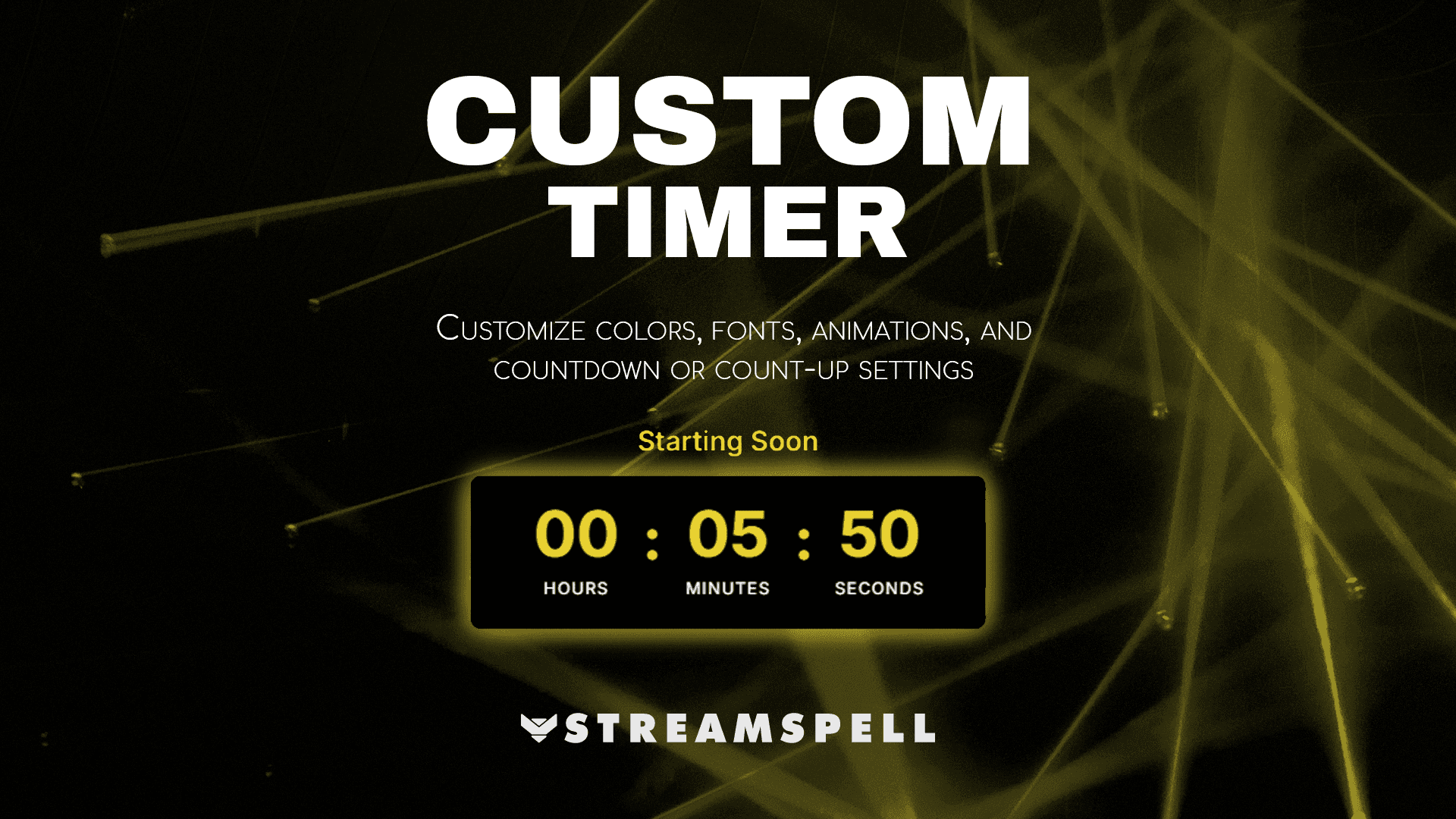
Perfect for starting soon screens, countdowns, or stream segments. Supports both count-up and countdown modes.
Social Media Rotator
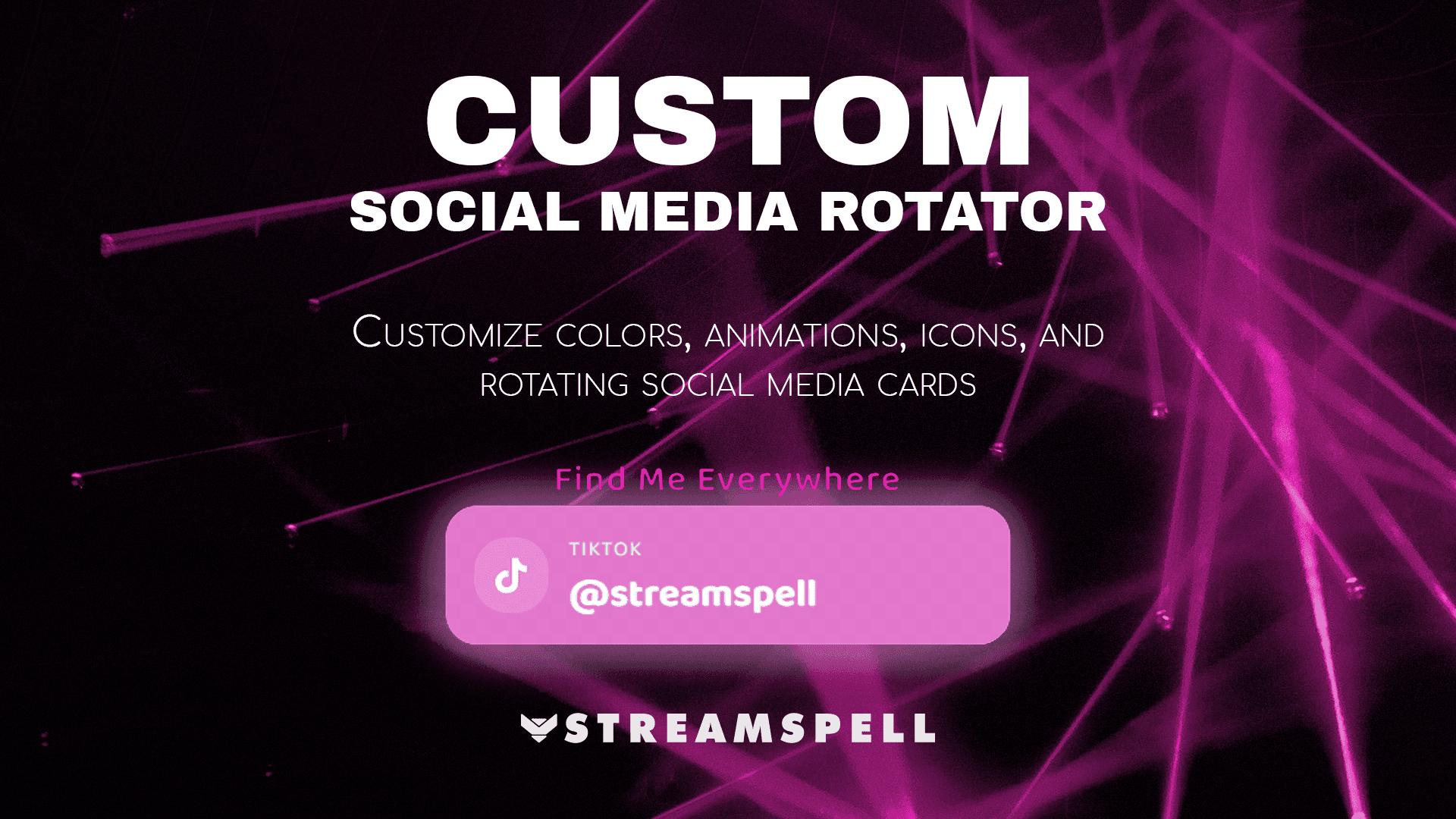
Rotate your social links with animated cards and official platform icons without cluttering your layout.
Why This Tool Matters
Most widget tools fall into two categories: limited or overly complicated.
Stream Widgets Hub solves both.
Full customization without coding
Clean, modern visuals
Instant browser-source integration
Works with the tools you already use
It’s built to give you control without slowing down your workflow.
Why Is It Free?
Getting your stream set up shouldn’t be expensive or complicated.
So go ahead and explore the free collection on Stream Widgets Hub to find the right widgets for your stream.
And since this is a new tool, more widgets and features are already on the way.
Your Feedback Matters
Stream Widgets Hub continues to evolve based on what streamers actually need.
If you try it out and have suggestions, ideas, or feedback:
📩 contact@streamspell.com
Early feedback helps shape what comes next.
Ready to Build Your First Widget?
If you want more control over your stream visuals without the usual setup headaches, this is worth trying.
👉 Create your free account and start building: Stream Widgets Hub
Go from zero to fully customized widgets in under a minute.
Free and Premium Widgets in Stream Widgets Hub
The free widgets described above are only one part of StreamSpell's Widget Hub. The Hub also includes premium widgets and packs for creators who want more specialized tools, themed designs, or interactive features. Browse the current collection in the StreamSpell Stream Widgets store.
Bookish Reading Widget Pack
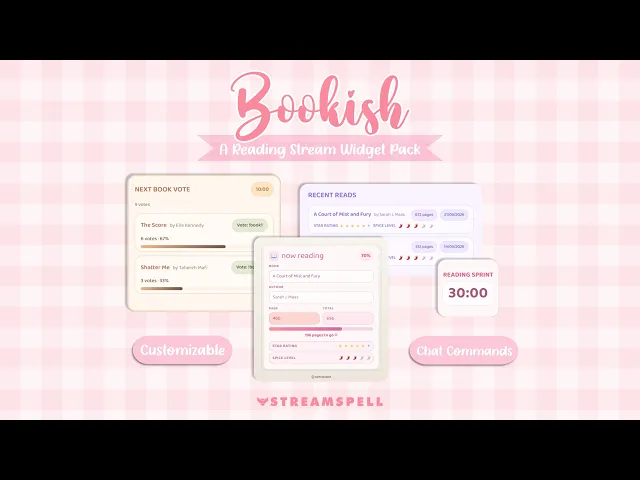
For book streamers, BookTok creators, and reading communities, this premium pack includes four customizable widgets: Now Reading, Read Shelf, Next Book Vote, and Reading Sprint Timer. Add them through Browser Source URLs, track reading progress, showcase finished books, host reading sprints, and let Twitch chat vote for the next book.
Explore the Bookish Reading Widget Pack →
Social Media Rotator Widget
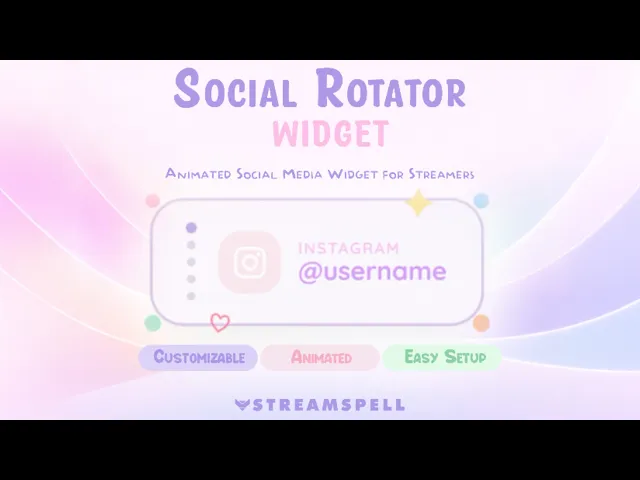
The Social Media Rotator cycles through multiple social profiles in a clean, lightweight card. Add usernames for different platforms, control how long each profile stays on screen, and customize the text, background, icon, and decorative colors. It is designed for StreamElements and also works in OBS Studio and Streamlabs through a Browser Source.
Explore the Social Media Rotator Widget →
Spotify Widget by StreamSpell

The Spotify Widget displays your current track on stream and lets you customize the layout, colors, shape, fonts, background, and dynamic gradient styling. Set it up through the StreamSpell Music Widget app, then use the widget with OBS Studio, Streamlabs, StreamElements, Meld Studio, or another setup that supports Browser Sources.
Giveaway Widget
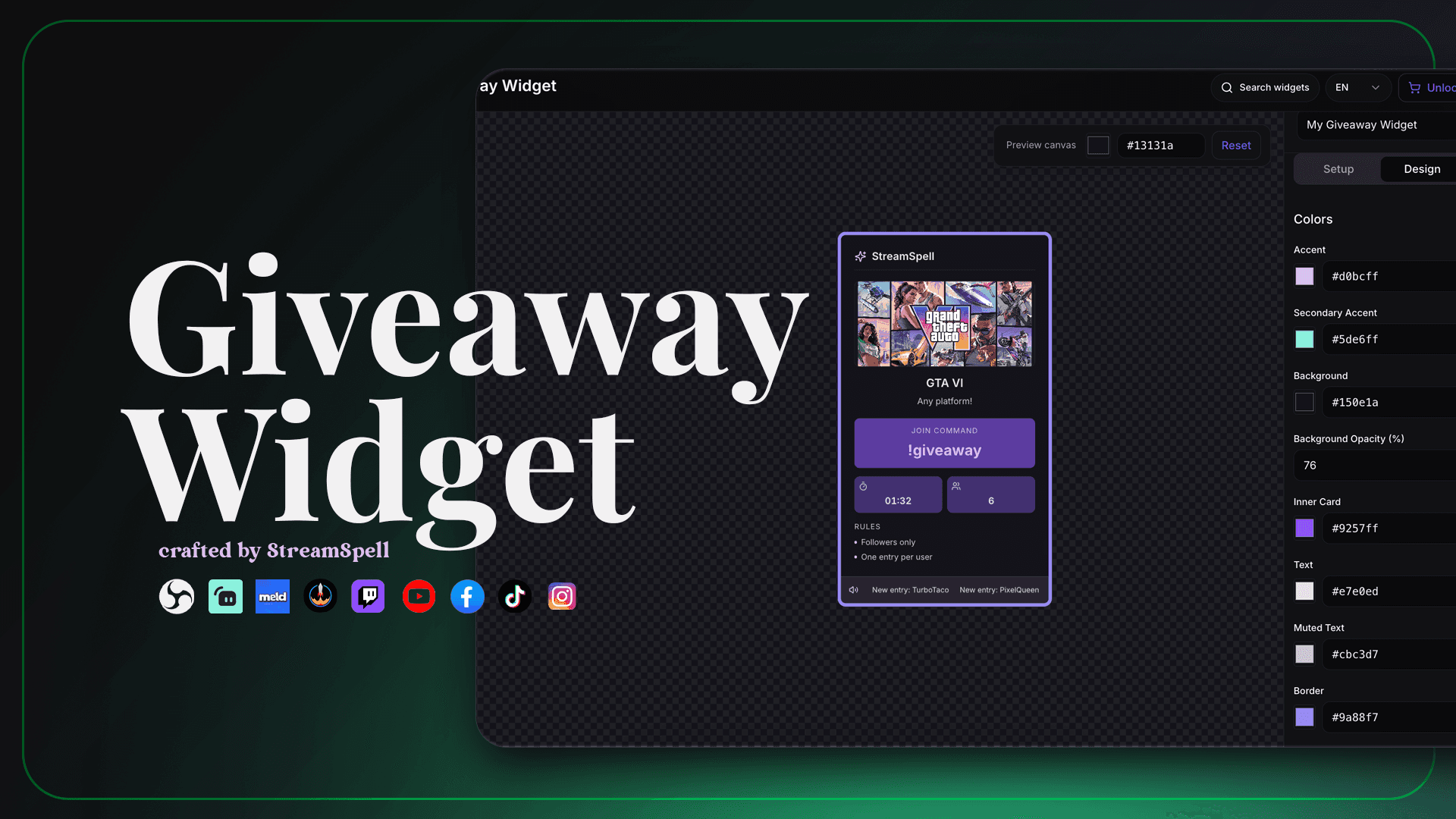
The Giveaway Widget gives your live events a polished on-screen display for entries, giveaway status, winner selection, and results. Customize titles, labels, colors, gradients, glow, rounded corners, and the widget size, then add it to OBS Studio, Streamlabs Desktop, StreamElements, or Meld Studio through a Browser Source.
QR Code Social Rotator Widget
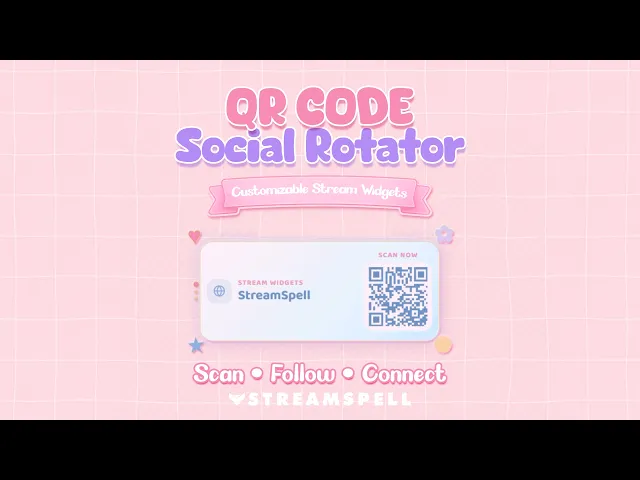
The QR Code Social Rotator displays rotating QR codes for social profiles, Discord, websites, stores, portfolios, or other custom links. Choose a complete social card or QR Only Mode, then customize the layout, colors, QR style, icons, borders, glow, sizing, timing, transitions, and animated decorations. It uses a hosted Browser Source URL and works with OBS Studio, Streamlabs Desktop, StreamElements, Meld Studio, and other compatible streaming software.
Explore the QR Code Social Rotator Widget →
Other Premium Widget Packs
The current StreamSpell collection also includes RPG Stream Widgets, a themed pack with chat, goals, timers, bingo, a spin wheel, alerts, and a social rotator; and Spirit Blossom Stream Widgets, with chat, event lists, goals, and alerts. The Widget Hub also offers My Stream Garden as a premium interactive option for community-focused streams.
More StreamSpell Widget Guides
If you want to keep exploring, read 4 Cute & Powerful Stream Widgets You Should Not Miss, the QR Code Social Rotator guide, the Bookish Reading Widget Pack guide, the Spotify Widget guide, and Best Stream Widgets for Twitch, YouTube & More. For another social setup, see the Social Media Widget guide.
💙 Build Your Full Stream Setup with StreamSpell
Stream Widgets Hub is just one part of what StreamSpell offers. If you're building or upgrading your full stream setup, here's where to go next:
StreamSpell Store: Animated overlays, alerts, transitions, Stream Deck icons, emotes, badges, and stream widgets
Custom Design Services: Get a fully custom stream design built for your brand
StreamSpell Portfolio: See examples of stream designs and setups
StreamSpell on Etsy: Browse and buy stream assets directly on Etsy
Thank you for following our blog!
See you in the next post 💙
Level up your stream with practical guides for OBS, Twitch, YouTube and Stream Deck.

AI Stream Deck Profile Generator: Build Profiles Faster
Build Stream Deck profiles faster with Deck Smith, a free AI Stream Deck profile generator by StreamSpell.

40 Webcam Overlay Bundle by StreamSpell
Get 40 stream-ready webcam overlays with animated styles, color customization, and themes like anime, neon, RPG, cute, and more.

5 Strategies for Staying Motivated as a Content Creator
Take care of yourself with these quick tips for staying motivated throughout your content creation journey.
Browse All Articles
Browse Stream Overlays