VIEW DEALS

Download free stream overlays for OBS Studio and Streamlabs Desktop, including webcam frames, alerts, transitions and scene assets. Start free, then upgrade to a complete package when your channel is ready.

Explore free and premium assets for OBS Studio and Streamlabs Desktop, including complete stream packages, alerts, widgets, transitions, emotes and more.
Stream Packages & OBS Overlays
Everything in one download: animated overlays, webcam frames, Twitch panels, and OBS scenes. Designed for creators on Twitch, YouTube, Kick & more.
Stream Alerts & Widgets
Display alerts for follows, subs, donations, and more with animated Twitch alerts. Instant setup for OBS Studio and Streamlabs.
Animated Stinger Transitions
Switch scenes like a pro with clean, animated transitions. Seamless integration with OBS and Streamlabs, no plugins needed.
Emotes and Twitch Sub Badges
Custom emotes and sub badges to match your brand and increase channel loyalty on Twitch, YouTube, and Discord.
Stream Deck Profiles
Trigger alerts, switch scenes, and control your stream in one tap with profiles for the Elgato Stream Deck.
Custom Stream Overlays
Need something unique? We design custom overlays and full packages tailored to your channel.
Free Stream Overlays
Best for new creators testing a layout. Get essential webcam frames, alerts and scene graphics for OBS Studio or Streamlabs Desktop at no cost.
Premium Stream Packages
Best for a consistent brand. Get coordinated animated scenes, alerts, transitions and widgets in one complete package, with more styles to choose from.
Custom Stream Design
Best for established channels that need a unique identity. Get overlays, alerts and widgets designed around your brand and streaming goals.
Free Stream Widgets
Customize essential widgets such as Chat Box, Event List, Goal Bar and Timer at no cost.
Explore Free Widgets
Premium Widgets & Skins
Unlock interactive widgets, premium designs and advanced customization for a more distinctive stream.
Browse Premium Widgets
Customize in the Widget Hub
Adjust colors, text and widget settings, then copy the Browser Source URL into your streaming software.
Open Widget Hub
Learn how to install stream overlays in OBS Studio and Streamlabs Desktop, compare both apps, and use the correct sizes for Twitch, YouTube and Kick.

OBS Studio Overlay Setup Guide
Set up scenes, sources, overlays and alerts in OBS Studio for Twitch, YouTube and Kick.
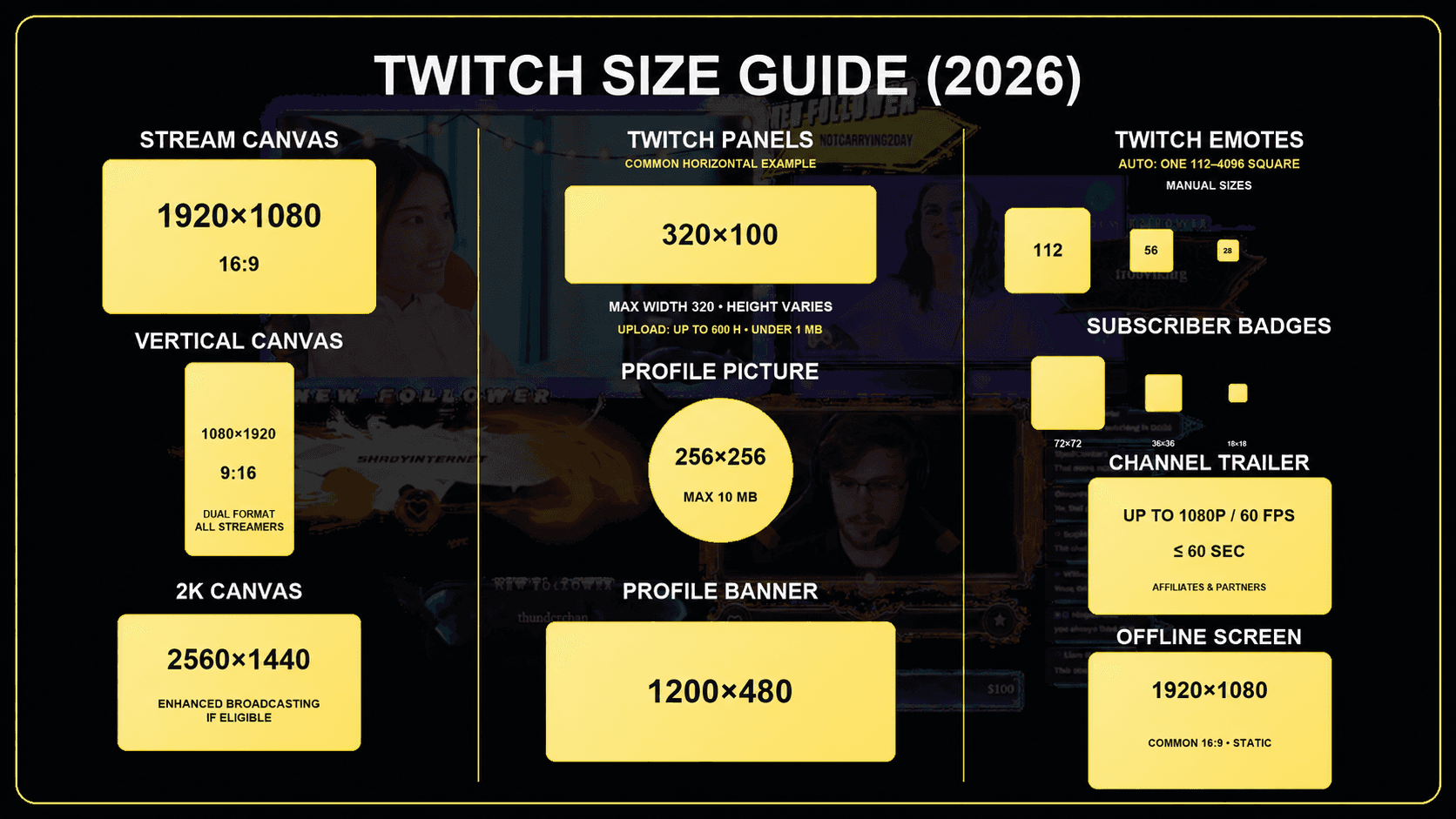
Twitch Panel and Graphics Size Guide (2026)
Dimensions and ratios for every element on your Twitch stream and channel.
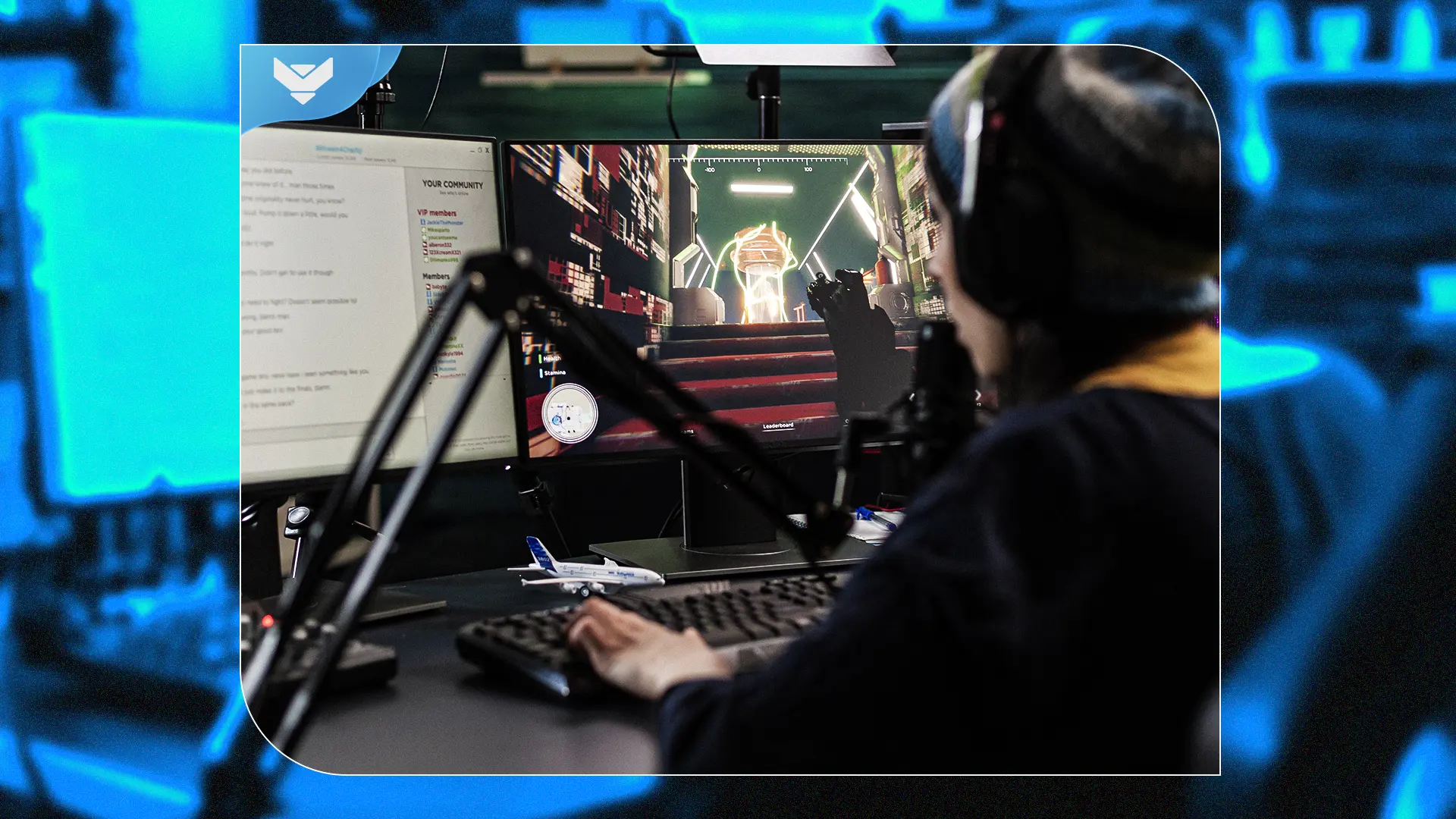
OBS Studio vs. Streamlabs Desktop
Compare performance, setup and built-in tools to choose the right streaming app for your channel.
Chaz Arnold
★★★★★
Quality work with painstaking attention to detail. Super easy to install and an outstanding price.
Steven Selby
★★★★★
Quality animations and artwork, plus helpful resources to learn OBS and Stream Deck.
MDV
★★★★★
A complete, quality stream package that was simple to download, customize and install.
Levi Perry
★★★★★
Prompt, kind support and a technical issue fixed quickly.
Carolina Chacón
★★★★★
Well-made products, honestly presented, with plenty of designs to choose from.
Kory Crutcher
★★★★★
Being able to preview and analyze content made my decision easy. The bundle option for the lo-fi overlays is very smart.
Amy Gibson
★★★★★
Great designs, useful panels and an easy setup experience.
Crypto Clutch News
★★★★★
Overall great experience and great customer service. If it’s a few days late, be patient and contact support.
Upgrade from free assets to a coordinated premium package with animated scenes, alerts, transitions and widgets, all built for OBS Studio and Streamlabs Desktop.
Browse Premium Stream Packages