
VIEW DEALS
Julia Pazin
Valheim 1.0, Deep North, World Saves, Viking Stream

Good news for anyone attached to a long-running Valheim base: you can keep your old world. Iron Gate still recommends a fresh playthrough for the fullest 1.0 journey, especially if you have already explored much of the northern edge of your map.
Valheim 1.0 launched on September 9, 2026, opening the Deep North and ending the game’s Early Access journey.
Can you use an old world in Valheim 1.0?
Existing worlds remain useful, and new fixed world content can appear in areas that have never been explored. Valheim treats an area as explored when a player has visited it, including a radius of roughly 500 metres around that path. If you already traveled deep into the northern edge of your map, those places may not generate the new content in the same way as untouched terrain.
Keep the old world if your community wants to protect years of buildings and shared memories. A fresh world makes more sense if discovery and a complete new series are the priority.
Why start a new world?
Iron Gate recommends a new playthrough because version 1.0 is designed as a full journey from the first biome to the Deep North. Starting again lets the updated progression, balance, discoveries, and final biome unfold in sequence.
A fresh world can become a new stream season: viewers follow the journey from the first biome to the Deep North. Back up your existing save before making changes, and treat the new world as an addition to your community’s history.
What Valheim 1.0 adds
The launch update introduces the Deep North biome, more than 40 weapons, four armour sets, new capes and trinkets, over 10 creatures, more than 80 buildable pieces, new food, resources, locations, music, events, mechanics, achievements, and upgradeable pockets.
Valheim 1.0 is available on PC, Linux, Mac, Xbox One, Xbox Series X|S, PlayStation 5, and Nintendo Switch 2. Iron Gate also confirmed full crossplay between supported platforms.
What about mods?
Valheim does not offer official mod support. A major update can break community-made mods until their developers update them, so disable outdated mods before loading a valuable world and keep a separate backup. The safest first launch is a clean one.
StreamSpell products for a Valheim series
Ultimate Viking Collection

Ultimate Viking Collection product preview.
Ultimate Viking Collection gives a long Valheim series five Norse-inspired looks: Ragnarok, Odin, Thor, Ragnar, and Valhalla. Switch visual mood between building days, expeditions, and boss nights while keeping the same channel identity.
Five complete animated Viking stream packages in one collection.
Each listed package includes four animated screens, one offline screen, and 12 animated alerts.
A 16:9 webcam frame, modular labels, stream panels, and an animated stinger transition.
Social media assets, PSD source files, fonts, setup tutorials, and editable After Effects text files for most of the included packages.
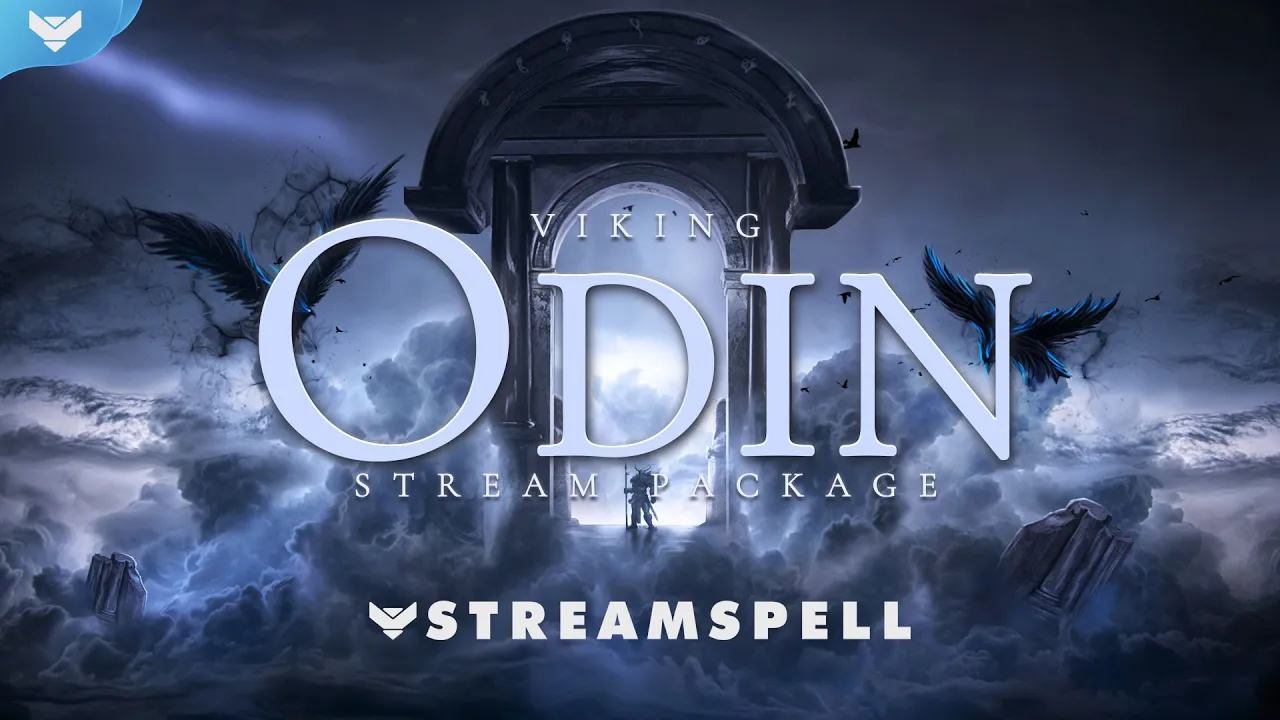
Viking: Odin Stream Package
Viking: Odin Stream Package video preview.
Viking: Odin combines runes, lightning, and a darker Nordic palette that works naturally with Valheim. The product page also recommends it for God of War, Assassin’s Creed Valhalla, Baldur’s Gate 3, Hellblade, and Skyrim.
Four animated screens for Starting, Be Right Back, Ending, and Just Chatting, plus one offline screen.
12 animated alerts with sound effects.
A 16:9 webcam frame, modular labels, 43 stream panels, and an animated stinger transition.
PSD files for the panels, an editable After Effects file for text and colors, the font, and setup tutorials.
Free Goal Bar from Stream Widgets Hub
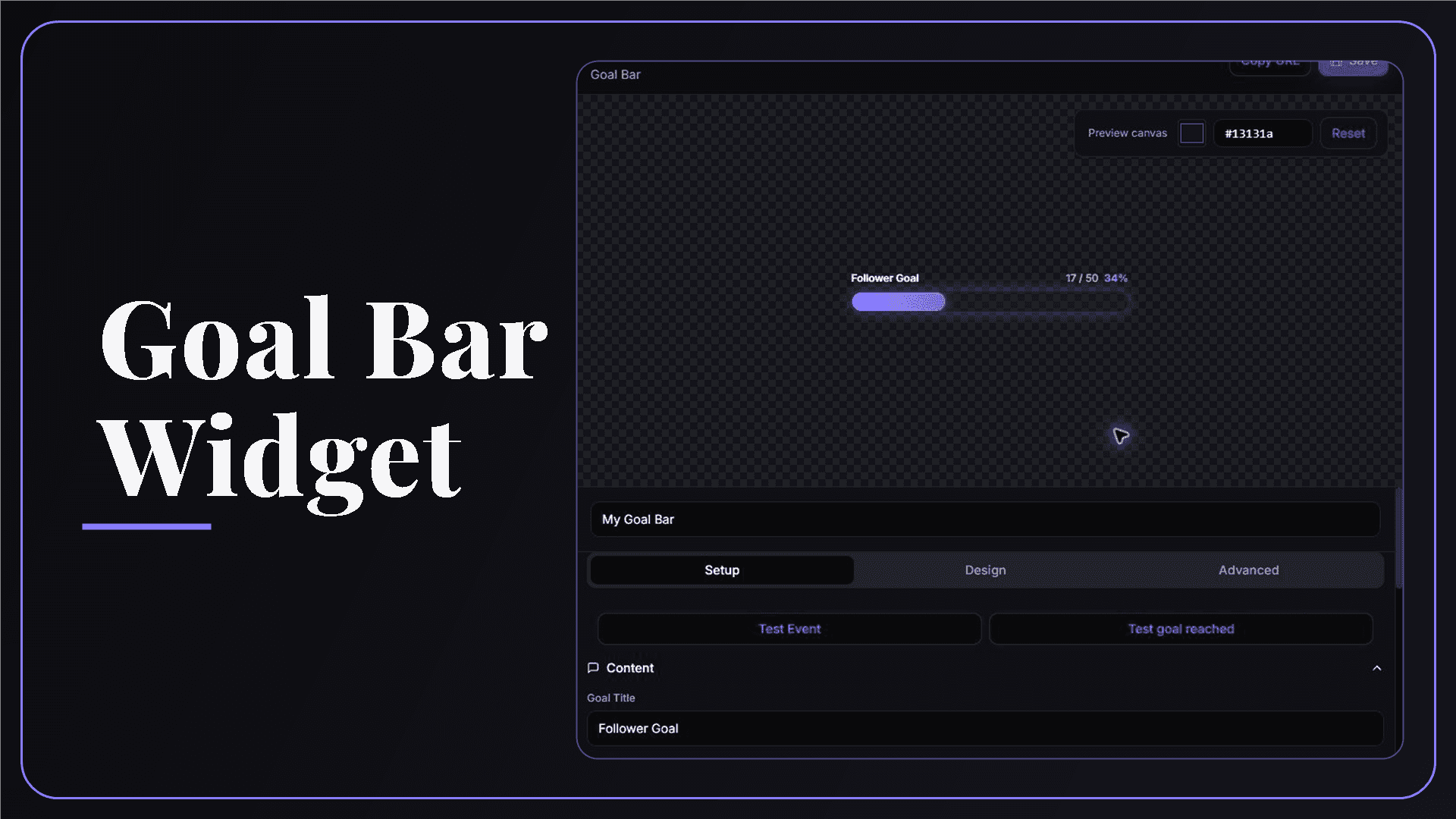
StreamSpell Goal Bar Widget editor with a customizable live goal preview.
The free Goal Bar from Stream Widgets Hub fits a long Valheim series. Track a Deep North expedition, a building milestone, or a community goal, then match its colors to your Viking package and add it as a Browser Source.
Official sources
Related StreamSpell posts
💙Extra Resources
Find more animated stream overlays, animated stream alerts, animated transitions, Stream Deck Icons, emotes and badges, stream widgets (Chat Box, Event List, Goal Bar), and custom stream designs:
Thank you for following our blog!
See you in the next post 💙
Level up your stream with practical guides for OBS, Twitch, YouTube and Stream Deck.

AI Stream Deck Profile Generator: Build Profiles Faster
Build Stream Deck profiles faster with Deck Smith, a free AI Stream Deck profile generator by StreamSpell.

40 Webcam Overlay Bundle by StreamSpell
Get 40 stream-ready webcam overlays with animated styles, color customization, and themes like anime, neon, RPG, cute, and more.

5 Strategies for Staying Motivated as a Content Creator
Take care of yourself with these quick tips for staying motivated throughout your content creation journey.
Browse All Articles
Browse Stream Overlays