
VIEW DEALS
Julia Pazin
Valheim 1.0, Deep North, Valheim Stream Overlays, Viking Stream Overlays, Stream Packages, Stream Deck Icons

Valheim 1.0 arrived on September 9, 2026, bringing the Early Access journey to its full release and opening the frozen Deep North. It is a strong moment for Vikings to begin a fresh adventure, rally a crew and prepare a stream that matches the atmosphere.
For confirmed launch information, read the official Valheim 1.0 launch announcement from Iron Gate.
Valheim 1.0 release date and platforms
Valheim 1.0 launched September 9, 2026 for PC on Windows, Linux and Mac, plus Xbox One, Xbox Series X|S, PlayStation 5 and Nintendo Switch 2. The full release supports crossplay, so groups across supported platforms can share the same world with 1 to 10 players.
Download size is approximately 4.3 GiB on most platforms, 3.0 GiB on Xbox One, and 6.5 GiB through the Mac App Store and Microsoft Store. Check the official Valheim 1.0 FAQ for the latest platform and installation details.
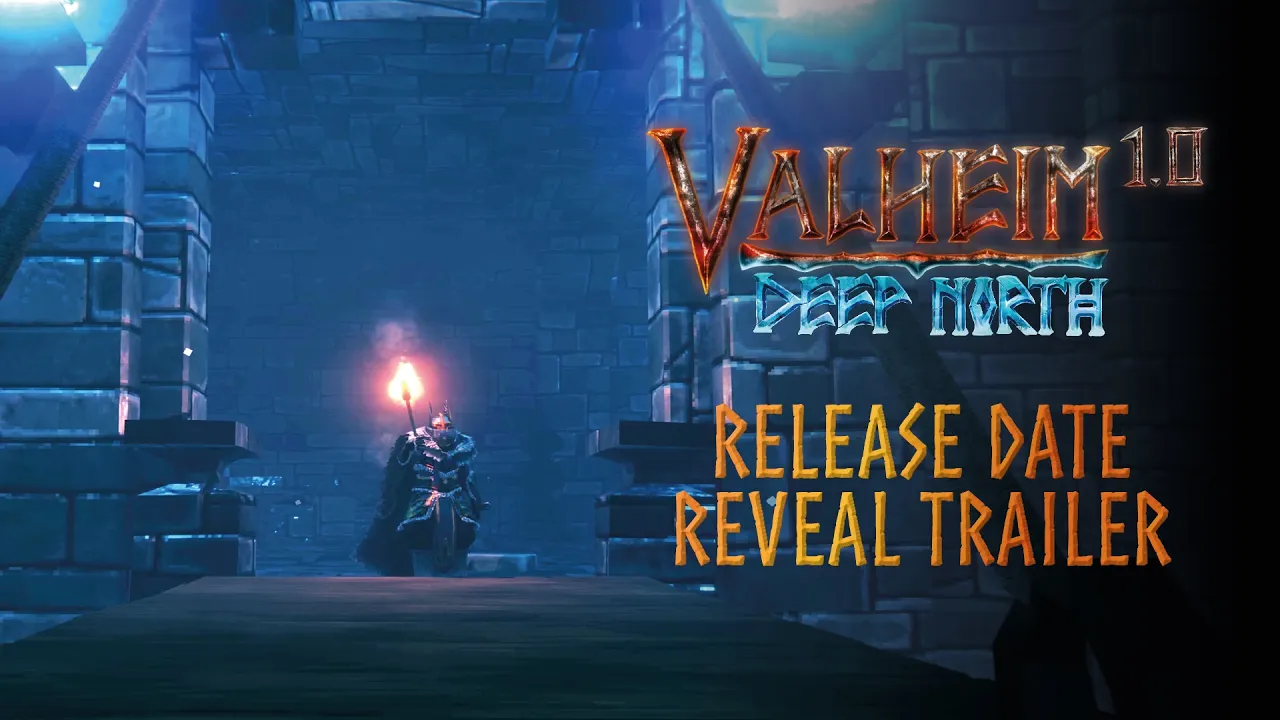
Official Valheim 1.0 release date reveal trailer from Iron Gate.
What arrived with the Deep North
Valheim 1.0 puts the Deep North biome at the center of the update. Iron Gate has confirmed new enemies, bases and weapons, along with achievements and some content elsewhere in the game. The release also includes faster saving, reduced zone-loading microstutters and minor optimizations.
That gives returning players a clear reason to explore again while leaving room for the practical quality improvements that matter during long co-op sessions and live streams.
Should you start a new Valheim world for 1.0?
Existing worlds and saves remain usable, but biome generation works properly only in unexplored areas. Iron Gate recommends starting over for the intended Deep North experience, which makes a new world the cleanest option for launch-week play and fresh stream series.
Achievements begin tracking after you install 1.0.
Many cheats can permanently mark a character or world and prevent achievements.
Mods are not officially supported and may need updates for 1.0.
Before migrating a long-running server, review the Valheim 1.0 FAQ and make a backup of the saves you want to keep.
Why Valheim 1.0 is a strong streaming moment
A full release creates a natural starting line for both returning viewers and people discovering Valheim for the first time. The Deep North also gives creators a focused theme for a series, a co-op event or a polished one-night special.
Fresh-world launch: begin from day one and document each milestone.
Crossplay community server: invite a mixed-platform group for a shared expedition.
First-look Deep North: make the frozen biome the centerpiece of the broadcast.
Achievement run: track post-install achievements in a focused new campaign.
Build challenge: give the community a prompt and showcase the finished base.
StreamSpell picks for Valheim 1.0 and the Deep North
Deep North broadcasts benefit from a visual system that feels rugged, legible and ready for a long voyage. These StreamSpell picks bring Norse-inspired motion and practical stream assets to a Valheim 1.0 setup.
Viking: Odin Stream Package
Viking: Odin Stream Package combines blue and black runes, lightning, storms and warrior energy. It suits Valheim alongside God of War, Assassin’s Creed Valhalla, Baldur’s Gate 3, Hellblade and Skyrim.
Setup tutorials, 4 animated screens, an offline screen and 12 animated alerts with sound.
16:9 webcam, modular labels, 43 panels, stinger, PSD panel source, editable After Effects file for text and colors, sound effects and font.
Six languages: English, Brazilian Portuguese, Spanish, German, French and Turkish.
Compatible with OBS Studio, Streamlabs Desktop, StreamElements, Lightstream and XSplit for Twitch, YouTube, Kick, Facebook Gaming and Trovo.
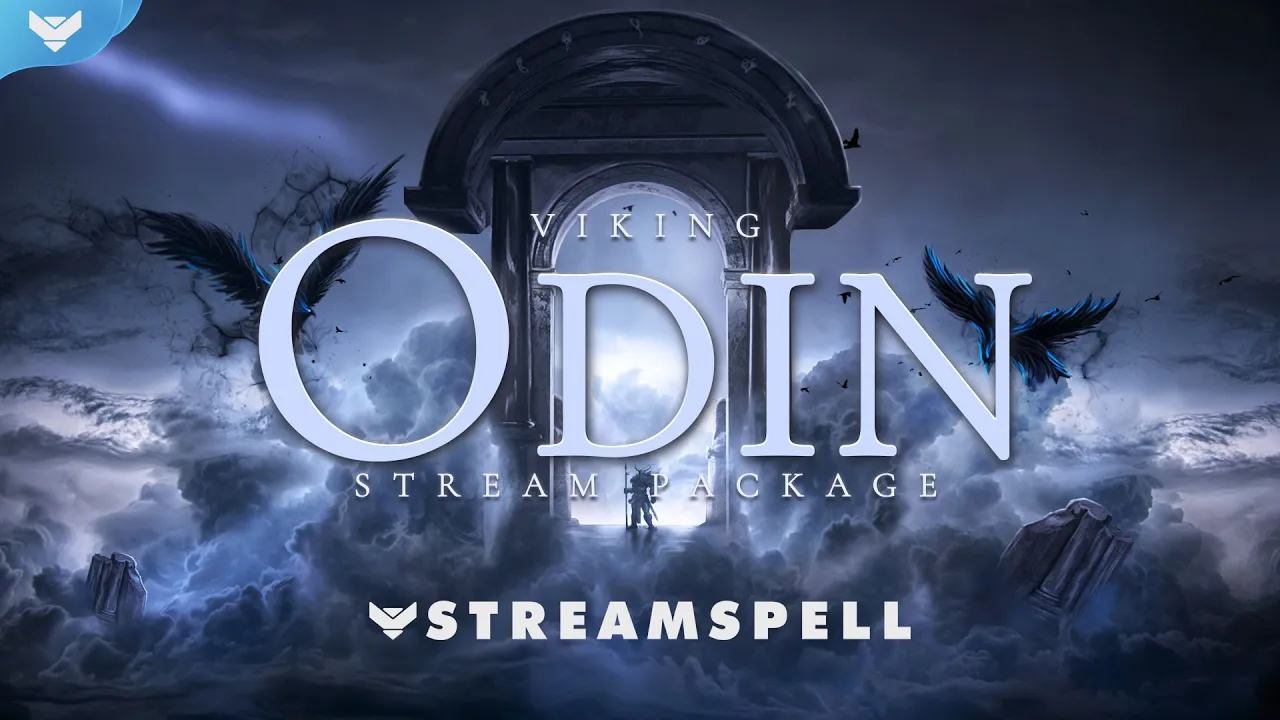
Viking: Odin Stream Package preview with animated Norse screens, alerts and transition.
Viking Gods Stream Package
Viking Gods Stream Package offers nine Norse styles for creators who want a broader mythic visual range. It is also a strong fit for God of War, Assassin’s Creed Valhalla and mythological RPGs.
4 horizontal and 4 vertical animated screen formats, 12 animated alerts, 3 widgets, 16:9 webcam, transition, profile picture, banners, panels, PSD, fonts, icons and a setup guide.
The widgets are available for Streamlabs Desktop only.
Built for OBS Studio, Streamlabs Desktop and StreamElements.
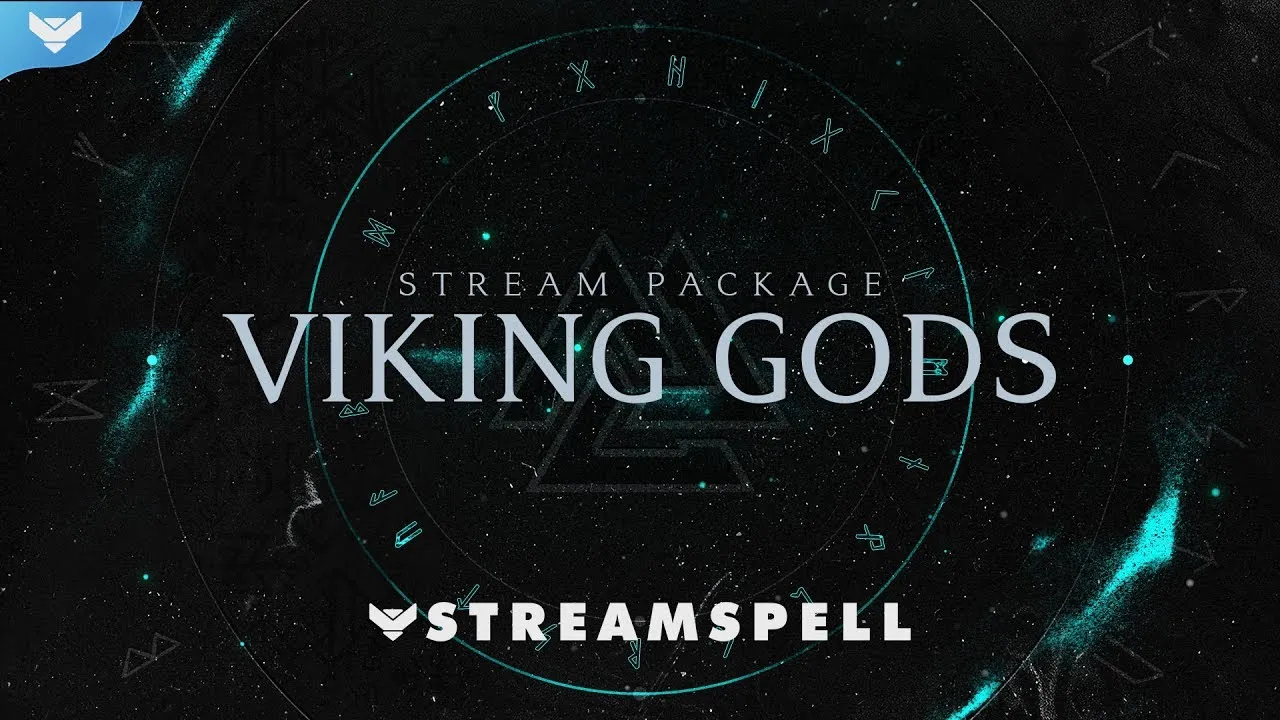
Viking Gods Stream Package preview featuring multiple Norse-inspired visual styles.
Viking Runes Stream Package
Viking Runes Stream Package uses a dark runic circle and Yggdrasil transition that suit the Deep North especially well. The darker presentation keeps gameplay central while giving alerts and scene changes a clear Norse identity.
4 animated screens, an offline screen, 12 animated alerts, 16:9 webcam, modular labels, 43 panels, stinger and social kit.
PSD, editable After Effects text file and font.
Compatible with OBS Studio, Streamlabs Desktop, StreamElements, Lightstream and XSplit.
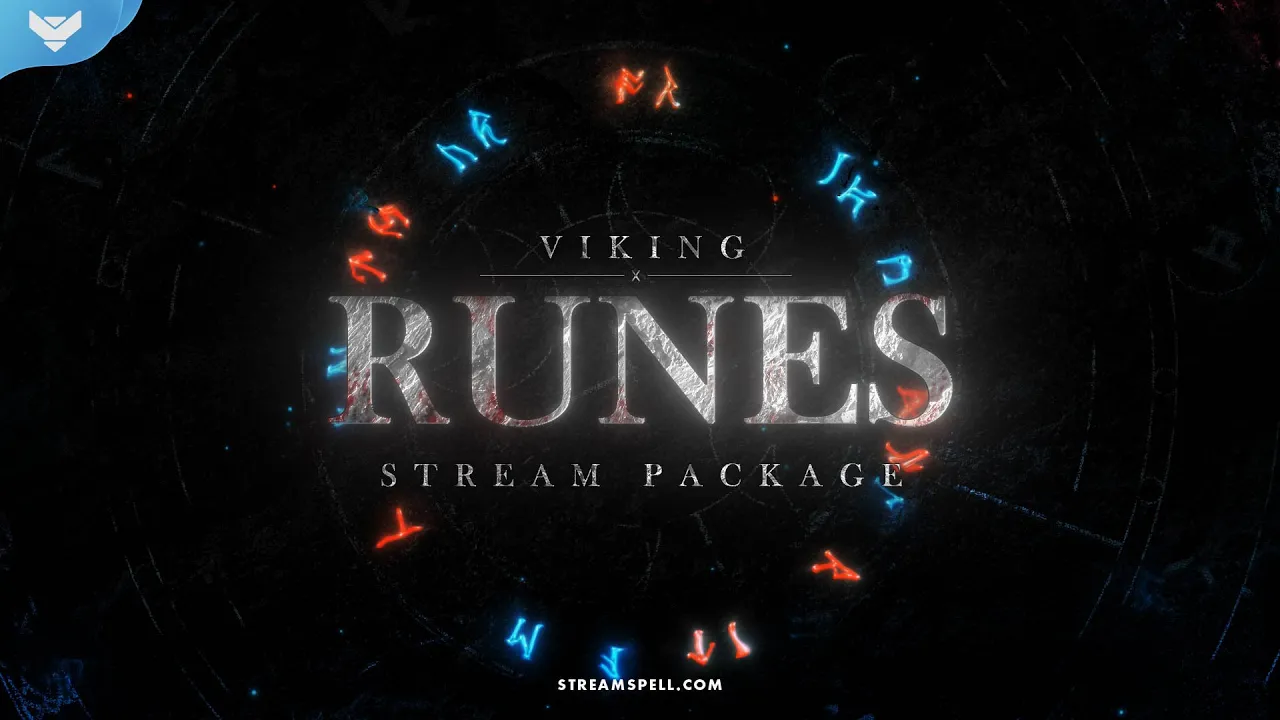
Viking Runes Stream Package preview with animated runes, alerts and Yggdrasil transition.
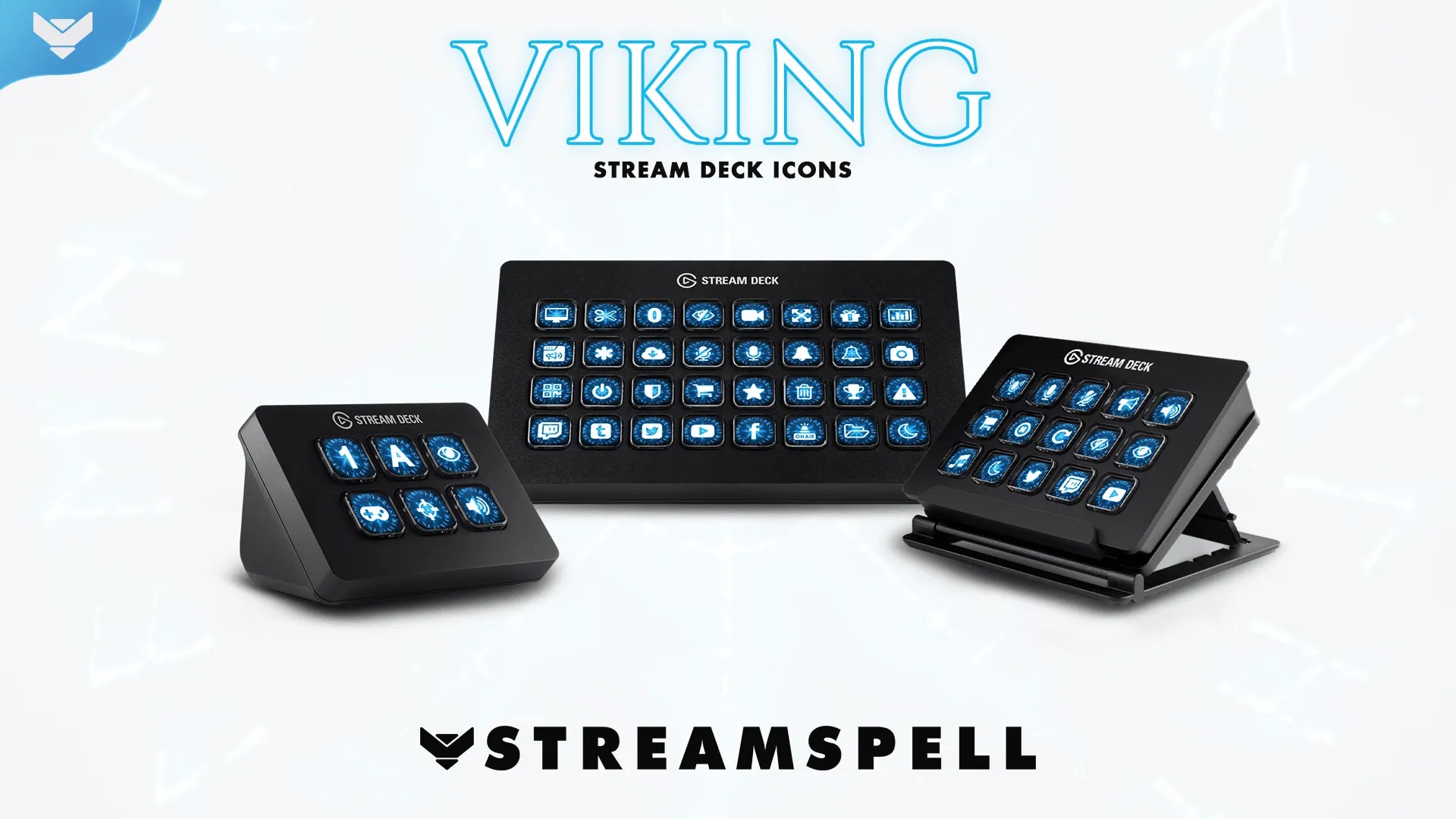
Viking Stream Deck Icons
Viking Stream Deck Icons includes 400 animated and static Norse-style icons for supported Stream Deck models. They are a practical companion for Valheim scenes and controls, as well as God of War Ragnarök, Assassin’s Creed Valhalla and Vikings: Wolves of Midgard.
Related StreamSpell guides
💙Extra Resources
Find more animated stream overlays, animated stream alerts, animated transitions, Stream Deck Icons, emotes and badges, stream widgets (Chat Box, Event List, Goal Bar), and custom stream designs:
Valheim 1.0 is a chance to begin a new saga, bring friends together and present your channel with a look that feels ready for the Deep North.
Thank you for following our blog!
See you in the next post 💙
Level up your stream with practical guides for OBS, Twitch, YouTube and Stream Deck.

AI Stream Deck Profile Generator: Build Profiles Faster
Build Stream Deck profiles faster with Deck Smith, a free AI Stream Deck profile generator by StreamSpell.

40 Webcam Overlay Bundle by StreamSpell
Get 40 stream-ready webcam overlays with animated styles, color customization, and themes like anime, neon, RPG, cute, and more.

5 Strategies for Staying Motivated as a Content Creator
Take care of yourself with these quick tips for staying motivated throughout your content creation journey.
Browse All Articles
Browse Stream Overlays