VIEW DEALS

Daniel Mayhe
Twitch, OBS Studio, Stream Widgets, Subathon

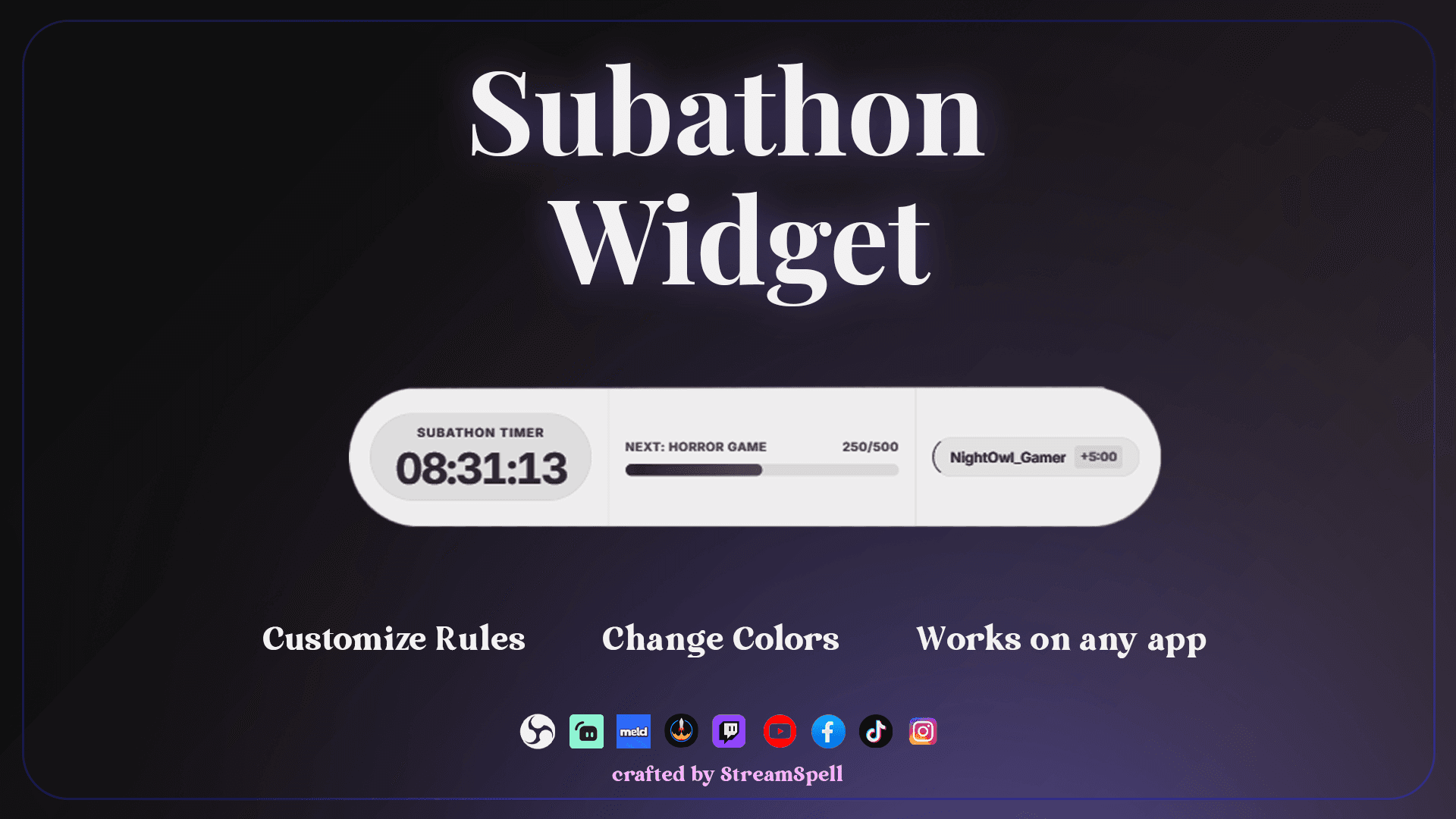
During a subathon, viewers need a clear, reliable timer they can understand at a glance. The StreamSpell Subathon Widget combines time remaining, status, milestone progress, next reward text, recent supporter activity, and Twitch event rules in one Browser Source overlay.
What Is the Subathon Widget?
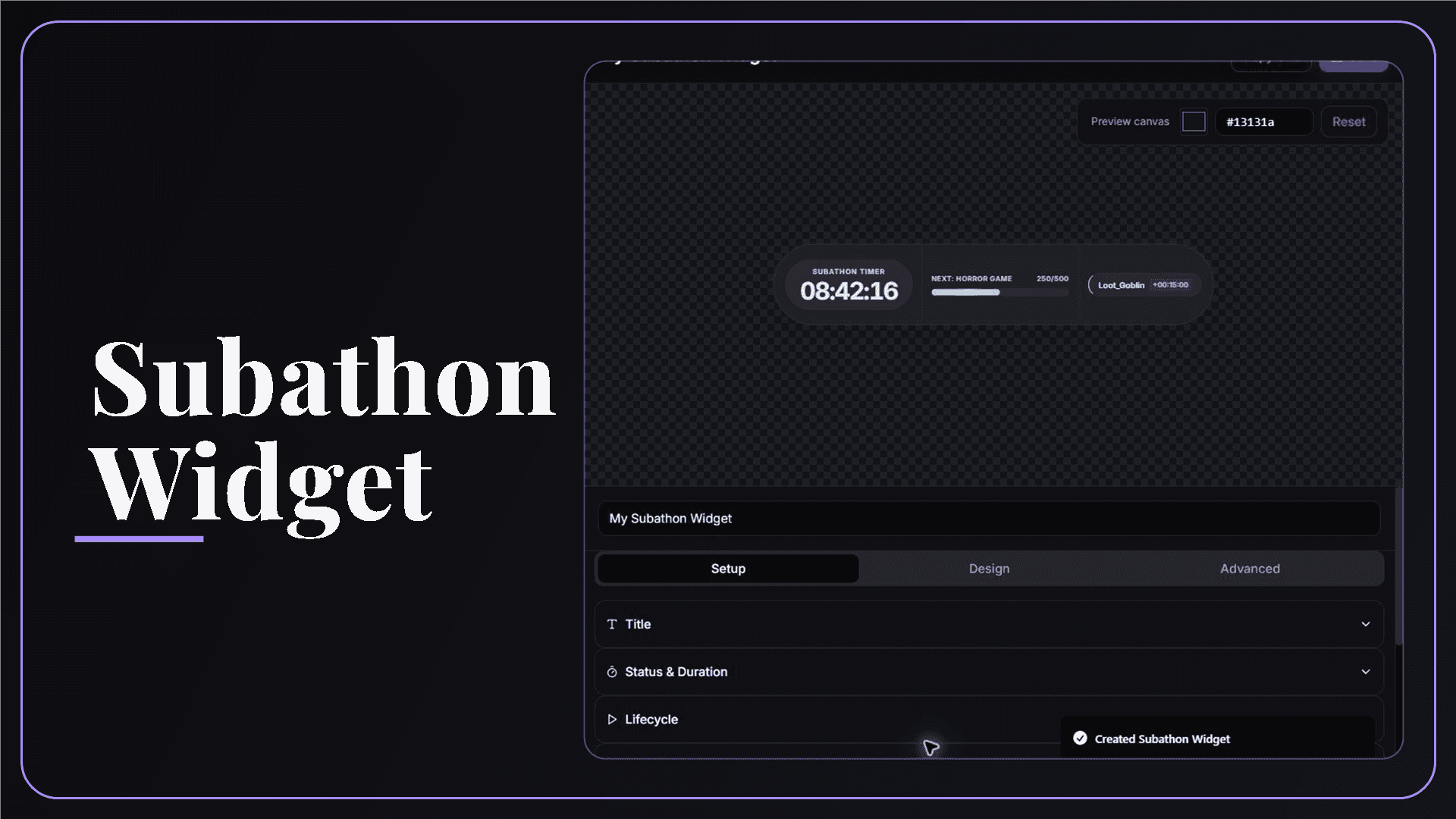
The Subathon Widget is a live countdown overlay for streams where subscriptions, gifted subscriptions, and cheers can add time. Set the starting duration, event values, timer cap, milestone, labels, and design in the StreamSpell Widgets Hub, then add the Browser Source URL to OBS Studio, Streamlabs Desktop, StreamElements, or Meld Studio.
The editor also lets you start, pause, resume, and end the subathon, then test those states with simulated events before you go live.
Which Twitch Events Add Time?
The widget can add time for these Twitch events:
Subscriptions: add the number of seconds you set.
Gifted subscriptions: use their own time value.
Cheers: add time according to your bits rule.
Raids can appear in the recent-event area, but they do not add time automatically. Subscriptions, gifted subscriptions, and cheers are the supported time-adding events.
Subathon Customization Options
You can adjust:
Identity: title and subtitle.
Duration: starting duration and live status.
Lifecycle: start, pause, resume, and end controls.
Milestone: current value, target, label, and progress bar.
Recent event: show the latest eligible activity and added time.
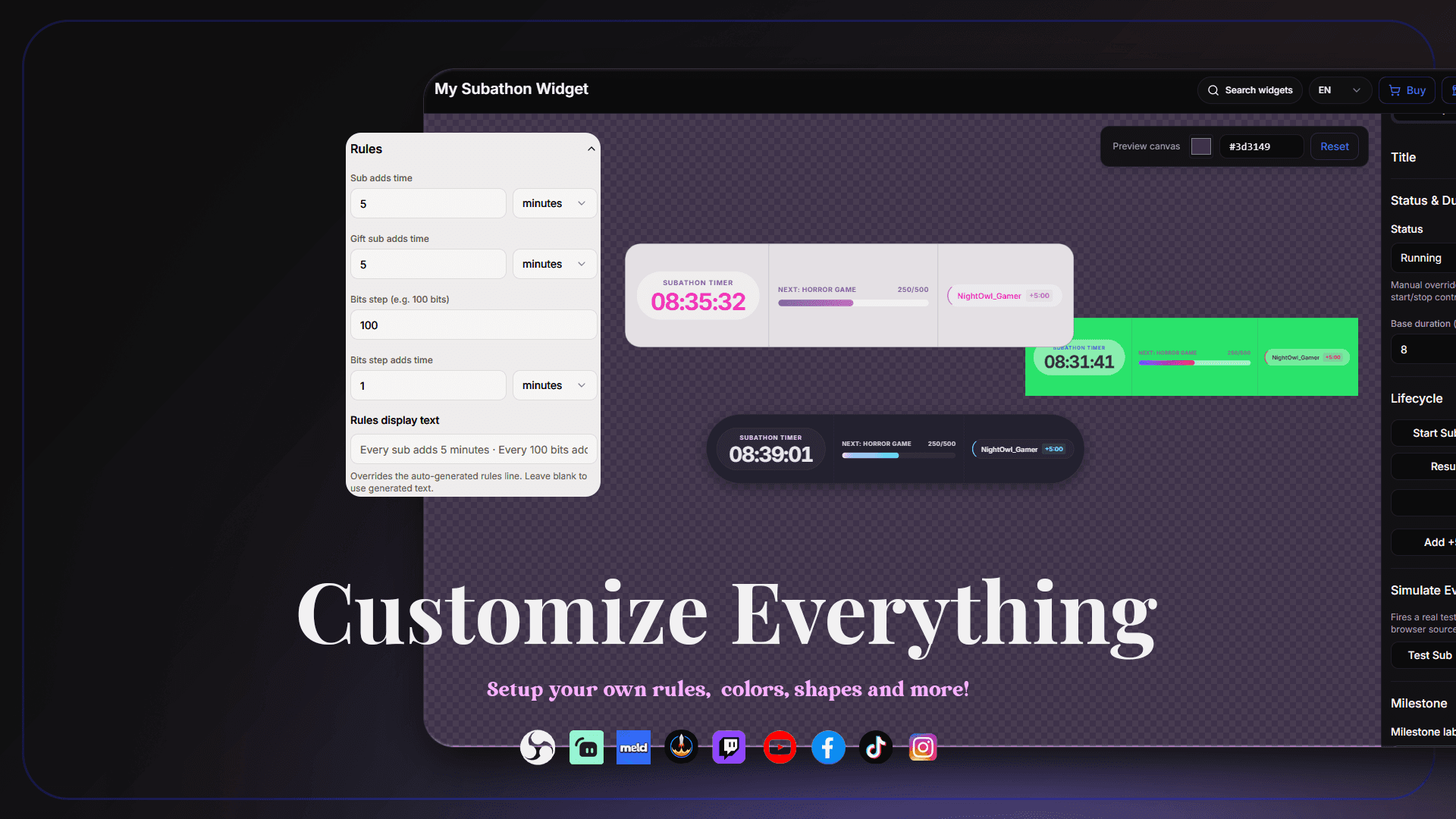
Rules: configure seconds for subscriptions, gifted subscriptions, and cheer ranges.
Design: timer text and labels, goal and progress display, supporter activity, colors and gradients, glow and visual effects, rounded corners, and widget width and height.
Timer Caps and Pausing
A 24-hour maximum timer cap is enabled by default, and you can set it anywhere from 1 to 72 hours. The cap keeps new events from pushing the remaining time past your chosen limit.
When you pause the countdown, it stops ticking. Eligible events can still add time while paused, so explain your rules to viewers before you resume.
Optional Moderator Add-Time Command
The default command is !addtime. Only the broadcaster or a moderator can use it. The command accepts values such as 5m, 1h, or 300s, and each command is limited to three hours.
Use it for approved corrections, bonuses, or manual events, while keeping your event rules and your own record of major adjustments clear.
How to Add the Subathon Widget to OBS Studio and Other Streaming Apps
Use this workflow:
Open the StreamSpell Widgets Hub and connect your Twitch account.
Create a Subathon Widget and choose its starting duration.
Set the time rules for subscriptions, gifted subscriptions, and cheers.
Choose the timer cap, milestone, recent-event display, and visual design.
Run simulated events and test the start, pause, resume, and completion states.
Save the widget, copy its Browser Source URL, and add it to OBS Studio, Streamlabs Desktop, StreamElements, or Meld Studio.
Check the timer and recent-event area in the exact scene you will use for the subathon.
Before Your Subathon Starts
Run through this checklist before going live:
Tell viewers the exact time values and maximum cap.
Explain whether events that arrive during a pause still count.
Test every supported event type and the moderator command.
Prepare a recovery plan for a Browser Source or connection interruption.
Keep a separate record of important manual time adjustments.
Requirements and Limitations
Use the widget as a live visual timer and event display. Keep a separate record of manual adjustments or activity outside the supported event rules.
The Subathon Widget and the Premium Collection
The Subathon Widget is part of the premium collection in the StreamSpell Widget Hub. For a broader comparison, read our free and premium stream widgets guide.
Why Use StreamSpell for a Subathon Timer?
The preview brings together the timer, milestone, recent-event, and lifecycle states, so you can test the setup before your first live event adds time.
Ready to add a clear timer to your stream? Get the StreamSpell Subathon Widget from the store.
💙 Extra Resources
Keep building your stream with practical guides, widget ideas, and original StreamSpell designs:
Thank you for following our blog!
See you in the next post 💙
Level up your stream with practical guides for OBS, Twitch, YouTube and Stream Deck.

AI Stream Deck Profile Generator: Build Profiles Faster
Build Stream Deck profiles faster with Deck Smith, a free AI Stream Deck profile generator by StreamSpell.

40 Webcam Overlay Bundle by StreamSpell
Get 40 stream-ready webcam overlays with animated styles, color customization, and themes like anime, neon, RPG, cute, and more.

5 Strategies for Staying Motivated as a Content Creator
Take care of yourself with these quick tips for staying motivated throughout your content creation journey.
Browse All Articles
Browse Stream Overlays