
VIEW DEALS
Julia Pazin
The Streamer Awards 2026, Stream Branding, Custom Stream Design, Stream Overlays, Twitch, YouTube

The Streamer Awards 2026 application window is open, and viewer nominations begin September 12. For creators, this is a useful moment to tighten up profiles, select strong clips and make sure every part of the channel looks consistent before audiences start sharing their picks.
The official Streamer Awards about page and FAQ are the best places to confirm dates, eligibility and voting details.
Key dates quick reference
Applications: August 31 to October 2, 2026, ending October 3 UTC.
Viewer nominations: September 12 to October 2, 2026, ending October 3 UTC.
Eligibility window: November 8, 2025 to October 1, 2026, ending October 2 UTC.
Voting: October 16 to October 31, 2026, ending November 1 UTC.
Live broadcast: November 12 at 3 PM PT, 11 PM UTC and 8 PM BRT, on Twitch and YouTube. The program includes red carpet interviews, live performances, premieres and the awards ceremony.
How creators can use the application window
Applications run from August 31 through October 2, 2026, or October 3 UTC. Creators can apply for themselves, and authorized agencies can apply for their rosters. Applying is optional and does not guarantee a nomination, but it gives creators a direct way to prepare their information for the process.
For a first self-application, use Twitch’s official application guide to prepare categories, clips, display name, photo and name pronunciation. Nominees can update their profile and clip in the dashboard.
Eligibility requires at least 200 streamed hours during the eligibility window, plus 100 relevant hours for a specific category. Viewers can nominate relevant livestreamers from Twitch, YouTube, Kick and other platforms, including non-English channels.
How to prepare a nomination campaign without spamming
A nomination campaign should feel like an invitation, not a constant interruption. Give supporters a clear way to find your work, then keep the focus on the streams and community that earned their attention in the first place.
Choose representative clips that show your best live moments.
Use a consistent display name and photo across channel and social profiles.
Explain your clearest category fit in a short, honest message.
Add a tasteful on-stream CTA instead of repeating requests throughout the broadcast.
Use Shorts, TikTok and Reels to surface your strongest moments.
Set clear community rules so support stays respectful.
Keep stream branding aligned with the campaign so every touchpoint feels connected.
StreamSpell picks for an awards-ready stream
A refined channel package can make nomination updates, interviews and watch parties feel more considered. These StreamSpell picks balance strong creator identity with readable, broadcast-ready layouts.
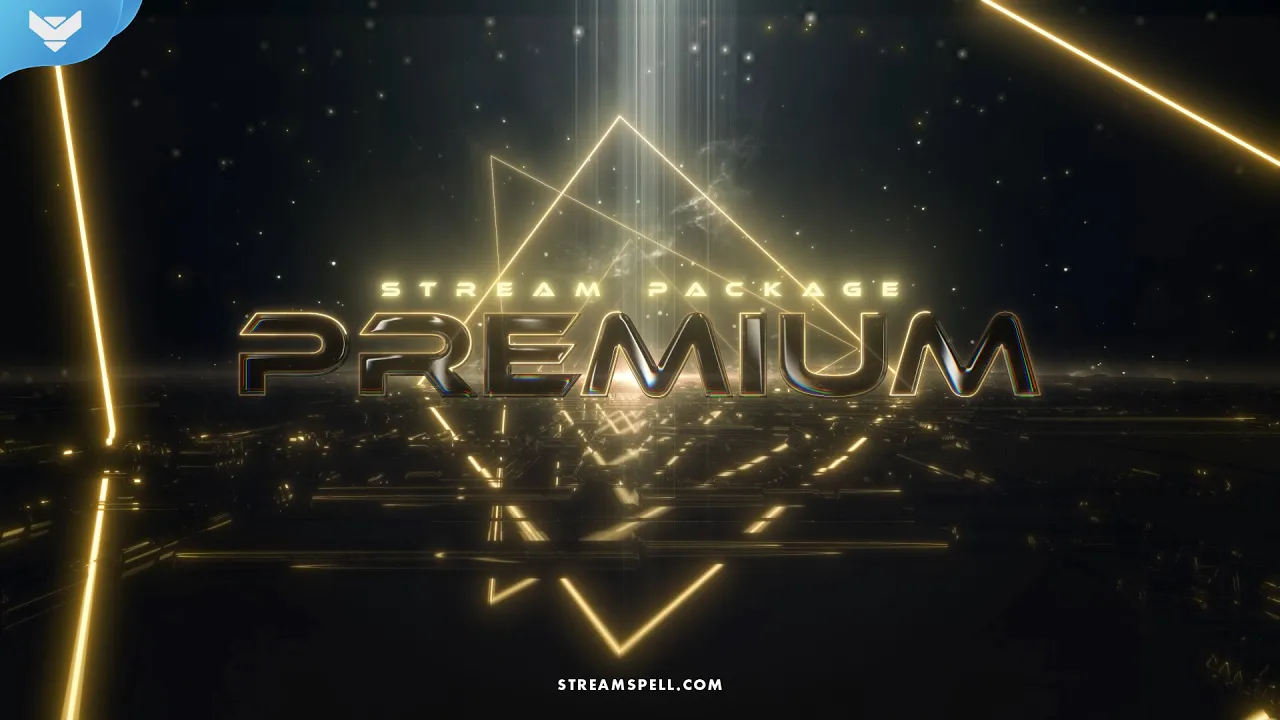
Premium Stream Package
Premium Stream Package brings a polished black-and-gold look to Just Chatting, interviews, watch parties and creator campaign streams.
3 animated screens, 6 Just Chatting options, offline screen and 12 sound alerts.
4:3, 16:9 and green-screen webcam frames, modular labels, 42 panels, stinger, social headers, profile image, PSD, editable After Effects text file, font and tutorials.
Compatible with OBS Studio, Streamlabs Desktop, StreamElements, Lightstream and XSplit.
Premium Stream Package preview with black-and-gold screens, alerts and creator-focused layouts.
Esports: Champion Stream Package
Esports: Champion Stream Package pairs a dark competitive backdrop with neon gold details for awards-night watch parties, esports coverage, tournaments, ranked sessions and victory-focused streams. It works across Twitch, YouTube, Kick, Facebook, TikTok and Instagram through compatible streaming software.
4 animated screens for Starting Soon, Be Right Back, Ending and Just Chatting, plus an offline screen and 12 animated alerts.
16:9 webcam overlay, modular event-label overlays, 43 stream panels, animated stinger transition, social media headers and profile picture.
PSD source files, editable After Effects text file, font and setup tutorials, with support for OBS Studio, Streamlabs Desktop, StreamElements, Lightstream, XSplit and other compatible apps.
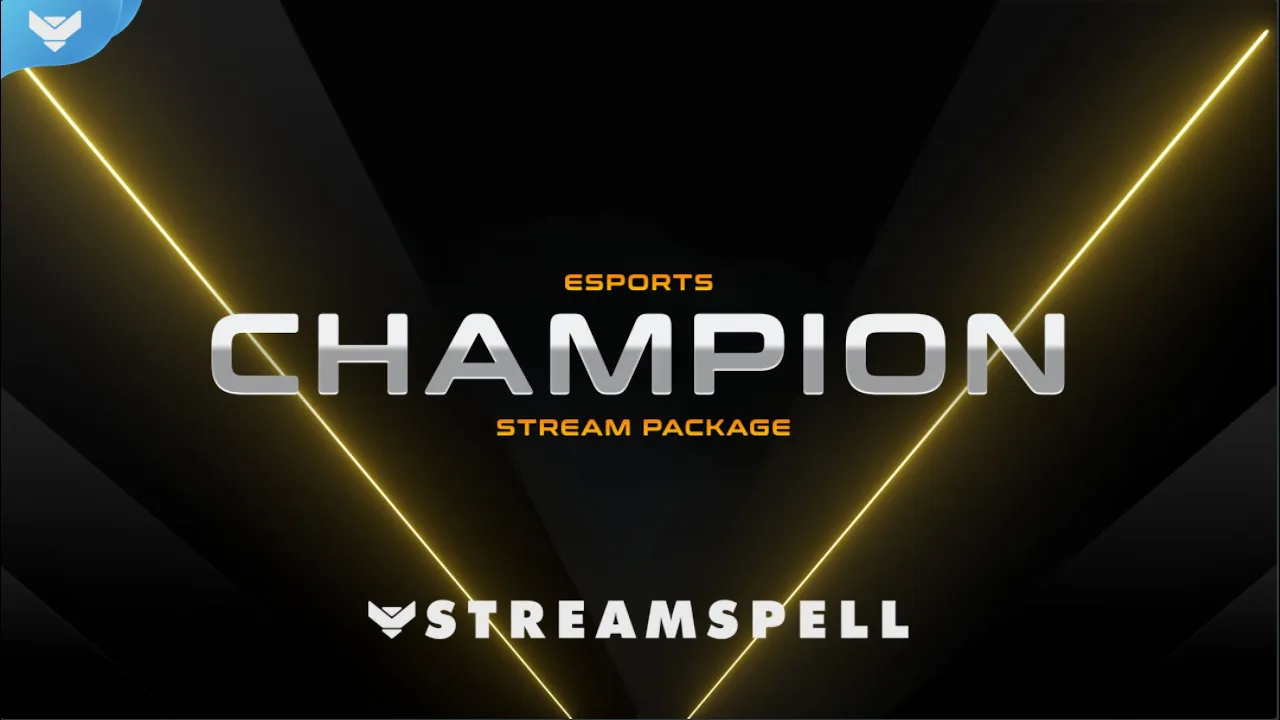
Esports: Champion Stream Package preview with animated black-and-gold scenes, alerts, webcam framing and a victory-inspired transition.
Neon Podcast Stream Deck Icons
Neon Podcast Stream Deck Icons includes 400+ glowing purple and pink icons for podcasting, streaming and content creation. The collection suits Stream Deck MK2, XL and Mini, with useful controls for switching scenes, audio, interviews and clips.
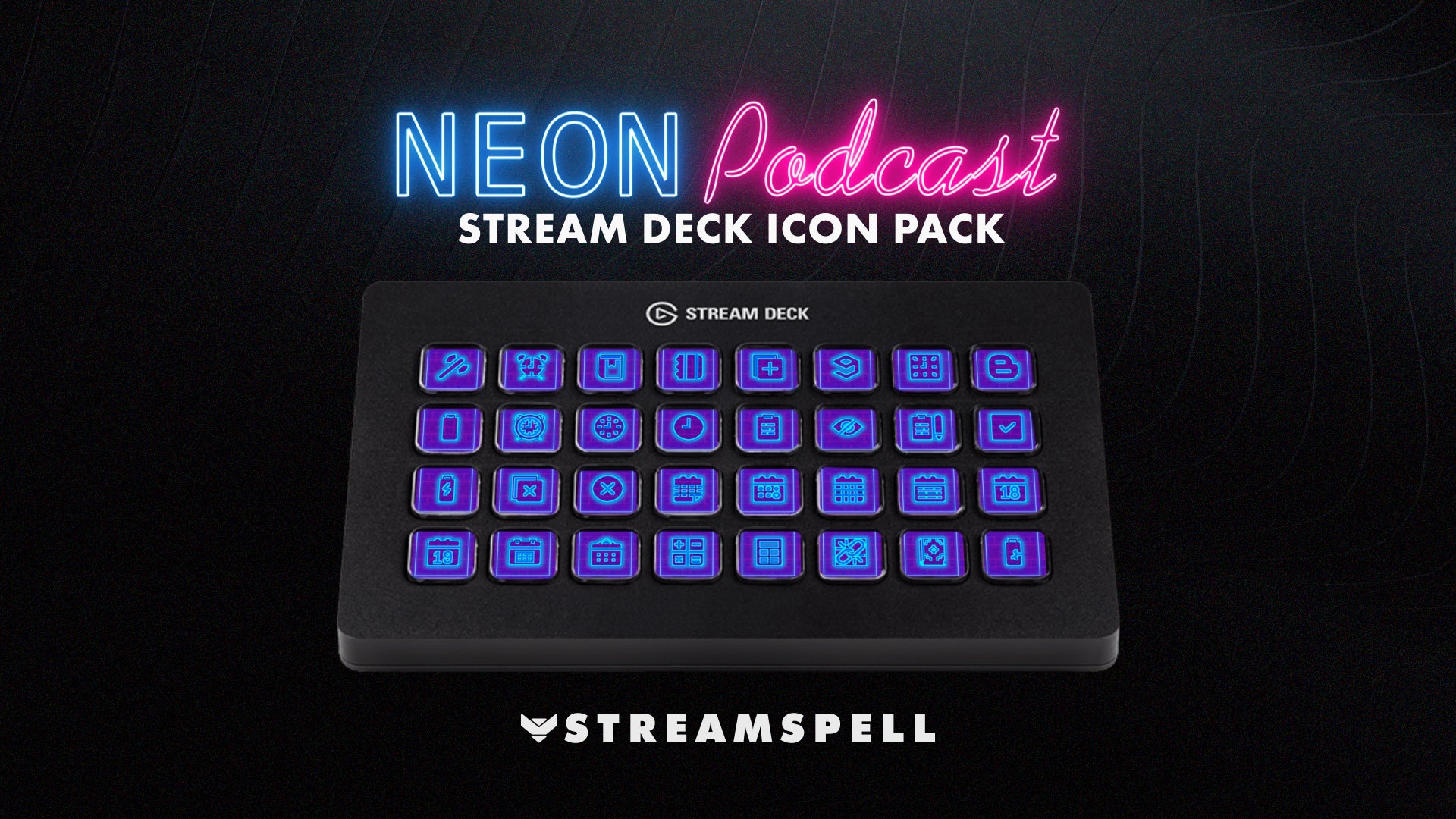
Neon Podcast Stream Deck Icons gives podcast, audio and scene controls a coordinated purple-and-pink look.
Custom Design Services
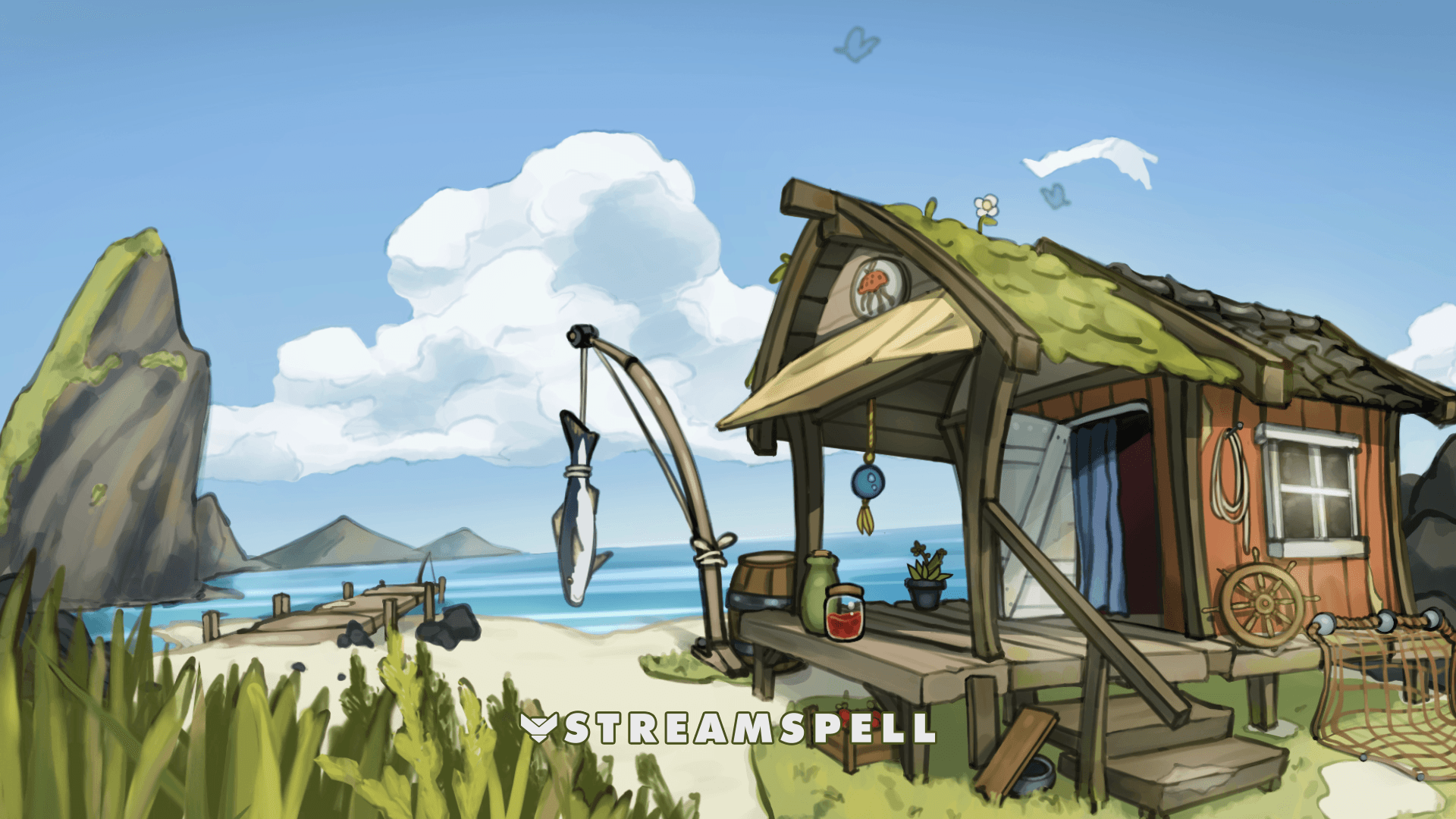
Strawberry Seaking shows how custom scenes, widgets, alerts and supporting graphics can grow from one original creator world.
For creators who want a distinctive campaign identity, StreamSpell Custom Design Services can shape custom overlays, alerts, widgets, vertical layouts, Stream Deck assets, panels, banners and social graphics around a single visual direction. Discover more custom design work in the Strawberry Seaking case study.
Related StreamSpell guides
Widgets can support an awards-season stream without crowding the scene. The StreamSpell Spotify Widget can make a watch party or Just Chatting session feel more connected, while the QR Code Social Rotator can guide viewers to social profiles, a community page or another useful destination. The Streamer Awards uses public online nomination and voting forms on its official website, so during those active phases, one QR slot can point viewers to the official Streamer Awards website. Test every QR code before going live and remove the campaign link when the phase closes.
Looking for more ways to upgrade your stream?
Find animated stream overlays, stream alerts, transitions, Stream Deck assets, emotes, badges, widgets, and custom stream design options through StreamSpell:
Thanks for reading!
See you in the next post! 💙
Level up your stream with practical guides for OBS, Twitch, YouTube and Stream Deck.

AI Stream Deck Profile Generator: Build Profiles Faster
Build Stream Deck profiles faster with Deck Smith, a free AI Stream Deck profile generator by StreamSpell.

40 Webcam Overlay Bundle by StreamSpell
Get 40 stream-ready webcam overlays with animated styles, color customization, and themes like anime, neon, RPG, cute, and more.

5 Strategies for Staying Motivated as a Content Creator
Take care of yourself with these quick tips for staying motivated throughout your content creation journey.
Browse All Articles
Browse Stream Overlays