
GET IT
Julia Pazin
Rust, Global Warfare 4, Rust Twitch Drops, Rust stream overlays, Rust Twitch event, survival games, FPS stream overlays, OBS overlays, Streamlabs overlays

Rust Global Warfare 4 begins on July 30. The FancyOrb event brings nations, alliances, base building, raids, and full PvP to a private Rust server through August 2. For creators, that is a weekend full of defenses, surprise attacks, and player-driven stories worth following.
This guide covers confirmed event details, the active Rust Drops campaign, stream safety, and StreamSpell packages that fit the tactical, industrial mood of Rust.
What is Global Warfare 4?
Global Warfare 4 is a FancyOrb roleplay event on a private, application-only Rust server. Players claim territory, build nations, form alliances, and fight as the shared story develops. The official site confirms full PvP, raiding, and content creation as key parts of the event.
The event runs from July 30 to August 2, 2026. Streaming is optional for approved players, so every channel can show a different side of the conflict, from diplomacy to a base defense or a raid.
Rust Twitch Drops during Global Warfare 4
The Global Warfare 4 site says Twitch Drops are part of the event. Check the official Rust Drops page when the event begins for the participating channels, rewards, and watch-time requirements.
The official Rust Twitch Drops page currently lists Bears For A Better World, live from July 2 through August 13, 2026. Large Wood Box, Bed, Large Backpack, and Electric Furnace are unlocked, with a two-hour watch requirement for each. The page lists an Auto Turret reward at the 250,000 dollar donation milestone.
Connect Steam and Twitch through the official Rust Drops page, then watch an eligible channel with Drops Enabled. Watching more than one channel at the same time does not speed up progress.
Keep strategy off screen
In a nation-based Rust event, maps, base entrances, team messages, and raid plans can become valuable information. Use a map cover or a scene switch before opening sensitive details, keep private Discord windows out of frame, and use a delay only when the event rules allow it.
Best Rust stream overlays for Global Warfare 4
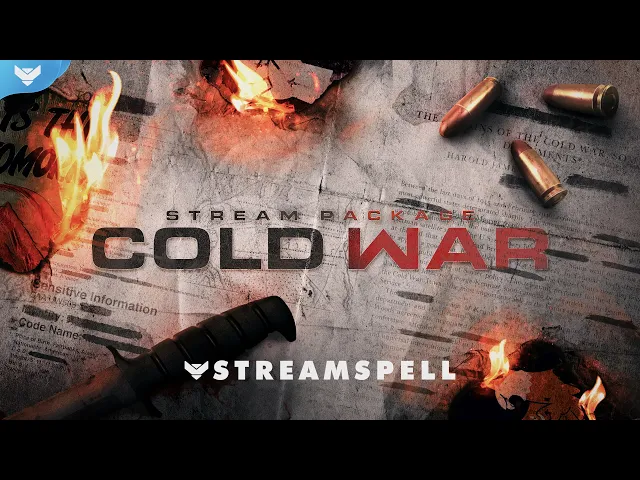
Cold War Stream Package
Cold War is the closest match for a rough military broadcast. Documents, ammunition, weapons, medals, flames, and classified-operation visuals fit naturally beside Rust raids and territorial conflict. Choose Classic or Blackout. Classic also includes vertical screens and Dual-Output support for multistreaming.
It includes nine animated screens, twelve animated alerts with sound effects, Donation Goal, Event List, and Chat Box widgets for Streamlabs Desktop, multiple webcam ratios, labels, panels, a stinger transition, profile assets, and setup tutorials.
BF6 HUD Stream Package
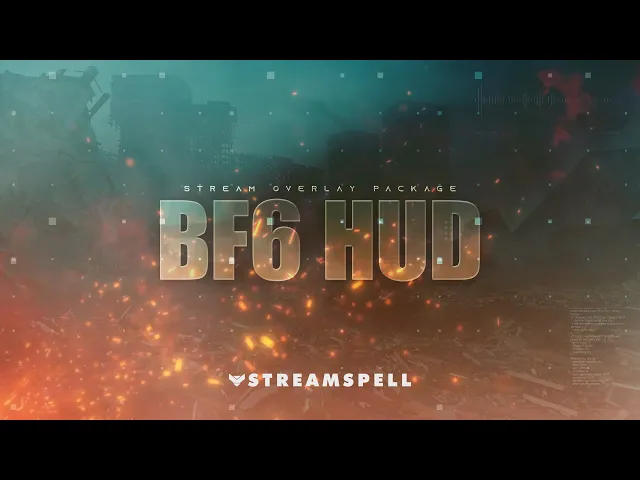
BF6 HUD is a good choice when you need a clean tactical layout and a map cover overlay for routes or base locations. It includes animated horizontal and vertical scenes, alerts, webcam overlays, a stinger transition, modular labels, and tactical Chat Box, Goal Bar, Event List, and Alert Box widgets.
Reactive overlays are a Streamlabs Desktop feature. Rust is not on the current supported-games list for that automation, so use this package for its regular scenes, alerts, widgets, webcam overlays, transition, labels, and map cover.
FPS HUD Stream Package
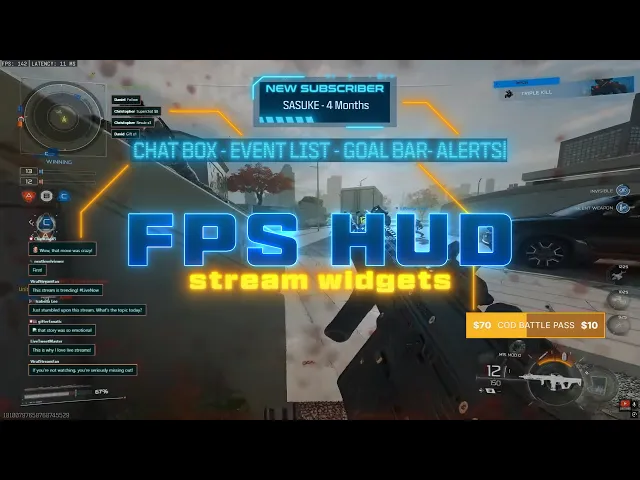
FPS HUD brings neon tactical details and combat-focused motion for raids, base defense, and high-pressure firefights. It includes animated screens, fourteen animated alerts, Goal Bar, Event List, and Chat Box widgets, a webcam overlay, labels, social icons, offline screens, and an animated stinger transition.
Its automated counters are for Streamlabs Desktop, and Rust is not on the current supported-games list. The standard media assets and browser-source widgets can still support a Rust broadcast.
BF6 RED Stream Overlays
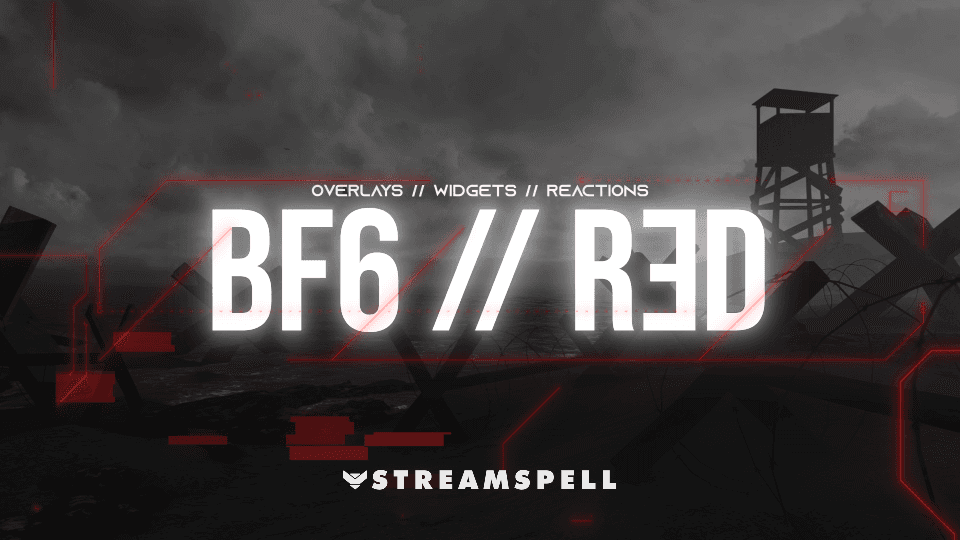
BF6 RED uses black-and-red HUD styling, warning colors, and battlefield energy for tense PvP and raids. The pack includes horizontal and vertical animated screens, twelve animated alerts with sound effects, a webcam overlay, an overlay slot, Chat Box, Goal Bar, Event List, and an animated transition.
Its reactive counters and Stream Pulse features are for Streamlabs Desktop. Rust is not listed as supported for those automated features, so use the non-reactive assets for this setup.
Sniper Stream Package
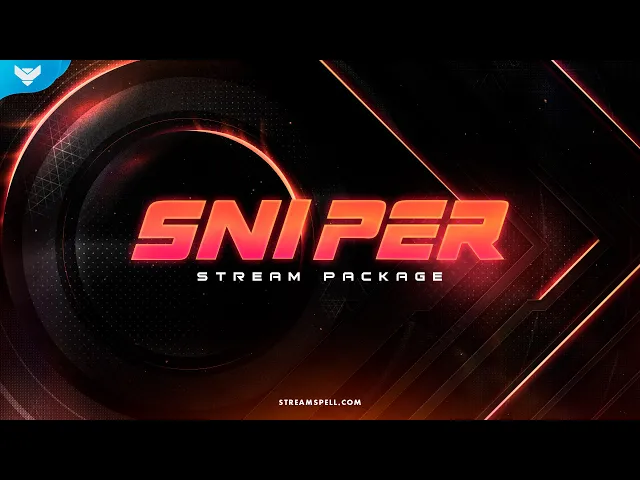
Sniper keeps the gameplay in focus with black backgrounds, red frames, and precise motion. It suits long-range PvP, reconnaissance, ambushes, and smaller squad operations. The package includes four animated screens, an offline screen, twelve alerts, a 16:9 webcam frame, modular labels, panels, profile assets, a stinger transition, setup tutorials, and text-editable source files.
Ultimate FPS Collection
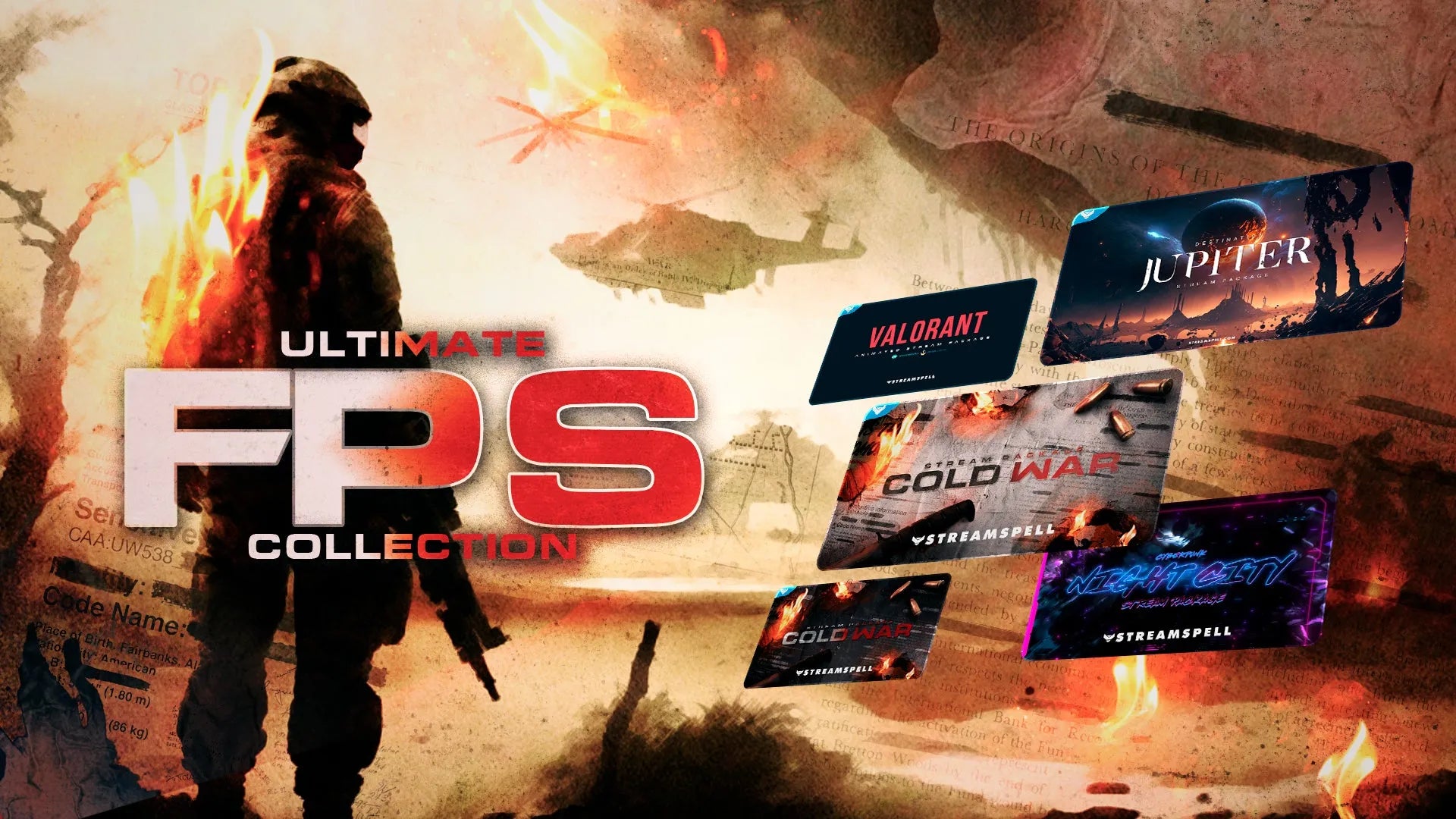
Ultimate FPS Collection is for creators who want several complete identities. It includes Cold War Classic, Cold War Blackout, VALORANT Animated, Destination: Jupiter, and Cyberpunk: Night City. Each package has animated scenes, alerts, webcam assets, panels, labels, transitions, setup tutorials, and profile assets. Cold War is the closest fit for Rust, while the other packages prepare a channel for a wider FPS schedule.
Which Rust overlay should you choose?
Choose Cold War for a worn military atmosphere. Choose BF6 HUD for the map cover. Choose FPS HUD for brighter high-tech combat energy. Choose BF6 RED for warning-color intensity. Choose Sniper for a more minimal layout. Choose Ultimate FPS Collection for several complete styles.
More StreamSpell FPS guides
Explore our best stream overlays for FPS and action games and our Halo: Campaign Evolved stream overlays guide for more tactical setup ideas.
Looking for more ways to upgrade your stream?
Find animated stream overlays, alerts, widgets, and custom design support through StreamSpell:
Thanks for reading!
See you in the next post!
Level up your stream with practical guides for OBS, Twitch, YouTube and Stream Deck.

AI Stream Deck Profile Generator: Build Profiles Faster
Build Stream Deck profiles faster with Deck Smith, a free AI Stream Deck profile generator by StreamSpell.

40 Webcam Overlay Bundle by StreamSpell
Get 40 stream-ready webcam overlays with animated styles, color customization, and themes like anime, neon, RPG, cute, and more.

5 Strategies for Staying Motivated as a Content Creator
Take care of yourself with these quick tips for staying motivated throughout your content creation journey.
Browse All Articles
Browse Stream Overlays