
VIEW DEALS
Julia Pazin
Halo Campaign Evolved, Halo stream overlays, futuristic stream overlays, FPS overlays, OBS overlays, Streamlabs overlays, Stream Deck icons, sci-fi stream setup

Halo: Campaign Evolved returns to the ring on July 28
Halo: Campaign Evolved launches globally on July 28, 2026. Xbox describes it as a modernized remake of the original Halo: Combat Evolved campaign, rebuilt with updated visuals, cinematics, level design, and controls. The game also adds Operation: METEORITE, a new three-mission story arc starring Master Chief and Sgt. Johnson.
That return to Alpha Halo gives FPS creators a fun visual brief: military sci-fi, clean combat spaces, alien architecture, blue plasma-like light, and vast ringworld landscapes. This guide pairs that mood with StreamSpell products that fit a futuristic Halo-inspired stream setup. You can also check the official Steam page for the current platform and game details.
What is new in Halo: Campaign Evolved?
The rebuilt campaign keeps the original story while adding high-definition visuals, remastered audio, a broader weapon and vehicle lineup, and optional Skull modifiers. Operation: METEORITE is included as a separate three-mission operation set before the first game's events.
The campaign supports solo play or up to four-player online co-op, with cross-play and cross-progression across Xbox Series X|S, Windows PC, Steam, and PlayStation 5. For a stream, that makes first playthroughs, co-op nights, challenge runs, and Skull-modified sessions especially natural formats.
What kind of stream design fits Halo?
Halo's identity is not only about outer space. It mixes human military hardware with glowing alien technology, open ringworld views, and fast FPS combat. A strong setup can borrow that contrast: dark metallic framing, restrained green or blue accents, readable HUD-style details, and enough empty space for the gameplay to lead.
Keep your capture clear around the game HUD and let alerts live at the edge of the screen. That helps firefights, vehicles, and exploration remain easy to follow while the stream still feels connected to the game's sci-fi atmosphere.
Halo: Campaign Evolved stream overlay ideas
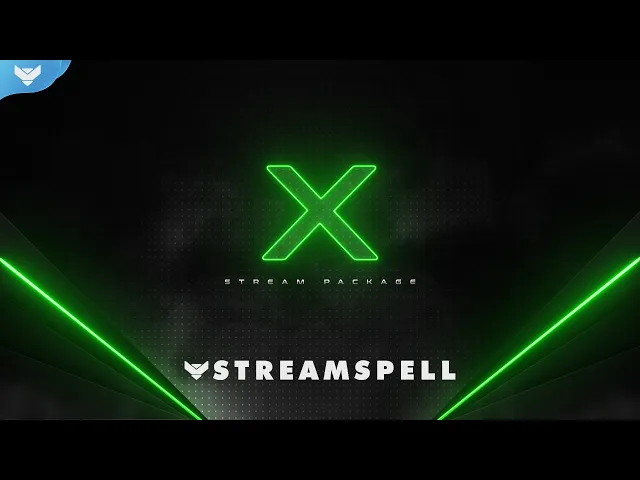
New Gen: X Stream Package
New Gen: X is the closest visual match for a green, high-tech FPS direction. Its product page highlights dark backgrounds, glowing green effects, futuristic gaming elements, and a style that suits sci-fi shooters including Halo Infinite.
The package includes four animated horizontal screens for Starting Soon, Be Right Back, Ending, and Just Chatting, plus an offline screen, 12 animated alerts, a 16:9 webcam overlay, event slot, animated transition, profile assets, banners, stream panels, source files, and a setup guide. It is a strong starting point for creators who want a clean military-tech mood without recreating Halo's interface.
Arcfall Stream Overlays
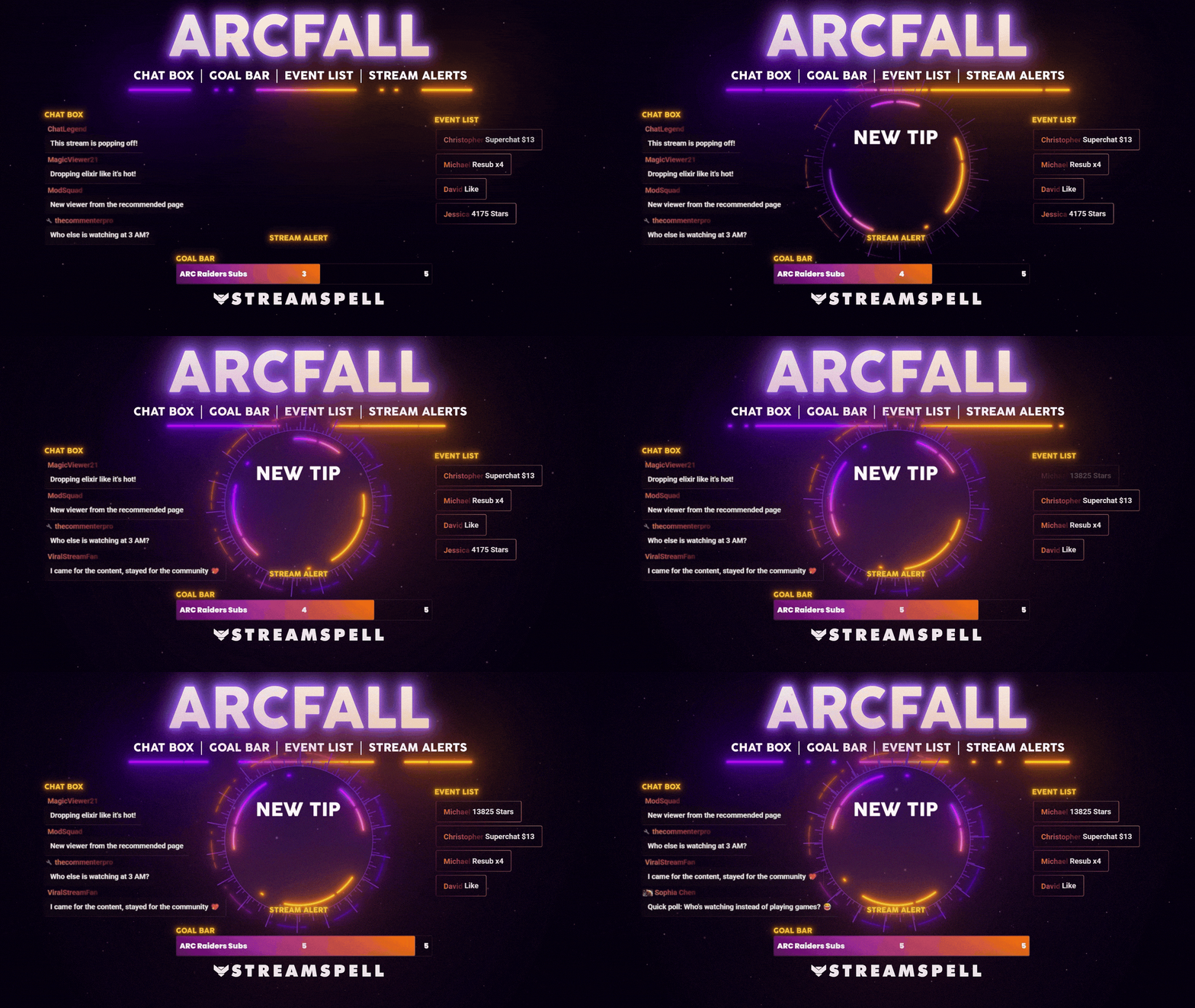
Arcfall brings together neon HUD elements, sci-fi panels, and a clean FPS layout. It includes animated horizontal and vertical screens, a static offline screen, a webcam overlay, event and social icons, an overlay slot, a stinger transition, 12 animated alerts, and Chat Box, Event List, and Goal Bar widgets.
Its regular scenes, alerts, widgets, and HUD-inspired design are the Halo-friendly part of this recommendation. Arcfall also includes Reactive Overlays for Streamlabs Desktop, but those game-reactive counters are not presented here as a Halo feature.
Spacewalk Stream Package
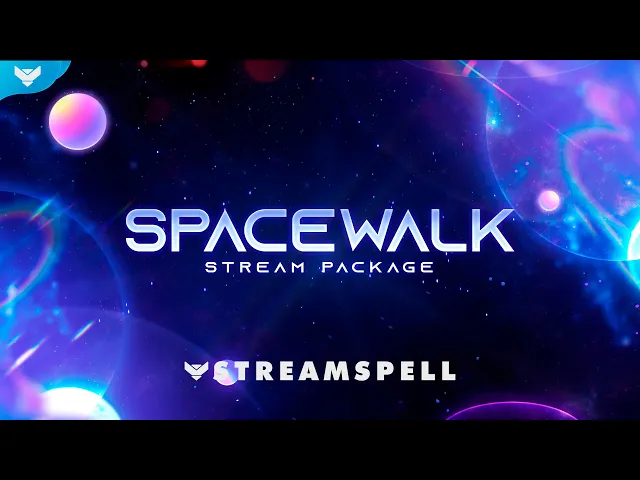
Spacewalk leans into the cosmic side of the setup with blue and purple animated alerts, celestial stars, and a transition designed around light-speed travel. The product page specifically lists Halo Infinite among the sci-fi games that fit its direction.
It includes four horizontal and four vertical animated screens, an offline screen, 12 animated alerts, an event slot, webcam overlay, transition, profile assets, banners, panels, source files, and a setup guide. The listed custom Donation Goal, Event List, and Chat Box widgets are for Streamlabs Desktop.
Galaxy Stream Package
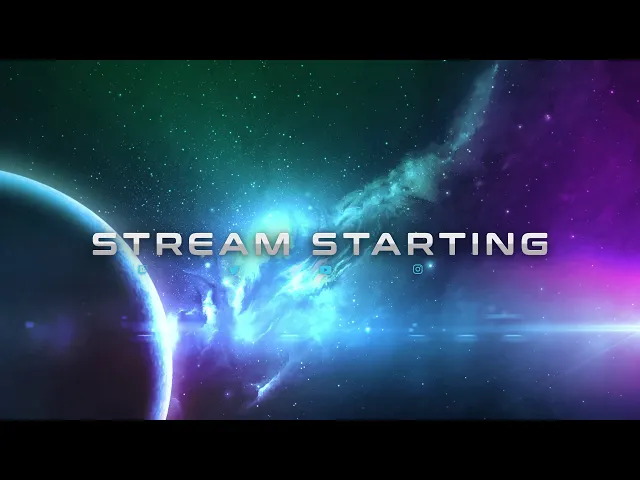
Galaxy is a better fit for creators who want to emphasize Alpha Halo's scale rather than a tactical HUD. The package uses realistic 3D planet models, camera effects, blue and purple colors, futuristic overlays, and a blue-flare stinger transition.
It includes four animated screens, an offline screen, 12 animated alerts with sound effects, a 16:9 webcam frame, stream labels, 43 stream panels, an animated transition, social headers, a profile picture, PSD source files, and setup tutorials.
Galaxy Stream Deck Icons
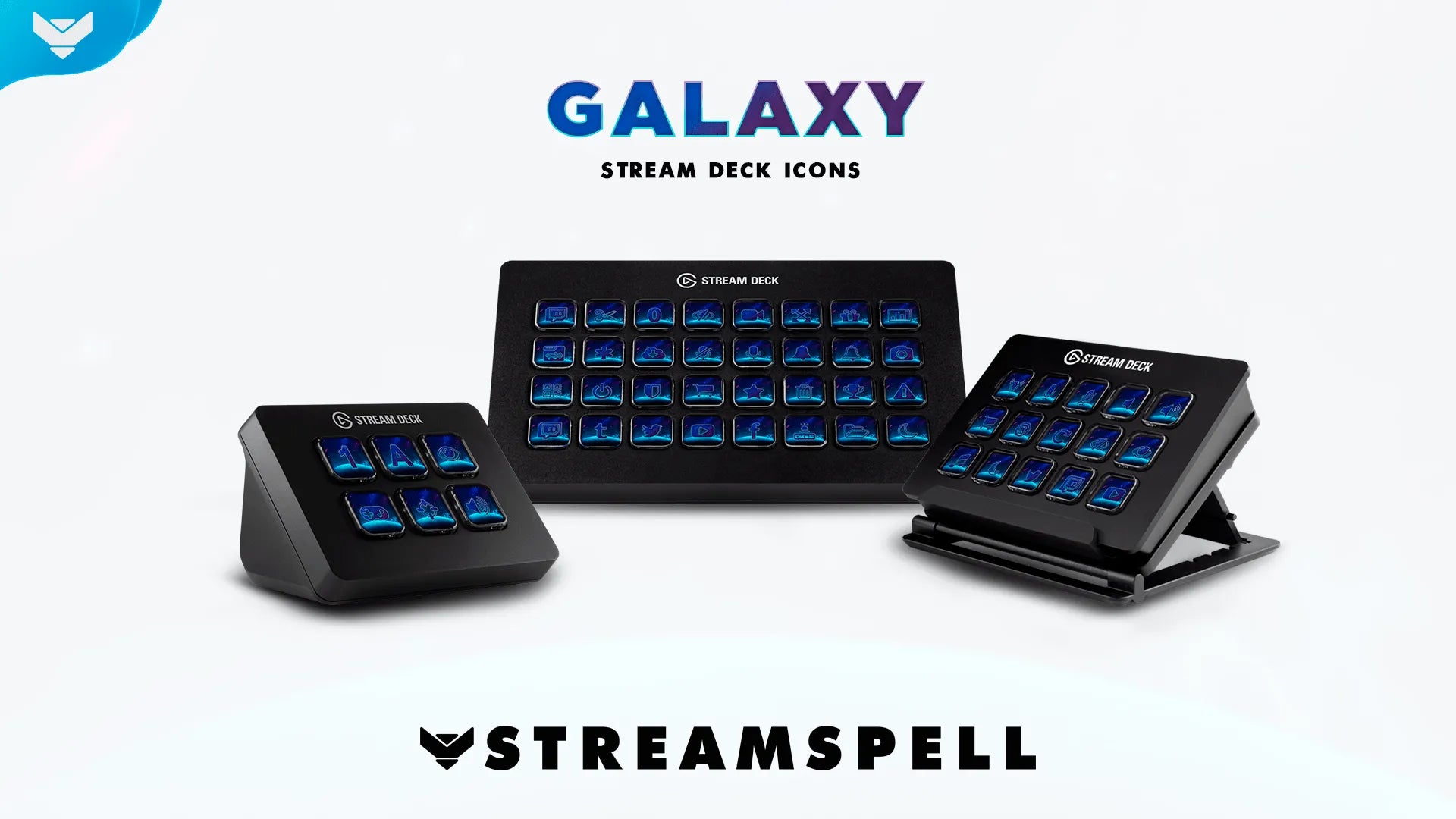
Galaxy Stream Deck Icons extend the same blue-and-purple space direction to your Stream Deck controls. The pack contains 400 animated icons, a .streamDeckIconPack installation file, and a folder of GIF files. Its product page specifically recommends the set for Halo, Destiny 2, Warframe, and The Division.
Pair it with Spacewalk or Galaxy when you want the controls in front of you to feel as considered as the scenes your viewers see.
Which Halo stream overlay should you choose?
Choose New Gen: X for a green, high-tech FPS look. Choose Arcfall for neon sci-fi panels and a clean command-center mood. Choose Spacewalk for celestial blues, purples, and movement between scenes. Choose Galaxy for large-scale planetary visuals and a more cinematic channel identity.
For more futuristic options, explore our guide to FPS and action-game stream overlays or our PRAGMATA sci-fi stream setup guide.
Build a clean Halo stream setup
Start with a layout that keeps gameplay large, alerts away from the center, and your colors deliberate. A Halo-inspired stream does not need to copy the game's UI to feel at home next to it. A focused military or cosmic direction is enough to make the channel feel intentional from the first Starting Soon screen to the last match.
This is an independent StreamSpell guide. Halo: Campaign Evolved and related names are trademarks of their respective owners.
Looking for more ways to upgrade your stream?
Find animated stream overlays, stream alerts, transitions, Stream Deck assets, emotes, badges, widgets, and custom stream design options through StreamSpell:
Thanks for reading!
See you in the next post!
Level up your stream with practical guides for OBS, Twitch, YouTube and Stream Deck.

AI Stream Deck Profile Generator: Build Profiles Faster
Build Stream Deck profiles faster with Deck Smith, a free AI Stream Deck profile generator by StreamSpell.

40 Webcam Overlay Bundle by StreamSpell
Get 40 stream-ready webcam overlays with animated styles, color customization, and themes like anime, neon, RPG, cute, and more.

5 Strategies for Staying Motivated as a Content Creator
Take care of yourself with these quick tips for staying motivated throughout your content creation journey.
Browse All Articles
Browse Stream Overlays