
VIEW DEALS
StreamSpell
Lofi Stream Package, Cozy Stream Overlays, OBS Studio, Streamlabs Desktop, TikTok LIVE

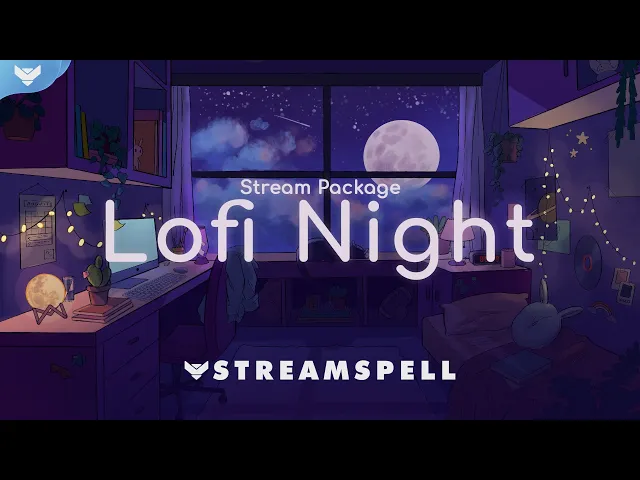
The Lofi Night Stream Package turns a channel into a warm, illustrated night scene, complete with soft lighting, a moonlit window, and a little cat watching the stars. It is a cohesive visual system for creators who want their stream to feel calm, personal, and instantly recognizable across gameplay, Just Chatting, study sessions, and vertical live content.
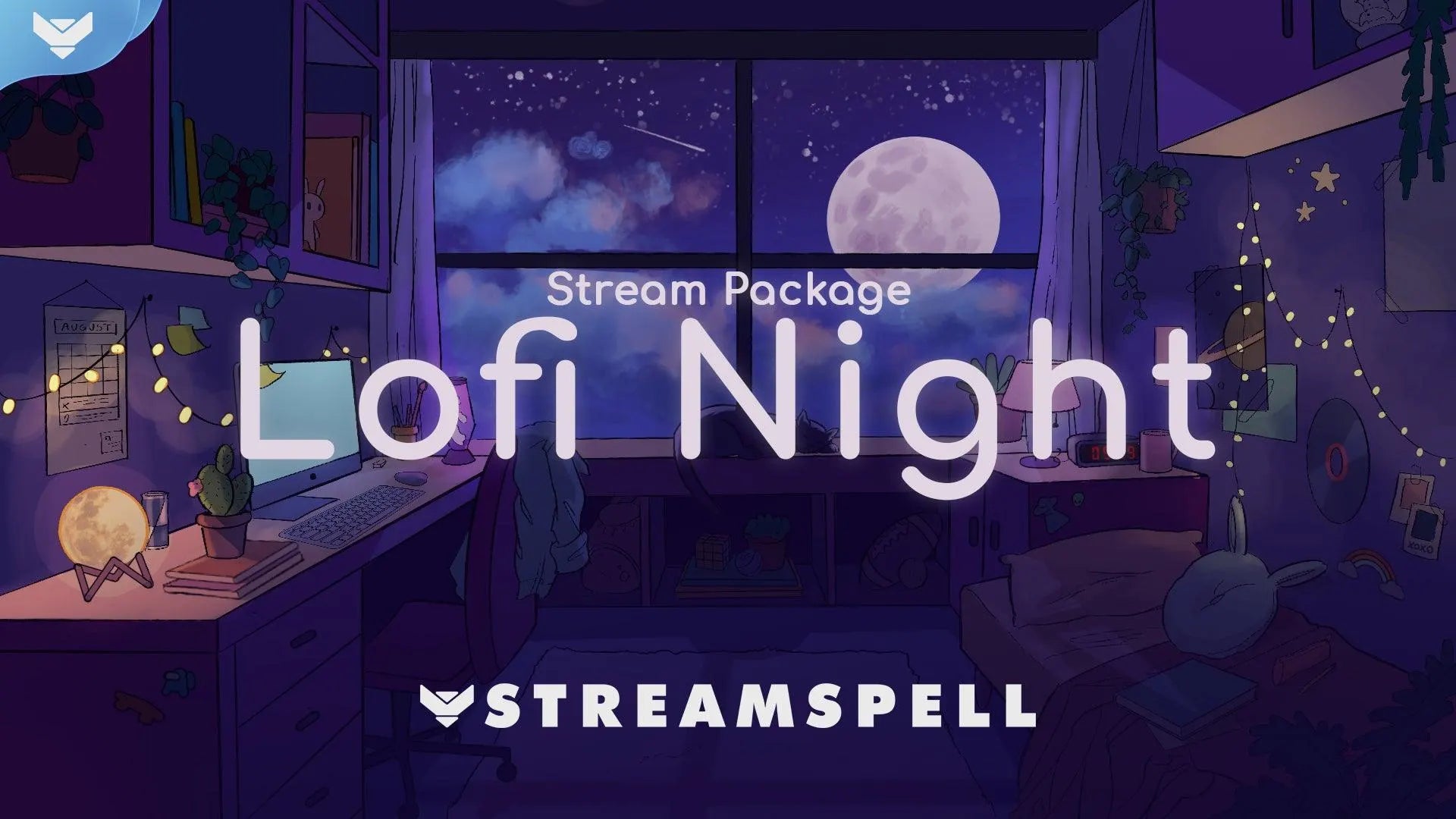
Illustrated Lofi Night main scene, bringing a moonlit bedroom and cat companion to a live layout.
The package is built around an original bedroom illustration, not a generic template. Its relaxed lofi direction suits the cozy, process-led content audiences are responding to now, while the complete set keeps every scene, alert, and channel graphic in the same visual world.
Watch the Lofi Night Stream Package
Use the video above to see the complete animated package in motion before choosing your setup.
What is included in the complete Lofi Night Stream Package?
The complete Lofi Night Stream Package is the best starting point when you want one matching system instead of collecting individual pieces. It includes:
10 animated screens: Starting Soon, Be Right Back, Ending, six Just Chatting variations, plus horizontal and vertical layouts for dual-output streaming.
One offline screen for a complete channel look even when you are not live.
Webcam overlays: 16:9, 4:3, 9:16, and a Chroma Key version, plus modular event labels.
41 stream panels with editable PSD files, social media headers, and a profile picture.
An animated stinger transition, static-element PSD source files, an editable After Effects text file, the font, and a setup guide.
A full scene system, not one overlay
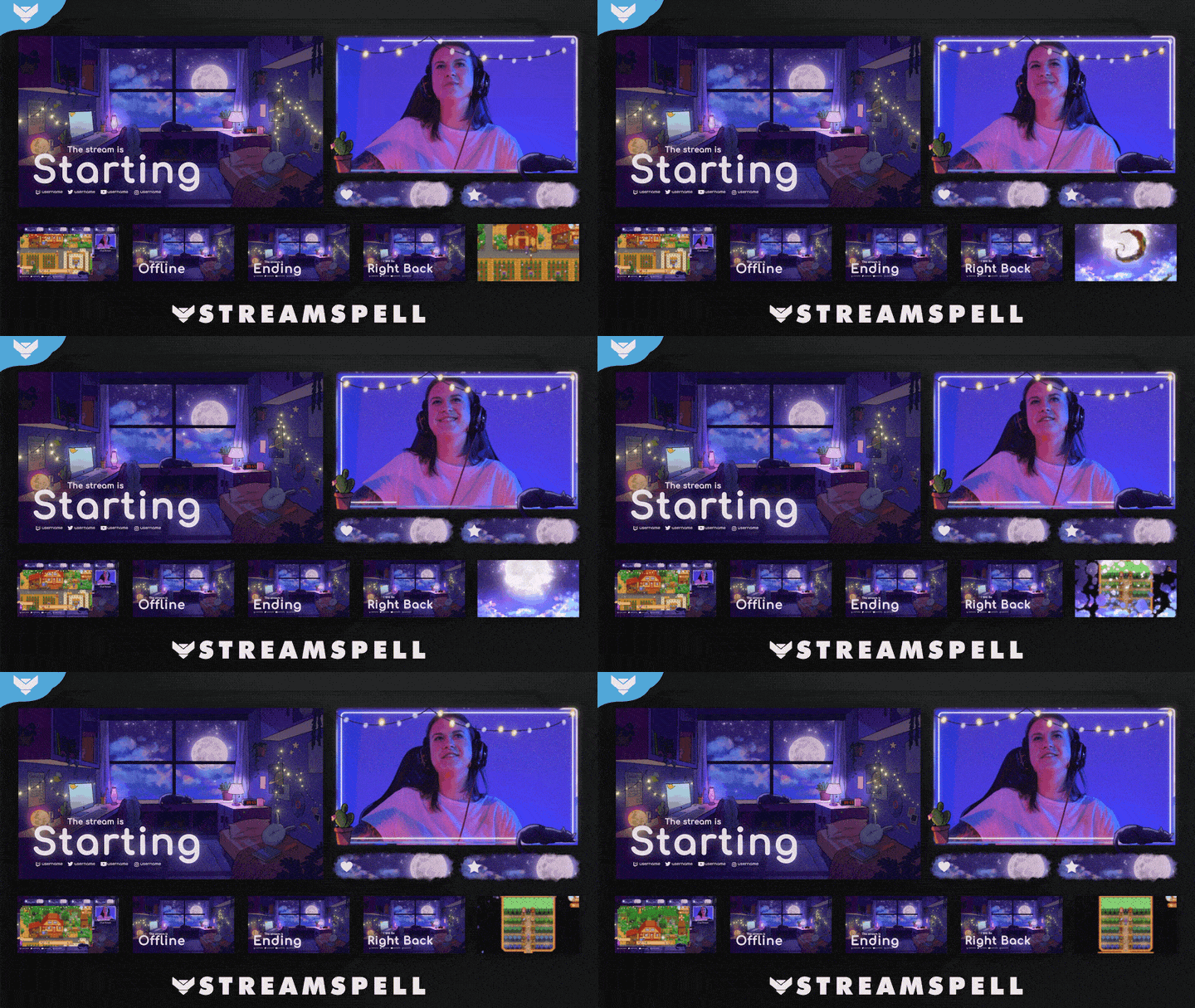
Lofi Night brings Starting Soon, webcam, offline, ending, BRB, and gameplay elements into one illustrated scene system.
Lofi Night Animated Alerts
The complete package includes 12 animated alerts with sound effects for Twitch, YouTube, and Facebook Gaming. Each alert keeps follows, subscriptions, bits, donations, raids, and other on-stream moments inside the Lofi Night visual world instead of dropping a disconnected graphic over the scene.
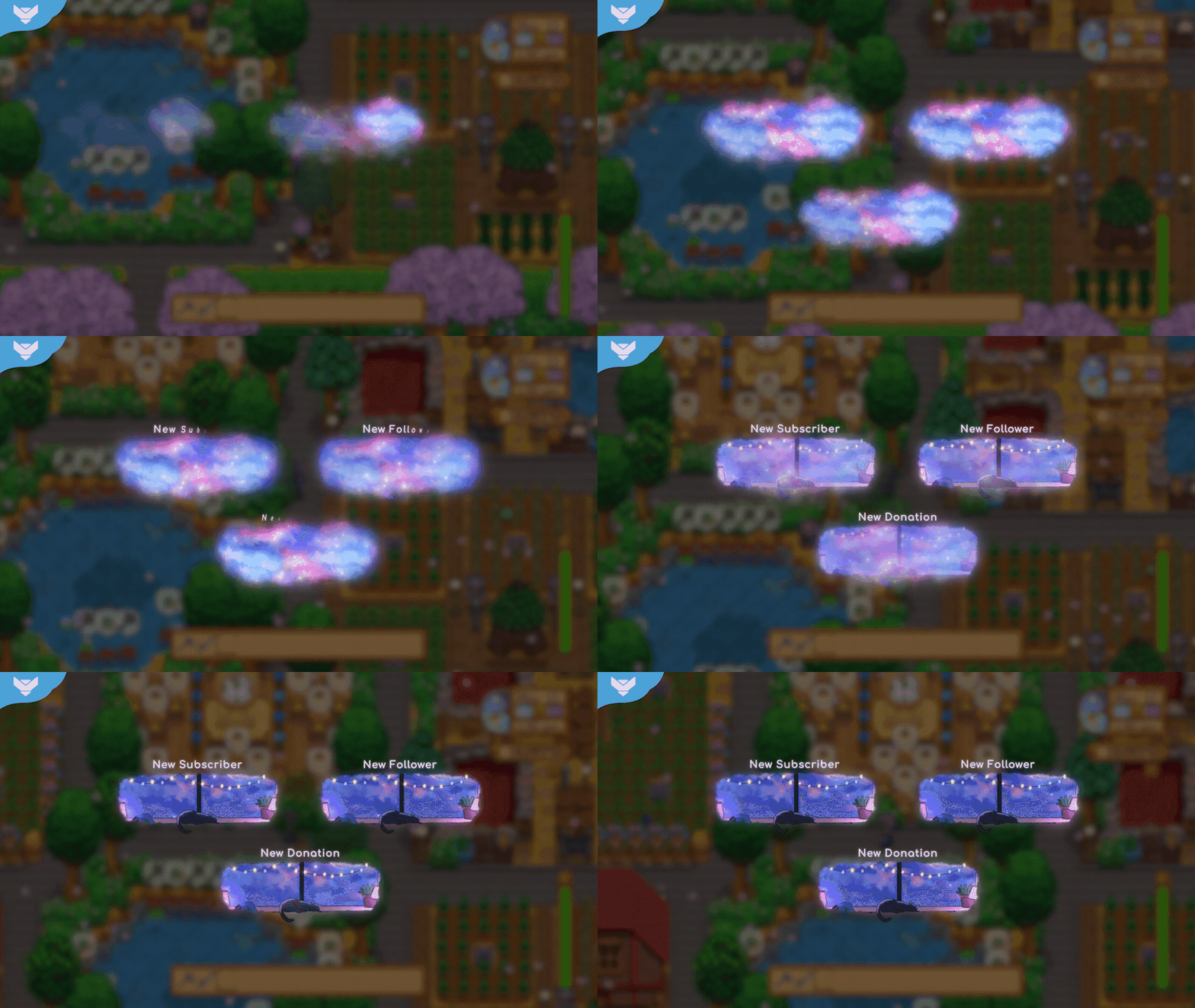
An animated Lofi Night alert adds a soft, recognizable moment to a live gameplay scene.
Lofi Night Stream Widgets
The complete package includes three matching widgets: Chat Box, Event List, and Goal Bar. They give viewers a clear way to follow the conversation, recent activity, and community milestones while preserving the relaxed illustrated layout.
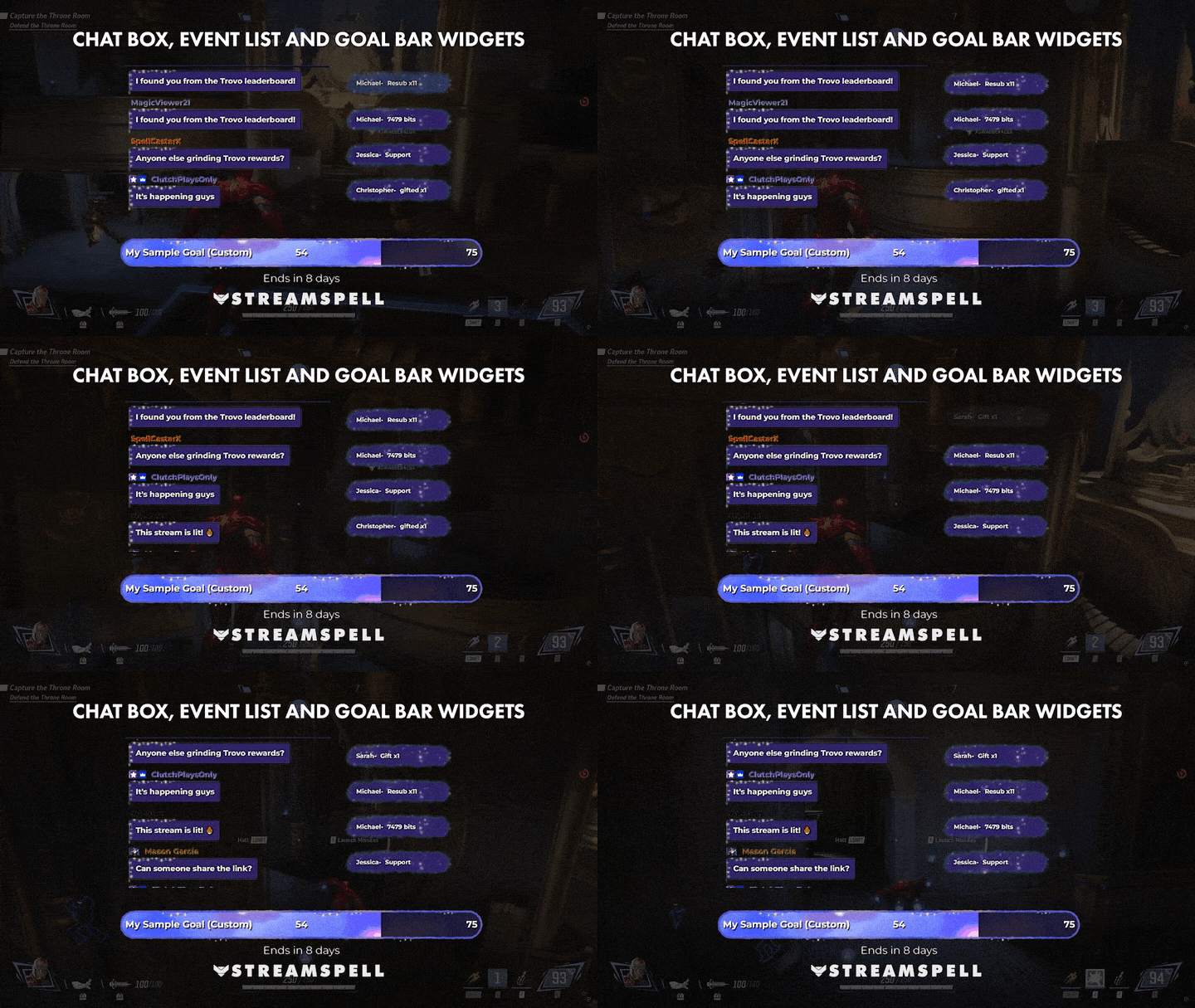
Chat Box, Event List, and Goal Bar widgets keep stream activity readable without breaking the cozy visual direction.
Need these elements on their own? Get Lofi Night Alerts and Widgets as a standalone product.
The core package works with OBS Studio, Streamlabs Desktop, and StreamElements. It can be used for Twitch, YouTube, Facebook Gaming, Trovo, Kick, TikTok LIVE, Instagram, and other platforms when your streaming app supports the included media and widget setup.
Dual Format and Dual Output Streaming
Lofi Night includes horizontal and vertical scene layouts, so you can keep the same cozy identity on a traditional 16:9 broadcast and a 9:16 live format. Use the horizontal scenes for Twitch and YouTube broadcasts, then bring the vertical screens into a TikTok LIVE, mobile-first, or dual-output workflow without abandoning the look your community recognizes.

One Lofi Night identity, adapted for horizontal broadcasts and vertical mobile-first streams.
Watch the Lofi Night vertical screens
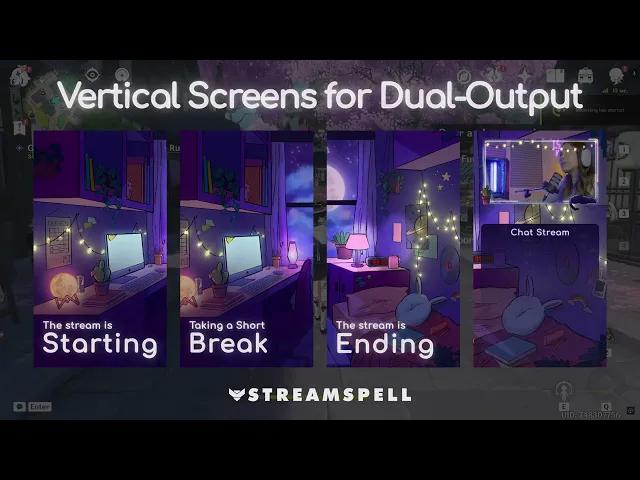
Vertical Lofi Night screens in action, made for 9:16 mobile-first streaming alongside the horizontal setup.
This is especially useful for creators who move between gameplay, Just Chatting, late-night music, study-with-me, art, journaling, reading, and chill community streams. Build the scene once, then test each format at its target canvas size before you go live.
Choose the complete package or a matching standalone item
The full package already covers the core stream system, including screens, alerts, widgets, webcam overlays, social assets, and the stinger transition. The matching products below are useful when you only need one part of the look, or when you want to extend a Lofi Night setup with features sold separately.
Lofi Night Stream Package, the complete setup
Get the complete Lofi Night Stream Package for the all-in-one stream design.
Lofi Night Reactive Overlays, Streamlabs Desktop only

Animated reactive counters update the Lofi Night scene during supported Streamlabs Desktop gameplay.
Lofi Night Reactive Overlays are a separate add-on with Kill, Death, Win, and Loss counters. They run only in Streamlabs Desktop on Windows, and are not compatible with OBS Studio or StreamElements. Streamlabs currently lists support for Apex Legends, Battlefield, Black Ops 6, Counter-Strike 2, Fortnite, League of Legends, Marvel Rivals, Overwatch 2, PUBG, Rainbow Six Siege, Valorant, War Thunder, Warzone, and additional titles as they are added. Check the current Streamlabs supported-game list before planning a reactive scene.
Lofi Night Stream Transition
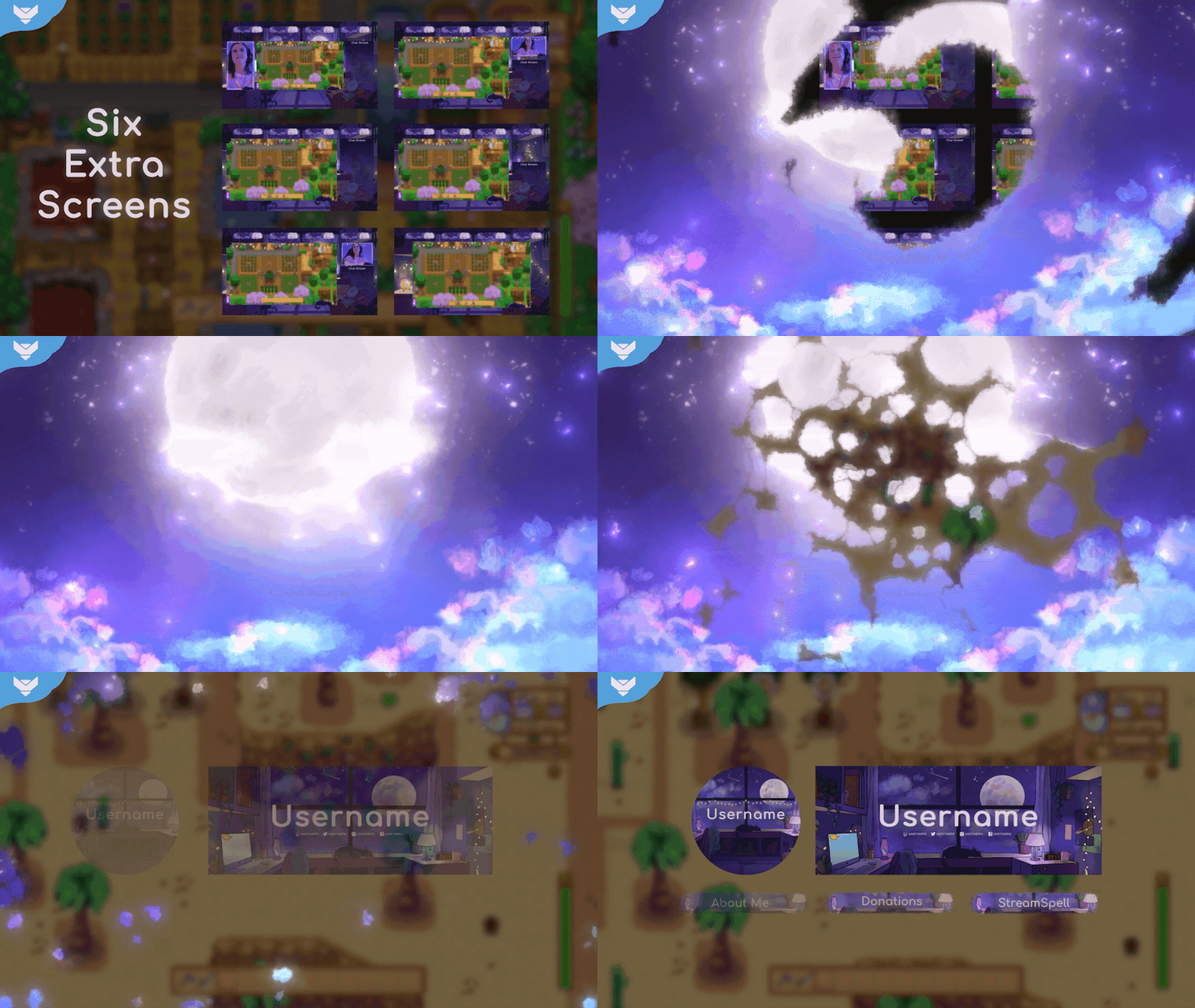
The Lofi Night stinger transition moves through the moonlit room to carry viewers between scenes.
Get the standalone Lofi Night Stream Transition if the animated moon-and-stars stinger is the single piece you need. The same transition is already included in the complete package.
Lofi Night Social Media Package
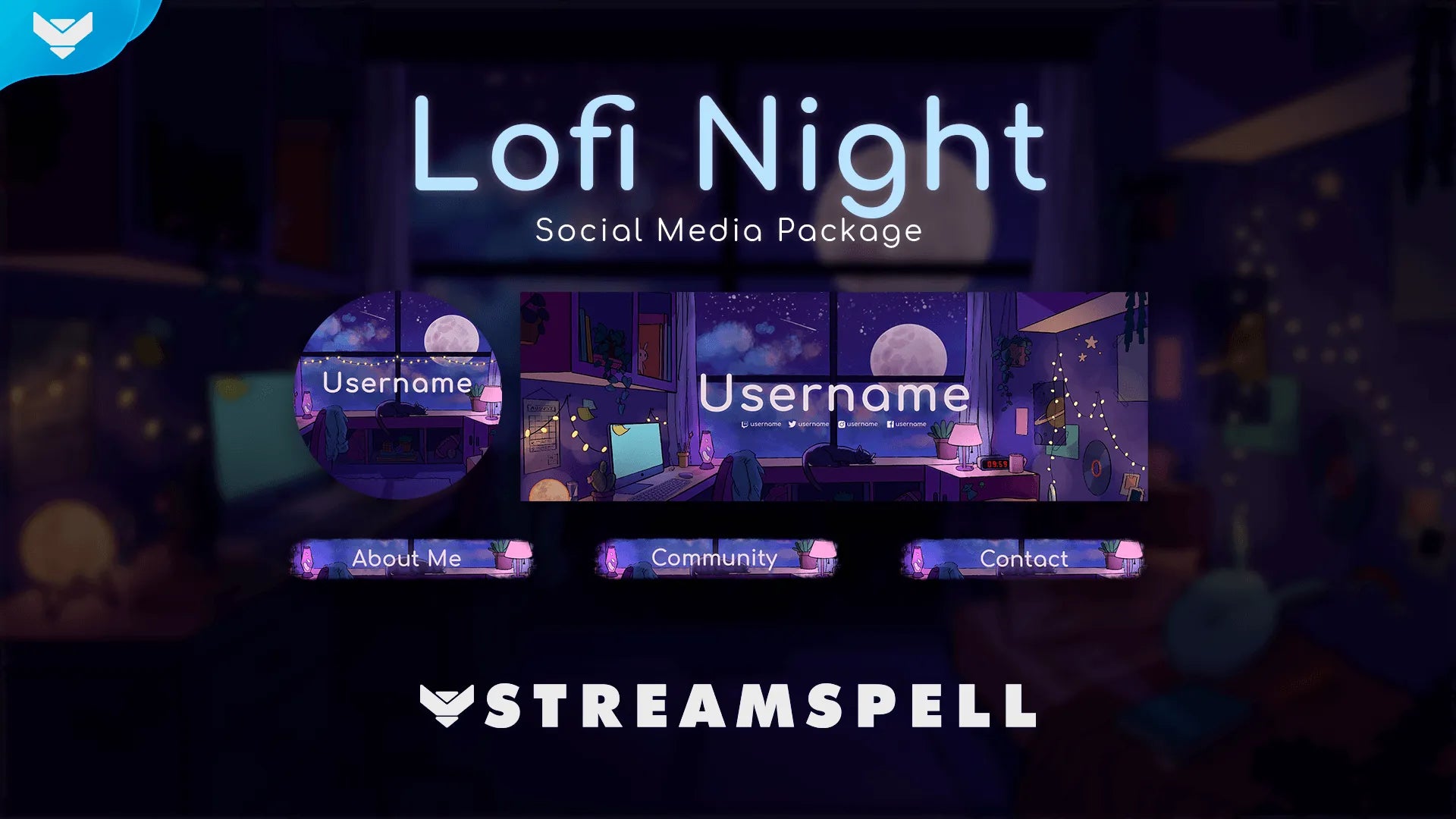
Lofi Night Social Media Package with matching profile image, headers, and channel panels.
Get the Lofi Night Social Media Package for 43 stream panels, social headers, a profile picture, PSD source files, and the font. The full package contains its own matching social assets, including panels, headers, and profile picture.
Lofi Night Stream Deck Icons
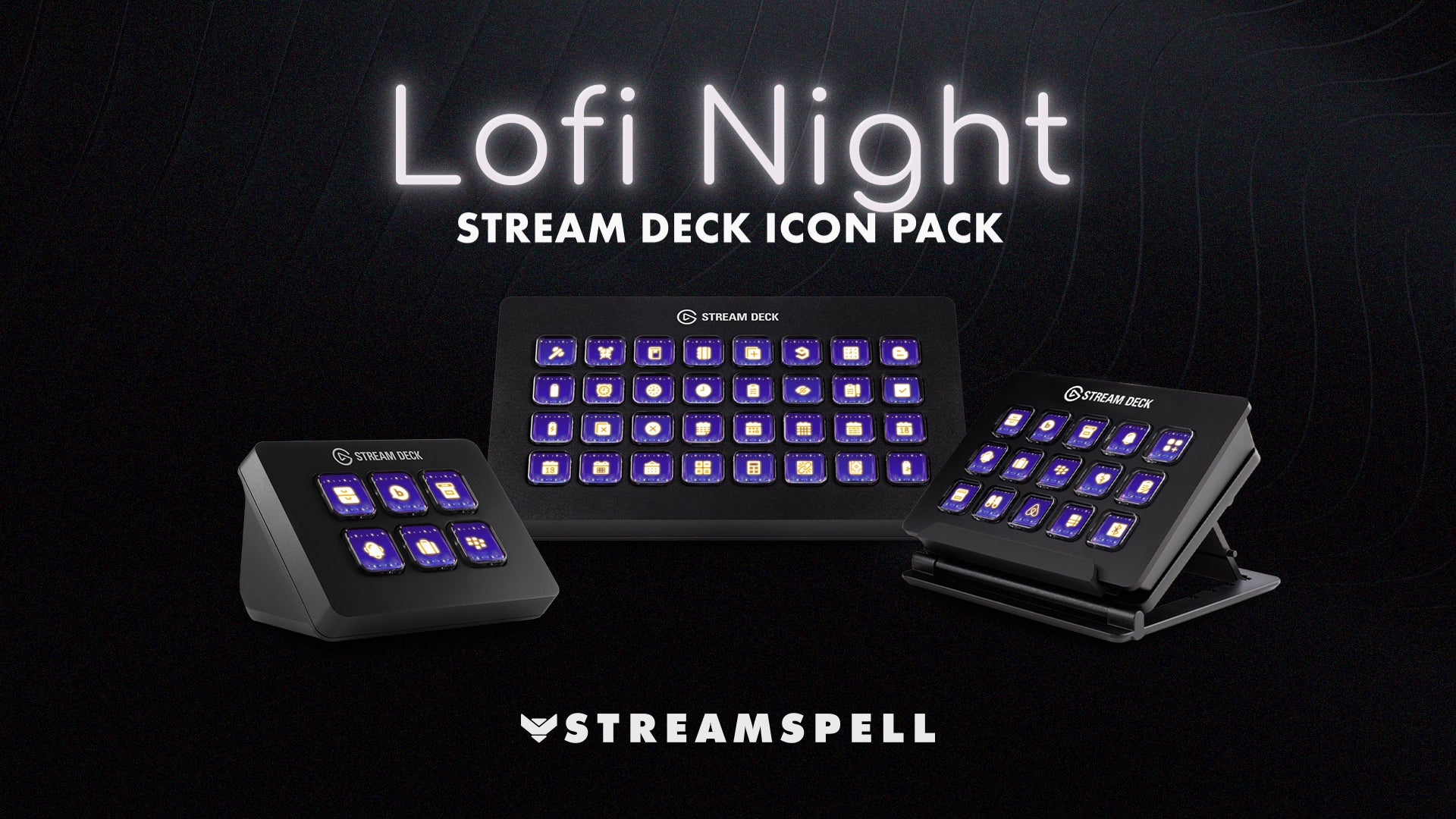
Lofi Night Stream Deck Icons extend the cozy illustrated look to scene controls and creator shortcuts.
Get Lofi Night Stream Deck Icons to carry the visual system onto your control surface. This separate pack includes 400+ animated icons, a .streamDeckIconPack file, and a GIF folder for compatible Stream Deck models.
From illustration to live scene
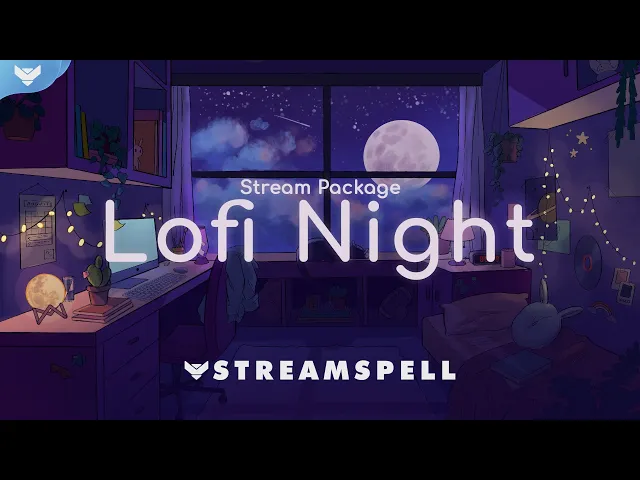
Lofi Night began as an original illustration of a bedroom at night. Watch the making-of video to see the artwork behind the starry window, cozy room details, and cat character that shape the package. It is a small reminder that a stream overlay can do more than frame gameplay, it can give viewers a place they want to return to.
Games and stream ideas that fit Lofi Night
Lofi Night is a natural fit for cozy games, quiet exploration, creative play, and community-first streams. As of August 2026, SteamDB's Cozy chart includes Heartopia, Palia, Sky: Children of the Light, gogh: Focus with Your Avatar, Mini Cozy Room: Lo-Fi, and Spirit City: Lofi Sessions among its active titles. They are strong visual matches for a soft, room-at-night setup, but the package is not affiliated with any game or studio.
You can also use the theme for Just Chatting, cozy co-working, study-with-me, lo-fi music, drawing, digital art, reading sprints, journaling, desk setup tours, late-night community check-ins, and relaxed variety streams. For competitive play, the optional Reactive Overlays bring the same visual mood to supported Streamlabs Desktop games without turning the scene into a loud HUD.
Set up, test, then make it yours
Choose the horizontal or vertical Lofi Night screen that matches the platform and canvas you are using.
Add the screens, webcam overlay, alerts, widgets, labels, and stinger transition from the included setup guide.
Test alert audio, widget readability, webcam placement, scene transitions, and safe margins in a private recording.
If you add Reactive Overlays, test them in Streamlabs Desktop with one of the supported games before announcing a reactive stream.
Preview both 16:9 and 9:16 layouts on the device your viewers will use, then go live with a scene that feels like home.
More cozy stream inspiration
For more ideas that pair naturally with Lofi Night, explore The Best Lofi Stream Overlays, The Best Cozy Bedroom Stream Overlays for Chill Streams, and The Best Just Chatting Twitch Overlays for Cozy, Reading and Study Streams.
If you are planning a mobile-first or dual-output broadcast, read Vertical Stream Overlays for TikTok LIVE and Kick Mobile. For more ways to make a Lofi Night scene interactive, explore Next-Gen Reactive Stream Overlays for Twitch and YouTube.
Want a custom stream package for your channel?
Lofi Night gives you a ready-made illustrated visual system. If you want a stream identity made around your own brand, StreamSpell creates hand-crafted custom overlays, alerts, and widgets, alongside animated screens, transitions, webcam frames, and illustration work.
Request your custom stream package to share your idea with the team. For a cozy lofi-anime example of a tailored StreamSpell project, explore Velleka’s custom StreamSpell design.
Build your Lofi Night stream
Ready for a full cozy setup? Explore the Lofi Night Stream Package on the StreamSpell Store. For a different visual direction or a made-to-order stream identity, explore StreamSpell custom stream design.
Extra resources
Thank you for following our blog!
See you in the next post 💙
Level up your stream with practical guides for OBS, Twitch, YouTube and Stream Deck.

AI Stream Deck Profile Generator: Build Profiles Faster
Build Stream Deck profiles faster with Deck Smith, a free AI Stream Deck profile generator by StreamSpell.

40 Webcam Overlay Bundle by StreamSpell
Get 40 stream-ready webcam overlays with animated styles, color customization, and themes like anime, neon, RPG, cute, and more.

5 Strategies for Staying Motivated as a Content Creator
Take care of yourself with these quick tips for staying motivated throughout your content creation journey.
Browse All Articles
Browse Stream Overlays