
VIEW DEALS
StreamSpell
Gamescom 2026, Game Highlights, Stream Packages, Genshin Impact, The Witcher, Onimusha, Marvel Rivals

Gamescom 2026: Game Highlights and Stream Package Picks
Gamescom 2026 brings a full week of game reveals, playable highlights, broadcasts, and community events to Cologne. Today, August 26, is the first showfloor day, so this is the right moment to see what is confirmed and choose a stream look for the games viewers will be watching.
The event details in this guide come from the official gamescom website and its published program. The StreamSpell recommendations are thematic visual matches for your channel, not official gamescom, publisher, or game collaborations.
What to expect from Gamescom 2026
The official gamescom week runs from August 24 to 30, with the public showfloor open from August 26 to 30. The official games list highlights a varied mix of returning favorites, new releases, and showcase-ready titles, including the games below.
The Witcher 3: Wild Hunt - Songs of the Past: CD PROJEKT RED lists a first-ever showcase for the expansion in Hall 8, B-030 A-031, starting August 26. Its official gamescom page also points visitors to the studio's live coverage.
Onimusha: Way of the Sword: Onimusha appears in the official highlights and in the gamescom award nominations, including Best Gameplay and Best PlayStation Game.
Final Fantasy: the official gamescom Opening Night Live recap highlights a new look at Final Fantasy VII Revelation. For a related StreamSpell visual guide, read Best Final Fantasy VII Rebirth Stream Overlays on Streamlabs.
Genshin Impact and Marvel Rivals: both are included in the official games list, giving creators two very different visual directions to follow, from fantasy adventure to superhero team play.
Resonance: A Plague Tale Legacy: the official gamescom video page lists a release-date reveal trailer, making it one of the darker story-driven titles to keep an eye on during the week.
Confirmed attractions, broadcasts, and times
The official gamescom program is the best place to check live updates. These are the main moments relevant to viewers following the event from home:
August 26: gamescom Studio is scheduled for 13:00-16:00 CEST. CD PROJEKT RED's official gamescom livestream is scheduled for 10:00-19:00 CEST.
Opening Night Live: the opening broadcast took place on August 25, setting up the week's announcements, trailers, gameplay reveals, and guest appearances.
Showfloor hours: on August 26, private visitors are scheduled for 13:00-19:00 CEST and trade/media visitors for 09:00-19:00 CEST. From August 27 to 30, private visitors are scheduled for 10:00-20:00 CEST on August 27-28 and 09:00-20:00 CEST on August 29-30. Exhibitor access begins at 07:00 each day, with closing times varying by date.
Gamescom Awards: public voting is scheduled for August 26-27 and closes at 14:00 CEST on August 27.
Community programming: the cosplay contest final is scheduled for August 29 at 17:00 in Hall 1, while Games Done Quick is scheduled for August 28-30.
For the full visitor, trade, and exhibitor timetable, check the official opening times page before planning your viewing schedule.
StreamSpell packages for the gamescom spotlight
A themed overlay can make a live playthrough easier to recognize without covering the action. Here are StreamSpell packages that fit the moods of the gamescom highlights above.
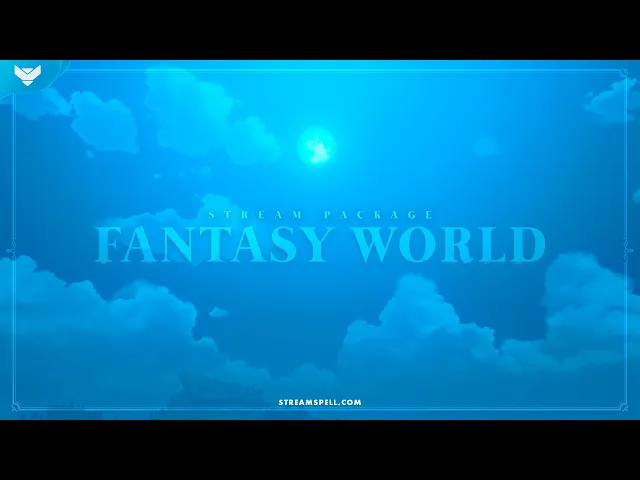
Genshin Impact: Fantasy World Stream Package
The Fantasy World Stream Package is a Teyvat-inspired option for Genshin Impact coverage. The product page confirms two animation versions, four stream screens, 12 alerts, a 16:9 webcam frame, modular labels, 43 panels, a stinger transition, social graphics, a PSD file, and the included font.
For a second Genshin-friendly mood, the Last Chance Stream Package is described by StreamSpell as a fit for Genshin Impact, Persona 5, Catherine, and Gris.
The Witcher: Witcher Twilight Stream Package
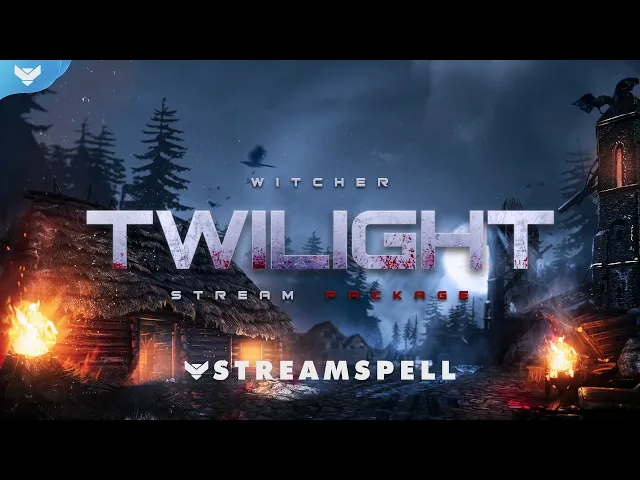
With The Witcher 3: Wild Hunt - Songs of the Past in the official gamescom spotlight, the Witcher: Twilight Stream Package is a natural dark-fantasy direction for your broadcast. StreamSpell describes it with four animated screens, offline screens, 12 alerts, a 16:9 webcam frame, 43 panels, a stinger transition, social graphics, source files, a font, and a setup guide. It is compatible with OBS, Streamlabs, and StreamElements.
For a closer look at the setup, read Witcher: Twilight Stream Package: Dark Fantasy Overlays for OBS, Streamlabs & StreamElements.
Onimusha: Samurai Stream Package
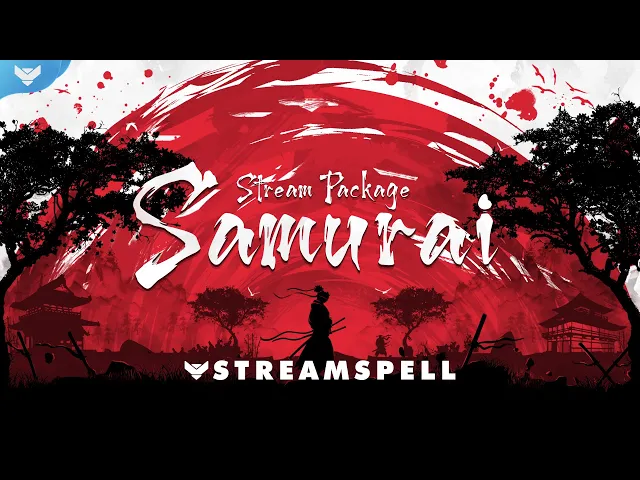
Onimusha: Way of the Sword gives the event a strong sword-and-warrior angle. For a samurai-inspired channel identity, the Samurai Stream Package includes four screens, offline screens, 12 alerts, a 16:9 webcam frame, a transition, social graphics, PSD source files, and a setup guide.
If you want a darker red-and-black variation, take a look at the Dark Blade Stream Package, which includes horizontal and vertical screens, alerts, widgets, a webcam frame, and dual-output support.
Marvel Rivals: MARVELOOSE Stream Package
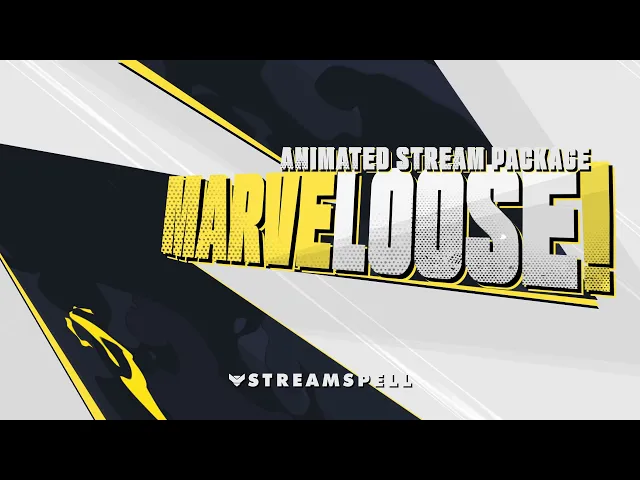
For the superhero energy of Marvel Rivals, the MARVELOOSE Stream Package includes four horizontal and four vertical animated screens, 12 alerts, a Chat Box, Event List, Goal Bar, 16:9 webcam frame, event slot, transition, and dual-output support. The product page lists compatibility with OBS, Streamlabs, and StreamElements.
Resonance: A Plague Tale Legacy and dark RPG streams
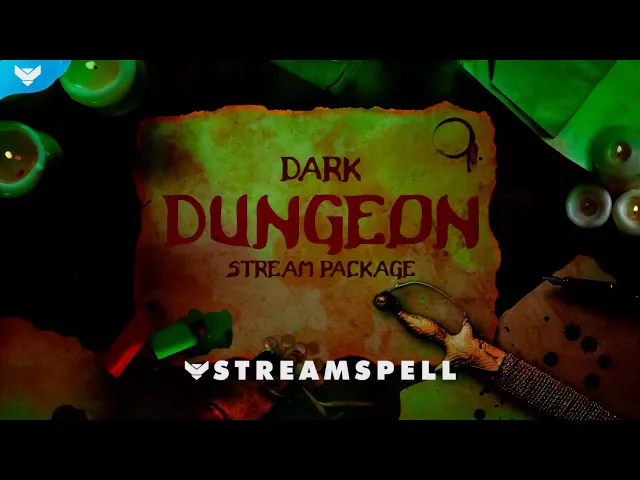
There is no official StreamSpell package for Resonance: A Plague Tale Legacy, so this is a thematic alternative rather than a game-specific match. The Dark Dungeon Stream Package suits darker RPG broadcasts with four screens, offline screens, 12 alerts, a 16:9 webcam frame, modular labels, 43 panels, a transition, social graphics, source files, and tutorials.
More StreamSpell reading for these games
The blog has more focused guides if you want to build a complete visual setup around one of these themes:
Get your stream ready for the event
Once you choose a visual direction, use the OBS Studio overlay installation guide to place your screens, alerts, webcam frame, widgets, and transitions. Browse the full range of animated overlays, alerts, widgets, and Stream Deck assets in the StreamSpell Store.
💙 Extra Resources
Find more animated stream overlays, animated stream alerts, animated transitions, Stream Deck Icons, emotes and badges, stream widgets (Chat Box, Event List, Goal Bar), and custom stream designs:
Thank you for following our blog!
See you in the next post 💙
Level up your stream with practical guides for OBS, Twitch, YouTube and Stream Deck.

AI Stream Deck Profile Generator: Build Profiles Faster
Build Stream Deck profiles faster with Deck Smith, a free AI Stream Deck profile generator by StreamSpell.

40 Webcam Overlay Bundle by StreamSpell
Get 40 stream-ready webcam overlays with animated styles, color customization, and themes like anime, neon, RPG, cute, and more.

5 Strategies for Staying Motivated as a Content Creator
Take care of yourself with these quick tips for staying motivated throughout your content creation journey.
Browse All Articles
Browse Stream Overlays