
VIEW DEALS
StreamSpell
Witcher Stream Package, Dark Fantasy Stream Overlays, OBS Studio, Streamlabs Desktop, The Witcher 4

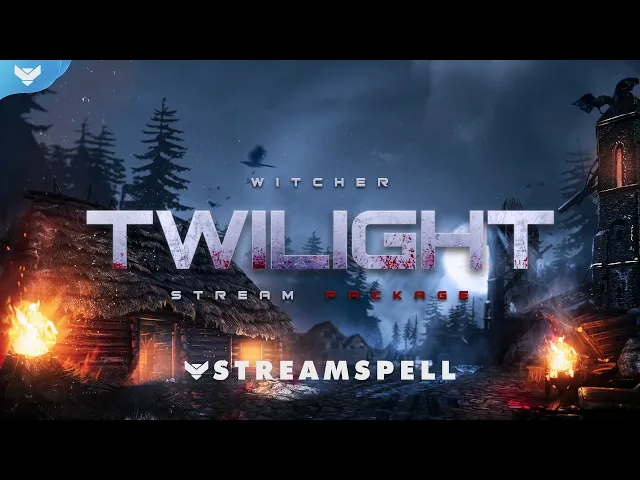
The Witcher: Twilight Stream Package brings a moonlit dark-fantasy atmosphere to your channel, with animated screens, flaming chain alerts, a dragon in the background, and a matching visual system for your stream.
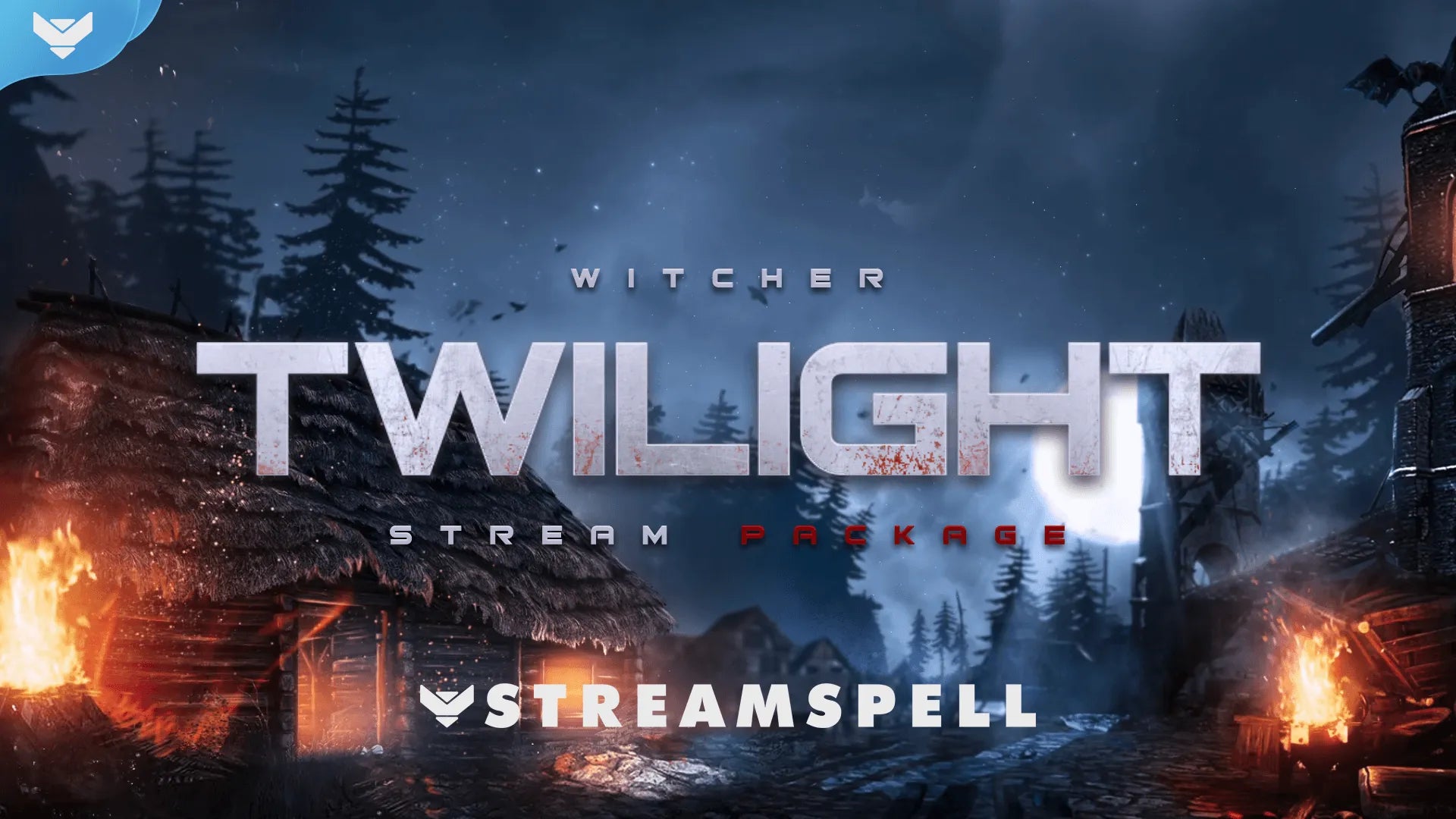
Witcher: Twilight brings moonlight, chains, flames, and a dragon-filled dark-fantasy mood to your live layout.
Built for creators who love monster-hunting adventures and cinematic RPG streams, the package works with OBS Studio, Streamlabs Desktop, StreamElements, and other compatible streaming software. It is a strong visual match for The Witcher 3: Wild Hunt while also fitting other dark fantasy and story-driven streams.
Watch the Witcher: Twilight Stream Package
Watch the package in motion before you start building your scenes, from the animated screens and alerts to the transition and atmospheric background.
Why Witcher: Twilight works for dark-fantasy streams
A stream overlay does more than fill empty space around your gameplay. It gives your channel a recognizable mood before the first quest begins and helps every alert, scene change, and community moment feel connected.
Witcher: Twilight leans into a darker visual direction with cool moonlight, warm flames, hanging chains, and a dragon moving through the background. That combination makes it a natural fit for The Witcher 3: Wild Hunt, monster-hunting content, fantasy RPGs, lore-focused streams, and late-night adventure sessions.
The design is inspired by the world and atmosphere of The Witcher. It is a StreamSpell stream package for personal use and is not an official CD PROJEKT RED product.
What is included in the Witcher: Twilight Stream Package?
The complete Witcher: Twilight Stream Package includes the core assets you need to build a consistent dark-fantasy channel identity:
Four animated screens: Starting Soon, Be Right Back, Ending, and Just Chatting.
One offline screen for keeping your channel on-brand between broadcasts.
12 animated alerts with sound effects for Twitch, YouTube, Facebook, and Kick.
One 16:9 webcam frame and modular stream-label overlays with custom event icons.
43 stream panels plus Twitch, Twitter, YouTube, and Facebook headers and a social media profile picture.
An animated stinger transition to carry the same visual energy between scenes.
Editable source files: PSD files, an After Effects file for text edits, and the included font.
Setup tutorials to help you add the assets to your streaming software.
A moonlit setup for The Witcher 3 and beyond
The package was made for fans of Geralt of Rivia and is especially well suited to The Witcher 3: Wild Hunt. Use the Starting Soon screen to set the tone before a contract, bring the animated alerts into your gameplay scene, and use the stinger transition when you move between exploration, combat, and Just Chatting.
The same dark-fantasy direction can also support other RPGs, action-adventure games, tabletop campaigns, lore discussions, and story-driven broadcasts. Keep the main gameplay area clear, then place the webcam frame, event labels, and alerts where they are easy to read without covering important game information.
How to set up your Witcher stream
Choose your streaming software. Start with OBS Studio, Streamlabs Desktop, StreamElements, or another compatible app.
Add the included screens. Use Starting Soon, Be Right Back, Ending, Just Chatting, and Offline in the scenes where they belong.
Place your webcam and event labels. Keep the 16:9 frame and modular labels inside safe margins so your gameplay remains visible.
Test the alerts and transition. Check alert timing, sound effects, browser-source placement, and the stinger before your first live session.
Finish your channel branding. Add the included panels, profile picture, and social headers so the dark-fantasy identity continues beyond the live scene.
Witcher 3: Songs of the Past arrives in 2027
There is a good reason The Witcher is back in the spotlight. CD PROJEKT RED has announced The Witcher 3: Wild Hunt – Songs of the Past, a third full-fledged expansion for the game, coming in 2027. The expansion returns players to the role of Geralt of Rivia and is being co-developed with Fool’s Theory.
The studio has also revealed that the adventure will take Geralt to Letten, a new region with rural traditions, folklore, and a darker secret beneath the surface. It is planned for PC, PlayStation 5, Xbox Series X|S, and Nintendo Switch 2, with exact launch details still to come.
While we wait for The Witcher 4
The next mainline game is also taking shape. The official The Witcher 4 page presents a new single-player, open-world RPG with Ciri at the center of a new saga. In an August 2026 update, CD PROJEKT RED said the game is targeting a 2028 release window, but it has not announced an exact date.
That gives fans a little more time to return to The Witcher 3, prepare for Songs of the Past, and build a stream setup that feels at home in the Continent. Witcher: Twilight is made for that waiting period: a ready-to-use dark-fantasy look for every contract, quest, and late-night hunt.
More Witcher stream inspiration
Want to explore more designs for the next chapter of the series? Read The Best Witcher 4 Stream Overlays for a wider selection of dark-fantasy packages, or visit The Best Stream Overlays for The Witcher IV for more ideas for Ciri’s upcoming saga.
Want a custom stream package for your channel?
Witcher: Twilight gives you a ready-made monster-hunting atmosphere. If you want a stream identity built around your own character, colors, lore, or world, StreamSpell creates hand-crafted custom overlays, alerts, widgets, animated screens, transitions, webcam frames, and illustration work.
Request your custom stream package to share your idea with the team, or explore the StreamSpell portfolio for more custom design inspiration.
Build your Witcher stream
Ready to begin the hunt? Explore the Witcher: Twilight Stream Package on the StreamSpell Store. For a made-to-order visual identity, explore StreamSpell custom stream design.
Extra resources
Thank you for following our blog!
See you in the next post 💙
Level up your stream with practical guides for OBS, Twitch, YouTube and Stream Deck.

AI Stream Deck Profile Generator: Build Profiles Faster
Build Stream Deck profiles faster with Deck Smith, a free AI Stream Deck profile generator by StreamSpell.

40 Webcam Overlay Bundle by StreamSpell
Get 40 stream-ready webcam overlays with animated styles, color customization, and themes like anime, neon, RPG, cute, and more.

5 Strategies for Staying Motivated as a Content Creator
Take care of yourself with these quick tips for staying motivated throughout your content creation journey.
Browse All Articles
Browse Stream Overlays