
VIEW DEALS
Julia Pazin
Tokyo Game Show 2026, TGS 2026, Event Replays, Stream Overlays

Tokyo Game Show 2026 celebrated its 30th anniversary with game showcases, demos, and creator programming in Chiba. The event has wrapped up, but its official streams and archives still make a great starting point for a focused recap or reaction stream.
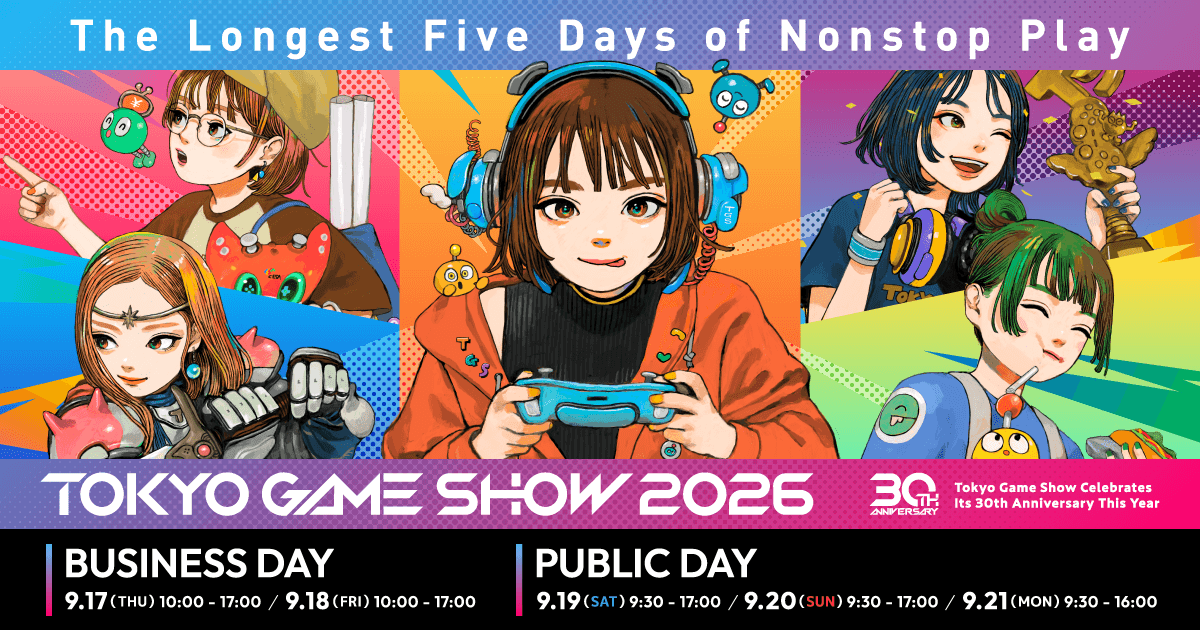
Tokyo Game Show 2026 was planned for September 17–21 at Makuhari Messe. Its September 21 in-person program was canceled because of Typhoon No. 25; official online programming continued.
Missed the show? Start with the official TGS program and participating publishers’ channels for broadcasts and replays. Pick the reveals your audience cares about, then build a recap around those moments.
Tokyo Game Show 2026 schedule and final-day change
Business Day 1: September 17, 10:00 to 17:00 JST
Business Day 2: September 18, 10:00 to 17:00 JST
Public Day 1: September 19, 9:30 to 17:00 JST
Public Day 2: September 20, 9:30 to 17:00 JST
Final day: September 21 in-person event canceled; official broadcasts continued online.
The organizers canceled the entire September 21 in-person event over safety and transport concerns. Some scheduled content moved online, so use the official program for broadcast and archive details.
Where to find the official replays
TGS distributed its official program across YouTube, X, NicoNico, Twitch, TikTok, DouYu, Bilibili, and Douyin. The official program page is the best place to check which recordings and publisher streams are available.
For a recap stream, choose a few reveals or demos that genuinely fit your channel. A short, well-paced discussion gives viewers more to take away than a long replay with no clear theme.
What made TGS 2026 different
TGS planned its first five-day edition for its 30th anniversary, with major publishers, indie developers, stage events, and creator activity. The typhoon reduced the in-person program to four days, while the final-day online broadcasts kept part of the show accessible from home.
StreamSpell products for a TGS recap stream
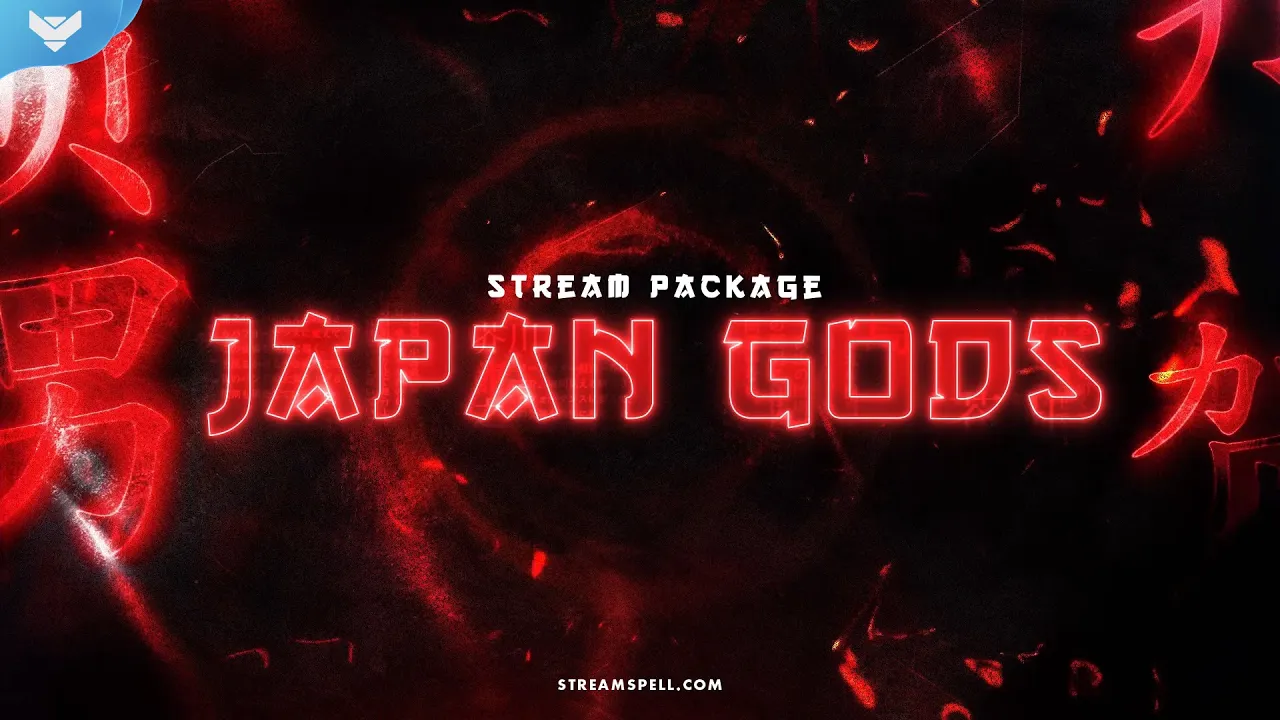
Japan Gods Stream Package
Japan Gods Stream Package video preview.
Japan Gods brings Japanese mythology and illustrated folklore to a TGS recap, anime discussion, or Japanese fantasy game stream. It is a thematic StreamSpell design, not an official TGS collaboration.
Four animated screens for Starting, Be Right Back, Ending, and Just Chatting, plus one offline screen.
12 animated alerts with sound effects.
A 16:9 webcam frame, modular labels, 42 stream panels, and an animated stinger transition.
Social media headers, a profile image, PSD source files, an editable After Effects text file, the font, and setup tutorials.
Neon Samurai Stream Package
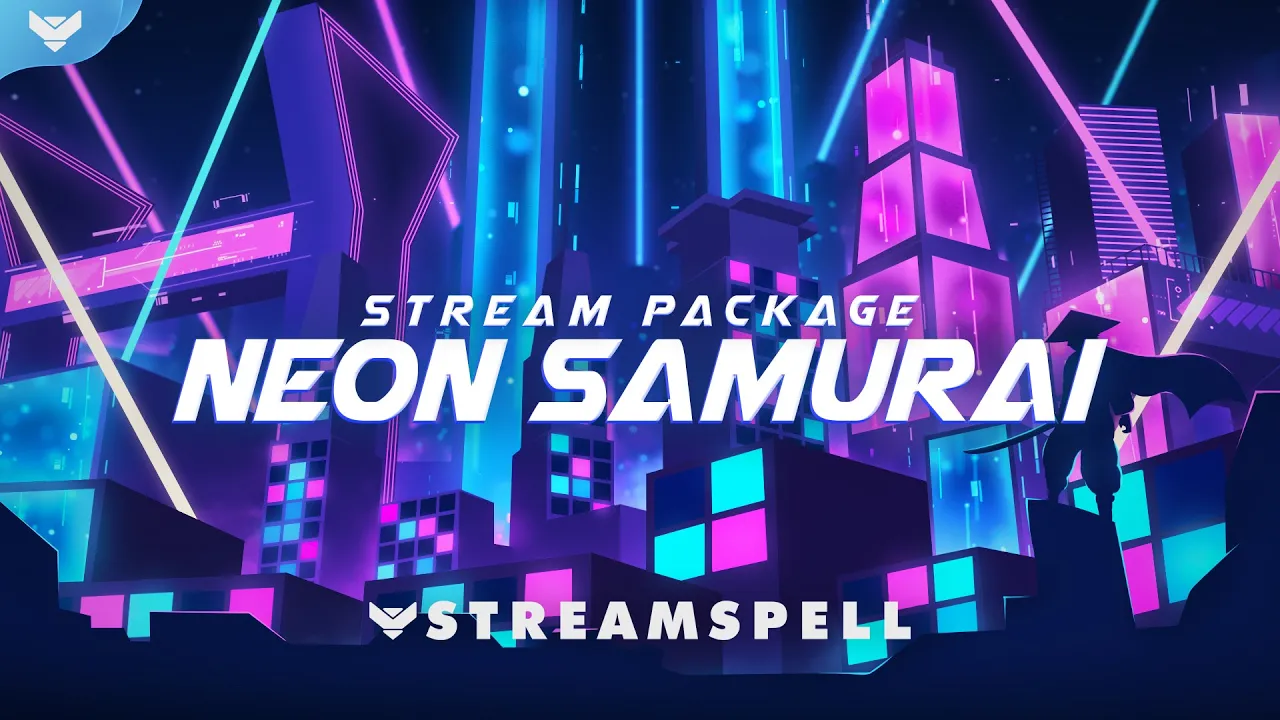
Neon Samurai Stream Package video preview.
Neon Samurai mixes traditional warrior imagery with a modern city glow, which makes it useful for a show that moves between Japanese studios and different game genres. The product page also recommends it for Ghost of Tsushima and Nioh 2.
Nine animated screens, including six Just Chatting layouts, plus one offline screen.
12 animated alerts with sound effects.
Three webcam frames in 4:3, 9:16, and 16:9, modular labels, 43 panels, and a stinger transition.
Social media headers, a profile image, PSD source files, an editable After Effects text file, the font, and setup tutorials.
Its 4:3, 9:16, and 16:9 webcam frames give creators flexible layouts for standard streams and vertical recap content.
Free Timer from Stream Widgets Hub
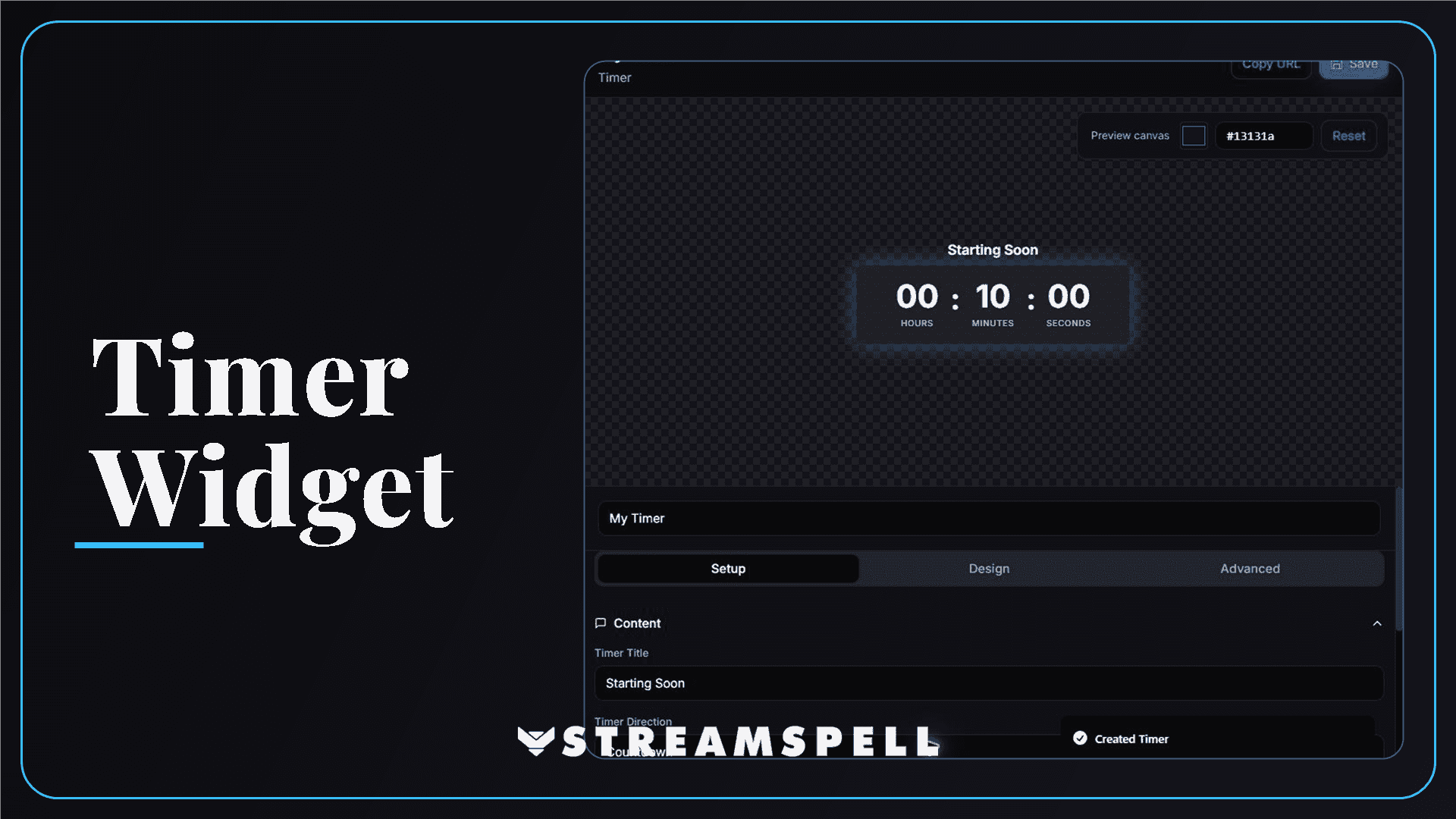
StreamSpell Timer Widget editor with countdown controls and a live preview.
The free Timer from Stream Widgets Hub can count down to your next recap segment or community discussion. Customize the title, colors, and typography, then add it as a Browser Source.
Official sources
Related StreamSpell posts
💙Extra Resources
Find more animated stream overlays, animated stream alerts, animated transitions, Stream Deck Icons, emotes and badges, stream widgets (Chat Box, Event List, Goal Bar), and custom stream designs:
Thank you for following our blog!
See you in the next post 💙
Level up your stream with practical guides for OBS, Twitch, YouTube and Stream Deck.

AI Stream Deck Profile Generator: Build Profiles Faster
Build Stream Deck profiles faster with Deck Smith, a free AI Stream Deck profile generator by StreamSpell.

40 Webcam Overlay Bundle by StreamSpell
Get 40 stream-ready webcam overlays with animated styles, color customization, and themes like anime, neon, RPG, cute, and more.

5 Strategies for Staying Motivated as a Content Creator
Take care of yourself with these quick tips for staying motivated throughout your content creation journey.
Browse All Articles
Browse Stream Overlays