
VIEW DEALS
Daniel Mayhe
Pixel Art, Stream Overlays, OBS Studio, Streamlabs Desktop, StreamElements

The Pixel Japan Stream Package brings purple, blue, and pink pixel-art scenery to a complete stream setup. It is made for creators who want a Japanese-inspired visual identity across their scenes, alerts, webcam, and supporting channel graphics.
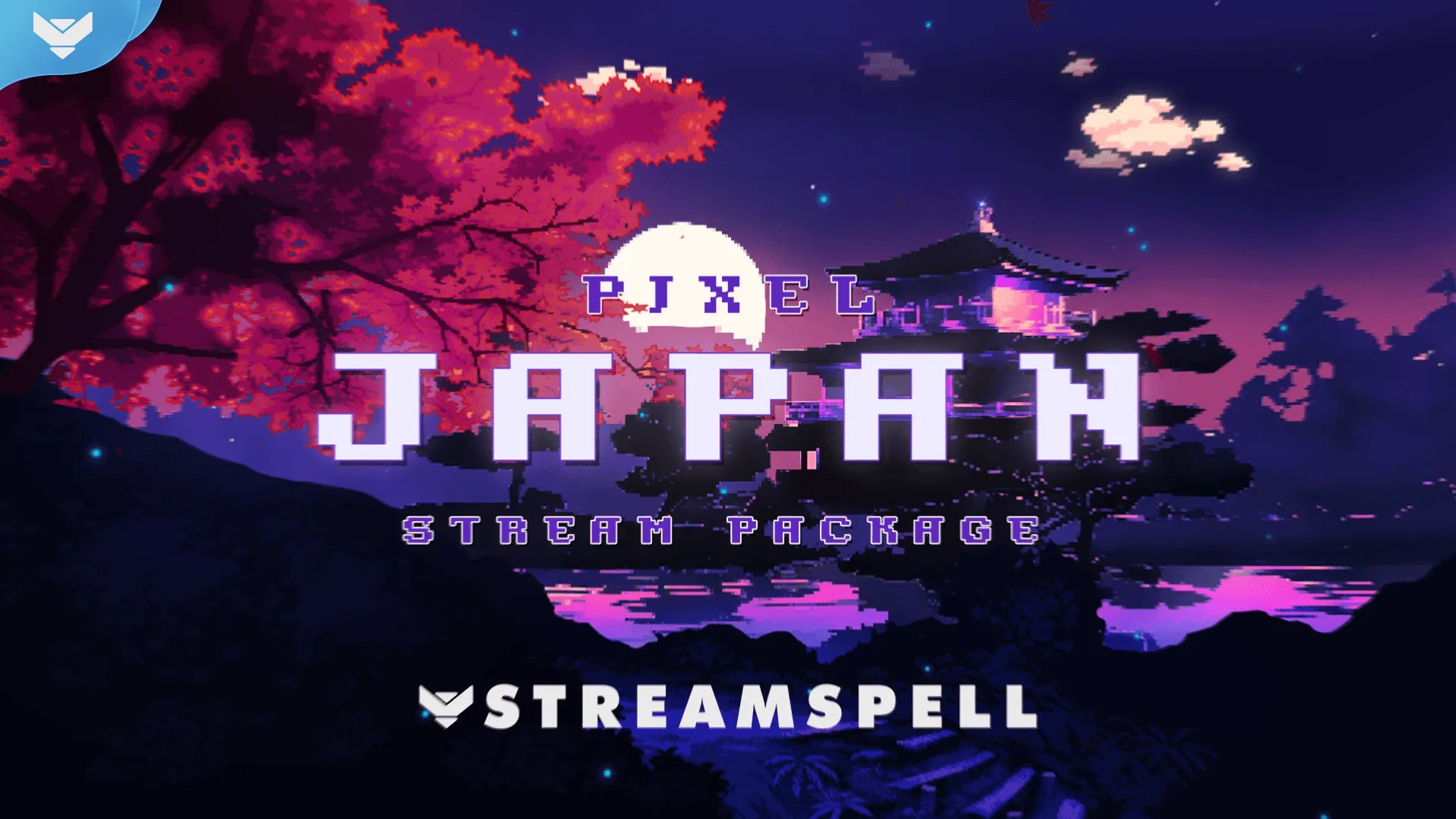
The current product preview shows a fully animated package for OBS Studio, Streamlabs Desktop, and StreamElements, with a separate free webcam-overlay option if you want to test the look first.
What is the Pixel Japan Stream Package?
Pixel Japan is a digital stream package built around Japanese landscape cues and pixel-art motion. The purple, blue, and pink palette keeps the scenes recognizable without overwhelming gameplay or a Just Chatting layout. The style fits retro games, pixel-art communities, cozy night streams, and creators who want a more distinctive alternative to a generic overlay.
The package is a StreamSpell design, not an official product or affiliation with any game, studio, or franchise. Games such as Spyro, Shovel Knight, and Eastward are aesthetic examples from the current product copy—not licensing claims.
Animated package vs. free webcam overlay
The product currently offers two clear choices:
Animated: the complete Pixel Japan Stream Package with animated screens, alerts, transition, webcam frame, labels, panels, social assets, source files, and setup guidance.
Free Webcam Overlay: a separate free 16:9 webcam overlay for trying the visual direction. It is not the full Pixel Japan package.
Use the free webcam overlay only when you want that single free asset. For the complete animated design, use the Pixel Japan Stream Package page and leave the paid Animated option selected.
What is included in the animated package?
The current storefront listing includes:
Animated horizontal and vertical screens for Starting Soon, Be Right Back, Ending, and Just Chatting.
An offline screen, animated alerts, a 16:9 webcam frame, event-slot labels, and an animated stinger transition.
A social media kit with a profile picture, banners, and stream panels.
PSD source files, fonts, icons, and a step-by-step setup guide.
The exact download contents and any reactive component availability remain subject to the current product delivery. The paid page is the source of truth before purchase.
Set up Pixel Japan in OBS Studio
After downloading the package, use the included setup guidance and add the supplied screens, alerts, webcam frame, labels, and transition as sources in OBS Studio:
Choose the Pixel Japan scene or screen you want to build.
Add the included media and image assets to the scene, keeping the webcam and labels above gameplay where needed.
Set your canvas and source dimensions to match the supplied horizontal or vertical layout.
Add the alert and transition assets, then run a private test recording before going live.
OBS Studio setup is a manual media-source workflow. The package does not require a universal one-click import.
Set up Pixel Japan in Streamlabs Desktop
Streamlabs users can use the supplied quick-install assets where available, then review the imported scenes and sources before streaming. Keep the pixel-art screens, alerts, labels, and webcam frame in the same visual direction so the layout stays readable.
If you use the package’s reactive overlays, remember that the reactive counters and trackers are a Streamlabs-only component. Do not expect that functionality to run in OBS Studio or StreamElements.
Use Pixel Japan with StreamElements and other apps
The storefront lists StreamElements, OBS Studio, Streamlabs Desktop, and Meld Studio as compatible software. Other apps can work when they support the supplied media sources, overlays, alerts, and transitions. Add the assets manually and confirm the scene output at your target resolution before publishing a live broadcast.
Is Pixel Japan right for your stream?
Choose Pixel Japan when you want one cohesive pixel-art system instead of mixing unrelated scenes. Its dual-output screens make it a practical fit for creators who publish both a main horizontal stream and vertical content. The free webcam overlay is a low-commitment way to test the palette; the paid package is the route for the full animated setup.
For a wider comparison, read our pixel-art stream package roundup, browse the Asian-inspired package guide, or compare the Streamlabs themes roundup.
Get the Pixel Japan Stream Package
Ready for the complete animated setup? View Pixel Japan Stream Package on the StreamSpell Store. The PDP has the current price, variant selection, media, delivery details, and compatibility information.
Need a different visual direction or a fully custom identity? Explore StreamSpell custom stream design for a separate branded project.
Extra Resources
Thank you for following the StreamSpell blog!
See you in the next post 💙
Level up your stream with practical guides for OBS, Twitch, YouTube and Stream Deck.

AI Stream Deck Profile Generator: Build Profiles Faster
Build Stream Deck profiles faster with Deck Smith, a free AI Stream Deck profile generator by StreamSpell.

40 Webcam Overlay Bundle by StreamSpell
Get 40 stream-ready webcam overlays with animated styles, color customization, and themes like anime, neon, RPG, cute, and more.

5 Strategies for Staying Motivated as a Content Creator
Take care of yourself with these quick tips for staying motivated throughout your content creation journey.
Browse All Articles
Browse Stream Overlays