VIEW DEALS

StreamSpell
World of Warcraft, Stream Deck Profile, Elgato Stream Deck, gaming controls, StreamSpell

Version 1.1 turns the World of Warcraft Stream Deck Profile + Icon Pack into a much larger control system for Azeroth. The update adds 260 emote and status buttons, dungeon and raid controls, character and collection shortcuts, travel tools and revised layouts for all seven supported Stream Deck devices.
What changed in World of Warcraft Stream Deck Profile 1.1?
This is StreamSpell’s full World of Warcraft control profile for Windows, built as a ready-to-import layout with coordinated static key artwork, organized pages and folders, and the matching StreamSpell Tools companion addon included with the product.
The profile does not automate gameplay. You press every Stream Deck key yourself, and each result still depends on the current game context, your character, account permissions, cooldowns and configured keyboard shortcuts.

The profile organizes World of Warcraft controls into clearly labeled pages and folders for faster visual access.
260 emote and status buttons
The largest addition is a library of 260 emote and status buttons organized into eight categories: Greet, Positive, Mocks, Combat, Roleplay, Pets+Ppl, Music and Flirt+Fun.
That expanded library sits alongside the wider profile, so you can move from social and roleplay actions to dungeon tools, character controls, travel shortcuts and everyday game menus without switching to a separate layout.
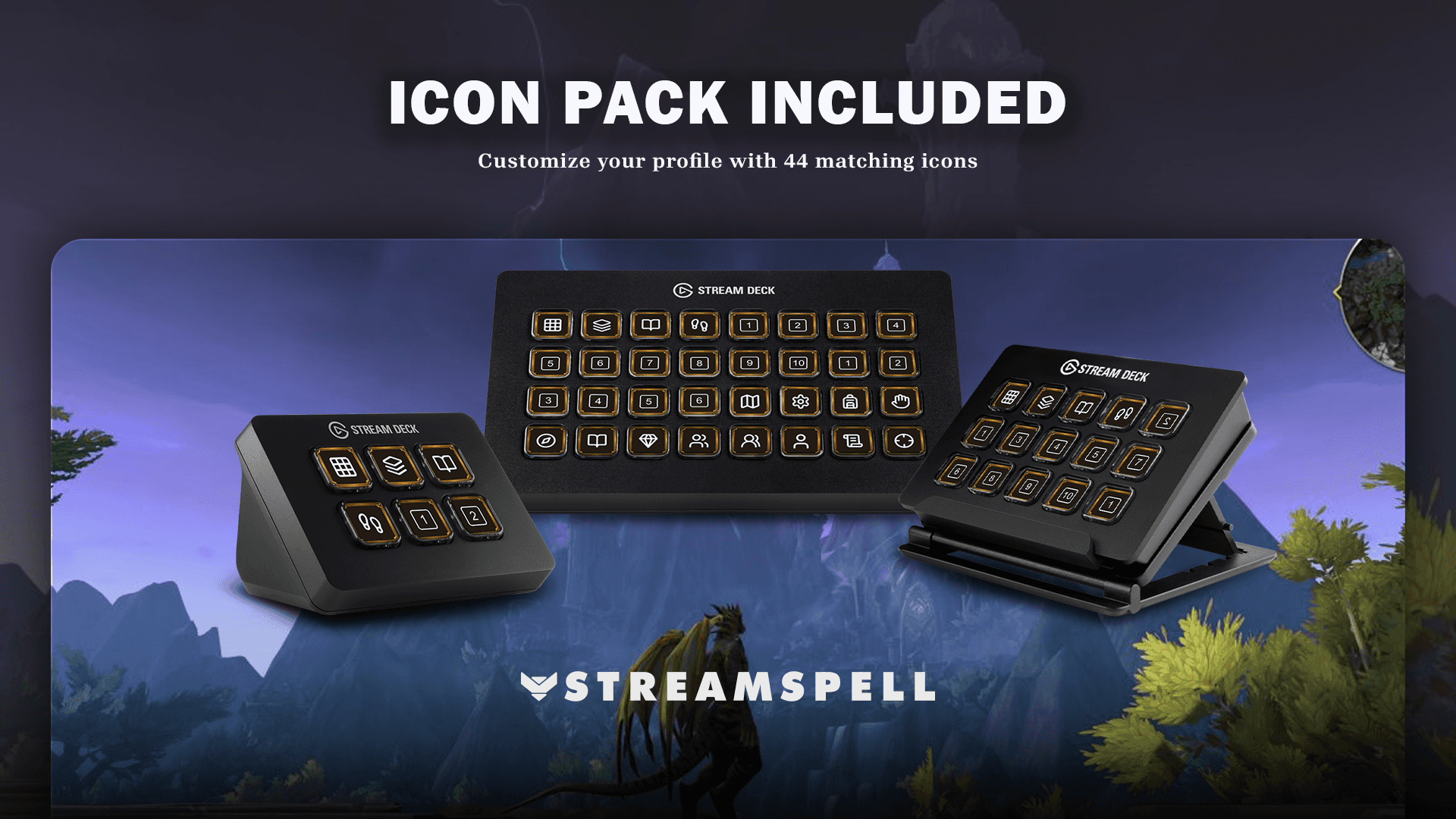
The matching static icon pack keeps individual actions, category pages and navigation keys visually consistent.
Dungeon, raid and PvP controls
Dungeon and Raid folders now include six queue-option buttons each, with messages when an option is unavailable. A separate PvP shortcut opens the in-game menu so you can choose the mode and confirm the queue manually; it does not bypass World of Warcraft’s queue restrictions.
Raiding tools for faster setup
Version 1.1 includes eight target markers, eight ground markers, marker-clearing controls, Ready Check and DBM pull timers for 5, 10, 15 and 20 seconds.
Ground markers still require mouse aiming and placement, and DBM must be installed for the pull-timer shortcuts. The controls put common group setup tools on clearly labeled Stream Deck keys while leaving all gameplay decisions and confirmations with the player.
Character, travel and collection shortcuts
Character controls
The profile includes ten equipment-set positions, four specialization positions, Copy Talents, talent import, a title picker and two profession shortcuts. Specialization buttons select class specializations rather than saved talent loadouts.
Travel, housing and account access
Quick-access controls cover War Mode, the in-game Great Vault window, Hearthstone, a random favorite mount, six housing positions and Leave Home. Available actions still depend on the character, account and current game state.
Collections
Dedicated shortcuts open Mounts, Pets, Toys, Heirlooms, Transmog and Campsites, plus a separate button for summoning a random companion pet.
Combat, movement and everyday shortcuts
Expanded combat and movement controls include target cycling, Set Focus, Target Focus, turning and Auto-Run. Everyday shortcuts cover bags, character, map, quests, spellbook, Adventure Guide, group finder, friends and the in-game shop.
Version 1.1 also improves navigation, category symbols and key labels. Red borders identify category and activity-menu keys, while gold borders identify most individual commands. The update also resolves shortcut conflicts and commands that previously failed to activate.
StreamSpell Tools companion addon
The product includes the matching StreamSpell Tools World of Warcraft addon and a profile shortcut that opens its CurseForge download page. Use matching profile and addon versions so the included commands stay aligned.
No individual user-created macros are required. If a shortcut does not respond, check for conflicts with /sst, confirm your current keyboard layout and compare any customized World of Warcraft or application bindings.
Compatible Stream Deck devices
Version 1.1 includes device-specific Windows profiles for Stream Deck Mini, Neo, MK2, +, +XL, XL and Corsair Galleon 100 SD. Smaller devices use additional folder pages so the included controls remain accessible. Dial controls are not included.
Requirements and setup
Use World of Warcraft Retail for Windows, Stream Deck software 7.1 or later and the matching StreamSpell Tools addon included with the product. DBM is required only for the pull-timer controls. macOS profile behavior has not been validated.
1. Download and extract the files
After purchase, download the latest product ZIP and extract it on your Windows computer. Open the folder for the Stream Deck model you use.
2. Import the correct profile
Double-click the matching .streamDeckProfile file and choose Install when Stream Deck asks for confirmation. Install the included matching addon and confirm both components use the current version.
3. Check your bindings and test the controls
Compare the imported shortcuts with your current bindings and test each action group in a safe context. Available options vary by class, character, account, group permissions, cooldowns and season. Emote controls are intended for use outside combat.
For the general import workflow, see Elgato’s official guide: Download and use Stream Deck Profiles.
Explore more gaming Stream Deck profiles
Compare this setup with other game-focused options in StreamSpell’s guide to Stream Deck Profiles for gamers.
Get the World of Warcraft Stream Deck Profile 1.1
See the current product details and get the World of Warcraft Stream Deck Profile + Icon Pack from StreamSpell.
Independent StreamSpell product. Not affiliated with, endorsed by or sponsored by Blizzard Entertainment. Game names and related trademarks belong to their respective owners.
Level up your stream with practical guides for OBS, Twitch, YouTube and Stream Deck.

AI Stream Deck Profile Generator: Build Profiles Faster
Build Stream Deck profiles faster with Deck Smith, a free AI Stream Deck profile generator by StreamSpell.

40 Webcam Overlay Bundle by StreamSpell
Get 40 stream-ready webcam overlays with animated styles, color customization, and themes like anime, neon, RPG, cute, and more.

5 Strategies for Staying Motivated as a Content Creator
Take care of yourself with these quick tips for staying motivated throughout your content creation journey.
Browse All Articles
Browse Stream Overlays