VIEW DEALS

StreamSpell
WoW XENEON

Keep Azeroth’s everyday controls on a separate touch panel. StreamSpell’s World of Warcraft profile for CORSAIR XENEON EDGE groups menus, raid tools, character shortcuts, travel and emotes into two Windows Virtual Stream Deck layouts.
This is the XENEON EDGE product for WoW Retail, not the emote-only Emotecraft pack. Its usefulness goes beyond opening bags: you can move between practical command groups while keeping a coordinated set of symbols and labels in view.
View World of Warcraft for Xeneon Edge on Elgato Marketplace.
From everyday menus to group preparation
Menu shortcuts cover character, bags, map, quests, spellbook and group finder. Travel and collection controls include Hearthstone, a favorite mount, housing positions, Mounts, Pets, Toys and Transmog. These are convenient entry points to the game’s own systems, not a separate collection tracker.
For group preparation, the profile includes target and ground markers, Ready Check and DBM pull timers. Dungeon and Raid folders organize queue options; the PVP shortcut opens the game menu so you can choose a mode and confirm manually. Queue buttons do not bypass game restrictions.
Character controls include equipment-set positions, specialization selection, talent copy/import, profession shortcuts, War Mode and the Great Vault. Emotes are organized by categories such as greetings, combat, roleplay and music, and are intended for use outside combat.

Two layouts, one organized control library
The download includes a 15-key profile arranged as 5 × 3 and a 32-key profile arranged as 8 × 4. Folders keep the included controls accessible in either layout. Match the virtual-device grid to the file you import: the profile does not change that grid automatically.
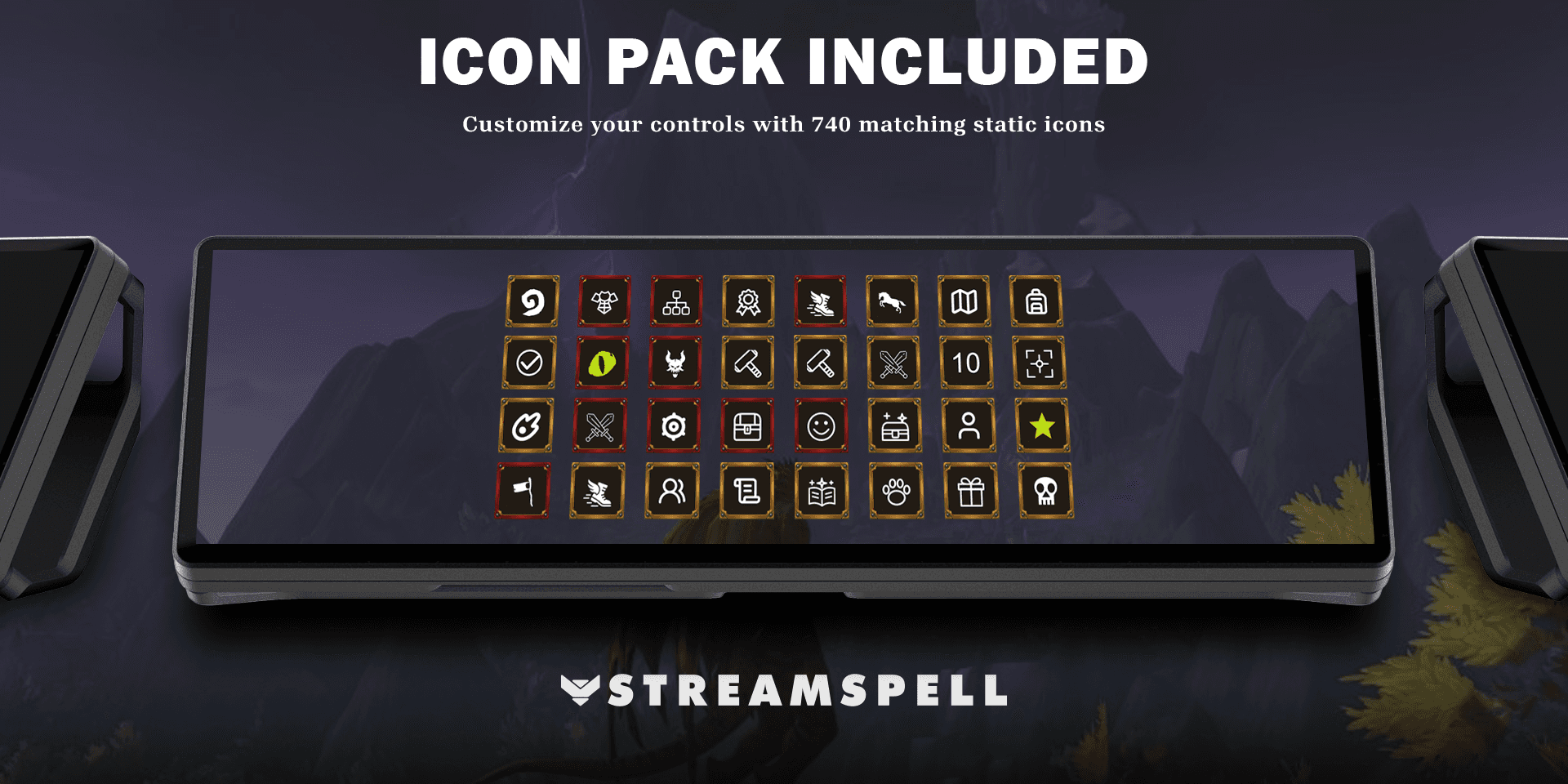
A key-mapping CSV, 740 matching icons and an installable Stream Deck icon pack are included. The artwork provides a consistent visual language when you rearrange the supplied pages for your own routine.
Setup guide: WoW Retail on XENEON EDGE
Use WoW Retail on Windows 11, a CORSAIR XENEON EDGE and the Elgato Stream Deck application with Virtual Stream Deck support.
Extract the download and import the XENEON profile file into Virtual Stream Deck. Choose the 15-key or 32-key layout, then set the grid to 5 × 3 or 8 × 4 respectively.
Install the free StreamSpell Tools addon from CurseForge, as required by the product. It applies the profile’s shortcuts in game, so individual manual key binding is not needed.
Check conflicts with /sst and test a simple menu shortcut before trying character or group actions. Install DBM if you want the pull-timer controls.
If you use the iCUE Stream Deck widget, the listing specifies Stream Deck 7.5.0 (22885) or newer, iCUE 5.48.58 or newer and XENEON EDGE firmware 5.48.1 or newer. A separate physical Stream Deck is not required for this XENEON EDGE setup.
Frequently asked questions
Does every command work for every character?
No. Availability depends on class, character, permissions, cooldowns and season. Ground markers still require mouse aiming. Personalized keyboard layouts or system shortcuts may require adjustment.
Is DBM required for everything?
The listing requires DBM for pull timers. StreamSpell Tools supplies the profile’s game shortcuts; the two addons serve different purposes.
Which grid should I choose?
Use 5 columns and 3 rows for the 15-key profile, or 8 columns and 4 rows for the 32-key profile. Choose the matching file rather than assuming a larger grid changes the smaller layout.
Get the XENEON EDGE profile
Review the current files and requirements, then get World of Warcraft for Xeneon Edge on Elgato Marketplace.
Independent StreamSpell product. Not affiliated with or endorsed by the game’s creators, CORSAIR or Elgato.
Level up your stream with practical guides for OBS, Twitch, YouTube and Stream Deck.

AI Stream Deck Profile Generator: Build Profiles Faster
Build Stream Deck profiles faster with Deck Smith, a free AI Stream Deck profile generator by StreamSpell.

40 Webcam Overlay Bundle by StreamSpell
Get 40 stream-ready webcam overlays with animated styles, color customization, and themes like anime, neon, RPG, cute, and more.

5 Strategies for Staying Motivated as a Content Creator
Take care of yourself with these quick tips for staying motivated throughout your content creation journey.
Browse All Articles
Browse Stream Overlays