VIEW DEALS

StreamSpell
WoW, NIGHTSWORD, Profiles

Put Azeroth’s everyday menus and character tools on the mouse you already use to play. This World of Warcraft profile for NIGHTSWORD v2 WIRELESS SD combines a compact Home page with a much wider library for equipment, travel, collections and group preparation.
View World of Warcraft for NIGHTSWORD v2 WL SD in the StreamSpell store.
Azeroth tools, not a combat rotation
The library includes ten equipment-set positions, four talent-position buttons, talent copy/import, Hearthstone, housing destinations and Leave Home. Menus cover bags, character, quests, friends, spellbook, Adventure Guide and the in-game shop.
Group tools include Dungeon, Raid and PvP entries, target markers, Ready Check and pull-timer entries. Collections cover Mounts, Pets, Toys, Heirlooms, Transmog and Campsites, with additional profession, title, mount, War Mode and Great Vault shortcuts. An included emote library sits alongside these utilities.
Opening Group Finder is not the same as automatically joining a group. You make the selection and confirmation in the game. These shortcuts do not supply a combat rotation or override character, profession, account or game-context restrictions.
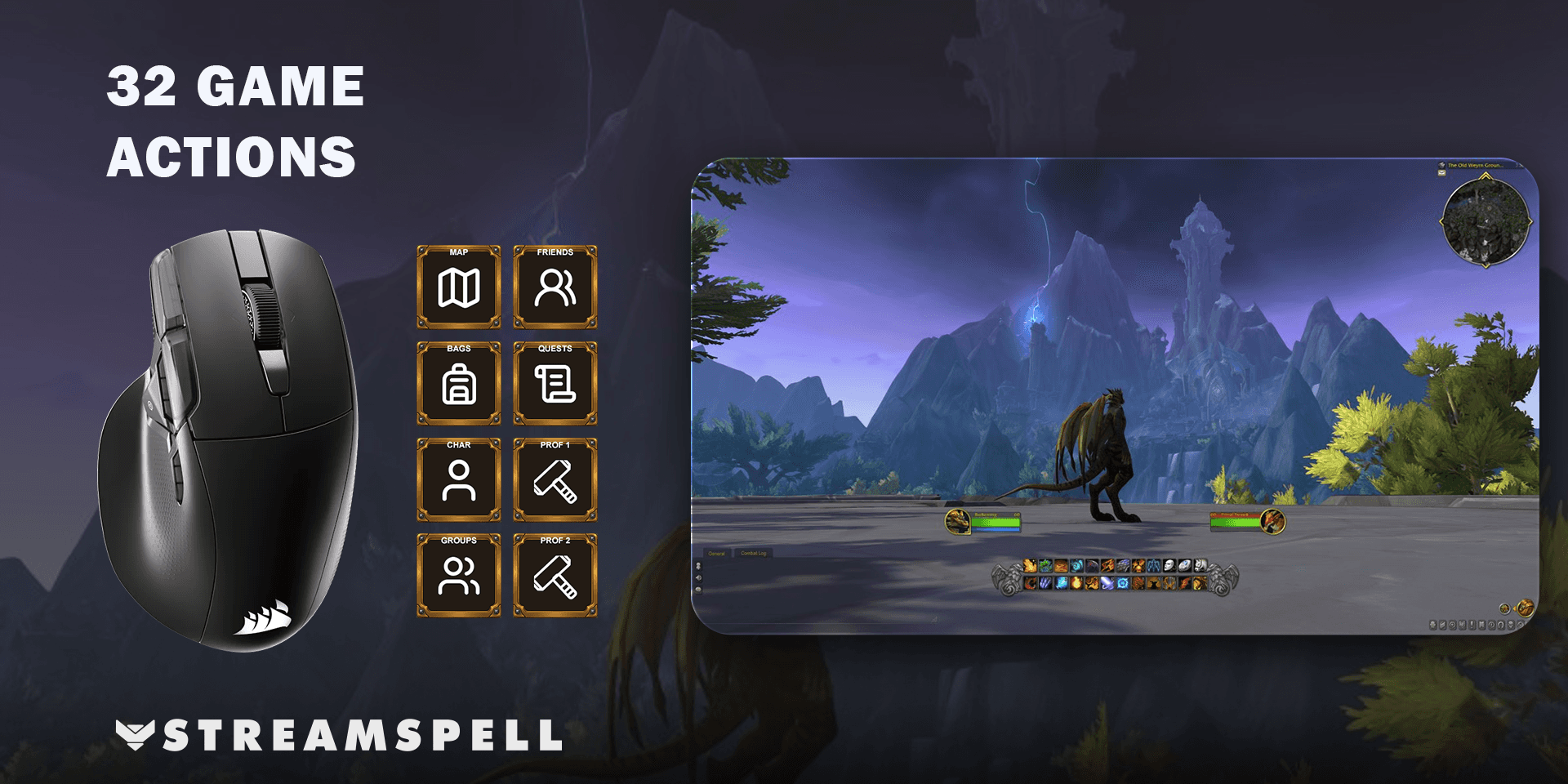
Home shortcuts and the full action library
The supplied Home page keeps 7 direct shortcuts beside an All Actions entry. All Actions leads to the complete library; Back and Next keep its additional pages reachable. The library is larger than the number of physical mouse buttons, so the download does not discard commands to fit the first page.
For a questing-focused Home page, prioritize Map, Bags and Quests; put less frequent collection or travel entries in the library. In the Stream Deck editor, copy the action you want from All Actions and paste it onto Home. Keep the navigation entry available if you still want to reach the rest of the collection.
What comes in this device-specific download?
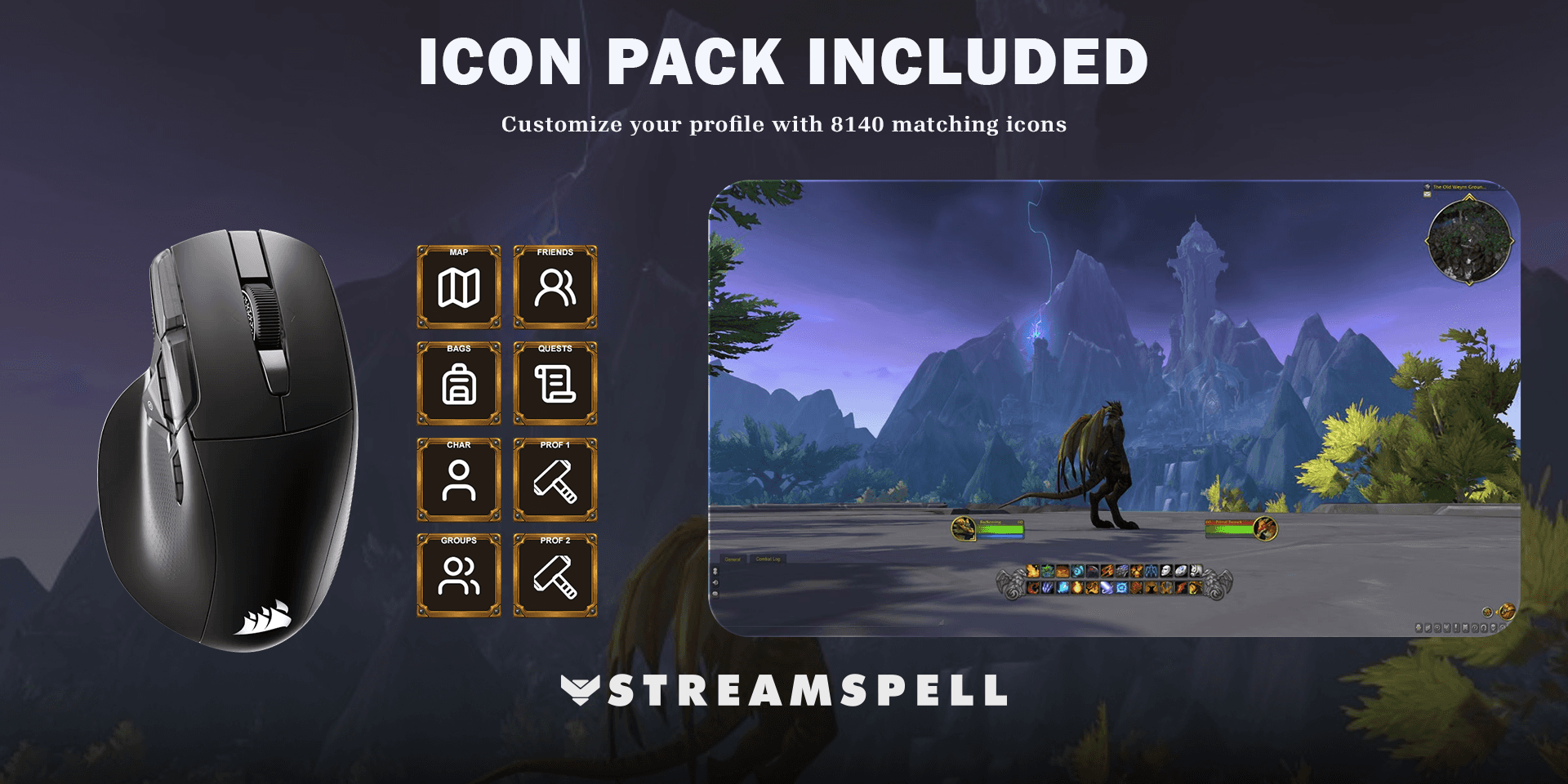
The download contains one Windows profile for NIGHTSWORD v2 WIRELESS SD, a CSV file with key mappings, an installable Stream Deck icon pack and 8,140 matching icons. The artwork helps edited or newly arranged keys stay consistent with the supplied profile.
Icons provide the visual labels; the configured Stream Deck actions send the inputs. Installing the icon pack by itself does not configure the game commands.
Setup guide: World of Warcraft on NIGHTSWORD
Connect the NIGHTSWORD v2 WIRELESS SD by USB cable or its 2.4 GHz receiver, then open the current Elgato Stream Deck app and select the mouse. CORSAIR documents the connection and device selection in its NIGHTSWORD manual.
Download this device-specific product from the StreamSpell store and extract the ZIP.
Open its .streamDeckProfile file and confirm Install. Select the imported profile for the matching mouse in Stream Deck.
Read the supplied key-mapping CSV and check the game-specific requirements below.
Try one ordinary command in a safe game context, then review Home and All Actions before relying on the shortcuts during play.
Use World of Warcraft Retail on Windows and install the free StreamSpell Tools addon from CurseForge, as required by this product. The addon supplies the custom shortcut routes; they are not ordinary default WoW bindings. With it installed, manual in-game binding is not required for those routes. Check conflicts with /sst and verify profession shortcuts on the character you use.
Keep the Stream Deck app running. This is a software-driven Stream Deck profile, not an iCUE hardware-memory profile or a new mouse firmware. For the general file-import process, use Elgato's profile installation guide.
Frequently asked questions
Do I need StreamSpell Tools?
Yes. The product requires that World of Warcraft addon for its included custom shortcut routes. It is not the Spellcast desktop companion used by some iCUE widgets.
Will the group shortcuts queue for me?
No. Group Finder opens the relevant menu for your own selection and confirmation. Context and eligibility still come from World of Warcraft.
Can I use a different CORSAIR mouse?
This download is made for NIGHTSWORD v2 WIRELESS SD. Do not assume the older NIGHTSWORD RGB has the same native Stream Deck integration. Choose the product made for your actual device.
Get the World of Warcraft NIGHTSWORD profile
Check the current contents and requirements, then get World of Warcraft for NIGHTSWORD v2 WL SD from StreamSpell. This link is for this mouse version, not the standard multi-device bundle.
Independent StreamSpell product. Not affiliated with or endorsed by the game’s creators, CORSAIR or Elgato. Software and hardware are not included.
Level up your stream with practical guides for OBS, Twitch, YouTube and Stream Deck.

AI Stream Deck Profile Generator: Build Profiles Faster
Build Stream Deck profiles faster with Deck Smith, a free AI Stream Deck profile generator by StreamSpell.

40 Webcam Overlay Bundle by StreamSpell
Get 40 stream-ready webcam overlays with animated styles, color customization, and themes like anime, neon, RPG, cute, and more.

5 Strategies for Staying Motivated as a Content Creator
Take care of yourself with these quick tips for staying motivated throughout your content creation journey.
Browse All Articles
Browse Stream Overlays