VIEW DEALS

StreamSpell
Warframe Stream Deck Profile + Icon Pack, Stream Deck Profiles, Stream Deck Icons

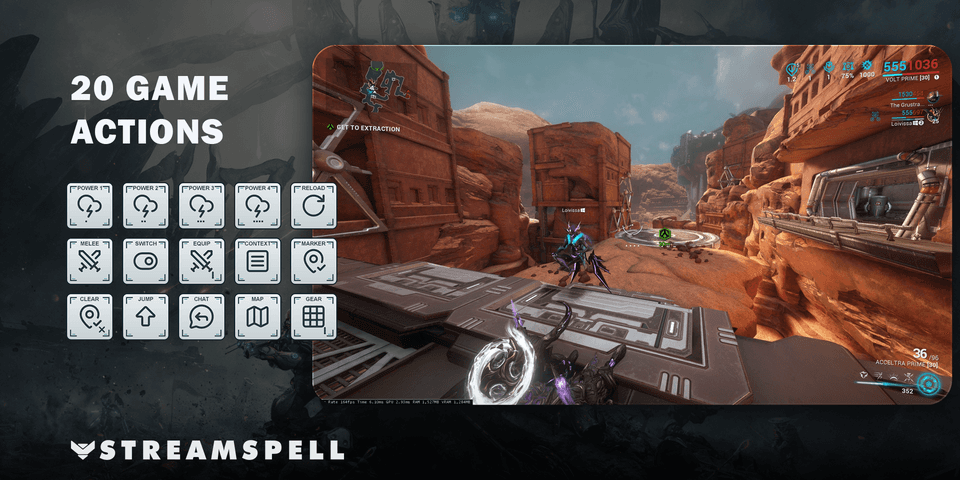
Put your four Warframe abilities, equipment shortcuts and mission utilities into organized Stream Deck folders. The profile uses light action keys and dark category keys to distinguish commands from navigation while keeping 20 keyboard shortcuts within reach.
Hold behavior is part of the control scheme. Quick Mission Progress and other held actions stay active while you hold the Stream Deck key, then release their keyboard input when you let go. Gear-wheel choices and chat text remain manual, so the profile complements your gameplay rather than running it.
View Warframe Stream Deck Profile + Icon Pack on Elgato Marketplace.
Features and controls
Abilities: Use Ability 1, Use Ability 2, Use Ability 3, Use Ability 4.
Combat: Reload Weapon, Melee Attack, Switch Primary / Secondary, Equip Melee Weapon, Context Action, Place Marker, Remove Marker.
Movement: Jump, Crouch While Held, Toggle Crouch.
Utility: Open Chat, Toggle Shoulder View, Open Fullscreen Map, Open Static Map, Quick Mission Progress, Open Gear Wheel.
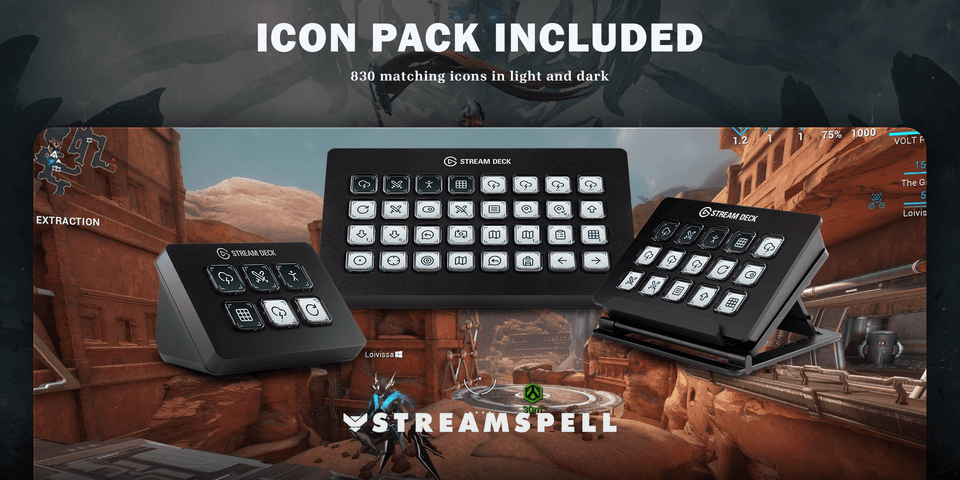
Includes seven Windows .streamDeckProfile files, an installable .streamDeckIconPack, 830 static PNG icons (144 × 144) covering both colour variants, and Key-Mapping.csv.
Compatibility: Stream Deck Mini, Neo, MK2, +, + XL, XL and CORSAIR Galleon 100 SD; Windows; Stream Deck app with the Elgato Key Logic action available. No additional game mods required.
Uses the default PC keyboard bindings. Hold the Stream Deck key for held actions, including Quick Mission Progress (Tab). Release it to release the keyboard input. Gear Wheel selections and chat text are completed manually in game. No gameplay macros.
Import and check your layout
Choose the profile file for your supported device and import it into the Stream Deck application. Keep the original download so you can return to the supplied layout after personalizing your buttons.
Compare the supplied actions with your current game or application bindings. Check commands in their intended context before relying on them during a session.
For the import process, see Elgato’s official guide to downloading and using profiles.
Get Warframe Stream Deck Profile + Icon Pack on Elgato Marketplace
Check the current listing for the included files, device compatibility and setup requirements, then get Warframe Stream Deck Profile + Icon Pack. The linked product is the exact StreamSpell Marketplace listing described in this guide.
Level up your stream with practical guides for OBS, Twitch, YouTube and Stream Deck.

AI Stream Deck Profile Generator: Build Profiles Faster
Build Stream Deck profiles faster with Deck Smith, a free AI Stream Deck profile generator by StreamSpell.

40 Webcam Overlay Bundle by StreamSpell
Get 40 stream-ready webcam overlays with animated styles, color customization, and themes like anime, neon, RPG, cute, and more.

5 Strategies for Staying Motivated as a Content Creator
Take care of yourself with these quick tips for staying motivated throughout your content creation journey.
Browse All Articles
Browse Stream Overlays