VIEW DEALS

StreamSpell
WARDOGS, Stream Deck Profile, Stream Deck Icons, Gaming Controls

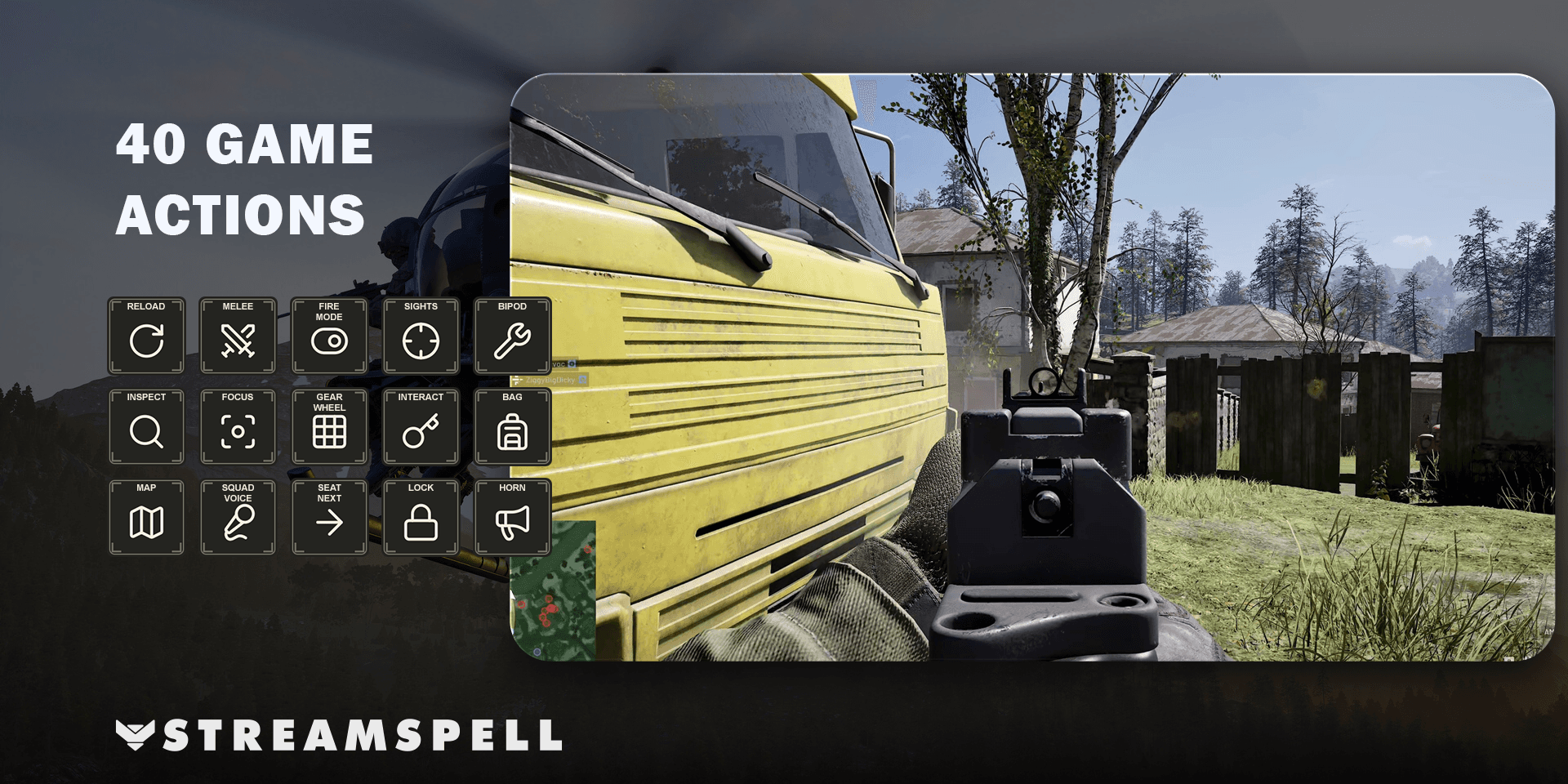
Keep WARDOGS combat, vehicle and utility shortcuts organized on your Stream Deck. StreamSpell's WARDOGS Stream Deck Profile + Icons brings 40 keyboard actions into a layout with distinct category and action colors, making the next control easier to identify at a glance.
See the WARDOGS Stream Deck Profile + Icons on Elgato Marketplace.
Combat and equipment controls
The Combat category groups reload, melee bash, fire-mode and sight changes, bipod mounting or folding, item inspection and holstering. It also includes zeroing adjustments and steady aim/hold breath.
Equipment controls open the equipment wheel and select the included quick slots. Equipment selections themselves are completed manually in the game, so opening a wheel should not be confused with automatically choosing an item.
A separate home for vehicle commands
The vehicle shortcuts cover changing seats, locking or unlocking the vehicle, activating countermeasures, buying ammunition or supplies, deploying a supply crate, sounding the horn, cycling vehicle weapons and switching vehicle camera mode.
Keeping these commands together gives them a different visual context from your on-foot equipment keys. You still choose when to use each command and complete the relevant actions in the game.
Utility, communication and movement
Utility keys include interaction, inventory, the tactical map and map recentering, chat, squad and proximity push-to-talk, and the pause menu. The profile also includes jump/deploy parachute, crouch/cut parachute and go prone.
Chat opens the game's input; it does not write or submit a message for you. For hold actions, press and hold the Stream Deck key through Key Logic rather than treating every action as a quick tap.
Supported devices and included artwork
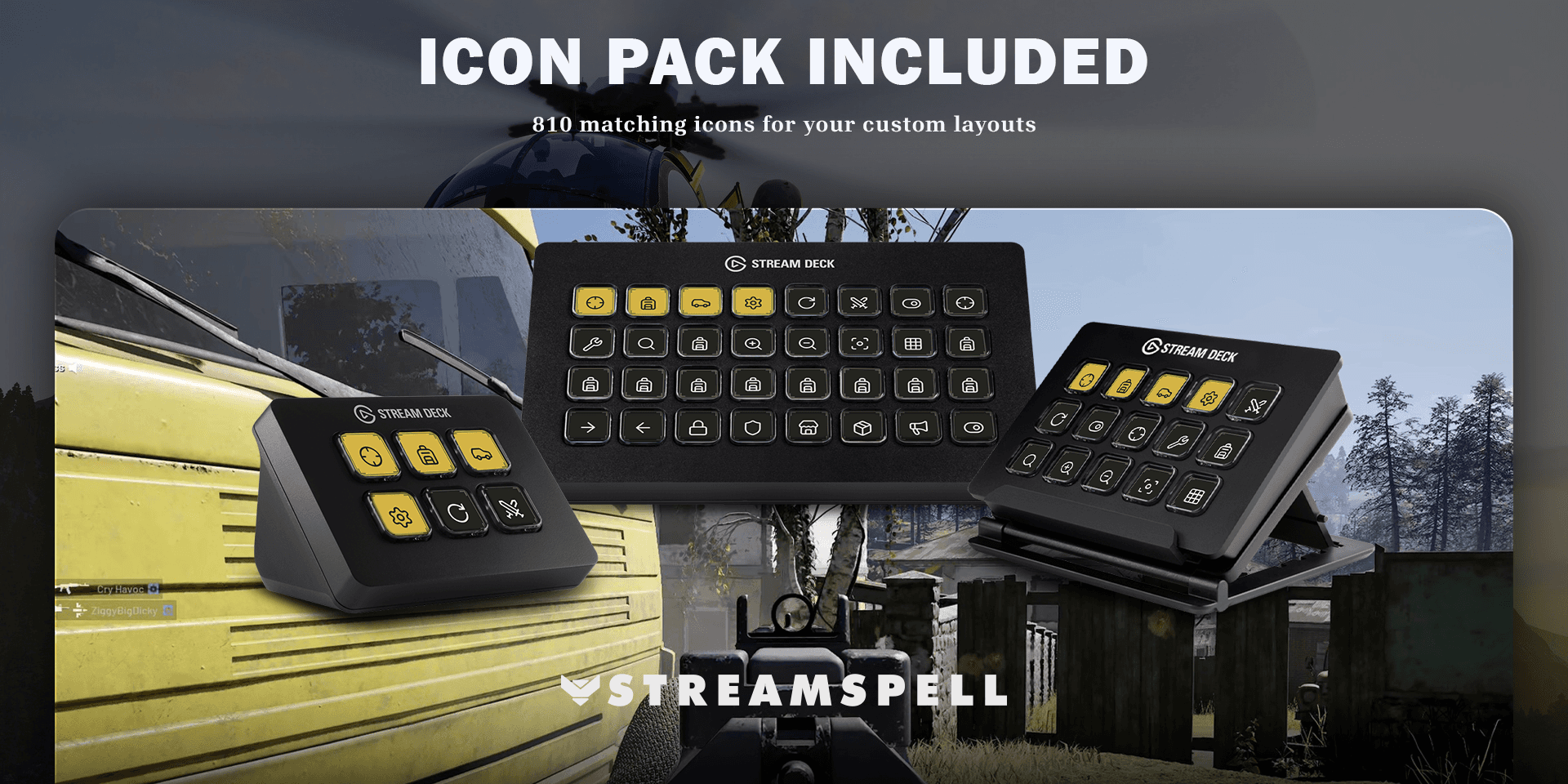
Seven Windows profiles support Stream Deck Mini, Neo, MK2, +, + XL, XL and CORSAIR Galleon 100 SD. Choose the file for your device and import it into the Stream Deck application.
The download includes seven .streamDeckProfile files, an installable .streamDeckIconPack, 810 static 144 × 144 PNG icons in both color variants and Key-Mapping.csv. The yellow category buttons and dark action keys keep navigation visually distinct from individual commands.
Setup before your next session
Use the Windows game with its default keyboard bindings and the Stream Deck application. No additional game mods are required. Open WARDOGS before using the profile, import the matching device layout, then compare your controls with Key-Mapping.csv if you have changed the defaults.
Start by testing an ordinary utility command, then check equipment, combat and vehicle shortcuts in the appropriate context. Pay particular attention to the hold actions so you know which keys should remain pressed.
WARDOGS profile questions
Are equipment choices automatic?
No. The profile exposes the included keyboard shortcuts; equipment-wheel selections and chat are completed manually in the game.
Do I need a game mod?
No additional game mods are required. The product uses the Windows game and the Elgato Stream Deck application, with Key Logic for hold actions.
Get the profile on Elgato Marketplace
Check the current product details and supported devices, then get the WARDOGS Stream Deck Profile + Icons.
For importing the files, see Elgato's official profile guide. Compare more options in StreamSpell's guide to gaming Stream Deck profiles.
Level up your stream with practical guides for OBS, Twitch, YouTube and Stream Deck.

AI Stream Deck Profile Generator: Build Profiles Faster
Build Stream Deck profiles faster with Deck Smith, a free AI Stream Deck profile generator by StreamSpell.

40 Webcam Overlay Bundle by StreamSpell
Get 40 stream-ready webcam overlays with animated styles, color customization, and themes like anime, neon, RPG, cute, and more.

5 Strategies for Staying Motivated as a Content Creator
Take care of yourself with these quick tips for staying motivated throughout your content creation journey.
Browse All Articles
Browse Stream Overlays