VIEW DEALS

StreamSpell
Warcraft III Reforged, Stream Deck Profile, Stream Deck Icons, RTS Controls

Give Warcraft III Reforged orders, control groups and hero tools a consistent place on your Stream Deck. StreamSpell's Warcraft III Reforged Stream Deck Profile + Icons organizes 52 Classic keyboard shortcuts with charcoal stone action keys and gold category keys.
See the Warcraft III Reforged Stream Deck Profile + Icons on Elgato Marketplace.
Use the Classic keyboard preset
This profile expects the game's Classic keyboard preset with unmodified bindings. Custom maps and remapped controls can behave differently, so check the preset and the supplied Key-Mapping.csv before treating a button as ready to use.
The controls send single shortcuts. They are not automated build orders or gameplay macros, and they do not replace unit selection, targeting or your tactical decisions.
Orders and control groups
Orders include move, attack/attack-move, stop, hold position, patrol, attack ground, the build menu, rally points and cancellation of the current order or menu.
The Groups category includes selection and assignment for groups 1–9 and 0, plus next and previous subgroup. Assign a control group before trying to recall it; the key cannot know which units you intended to put in a group.
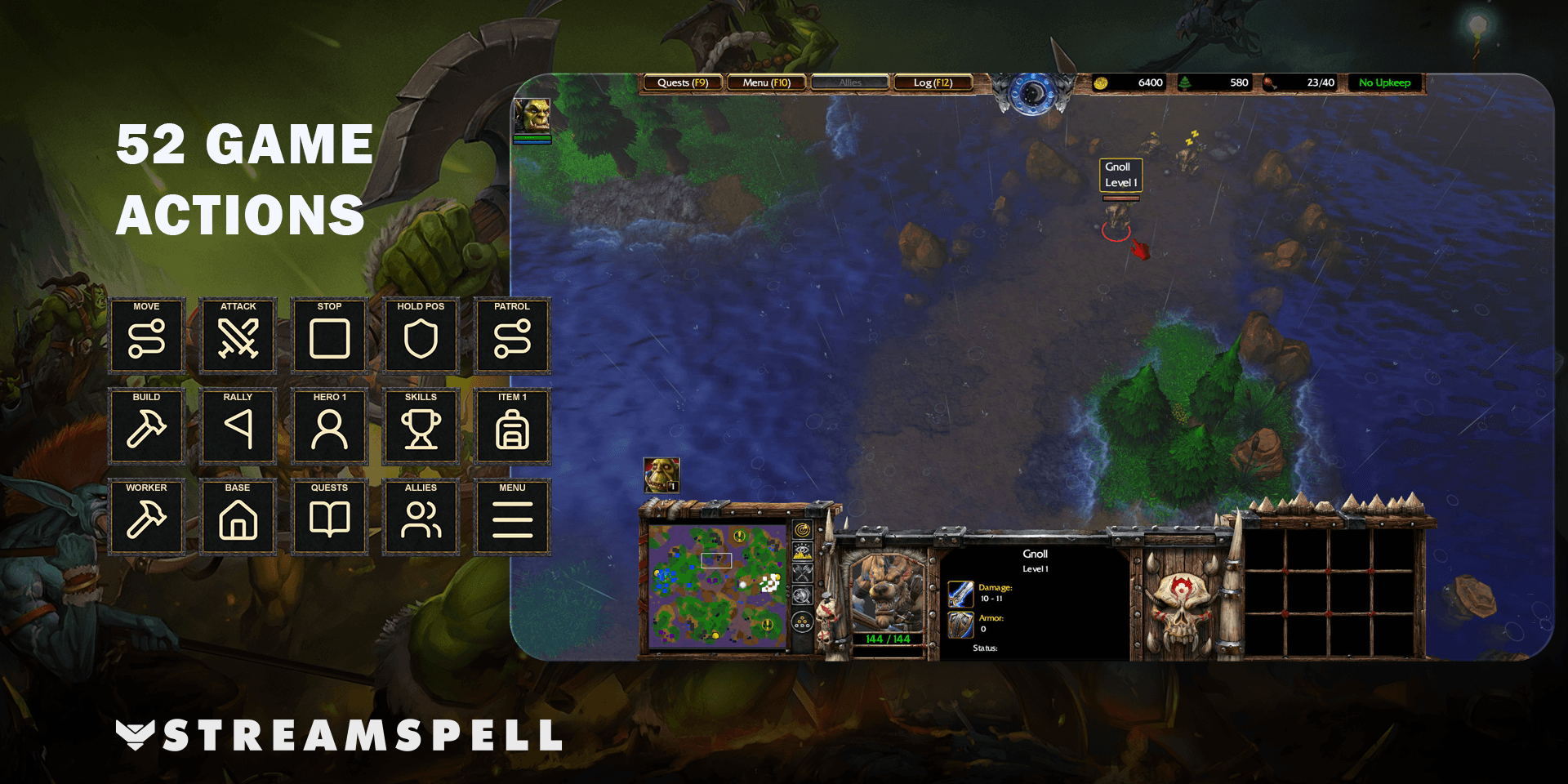
Heroes, inventory and camera tools
Hero shortcuts select your first, second or third hero and open hero abilities. Inventory buttons use the six inventory slots through numeric-keypad bindings. Complete skill choices and item targeting manually in the game.
Camera controls cover the next idle worker, cycling town halls, the last notification, left/right rotation and zoom. Hold camera rotation keys and release them to return to the normal view. Quest log, game menu, allies and message log are grouped separately under Menus.
Seven device layouts and 810 icons
Seven Windows profiles support Stream Deck Mini, Neo, MK2, +, + XL, XL and CORSAIR Galleon 100 SD. Choose the file for your device and import it into the Stream Deck application.
The package includes an installable .streamDeckIconPack, 810 static PNG icons at 144 × 144 pixels in both color variants, and Key-Mapping.csv. Gold category keys distinguish the navigation from individual orders and utility controls.
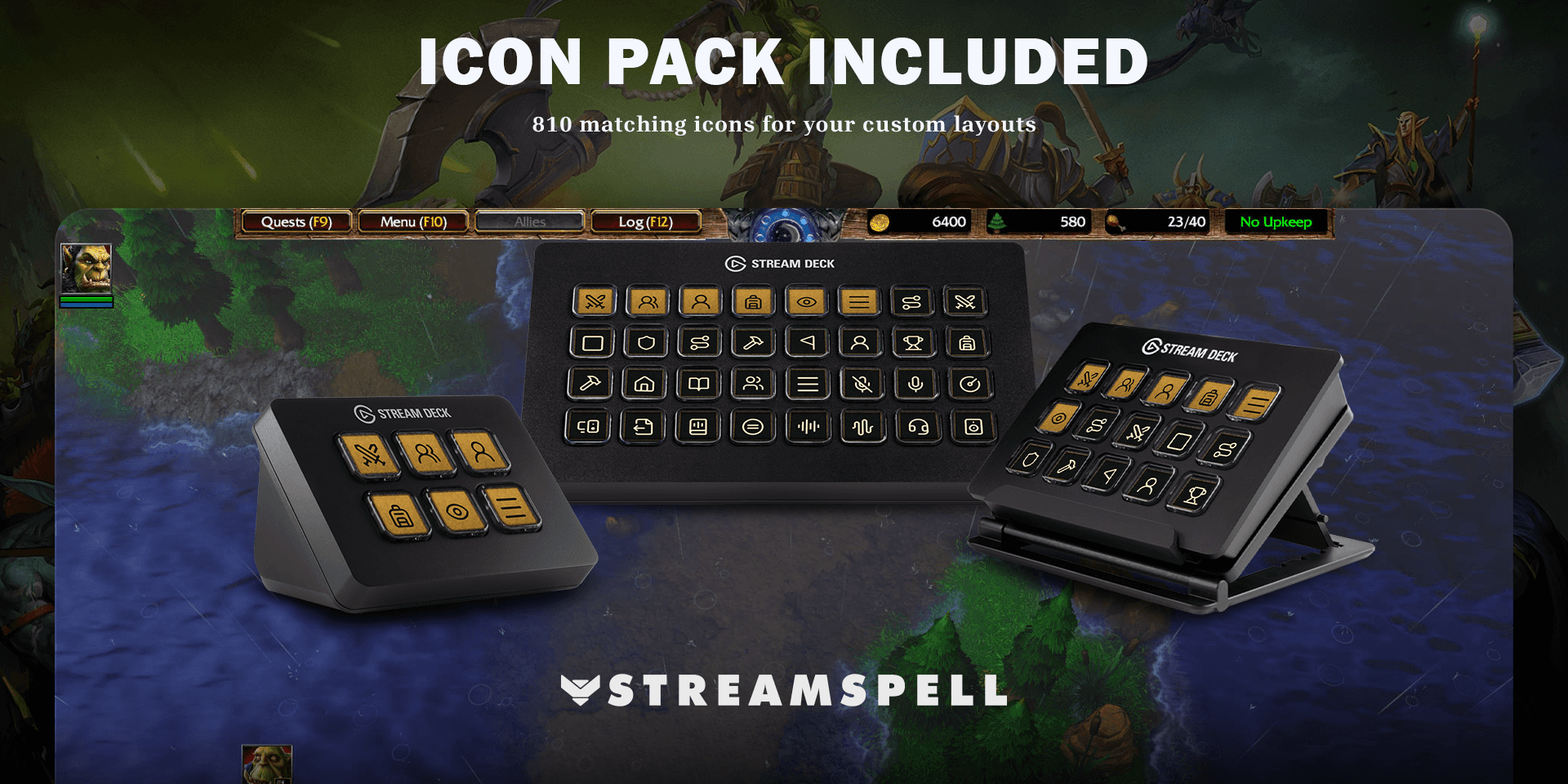
Set up and test the profile
Use Windows and the Stream Deck application with the Elgato Key Logic action available. No additional game mods are required. Import your device's layout, choose the Classic preset in Warcraft III Reforged, and compare the included keyboard mapping with your game settings.
Select the units, hero or building you want to control before issuing an order. Complete targeting and structure placement manually. A useful first check is selecting a unit and testing Stop or Hold Position before moving through groups, hero controls and inventory actions.
Warcraft III profile questions
Will it build a base automatically?
No. The profile sends individual keyboard shortcuts. Build placement, targeting and gameplay decisions remain manual.
Why does an inventory key behave differently on my setup?
The supplied inventory bindings use the numeric keypad. Check the mapping and your keyboard preset, particularly if you have changed the game's controls or are playing a custom map.
Get the profile on Elgato Marketplace
Check the current product details and supported devices, then get the Warcraft III Reforged Stream Deck Profile + Icons.
For importing the files, see Elgato's official profile guide. Compare more options in StreamSpell's guide to gaming Stream Deck profiles.
Level up your stream with practical guides for OBS, Twitch, YouTube and Stream Deck.

AI Stream Deck Profile Generator: Build Profiles Faster
Build Stream Deck profiles faster with Deck Smith, a free AI Stream Deck profile generator by StreamSpell.

40 Webcam Overlay Bundle by StreamSpell
Get 40 stream-ready webcam overlays with animated styles, color customization, and themes like anime, neon, RPG, cute, and more.

5 Strategies for Staying Motivated as a Content Creator
Take care of yourself with these quick tips for staying motivated throughout your content creation journey.
Browse All Articles
Browse Stream Overlays