VIEW DEALS

StreamSpell
Total War Warhammer 3, Stream Deck Profile, Stream Deck Icons, Strategy Games

Keep campaign management and battlefield commands in separate, recognizable places on your Stream Deck. StreamSpell's Total War Warhammer 3 Stream Deck Profile + Icons provides 52 keyboard shortcuts, seven Windows device layouts and a matching icon pack.
See the Total War Warhammer 3 Stream Deck Profile + Icons on Elgato Marketplace.
Campaign controls between battles
The Campaign category includes end turn, quick save and quick load, selected overview, garrison, the building browser, unit and hero recruitment, treasury, and panning to the capital.
It also includes character movement speed, settlement labels, auto merge units and campaign overlay options. These commands give frequently used campaign panels a visual home without replacing the choices you make inside those panels.
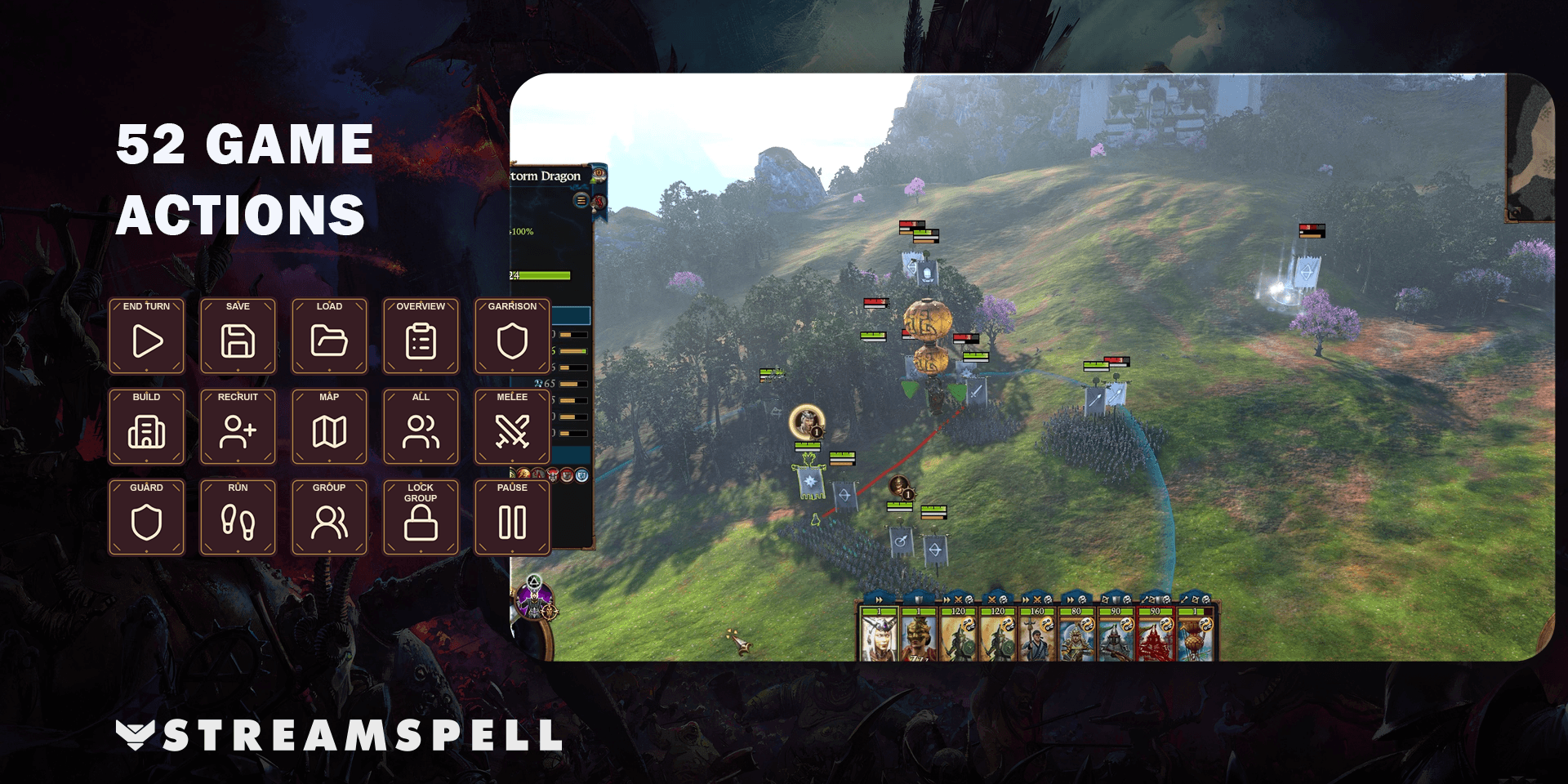
Battle orders and unit selection
Battle shortcuts select all units or specific unit types: artillery, melee infantry, cavalry and missile infantry. You can also deselect units, switch melee or guard mode, toggle run/walk, withdraw selected units, pause where the game permits it, group or ungroup units, and lock or unlock formation.
Campaign and battle commands have different contexts. Choose the matching category rather than expecting a command from one part of the game to work everywhere. Battle pause remains subject to game mode and difficulty.
Control groups and utility tools
The Groups category creates and selects groups 1–9. Create a group first so its selection key has a meaningful target. The profile does not decide which units belong together.
Utility shortcuts cover the tactical/strategic map, user interface, music, sound effects, a standard ping, third-person unit camera and intelligent camera zoom. They complement the campaign and battle pages while keeping common presentation tools in their own category.
Seven Windows profiles and matching icons
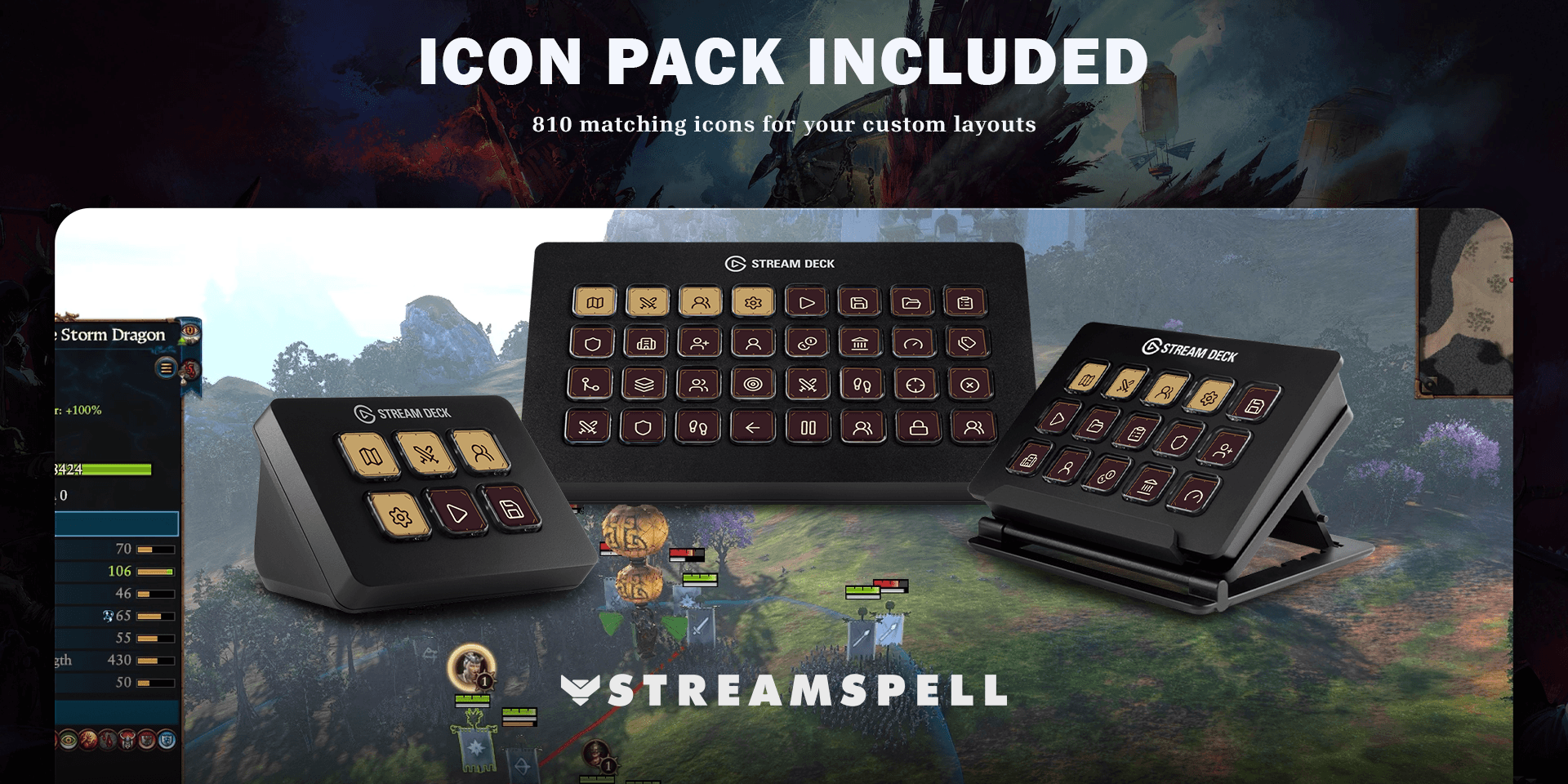
Seven Windows profiles support Stream Deck Mini, Neo, MK2, +, + XL, XL and CORSAIR Galleon 100 SD. Choose the file for your device and import it into the Stream Deck application.
The package includes seven .streamDeckProfile files, an installable .streamDeckIconPack, 810 static PNG icons at 144 × 144 pixels in both color variants, and Key-Mapping.csv. Distinct category and action colors make navigation easier to identify.
Setup and important limits
Use the standard keyboard bindings in the Windows game and the Elgato Stream Deck application. No additional game mods are required. Import the layout for your device, review Key-Mapping.csv, and check any bindings you have customized.
Hold actions use Key Logic. Before relying on the layout, test campaign buttons on the campaign map and battle buttons during an appropriate battle. The product provides keyboard shortcuts rather than gameplay macros.
Total War profile questions
Can I pause every battle with the profile?
No. The shortcut does not override the game mode or difficulty's pause restrictions.
Why does a group-selection button do nothing?
The corresponding group needs to exist first. Assign the units in the game before using that group's selection shortcut.
Get the profile on Elgato Marketplace
Check the current product details and supported devices, then get the Total War Warhammer 3 Stream Deck Profile + Icons.
For importing the files, see Elgato's official profile guide. Compare more options in StreamSpell's guide to gaming Stream Deck profiles.
Level up your stream with practical guides for OBS, Twitch, YouTube and Stream Deck.

AI Stream Deck Profile Generator: Build Profiles Faster
Build Stream Deck profiles faster with Deck Smith, a free AI Stream Deck profile generator by StreamSpell.

40 Webcam Overlay Bundle by StreamSpell
Get 40 stream-ready webcam overlays with animated styles, color customization, and themes like anime, neon, RPG, cute, and more.

5 Strategies for Staying Motivated as a Content Creator
Take care of yourself with these quick tips for staying motivated throughout your content creation journey.
Browse All Articles
Browse Stream Overlays