
VIEW DEALS
Night Realm — Elden Ring Nightreign Overlays for Streamlabs & OBS
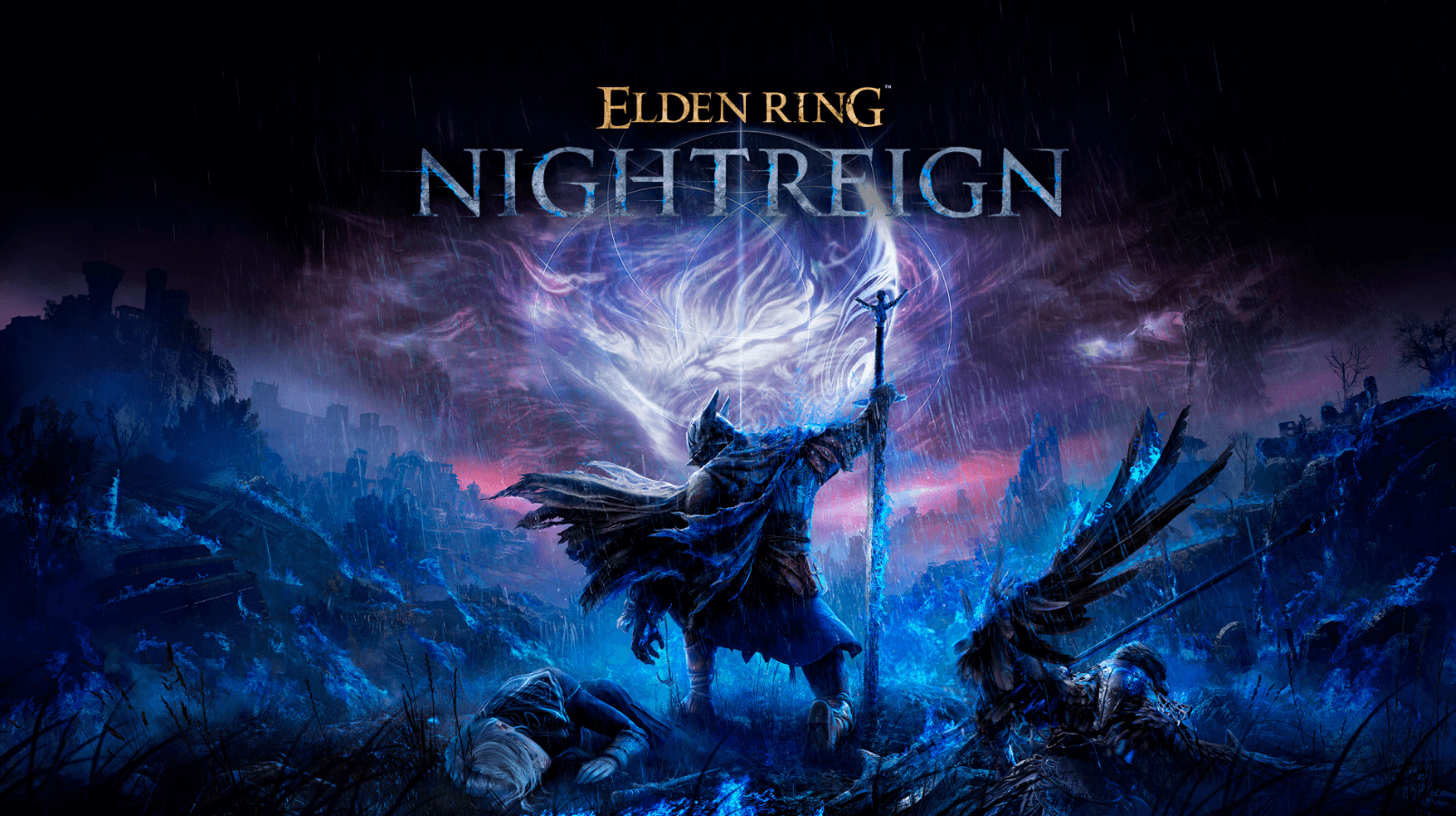
Elden Ring Nightreign drops on May 30, 2025. If you plan to stream it, your channel should look the part. Night Realm is a new StreamSpell package built around the game's darker look—clean frames, subtle animations, and easy one-click install. Below is a quick guide to what it does and how to set it up fast.
⚡ New from StreamSpell: Deck Smith — AI-powered Stream Deck Profile Builder. Type one prompt, get a download-ready profile for any device. Try it free →
Why Use Night Realm by StreamSpell?
Clear branding
Viewers can tell at a glance you're streaming Elden Ring Nightreign!
Professional Look
Matching webcam overlays, alerts, widgets and panels make small channels be remembered.
Better Retention
Custom animations for alerts, chat messages, goal bars and event lists turn routine broadcasts into highlights people remember.
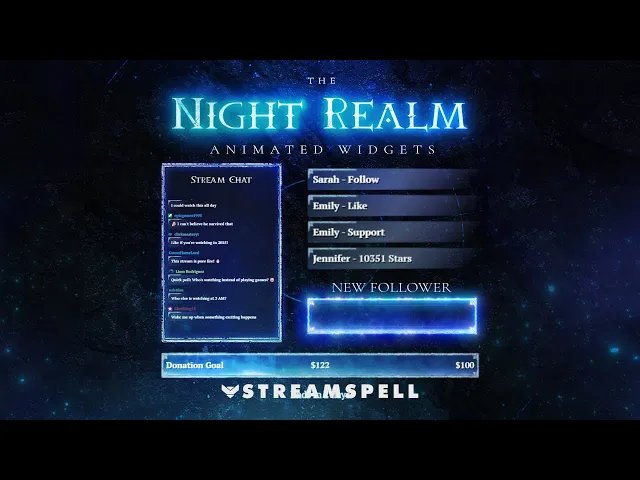
Here's a full preview of our new stream package for Elden Ring, directly from StreamSpell's official YouTube channel!
Why StreamSpell Overlays Stand Out
Sharp artwork – All assets are built for 1080p and 4K, so they stay clear on any monitor.
Plug-and-play setup – Works with OBS, Streamlabs, and XSplit; import the file and you're live.
Flexible tweaks – Colors, text, and animations are easy to adjust if you want a personal twist.
Dual-Output Support for Multistreaming - Need vertical streams to show off your overlays on TikTok or Instagram? We got you covered!
Real support – Need help? Our team answers setup questions directly on our Discord server.
Curious about other styles? Browse more options on our stream package homepage. You can find cool aesthetics such as neon, lofi, viking, cute, anime and a lot more!
What is included in The Night Realm Stream Package?
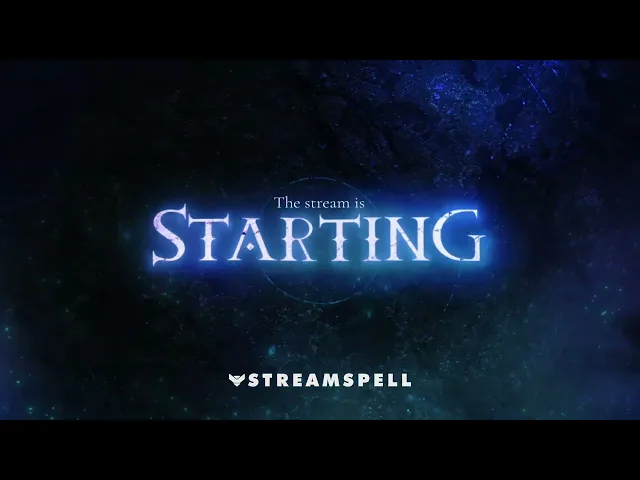
Animated scenes for Streamlabs & OBS (Starting, BRB, Ending, Gameplay)
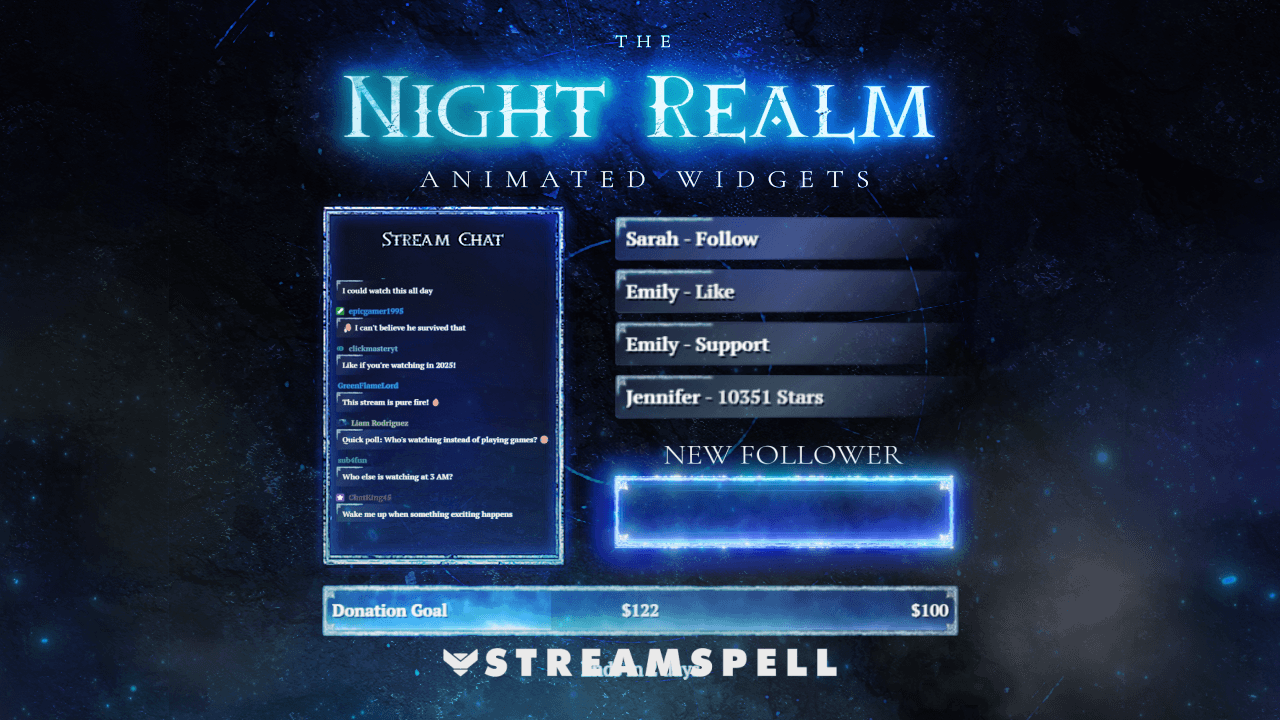
Animated webcam, chat box, event list, goal bars and alerts
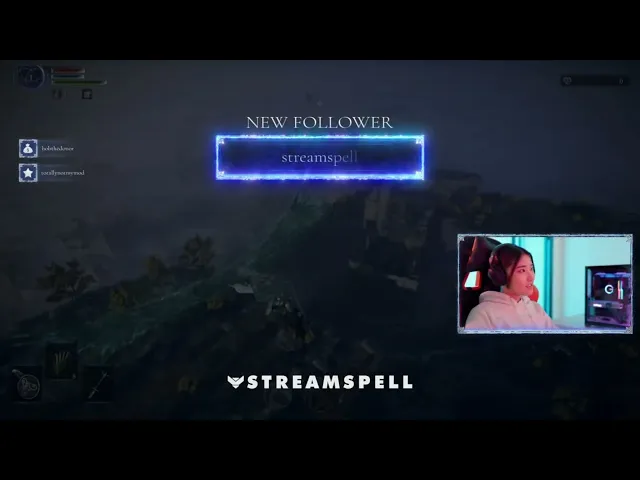
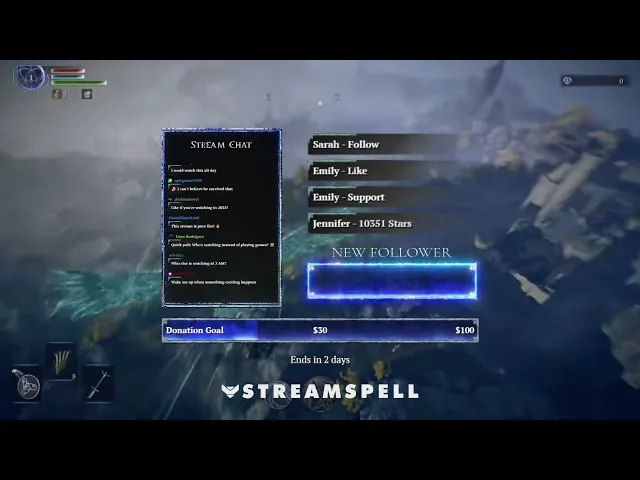
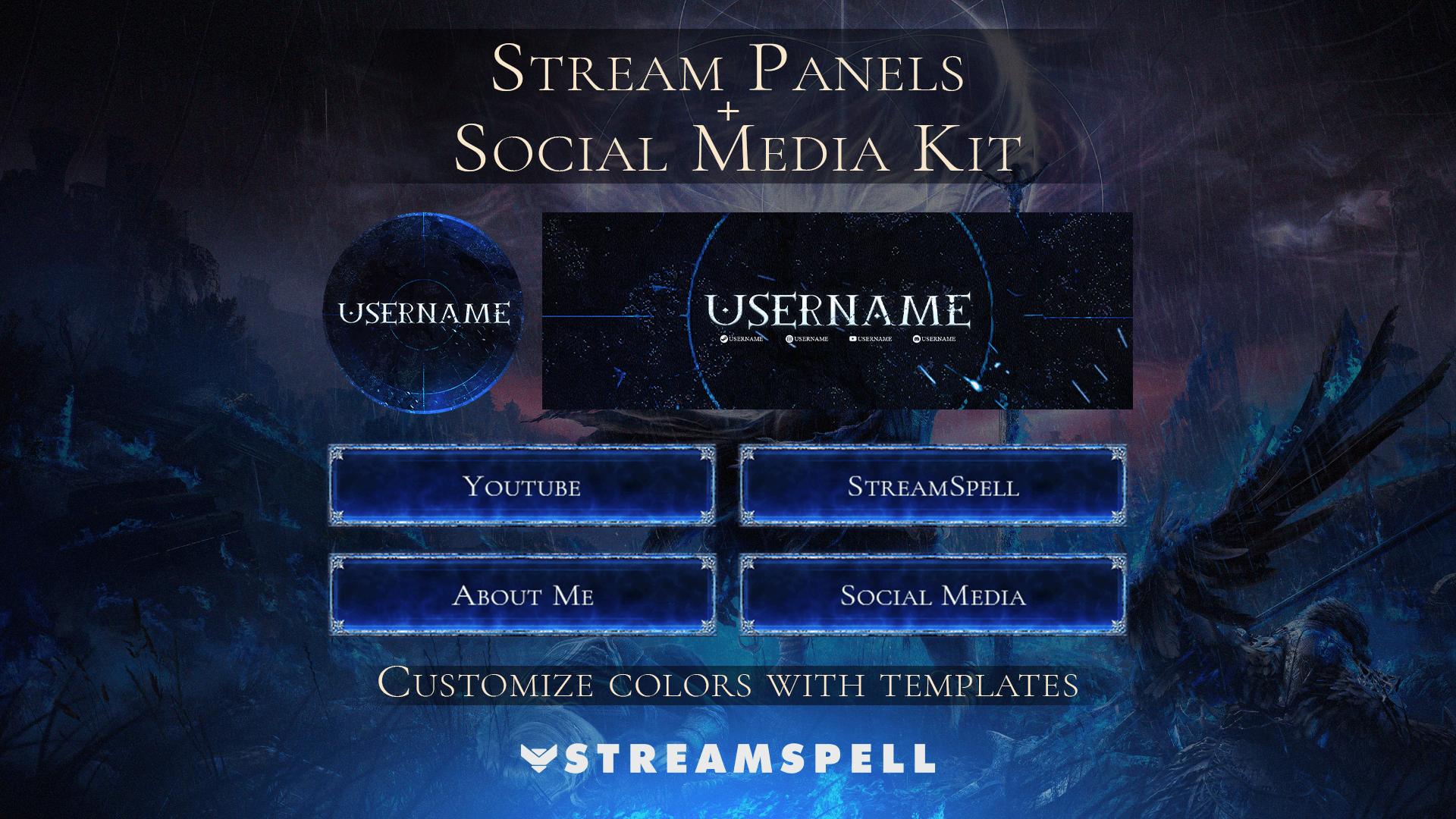
Panels, profile art, and social-media graphics
PSDs and stream panels for easy edits.
6 Animated Stinger Transitions for OBS/Streamlabs - multiple colors included!
Quick-start tips on our Support page
Mini-guide: How to Install your Overlays using Streamlabs/OBS Studio
Streamlabs – Go to Settings > Scene Collections > Import the
.overlayfile and you're done!OBS – Just drag and drop the files you want to use onto your OBS. Should take you a couple of minutes. We're actively working on a quick install link for OBS. Stay tuned!
Alerts and Customizable Widgets (Chat Box, Event List, Goal Bars) – Double-click the install file and it'll be automatically installed on your Streamlabs Widget configuration. If you use OBS, you must copy its Widget URLs and paste them onto Browser Sources on your scenes.
Color Customization - All assets can be recolored using Color Filters on both OBS Studio and Streamlabs. Additionally, the alerts and widgets can have their colors changed directly on the Alert Box/Widget page on Streamlabs thanks to an user-friendly widget code we made.
If you need further help, our full walkthrough for OBS Studio/Streamlabs can be found at StreamSpell Support.
Don't ignore channel branding this time. Make sure to dress up with the best overlays for Elden Ring by StreamSpell!
🎮 Build Your Stream Deck Profile with AI
StreamSpell also just launched Deck Smith — an AI-powered Stream Deck Profile Builder. Just type a prompt and get a complete, download-ready Stream Deck profile adapted for any device.
Level up your stream with practical guides for OBS, Twitch, YouTube and Stream Deck.

AI Stream Deck Profile Generator: Build Profiles Faster
Build Stream Deck profiles faster with Deck Smith, a free AI Stream Deck profile generator by StreamSpell.

40 Webcam Overlay Bundle by StreamSpell
Get 40 stream-ready webcam overlays with animated styles, color customization, and themes like anime, neon, RPG, cute, and more.

5 Strategies for Staying Motivated as a Content Creator
Take care of yourself with these quick tips for staying motivated throughout your content creation journey.
Browse All Articles
Browse Stream Overlays