
VIEW DEALS
Daniel Mayhe
Best Stream Overlays, RPG-Stream-Overlays

Last updated: Dec 12, 2025 (Clair Obscur: Expedition 33 won 9 awards at The Game Awards 2025, including Game of the Year).
⚡ New from StreamSpell: Deck Smith — AI-powered Stream Deck Profile Builder. Type one prompt, get a download-ready profile for any device. Try it free →
Clair Obscur: Expedition 33 just made Game Awards history with 9 wins, including Game of the Year, Best RPG, Best Narrative, Best Art Direction, Best Score & Music, Best Game Direction, Best Debut Indie Game, Best Independent Game, and Best Performance (Jennifer English). This guide has been refreshed with overlay picks that match the game's award-winning tone and visual identity.
Clair Obscur: Expedition 33 is a turn-based RPG with real-time elements, launching on April 24, 2025, and developed by Sandfall Interactive. Set in a surreal world inspired by the French Belle Époque, the game follows the last members of Expedition 33 on a desperate mission to end the deadly cycle created by the mysterious Artificer. Available on PlayStation 5, Xbox Series X/S, and PC, it blends strategic combat, rich narrative, and mesmerizing visuals built in Unreal Engine 5.
If you are streaming Expedition 33, this is the best time to refresh your visuals. Viewers are actively searching the game right now, and a cinematic RPG deserves an overlay that looks premium, stays readable, and supports the atmosphere instead of fighting it.
Best Clair Obscur: Expedition 33 stream overlays
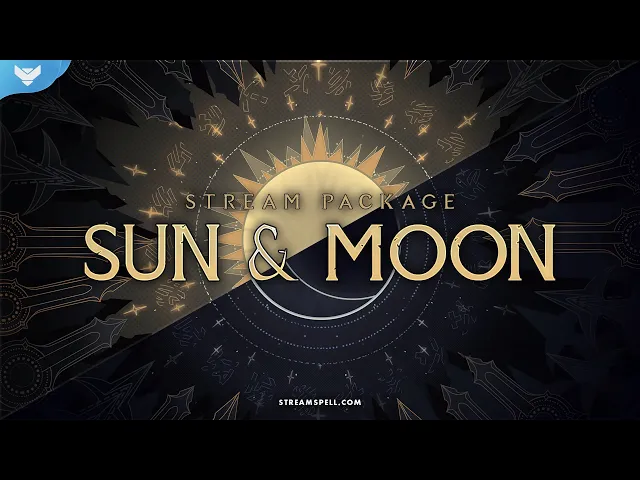
Sun and Moon Stream Package
Sun and Moon is a dual-theme stream overlay in Sun and Moon versions, built for astrological elegance and bold animated visuals. It includes animated transitions, golden and lunar alerts, and five-language support, making it a strong fit for Clair Obscur: Expedition 33 streams, cozy RPG sessions, and astrology-themed channels.
Astral Stream Package
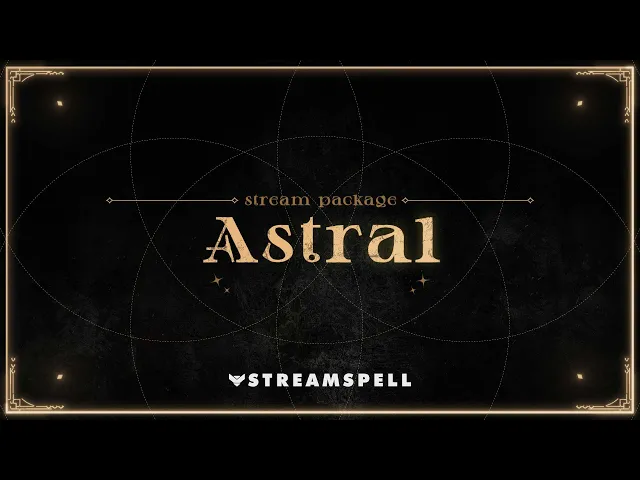
Astral is a cozy, astrological stream overlay with vertical screens for multistreaming, dual-output support in Streamlabs Desktop, and easy color customization via OBS and Streamlabs color correction. It comes in Basic and Complete versions, with Complete adding animated alerts, extra webcam overlays, more stingers, and bonus decorations.
Dungeon Master Stream Package
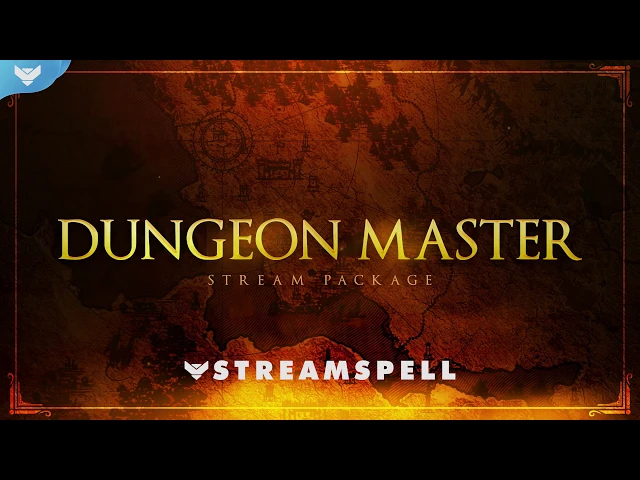
Dungeon Master is a fantasy, tabletop-RPG stream package built for storytelling content. It's fully animated, easy to install, and compatible with OBS Studio, Streamlabs Desktop, StreamElements, Lightstream, and XSplit.
It includes 8 animated screens (Starting, BRB, Ending, Just Chatting with 4 layouts, plus a background animation), 1 offline screen, 12 animated alerts with sound effects (12 color options with a dice-roll intro), a 16:9 webcam frame, modular stream labels with custom icons, 43 stream panels, an animated stinger transition, social headers, a profile picture, PSD source files, and the font. It's available in animated and non-animated versions.
Black Magic Stream Package
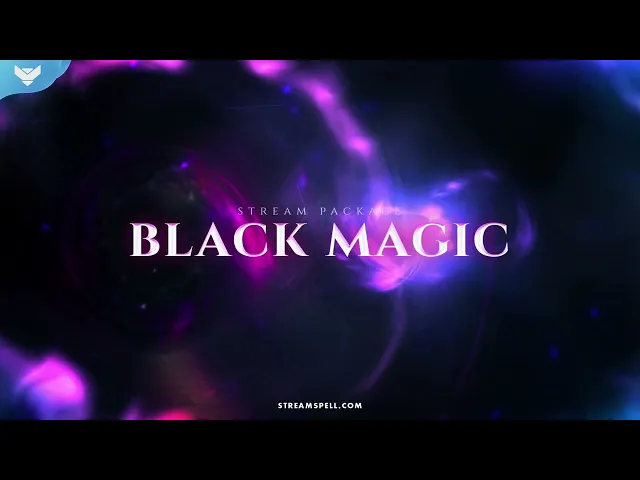
Black Magic is a dark fantasy stream package with a black and purple magic theme, animated alerts, and a swirling stinger transition for dramatic scene changes. It comes in animated and non-animated versions and works with Streamlabs Desktop, StreamElements, OBS Studio, Lightstream, and XSplit.
Corruption Stream Package
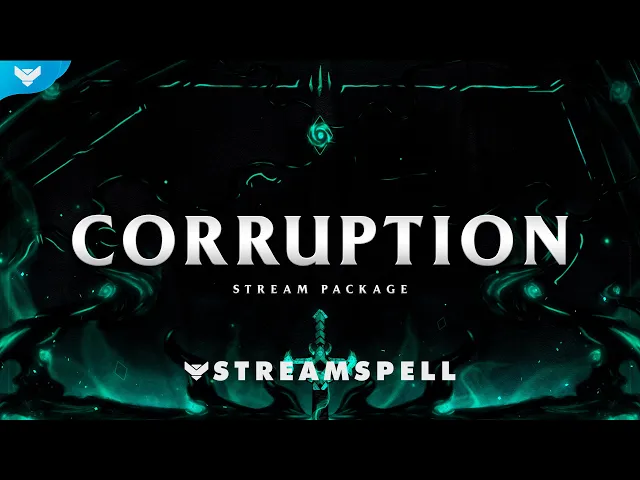
Corruption is a green and black dark fantasy stream package with a "ruined kingdom" vibe, built to make scene switches and alerts feel dramatic. It includes 4 animated screens (Starting, BRB, Ending, Just Chatting), an offline screen, 12 animated alerts with sound effects, webcam frames (4:3, 9:16, 16:9), modular stream labels, 43 panels, an animated stinger transition, and a social media kit. It also includes Streamlabs Desktop only widgets (Donation Goal, Event List, Chat Box), and it comes in animated and non-animated versions with language options: EN, PTBR, ES, DE, FR.
Why the awards matter for stream visuals
These wins signal what viewers are reacting to right now: cinematic direction, strong narrative, distinct art, and memorable music. Your overlay should support that by staying readable, mood-forward, and not cluttering the scene.
How to choose the right overlay for Clair Obscur: Expedition 33
Pick Sun and Moon if you want the most complete best-seller kit with lots of scenes, alerts, panels, and extras.
Pick Astral if you want vertical support for multistreaming plus easy color customization and a clean cinematic vibe.
Pick Dungeon Master if you want a structured fantasy layout for story-driven streams and session-style RPG content.
Pick Black Magic if you want a bold dark magic aesthetic with core scenes, alerts, panels, and a stinger.
Pick Corruption if you want a corrupted dark fantasy look plus Streamlabs Desktop widgets.
Quick Setup on OBS Studio, Streamlabs and StreamElements
OBS Studio: import your screens and overlays as sources, then add the stinger as your transition.
Streamlabs Desktop: same setup as OBS, plus widgets where included.
StreamElements: use the included assets inside your overlays and alerts workflow.
FAQ
What resolution should I use?
1920×1080 is best to maintain the high quality of overlays and widgets made by StreamSpell. If you're multistreaming to mobile-first platforms, make sure to set your resolution to 1080x1920.
Do these work on OBS and Streamlabs?
Yes: all overlays and stream widgets made by StreamSpell work on OBS Studio, Streamlabs Desktop and any other major streaming apps. Reactive Overlays powered by Streamlabs AI will only work with supported games and for streamers using Streamlabs Desktop.
What is the best pick for a first-time upgrade?
Sun and Moon if you want everything, such as dual-output, multi-language options and stream widgets such as chat box, event list and goal bar. Astral if you want a clean and flexible stream package that can be edited inside your streaming app.
More About StreamSpell
💙 Find more animated stream overlays, animated stream alerts, animated transitions, emotes and badges, stream widgets, and custom stream designs:
StreamSpell Store
Custom Design Services
StreamSpell Portfolio
StreamSpell Store on Etsy
🎮 Build Your Stream Deck Profile with AI
StreamSpell also just launched Deck Smith — an AI-powered Stream Deck Profile Builder. Just type a prompt and get a complete, download-ready Stream Deck profile adapted for any device.
Level up your stream with practical guides for OBS, Twitch, YouTube and Stream Deck.

AI Stream Deck Profile Generator: Build Profiles Faster
Build Stream Deck profiles faster with Deck Smith, a free AI Stream Deck profile generator by StreamSpell.

40 Webcam Overlay Bundle by StreamSpell
Get 40 stream-ready webcam overlays with animated styles, color customization, and themes like anime, neon, RPG, cute, and more.

5 Strategies for Staying Motivated as a Content Creator
Take care of yourself with these quick tips for staying motivated throughout your content creation journey.
Browse All Articles
Browse Stream Overlays