VIEW DEALS

StreamSpell
Terraria, Stream Deck Profile, Stream Deck Icons, Gaming Setup

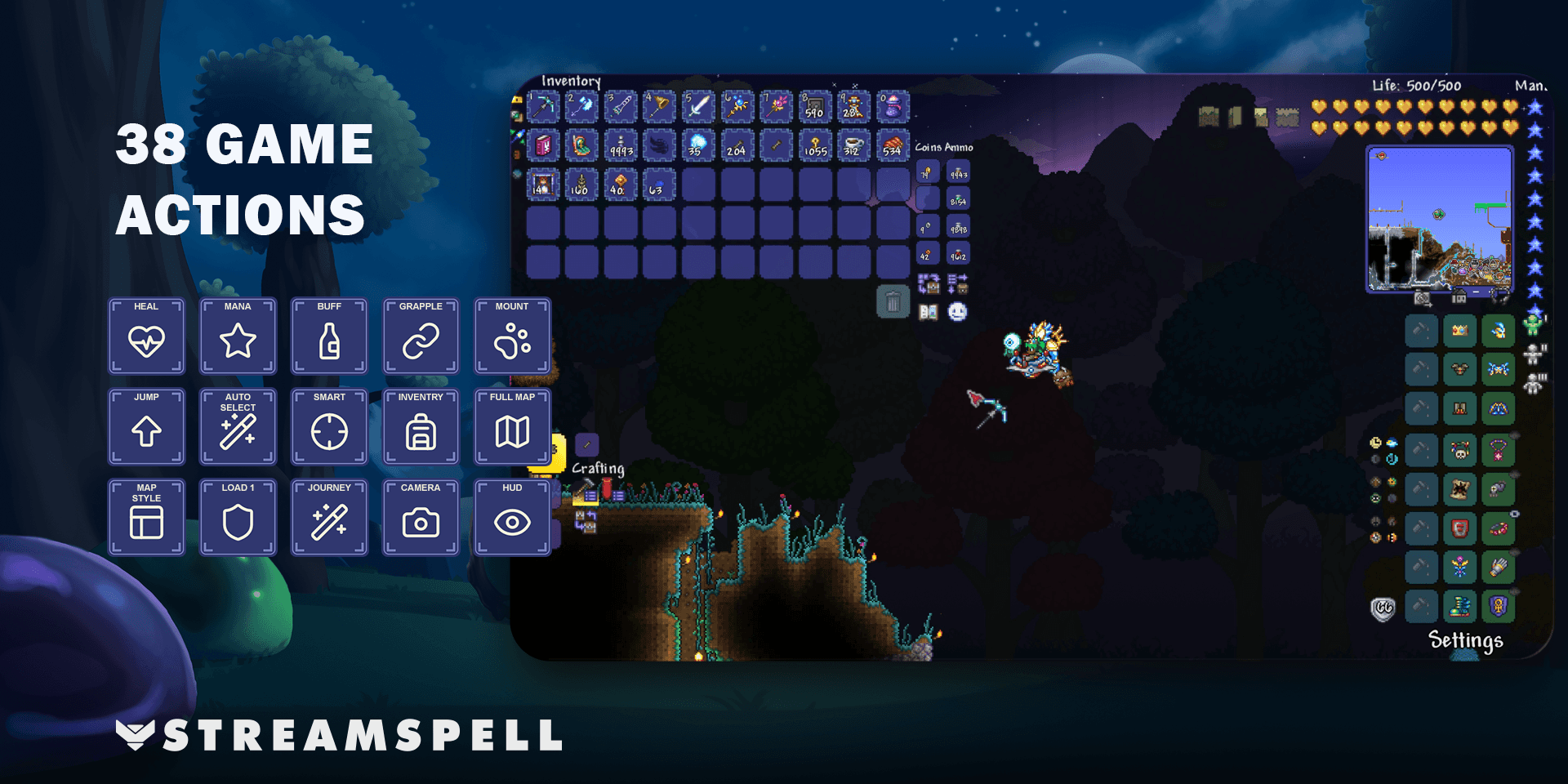
Keep Terraria's hotbar, map and everyday utility commands within reach. The Terraria Stream Deck Profile + Icons by StreamSpell brings 38 game shortcuts into a color-coded layout, with seven Windows profiles and matching artwork for your buttons.
It gives familiar keyboard actions a visual home while you keep control of the game. Choosing an item, aiming a tool and deciding when to use a consumable remain part of playing Terraria.
What can you control in Terraria?
The profile separates commands into five areas. That makes it easier to distinguish a hotbar selection from a movement key or an interface shortcut when you glance at the device.
Hotbar: select any of the ten hotbar slots.
Adventure: movement, jump and fly, grapple, and quick mount or dismount.
Utility: quick heal, quick mana, quick buff, auto select tool, smart cursor, and three equipment loadouts.
Map: open the fullscreen map, change minimap style, and adjust minimap opacity.
Interface: inventory and crafting, chat, Journey Powers, view zoom, Camera Mode, HUD, FPS display, and lighting settings.
Where the shortcuts help
For an exploration session, map and inventory commands can sit beside quick heal and grapple. During a building session, auto select tool, smart cursor and equipment loadouts put frequently used options in the same visual system. The included actions remain keyboard shortcuts; they do not choose items or play the game for you.
Some commands depend on your current equipment or game mode. Grapple and mount need the corresponding items equipped. Quick consumables need supplies in your inventory. Journey Powers requires Journey mode and an open inventory.
Seven supported devices and a matching icon pack
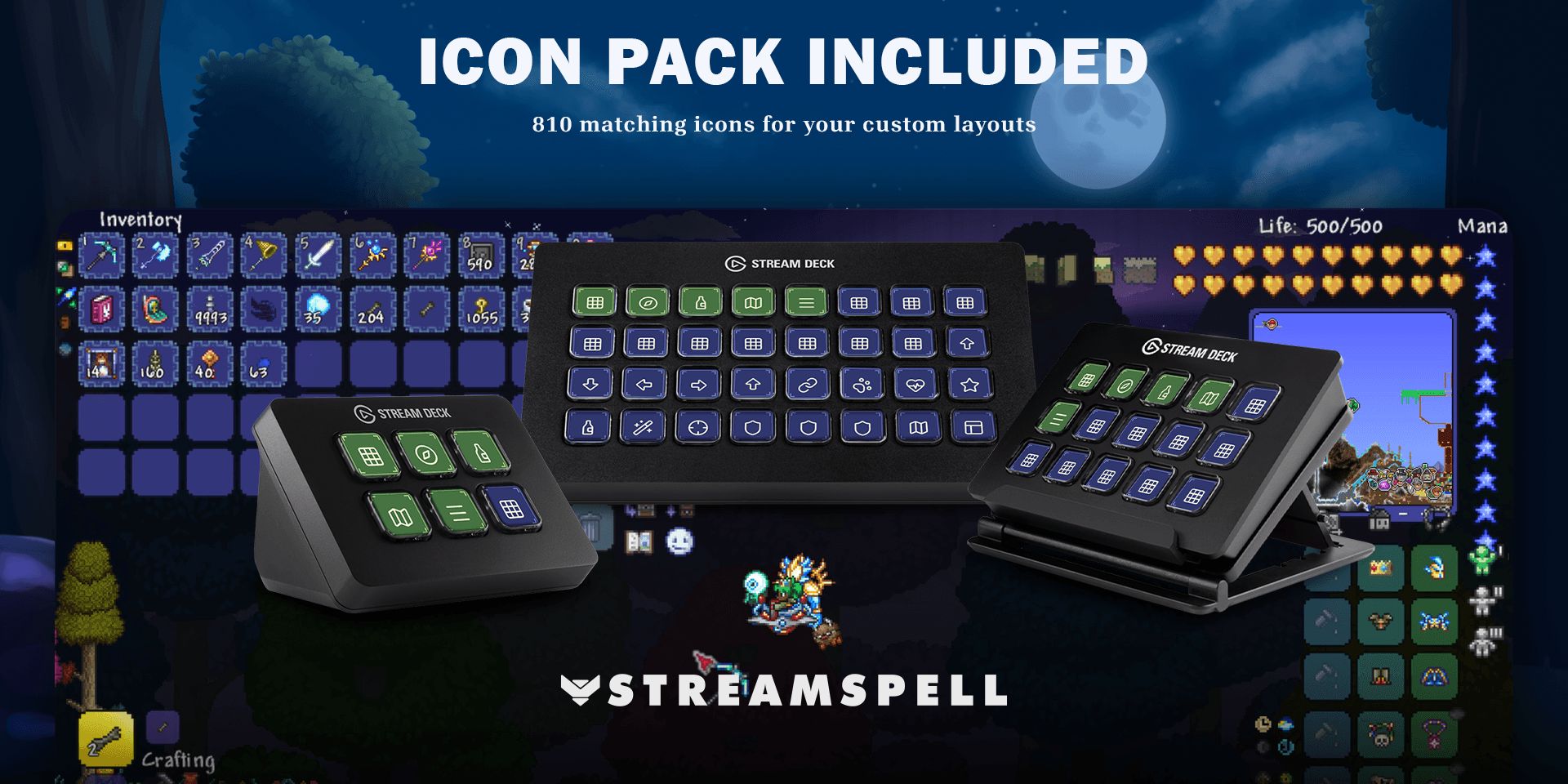
The download includes separate Windows profiles for Stream Deck Mini, Neo, MK2, +, + XL, XL and CORSAIR Galleon 100 SD. It also includes an installable .streamDeckIconPack, 810 static PNG icons at 144 × 144 pixels in both color variants, and Key-Mapping.csv.
Green category keys and purple action keys give navigation and individual controls different visual roles. The matching artwork also gives you options when organizing your own layouts.
Setup and key bindings
Use the Windows Stream Deck application and import the profile for your device. Terraria should use its default PC keyboard bindings in keyboard and mouse mode. No additional game mods are required. Compare your in-game bindings with Key-Mapping.csv, especially if you already use a custom keyboard layout.
Movement, jump and auto select use Key Logic hold behavior: hold the Stream Deck key to keep the input active and release it to stop. Hotbar buttons only select a slot; you still aim and use items manually.
For the general import process, see Elgato's guide to downloading and using Stream Deck profiles.
Know what each button does
Chat opens the input field; typing and sending are manual. Camera Mode opens its interface; framing and capture are manual too. View zoom uses the US =/+ and - keys, so other keyboard layouts may need matching bindings.
The profile does not include mouse clicks, gameplay macros, numeric-keypad map zoom, or the unbound Dash, Armor Set Ability, and next or previous loadout actions.
Get the Terraria Stream Deck profile
Check the supported devices, product details and current availability on Elgato Marketplace: Terraria Stream Deck Profile + Icons.
Explore more layouts in StreamSpell's guide to gaming Stream Deck profiles.
Level up your stream with practical guides for OBS, Twitch, YouTube and Stream Deck.

AI Stream Deck Profile Generator: Build Profiles Faster
Build Stream Deck profiles faster with Deck Smith, a free AI Stream Deck profile generator by StreamSpell.

40 Webcam Overlay Bundle by StreamSpell
Get 40 stream-ready webcam overlays with animated styles, color customization, and themes like anime, neon, RPG, cute, and more.

5 Strategies for Staying Motivated as a Content Creator
Take care of yourself with these quick tips for staying motivated throughout your content creation journey.
Browse All Articles
Browse Stream Overlays