VIEW DEALS

StreamSpell
Sun Spotify

Control Spotify with a warm, golden Sun theme on your Stream Deck. The profile combines animated sun-inspired scenery with clear music-control icons, putting a coordinated music layout beside your work or gaming setup.
Sun is the brighter visual choice in this celestial pairing; Moon uses a darker moonlit treatment. Choose based on the look you want, then check the device list for this specific product. Similar themes do not automatically include the same device files.
View Sun Spotify Stream Deck Profile on Elgato Marketplace.
What's included
Stream Deck profile files with the Sun visual theme
Matching animated GIF icons
Spotify controls arranged for quick access and navigation
Compatible devices
Stream Deck MK.2
Stream Deck +
Stream Deck XL
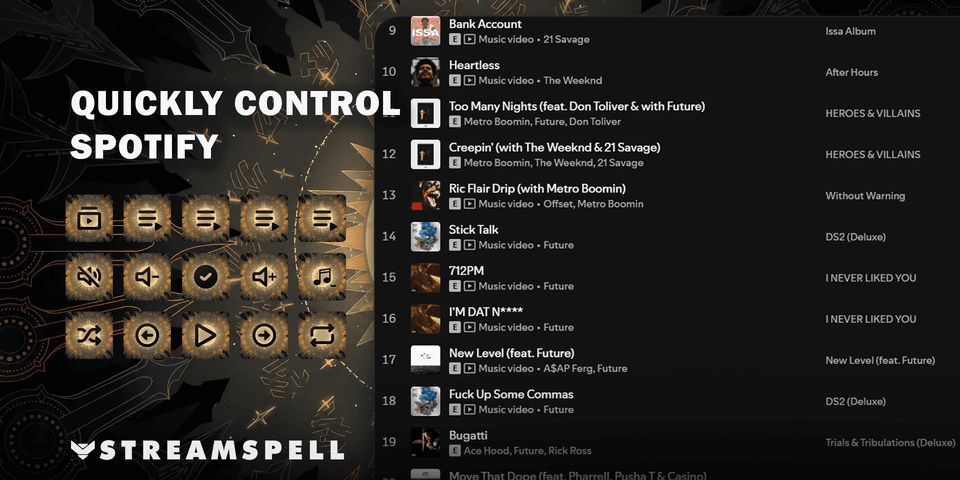
Spotify controls
Play and pause, previous and next track
Volume up, volume down, and mute
Shuffle and repeat modes
Start playlists and add tracks to a playlist
Change playback device
Requirements
Windows
Elgato Stream Deck software 7.1 or later
A Spotify Premium account
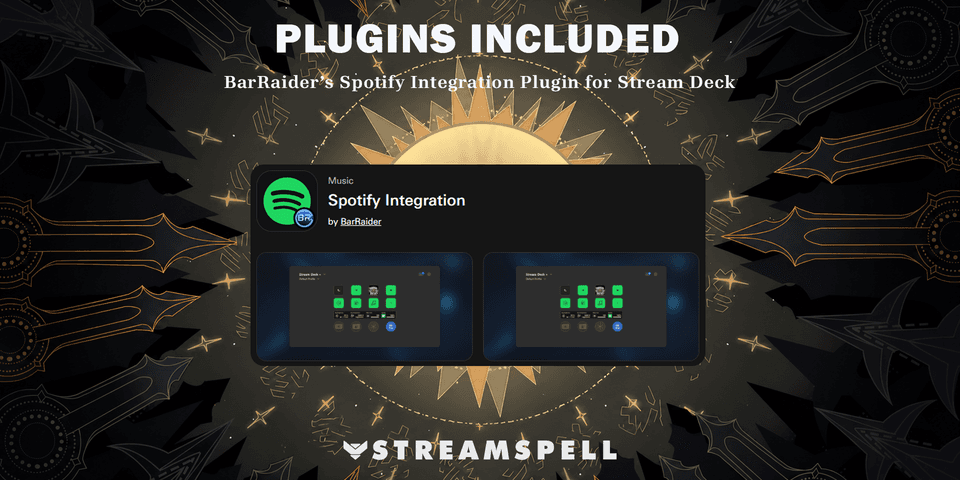
Spotify Integration by BarRaider
Please note: Animation support depends on the action and plugin. Some plugin-controlled states, including shuffle and repeat, may display a static image. Spotify account authorization and playlist setup are required.
This is a digital product. Stream Deck hardware, a Spotify subscription, music, and music-usage rights are not included.
Import and check your layout
Choose the profile file for your supported device and import it into the Stream Deck application. Keep the original download so you can return to the supplied layout after personalizing your buttons.
Install the required Spotify integration and follow its account and action configuration before using the music controls. Configure any playlist or player targets for your own listening setup.
For the import process, see Elgato’s official guide to downloading and using profiles.
Get Sun Spotify Stream Deck Profile on Elgato Marketplace
Check the current listing for the included files, device compatibility and setup requirements, then get Sun Spotify Stream Deck Profile. The linked product is the exact StreamSpell Marketplace listing described in this guide.
Level up your stream with practical guides for OBS, Twitch, YouTube and Stream Deck.

AI Stream Deck Profile Generator: Build Profiles Faster
Build Stream Deck profiles faster with Deck Smith, a free AI Stream Deck profile generator by StreamSpell.

40 Webcam Overlay Bundle by StreamSpell
Get 40 stream-ready webcam overlays with animated styles, color customization, and themes like anime, neon, RPG, cute, and more.

5 Strategies for Staying Motivated as a Content Creator
Take care of yourself with these quick tips for staying motivated throughout your content creation journey.
Browse All Articles
Browse Stream Overlays