VIEW DEALS

StreamSpell
RuneScape 3, Stream Deck Profile, Stream Deck Icons, Gaming Setup

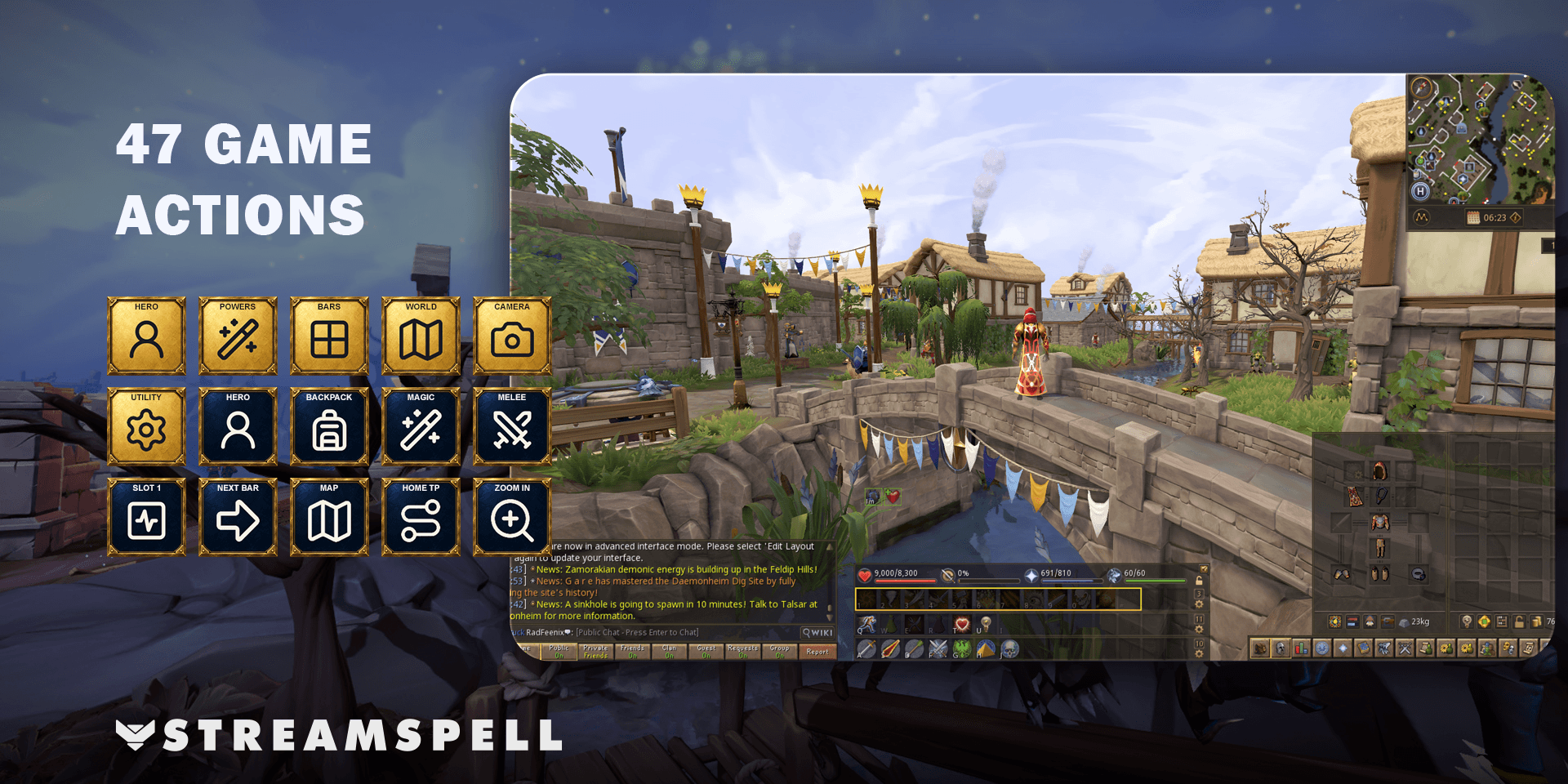
Reach your RuneScape action bars, Backpack and world tools from a consistent set of visual controls. StreamSpell's RuneScape Stream Deck Profile + Icons organizes 47 keyboard actions into six category folders, with antique gold frames and midnight-blue action keys.
See the RuneScape Stream Deck Profile + Icons on Elgato Marketplace.
Built for RuneScape 3
This profile is for the main RuneScape game on Windows. It is not designed for Old School RuneScape, RuneScape: Dragonwilds or Legacy mode. That distinction matters before you choose a layout or start matching shortcuts.
Six folders for your everyday actions
Hero: Hero, Customisations, Adventures, Community, Skills, Backpack, Worn Equipment and Activity Tracker.
Powers: Powers, Prayers, Magic, Melee Abilities, Ranged Abilities and the Defensive interface.
Bars: the twelve main action bar slots, previous and next bar, and saved main bars 1–5.
World: run, world map and the Home Teleport network.
Camera: rotation, camera height and zoom.
Utility: settings/close, interface lock, global audio mute, private-message reply and dialogue continuation.
Your action bars still follow your setup
A button for an action bar slot uses whatever ability or item you placed in that slot. The layout gives those slots a recognizable position on Stream Deck; it does not choose your abilities or build a rotation for you.
Home Teleport opens the network, and you select a destination in the game. Movement and mouse actions remain on the mouse. Leave chat or other text entry before using gameplay hotkeys, so your commands reach the game rather than a text field.
Seven profiles and 842 matching icons
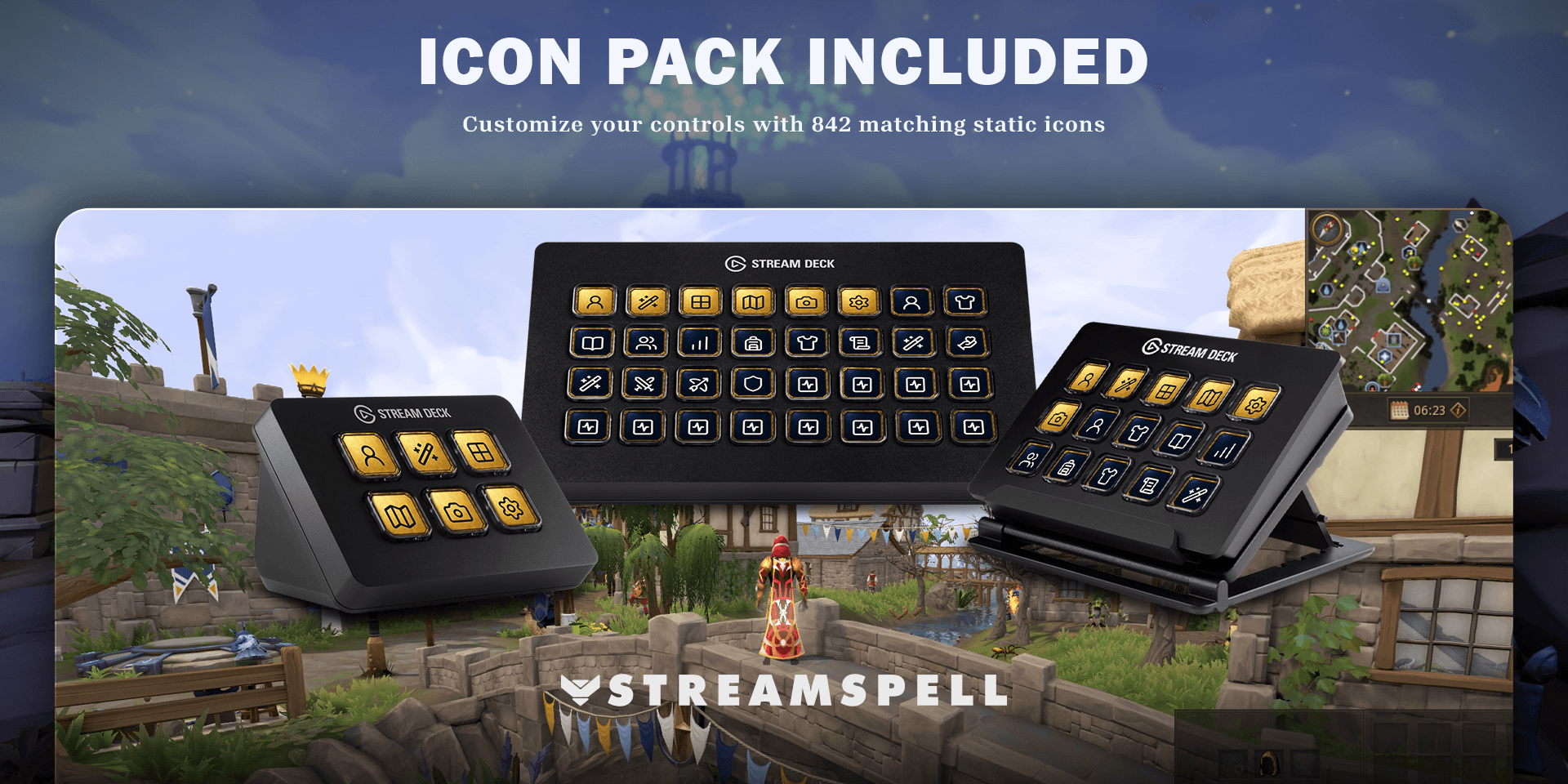
Seven Windows profiles support Stream Deck Mini, Neo, MK2, +, + XL, XL and CORSAIR Galleon 100 SD. Choose the file for your device and import it into the Stream Deck application.
The package also includes an installable icon pack, the full loose PNG collection, and an English Key-Mapping.csv. Golden category keys help separate navigation from the darker individual action buttons.
Match your key bindings before playing
Use RuneScape on Windows with the Elgato Stream Deck software. Some shortcuts require an in-game key binding to match the profile. Feel free to customize the key bindings to suit your playstyle.
Match configurable Controls entries to Key-Mapping.csv. This is a configured layout, so you should not assume every combination already matches a fresh account. After importing, check one category at a time: open the intended interface, test an action, and confirm the result before relying on the layout during a session.
RuneScape profile questions
Does this work with Old School RuneScape?
No. This product targets RuneScape 3, and it also excludes Dragonwilds and Legacy mode.
Does a bar button select a fixed ability?
No. Each included bar-slot shortcut follows the ability or item assigned to that slot in your own game setup.
Get the profile on Elgato Marketplace
Check the current product details and supported devices, then get the RuneScape Stream Deck Profile + Icons.
For importing the files, see Elgato's official profile guide. Compare more options in StreamSpell's guide to gaming Stream Deck profiles.
Level up your stream with practical guides for OBS, Twitch, YouTube and Stream Deck.

AI Stream Deck Profile Generator: Build Profiles Faster
Build Stream Deck profiles faster with Deck Smith, a free AI Stream Deck profile generator by StreamSpell.

40 Webcam Overlay Bundle by StreamSpell
Get 40 stream-ready webcam overlays with animated styles, color customization, and themes like anime, neon, RPG, cute, and more.

5 Strategies for Staying Motivated as a Content Creator
Take care of yourself with these quick tips for staying motivated throughout your content creation journey.
Browse All Articles
Browse Stream Overlays