
GET THE WIDGET
Julia Pazin
Best Stream Overlays, Reactive Overlays, Stream Widgets

Looking to refresh your stream setup?
These new StreamSpell releases focus on what streamers actually need right now: clean UI, vertical layouts, widgets, and reactive overlays that enhance gameplay without getting in the way.
Here’s what just dropped 👇
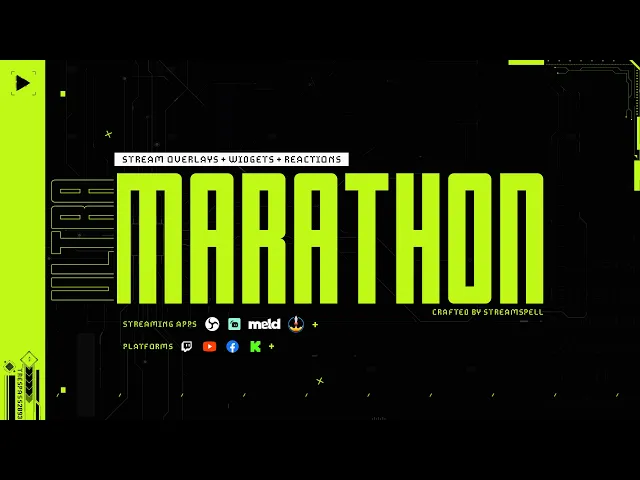
ULTRAMARATHON Stream Package
Available now at: https://store.streamspell.com/products/marathon-stream-overlays-and-widgets
A complete sci-fi HUD system inspired by Marathon, built for streamers who want both visuals and functionality.
This package stands out for combining reactive overlays, full widget integration, and Stream Deck workflow tools in one setup. It also includes vertical screens for dual-output streaming, making it ideal for creators posting on multiple platforms.
Key highlights:
Vertical screens for multistream and dual-output
Full set of stream widgets (chat, goal bar, event list, alert box)
Advanced reactive overlays + Game Pulse (Streamlabs)
Stream Deck icons + profile included
Works especially well for:
Marathon, Apex Legends, Valorant, Warzone
FPS creators who want a clean, readable HUD
Streamers building a full optimized setup
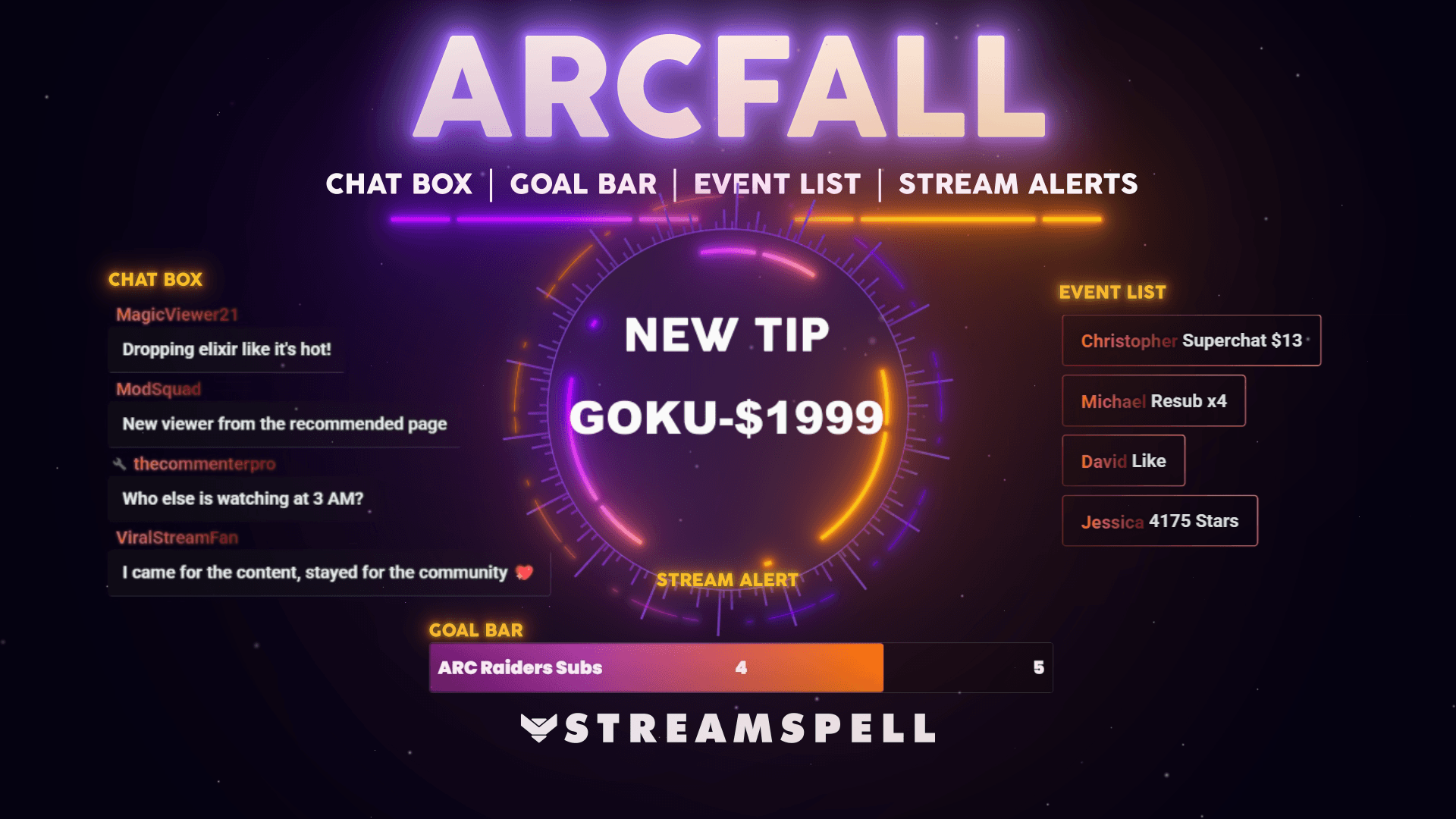
Arcfall Stream Package
Available now at: https://store.streamspell.com/products/arcfall-stream-overlays
A neon sci-fi overlay with a clean, space-inspired interface that keeps your stream modern and easy to follow.
Arcfall balances aesthetics and usability, with widgets included and reactive overlays available (Streamlabs), plus vertical scenes for multistreaming.
Key highlights:
Vertical screens included
Stream widgets (chat, event list, goal bar)
Reactive overlays (kill & death counters – Streamlabs)
Clean neon HUD design
Works especially well for:
Arc Raiders, Battlefield, Apex, Warzone
Sci-fi and futuristic streams
Streamers who want a clean UI without clutter
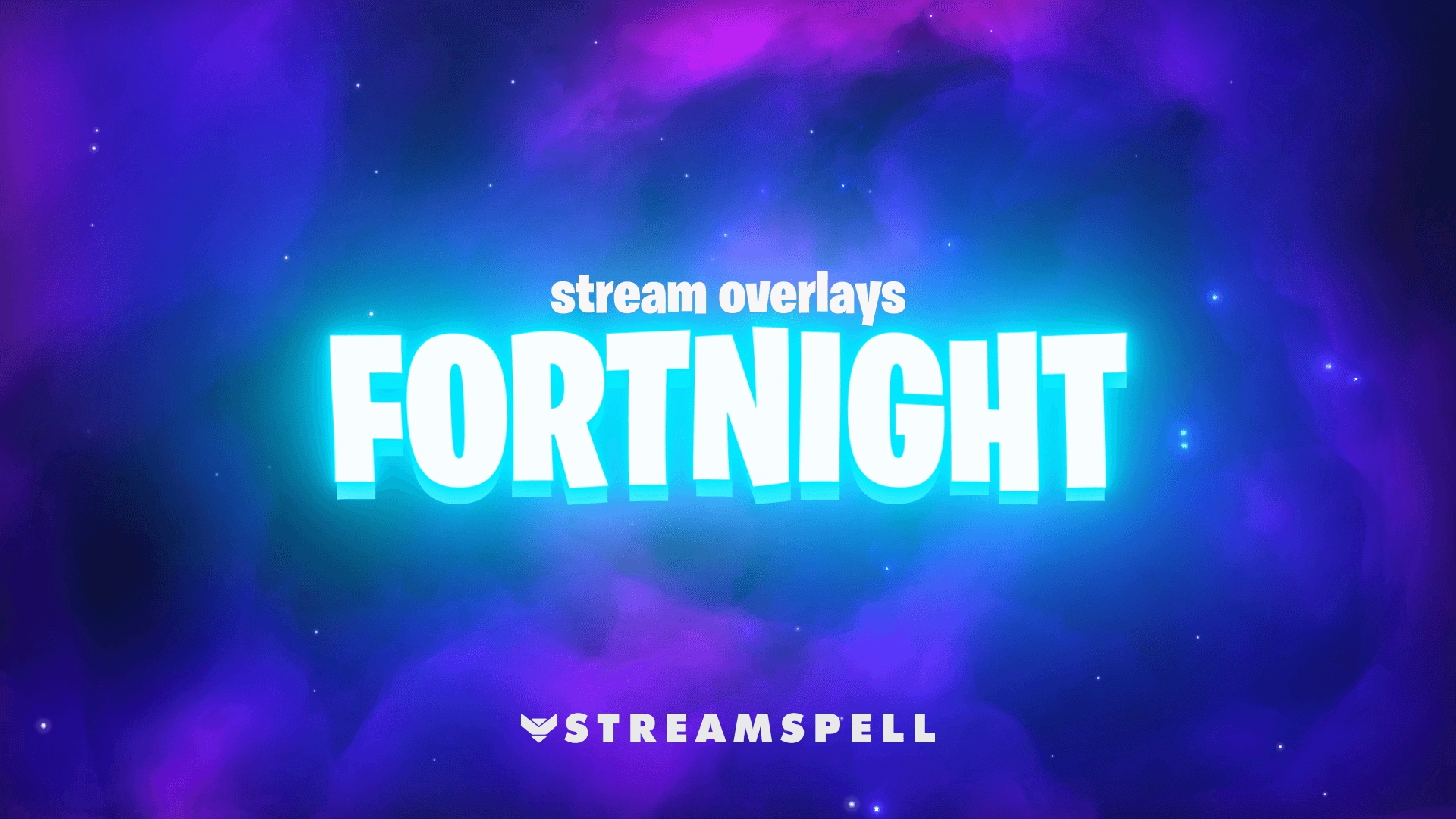
FORTNIGHT! Stream Overlays
Available now at: https://store.streamspell.com/products/fortnight-stream-overlays
Designed for high-energy Battle Royale streams, this package focuses on gameplay reactions and dynamic moments.
It includes reactive overlays and full-screen animations (Streamlabs), along with vertical screens for dual-output setups, making it perfect for creators who clip and repurpose content.
Key highlights:
Vertical screens included
Reactive overlays + Game Pulse widgets (wins, shield, deaths)
Full-screen victory and gameplay reactions
Animated alerts with sound effects
Works especially well for:
Fortnite
Battle Royale content creators
Streams focused on wins, eliminations, and highlights
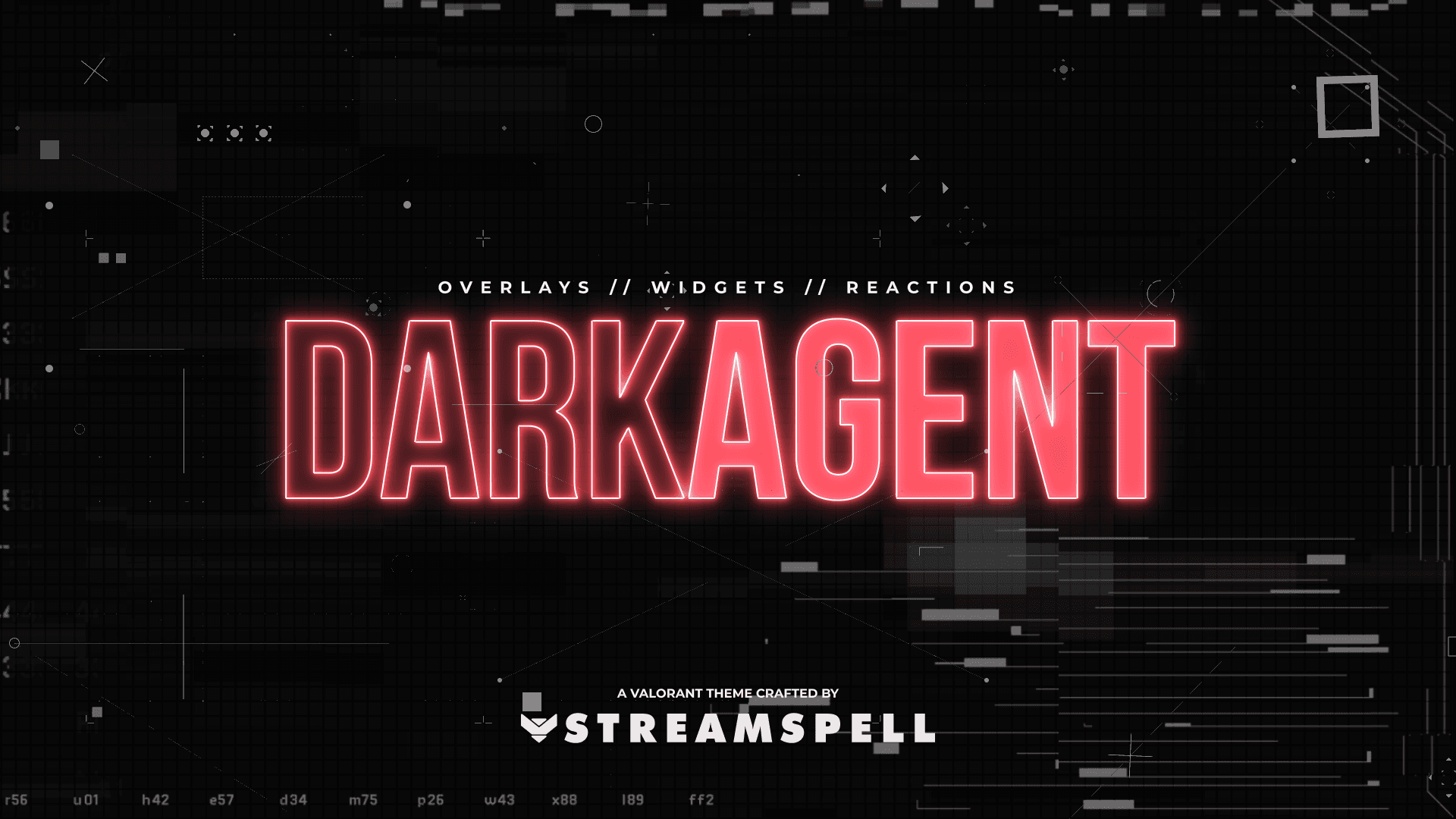
DARK AGENT Stream Overlays
Available now at: https://store.streamspell.com/products/dark-agent-stream-overlays
A tactical, esports-style overlay built for competitive FPS gameplay with a strong focus on clarity.
This package includes reactive overlays with kill streak tracking and full-screen victory effects (Streamlabs), plus vertical screens for multistream setups.
Key highlights:
Vertical screens included
Reactive overlays + kill streak reactions (+5, +10, +20)
Full-screen victory reaction
Clean tactical HUD design
Works especially well for:
Valorant, CS2, Warzone, Apex, Marathon
Competitive and esports-style streams
Creators who want a professional, minimal look
BF6 // RED Stream Overlays
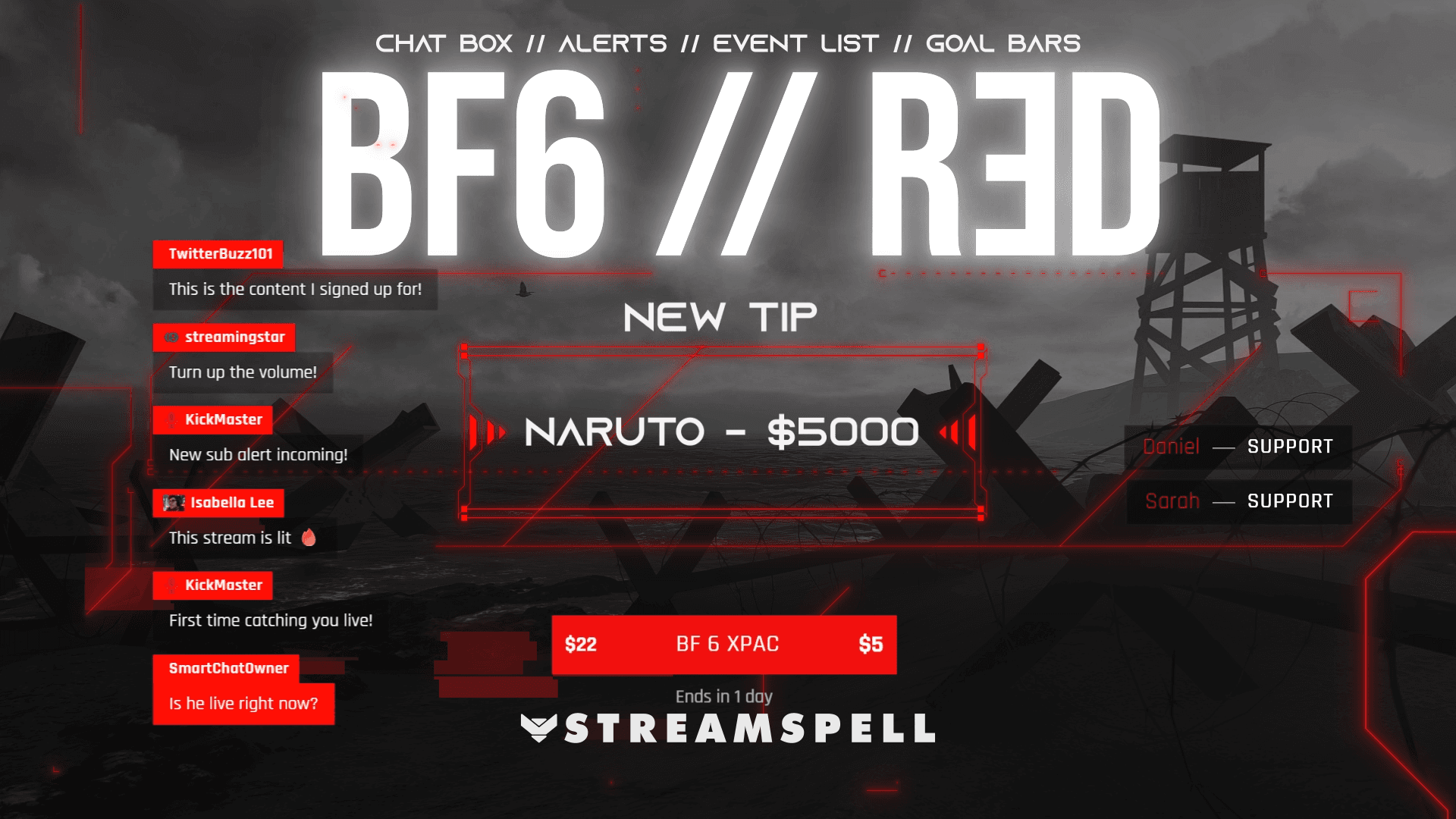
Available now at: https://store.streamspell.com/products/bf6-red-stream-overlays
A military-inspired overlay with bold red accents and a strong battlefield identity.
This package includes stream widgets and reactive overlays (Streamlabs), along with vertical screens for modern streaming workflows.
Key highlights:
Vertical screens included
Stream widgets (chat, event list, goal bar)
Reactive overlays (kill, death, kill streak, victory)
Strong tactical visual identity
Works especially well for:
Battlefield, Call of Duty, Warzone
Military and tactical FPS streams
Creators focused on competitive gameplay
Marathon_ID Stream Package
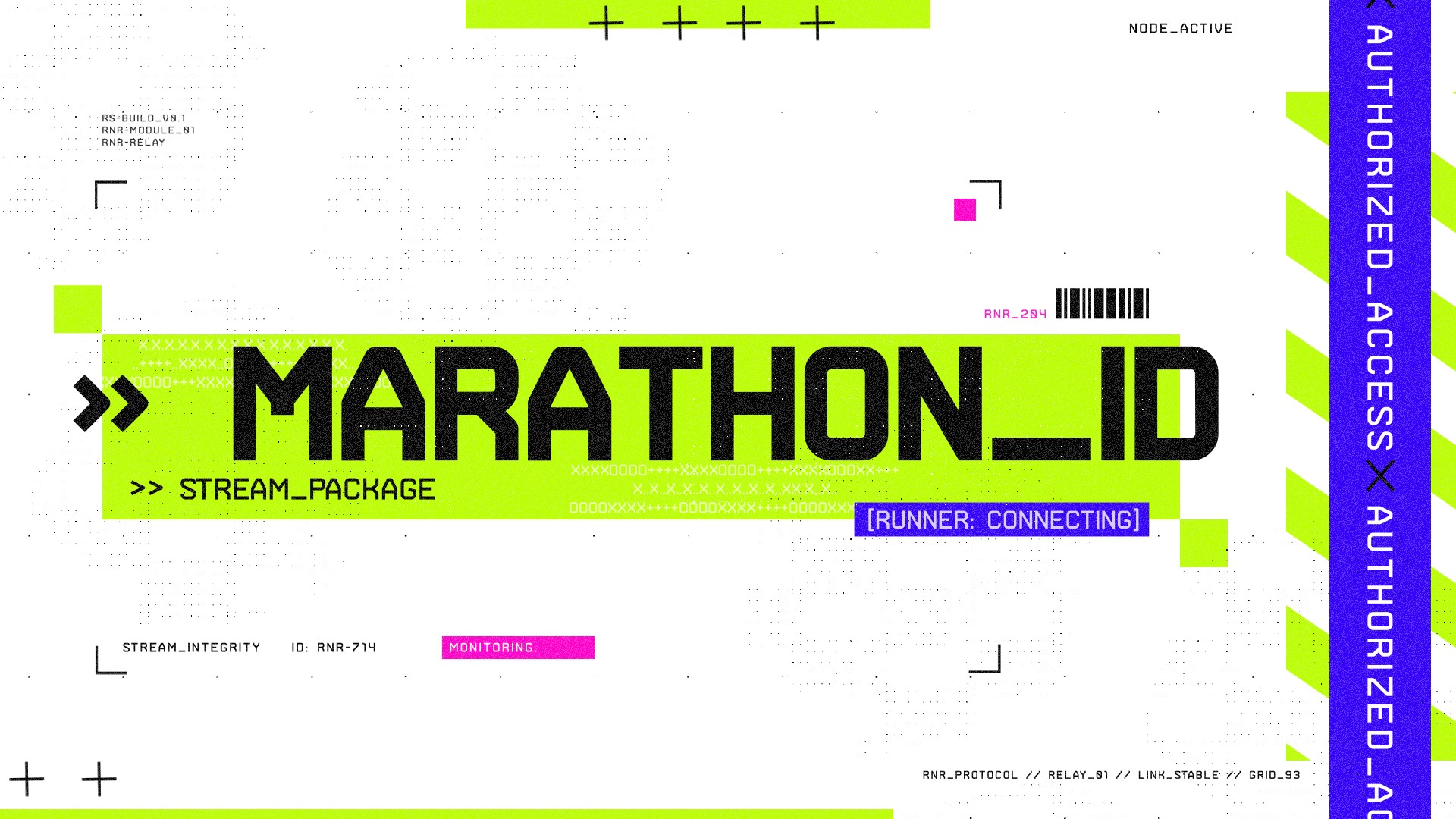
Available now at: https://store.streamspell.com/products/marathon_id-stream-package
A high-tech, immersive overlay built around extraction shooter gameplay and futuristic interfaces.
This package includes widgets, vertical screens, and reactive overlays (Streamlabs), with a strong focus on motion design and atmosphere.
Key highlights:
Vertical screens included
Stream widgets (chat, event list, goal bar)
Reactive overlays (kill, death, win, loss – Streamlabs AI)
Animated alerts and modular labels
Works especially well for:
Marathon, Tarkov-style games, PUBG
Extraction shooters and high-tension gameplay
Sci-fi and cyberpunk streams
Crimson Saga Stream Package
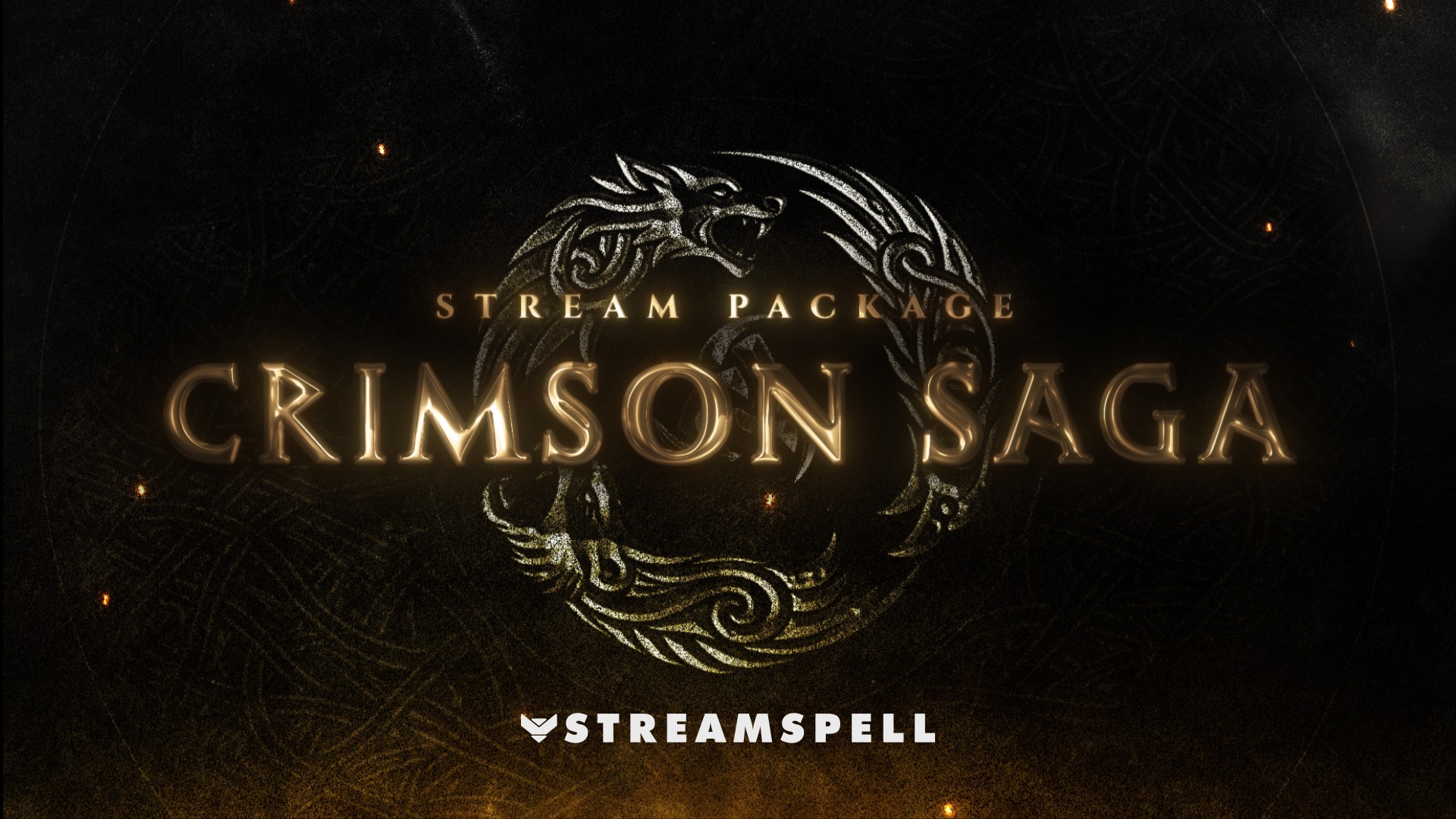
Available now at: https://store.streamspell.com/products/crimson-saga-stream-package
A dark fantasy overlay built for RPGs and immersive storytelling streams.
Unlike the others, this package focuses on atmosphere and cinematic visuals, while still including widgets and vertical screens for modern streaming setups.
Key highlights:
Vertical screens included
Stream widgets (chat, event list, goal bar)
Cinematic animated alerts with rune effects
Strong fantasy visual identity
Works especially well for:
Elden Ring, Crimson Desert, Soulslike games
RPG, medieval, and fantasy streams
Story-driven or immersive content
These new releases are built around what modern streamers need most: clean visuals, vertical formats, widgets, and reactive systems that enhance gameplay.
Reactive Overlays & Widget Compatibility
If you're planning to use reactive overlays in your stream setup, it's important to understand how they work and which platforms they support.
Widgets included in these packages can be easily used in OBS Studio via Browser Source, making them flexible for different streaming setups.
Reactive Overlays, however, are exclusive to Streamlabs Desktop, where they can trigger real-time gameplay reactions and automated events during your stream.
Currently, Reactive Overlays are supported in the following games:
Apex Legends
Battlefield
Black Ops 6
Counter-Strike 2
Fortnite
League of Legends
Marvel Rivals
Overwatch 2
PUBG
Rainbow Six Siege
Valorant
War Thunder
Warzone
More games are being added over time, expanding compatibility across different genres and playstyles.
🛠️Want to set up Reactive Overlays or widgets? Check out our reactive overlays guide to learn how to install and reset counters, or visit our support page for full setup instructions.
Hope this post helped you find your next stream upgrade!
Thank you for following our blog!
See you in the next post 💙
Level up your stream with practical guides for OBS, Twitch, YouTube and Stream Deck.

AI Stream Deck Profile Generator: Build Profiles Faster
Build Stream Deck profiles faster with Deck Smith, a free AI Stream Deck profile generator by StreamSpell.

40 Webcam Overlay Bundle by StreamSpell
Get 40 stream-ready webcam overlays with animated styles, color customization, and themes like anime, neon, RPG, cute, and more.

5 Strategies for Staying Motivated as a Content Creator
Take care of yourself with these quick tips for staying motivated throughout your content creation journey.
Browse All Articles
Browse Stream Overlays