
VIEW DEALS
StreamSpell
Modern Warfare 4, Call of Duty, FPS Stream Overlays, Open Beta

Call of Duty: Modern Warfare 4 Open Beta
Call of Duty: Modern Warfare 4 is bringing a new Beta experience to players before the full game launches. According to the official Call of Duty: Modern Warfare 4 Beta page, the Open Beta is available to all players from August 28 at 10:00 AM PT through September 1 at 10:00 AM PT. No pre-order or Beta code is required for this Open Beta weekend, although availability can vary by territory.
The Open Beta includes multiplayer across core 6v6 maps and modes, Ground War: Combat Outpost, Kill Block, the Entrenched campaign mission, and Call of Duty: Warzone Resurgence on the new Zodiac map. The full game is scheduled to launch on October 23, 2026, according to Call of Duty’s official information.
If you saw August 21 mentioned elsewhere, that date refers to Call of Duty: NEXT and the Early Access Beta. The Open Beta for all players begins on August 28.
For streamers, this is a good moment to refresh a tactical broadcast setup built around clear gameplay framing, high-impact alerts, and an FPS-focused HUD. The StreamSpell recommendations below are visual matches for Modern Warfare 4 and other shooter content, not official Call of Duty products or collaborations.
Best FPS stream packages for Modern Warfare 4
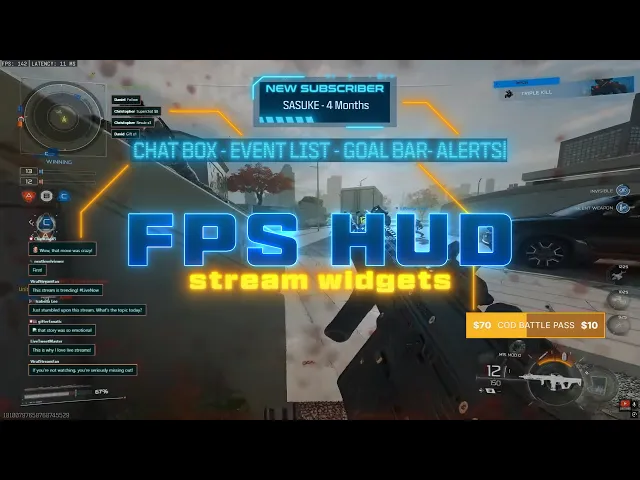
FPS HUD Stream Package
FPS HUD Stream Package preview: a neon tactical interface with animated motion graphics for high-energy FPS streams.
Why it fits: FPS HUD is the most direct match for a futuristic Call of Duty broadcast. Its neon accents, tactical interface, and combat-focused motion graphics can frame multiplayer matches without turning the stream into a fantasy or RPG-themed layout.
What is included: animated horizontal and vertical stream screens, an offline screen, animated alerts, Stream Widgets, a 16:9 webcam overlay, an event slot, an animated stinger transition, modular stream labels and social icons. The package also includes reactive overlays through Streamlabs Desktop and supports OBS Studio, Streamlabs Desktop, StreamElements, Lightstream, XSplit, and Meld.
It can also work for Warzone, Battlefield, Apex Legends, Valorant, Counter-Strike 2, PUBG, and other tactical FPS streams.
BF6 HUD Stream Package
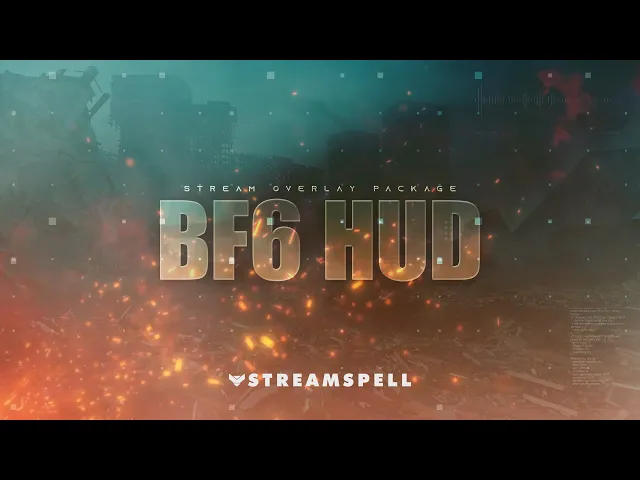
BF6 HUD Stream Package preview: a military-inspired HUD with tactical widgets and combat-ready stream elements.
Why it fits: BF6 HUD brings a military interface, map-inspired details, and a clean combat presentation to the broadcast. The store page specifically positions it for FPS and tactical gaming content, including Call of Duty.
What is included: animated horizontal and vertical screens, an offline screen, three themed widgets, a webcam overlay with multiple ratio options, an event slot, animated alerts, modular labels, and a stinger transition. It also includes Streamlabs reactive overlays for elimination, death, win-rate, and K/D tracking. Reactive features are exclusive to Streamlabs Desktop, while the wider package supports OBS Studio, Streamlabs Desktop, StreamElements, Lightstream, XSplit, and Meld.
The same visual direction works for Battlefield, Escape from Tarkov, Warzone, and other competitive shooters.
BF6 // RED Stream Overlays
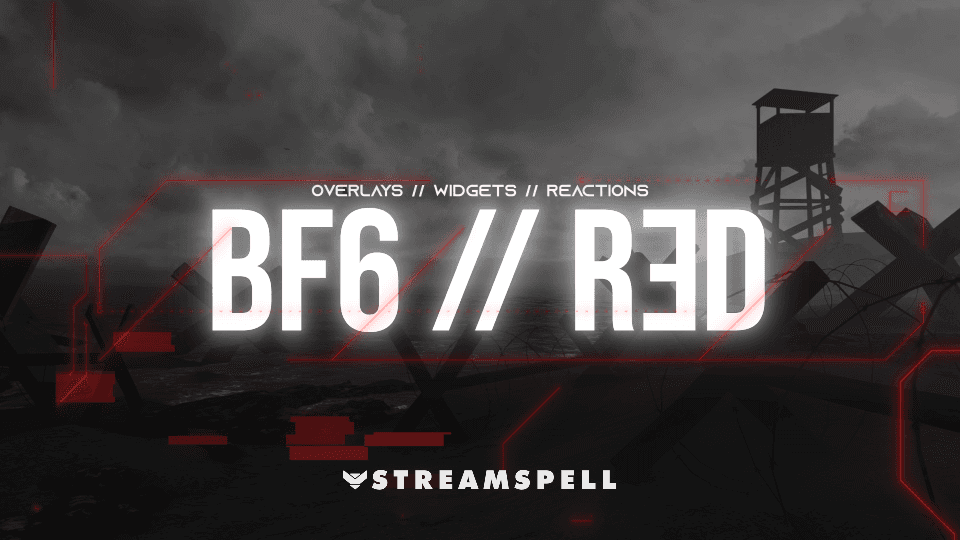
BF6 // RED Stream Overlays preview: a red-and-black military HUD designed for tactical FPS broadcasts.
Why it fits: BF6 // RED is a strong choice for a red-and-black Modern Warfare 4 identity. Its clean HUD elements and military-inspired interface keep the visual language focused on combat, weapons, objectives, and competitive play.
What is included: animated horizontal and vertical screens, an offline screen, 12 animated alerts with sound effects, Chat Box, Event List and Goal Bar widgets, a webcam overlay, an overlay slot, event and social icons, an animated stinger, and reactive kill and death counters. The package also includes a full-screen Stream Pulse reaction for victories and kill streaks, with reactive features available through Streamlabs Desktop.
The product page lists Call of Duty, Warzone, Battlefield 6, Valorant, Marathon, Apex Legends, and other competitive shooters as suitable uses.
DARK AGENT Stream Overlays
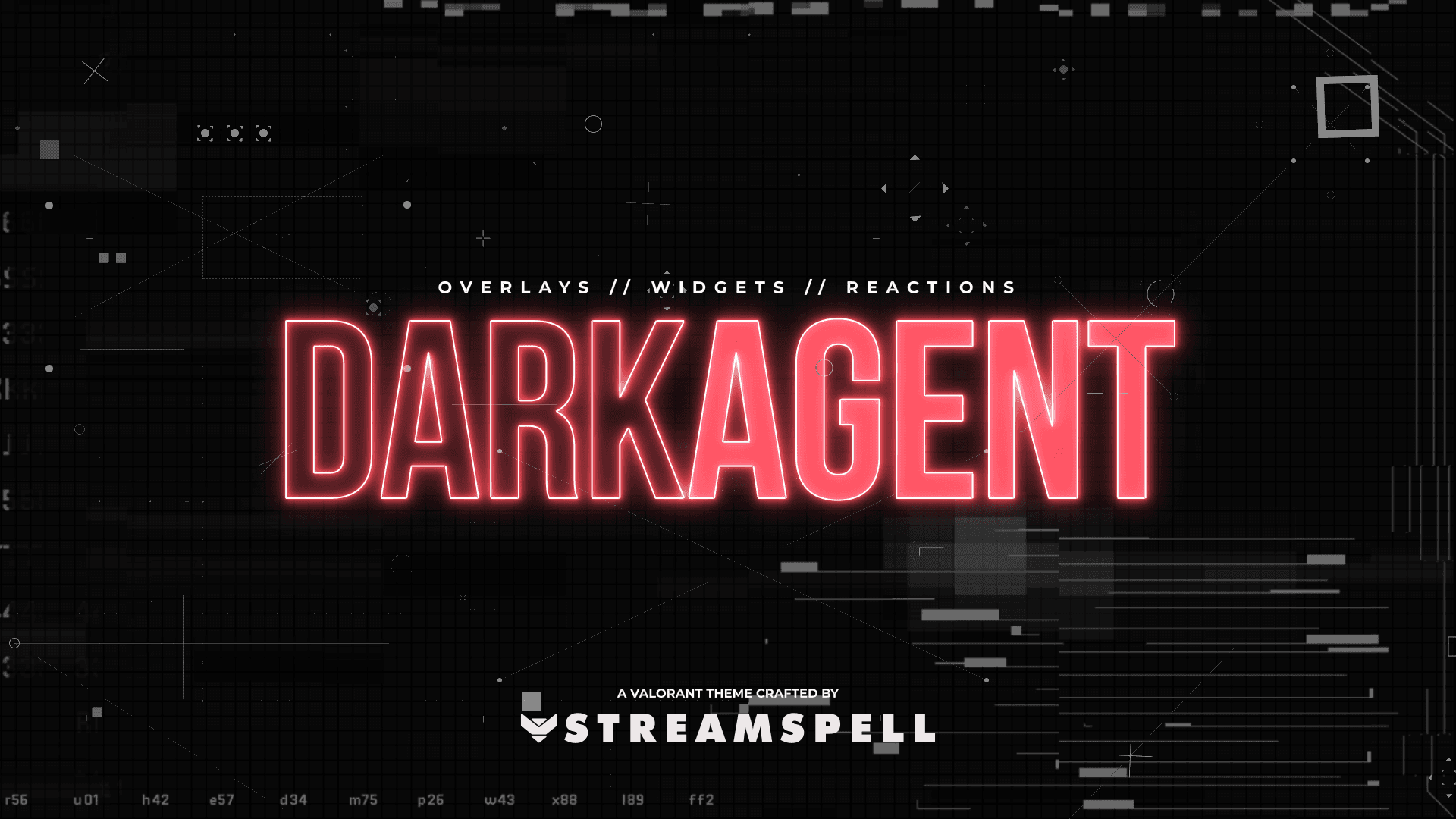
DARK AGENT Stream Overlays preview: red neon HUD elements and a futuristic tactical broadcast layout.
Why it fits: DARK AGENT adds a sharper cyber-tactical edge to Modern Warfare 4. The red-and-black palette, glowing HUD elements, and clean framing are suited to creators who want a more futuristic esports identity.
What is included: animated horizontal and vertical screens, an offline screen, 12 animated alerts with sound effects, a webcam overlay, an overlay slot, event and social icons, an animated stinger, and reactive overlays with kill, death, kill-streak, and victory reactions. Reactive overlays and game-pulse widgets are available through Streamlabs Desktop.
It is also designed for competitive FPS content such as Valorant, Battlefield 6, Marathon, Apex Legends, Counter-Strike 2, Warzone, and Rainbow Six Siege.
Signal Break Stream Package
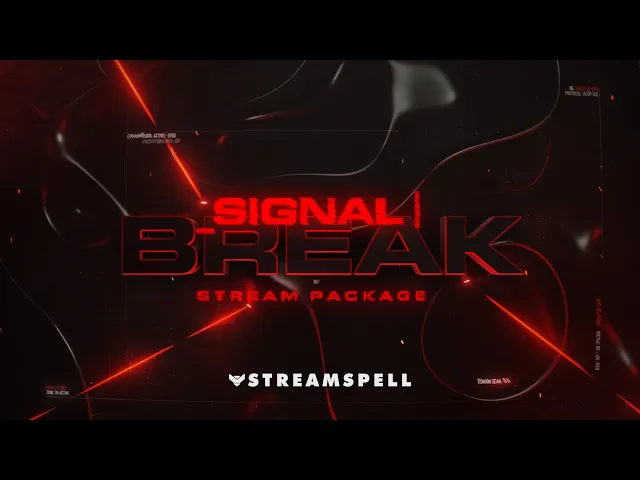
Signal Break Stream Package preview: a high-contrast red tactical interface for Call of Duty, Warzone, and competitive FPS streams.
Why it fits: Signal Break focuses on high-contrast military styling with a direct, readable layout. It is a good option when the gameplay should remain the main focus while alerts and widgets still feel connected to the match.
What is included: animated horizontal and vertical screens, Just Chatting and offline screens, a 16:9 webcam frame, an animated stinger, Chat Box, Event List and Goal Bar widgets, one-click import files, and dual-output compatibility. It is optimized for OBS Studio and Streamlabs Desktop, and also supports StreamElements and other compatible streaming apps.
The product page specifically mentions Call of Duty: Warzone, Rainbow Six Siege, Counter-Strike 2, Escape from Tarkov, and other FPS and action games.
Phantom Ops Stream Package
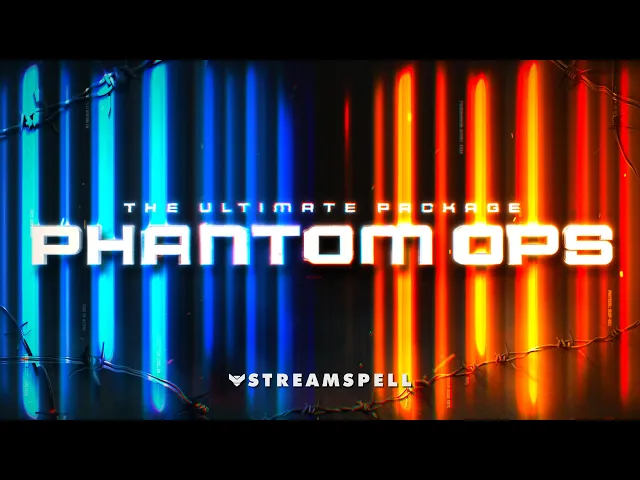
Phantom Ops Stream Package preview: a blue-and-orange covert-operations interface for tactical FPS streams.
Why it fits: Phantom Ops takes a covert-operations approach, with blue-and-orange tactical lighting, glass-shatter UI, HUD motion, and a cinematic mission-control feeling. It is a good alternative if you want Modern Warfare 4 to feel like a high-alert operation rather than a red military interface.
What is included: animated horizontal and vertical screens, an offline screen, animated alerts, Stream Widgets, a 16:9 webcam overlay, an event slot, an animated stinger, social media assets, panels, source files, and reactive kill, death, win, and loss counters through Streamlabs Desktop.
It also fits Battlefield, Apex Legends, Counter-Strike 2, PUBG, Rainbow Six Siege, Valorant, Warzone, and other tactical FPS streams.
Ultimate FPS Collection
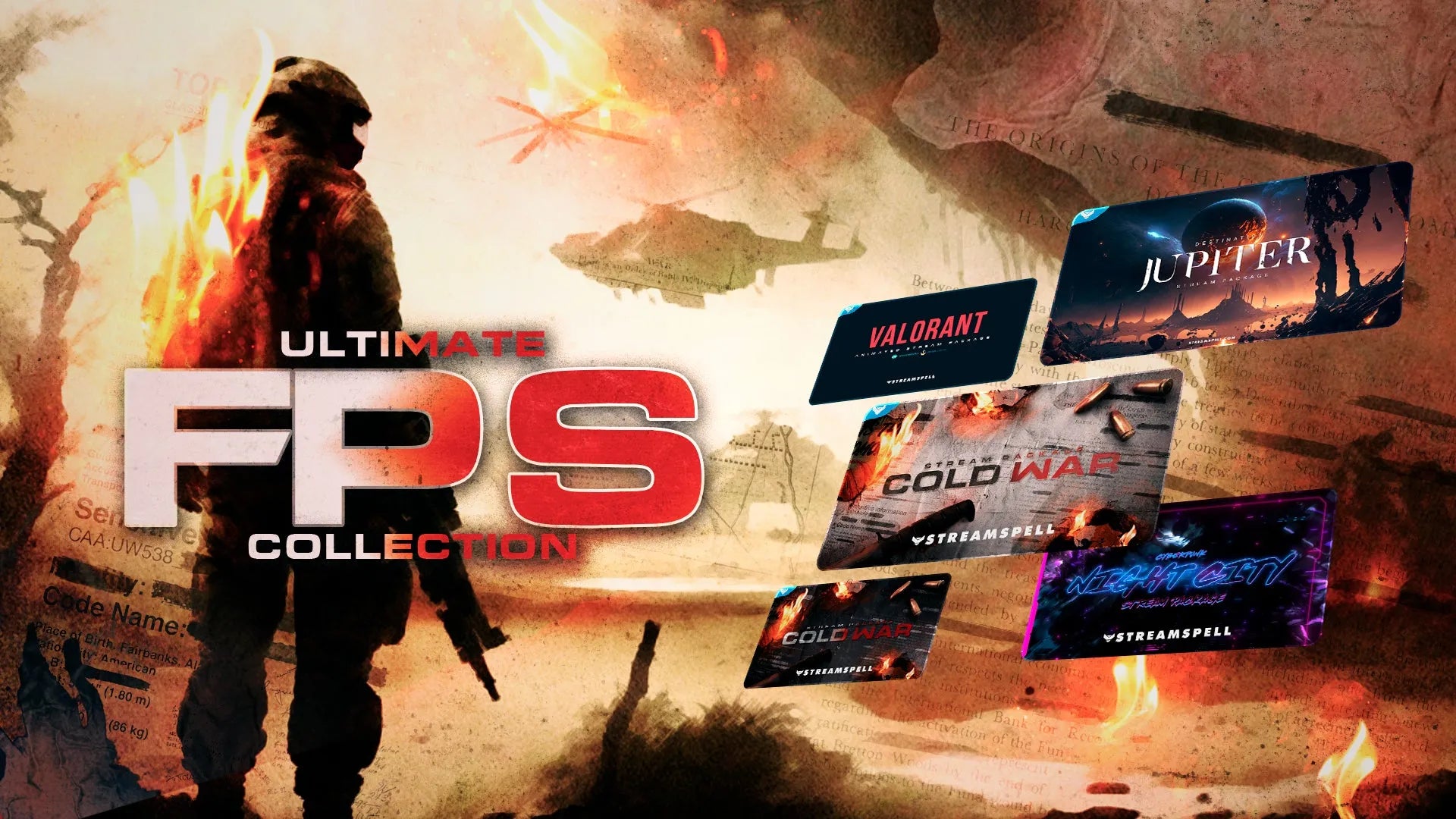
Ultimate FPS Collection preview: a bundle of animated stream packages built around fast-paced FPS broadcasts.
Why it fits: The Ultimate FPS Collection is useful for creators who stream more than one shooter and want several visual directions in one bundle. It is broader than a Modern Warfare 4-specific setup, but its FPS focus makes it relevant for variety shooter channels.
What is included: Cold War Stream Package Classic, Cold War Stream Package Blackout, VALORANT Animated Stream Package, Destination: Jupiter Stream Package, and Cyberpunk: Night City Stream Package. The collection also includes animated screens, alerts, webcam frames, modular stream labels, panels, transitions, social media assets, source files, fonts, and setup tutorials, with some features varying by included package.
The store currently lists the collection as sold out, so check the product page for current availability before choosing it.
More Call of Duty stream overlay ideas
If you want to compare these options with an existing Call of Duty guide, read The Best Call of Duty Stream Overlays. For installation help, use our OBS Studio overlay installation guide to add screens, alerts, widgets, webcam frames, and transitions to your broadcast.
Get your Modern Warfare 4 stream ready
The Open Beta is a natural time to update your channel before a new wave of multiplayer, campaign, and Warzone content reaches viewers. Choose a package that matches your visual style, keep the gameplay readable, and use the official Modern Warfare 4 Beta page for the latest access details and schedule.
Browse the full range of animated overlays, alerts, widgets, and Stream Deck assets in the StreamSpell Store.
💙 Extra Resources
Find more animated stream overlays, animated alerts, transitions, Stream Deck icons, emotes, widgets, and custom stream designs from StreamSpell:
Thank you for following our blog!
See you in the next post 💙
Level up your stream with practical guides for OBS, Twitch, YouTube and Stream Deck.

AI Stream Deck Profile Generator: Build Profiles Faster
Build Stream Deck profiles faster with Deck Smith, a free AI Stream Deck profile generator by StreamSpell.

40 Webcam Overlay Bundle by StreamSpell
Get 40 stream-ready webcam overlays with animated styles, color customization, and themes like anime, neon, RPG, cute, and more.

5 Strategies for Staying Motivated as a Content Creator
Take care of yourself with these quick tips for staying motivated throughout your content creation journey.
Browse All Articles
Browse Stream Overlays