VIEW DEALS

StreamSpell
MW4

Modern Warfare 4 for XENEON EDGE brings 29 keyboard actions to a touch-controlled Virtual Stream Deck layout. Its yellow animated frames and white symbols give movement, equipment and menu shortcuts a consistent visual language. This is a keyboard-action profile for CORSAIR's display, not a game telemetry widget or a promise to automate combat.
Get Modern Warfare 4 for XENEON EDGE on Elgato Marketplace.
Movement, loadouts and social shortcuts
The movement group includes forward and backward movement, left and right strafing, jump / stand / mantle, crouch / slide, prone, sprint / tactical sprint / focus, walk and auto move forward. Several labels describe context-dependent behavior on the same keyboard action; they are not separate automated sequences.
Reload, melee, fire mode, next weapon and interact cover the listed combat and interaction shortcuts. Tactical equipment and field upgrade are included, alongside three killstreak actions. For example, the profile gives map, scoreboard and loadout menu their own shortcuts rather than making every task a combat control.
Settings, launcher and pause / close menu complete the menu group. Social menu, chat channels and text chat provide the communication shortcuts. Hold actions use Stream Deck's built-in Key Logic. Sprint behavior still follows the game's settings, and the listing specifically notes that Tactical Sprint requires Blood Rush.

Two layouts, plus a separate icon library
The download includes two Virtual Stream Deck profiles: a 15-key layout and a 32-key layout. After import, use a grid of five columns by three rows for the former, or eight columns by four rows for the latter. These are two ways to arrange the delivered profile on XENEON EDGE, not two different devices or an expansion of the 29 listed actions.
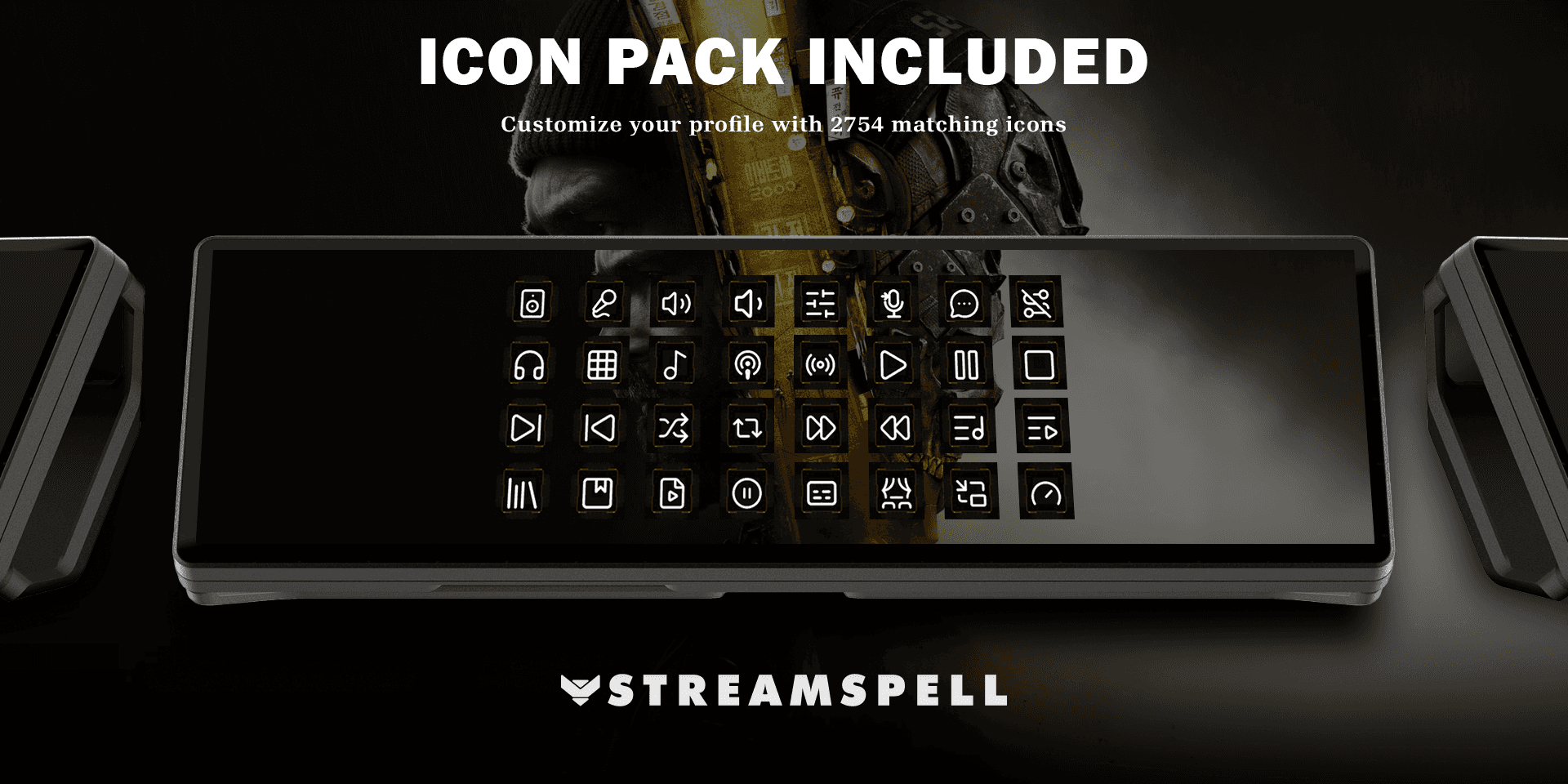
You also receive yellow animated key artwork, a CSV file with key mappings and a Download All Icons link. That separate download contains 2,754 animated icons across Yellow, Cyan, Red, Green, Purple and Blue libraries. Each color has an installable icon pack, and individual GIF files are provided. Internet access is needed to retrieve this library.
Use the additional artwork to personalize keys you configure yourself. An icon is a visual label: selecting one does not create its pictured command or add it to the game profile.
XENEON EDGE setup and binding checks
Check the product's requirements first: Windows 11, Stream Deck 7.5.0 (22885) or newer, iCUE 5.48.58 or newer and XENEON EDGE firmware 5.48.1 or newer.
Set up Virtual Stream Deck for your XENEON EDGE. CORSAIR's official Virtual Stream Deck guide explains adding a virtual device and displaying it on the screen. It also links to CORSAIR's newer Stream Deck widget installation guide.
Import the supplied profile for your chosen layout into Virtual Stream Deck, then set its grid to 5 × 3 or 8 × 4 to match that file.
Compare the supplied CSV mapping with Settings > Keyboard & Mouse > Keybinds in the game. Imported settings or previous remapping may differ; align the profile's actions with your own bindings before relying on them.
Check hold and sprint behavior against your in-game settings. Keep the mapping CSV available when an action behaves differently from its label.
What this release does not assign
Lethal equipment, weapon mount, armor and push to talk are not assigned. The release includes only the listed keyboard actions, with no timed combat sequences or repeated inputs. Do not read the size of the icon library as a claim that thousands of game actions are preconfigured.
Frequently asked questions
Which grid should I choose?
Match the imported file: 5 columns and 3 rows for 15 keys, or 8 columns and 4 rows for 32 keys. The listing supplies both Virtual Stream Deck layouts.
Why does a shortcut trigger the wrong action?
Compare its keyboard assignment with the supplied CSV and your current in-game keybinds. A previously imported or remapped control configuration can differ from the mapping expected by the profile.
Are the extra icons already mapped to commands?
No. The separate icon download provides artwork in six colors and individual GIF files. Applying an icon changes the visual label, not the action configured beneath it.
Does this include automated combat sequences?
No. The product describes keyboard actions and built-in Key Logic for holds, with no timed combat sequences or repeated inputs. Its listed omissions still apply.
StreamSpell is independent and is not affiliated with Activision, CORSAIR or Elgato. See the exact Modern Warfare 4 for XENEON EDGE listing for the product and its current requirements.
Level up your stream with practical guides for OBS, Twitch, YouTube and Stream Deck.

AI Stream Deck Profile Generator: Build Profiles Faster
Build Stream Deck profiles faster with Deck Smith, a free AI Stream Deck profile generator by StreamSpell.

40 Webcam Overlay Bundle by StreamSpell
Get 40 stream-ready webcam overlays with animated styles, color customization, and themes like anime, neon, RPG, cute, and more.

5 Strategies for Staying Motivated as a Content Creator
Take care of yourself with these quick tips for staying motivated throughout your content creation journey.
Browse All Articles
Browse Stream Overlays