VIEW DEALS

StreamSpell
Helldivers 2, NIGHTSWORD, Profiles

Keep Reinforce, Resupply and other mission tools close while the larger stratagem collection stays organized behind All Actions. StreamSpell’s Helldivers 2 NIGHTSWORD v2 WIRELESS SD profile includes 109 stratagem sequences and 28 direct controls, rather than just a few decorative mouse buttons.
View Helldivers 2 for NIGHTSWORD v2 WL SD in the StreamSpell store.
109 stratagem sequences in practical categories
The library separates Orbital, Eagle, Support Weapons, Backpacks, Vehicles, Defensive and Mission calls. Examples include Orbital Precision Strike and Laser, Eagle Airstrike and 500kg Bomb, Autocannon, Quasar Cannon, Supply Pack, Guard Dog variants, exosuits and sentries.
Mission calls include Reinforce, Resupply, SOS Beacon and objective-specific entries such as Hellbomb and Upload Data. Objective calls only apply when the mission provides them. Deprecated Orbital Illumination Flare is excluded.
28 controls beyond the stratagem library
There are 23 gameplay controls for reload, interaction, movement, stance, weapons, equipment, map and chat, plus the stratagem menu and four manual direction keys. Nine held controls use built-in Key Logic. A sustained input should be treated differently from a quick tap.
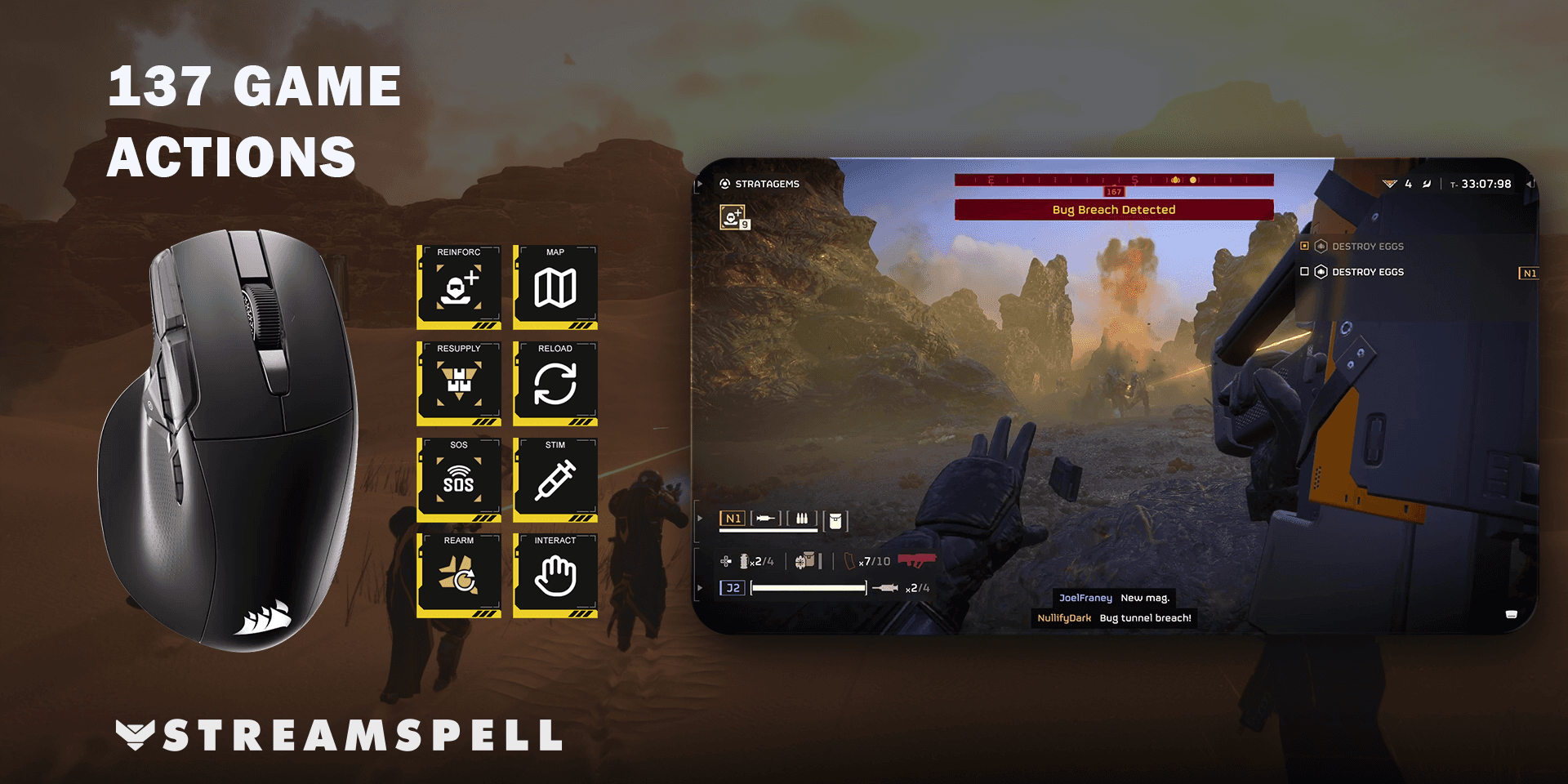
Home shortcuts and the full action library
The supplied Home page keeps 7 direct shortcuts beside an All Actions entry. All Actions leads to the complete library; Back and Next keep its additional pages reachable. The library is larger than the number of physical mouse buttons, so the download does not discard commands to fit the first page.
A focused Home page can favor commonly needed mission calls and utility keys, while less frequent equipment or objective calls stay in their category folders. In the Stream Deck editor, copy the action you want from All Actions and paste it onto Home. Keep the navigation entry available if you still want to reach the rest of the collection.
What comes in this device-specific download?
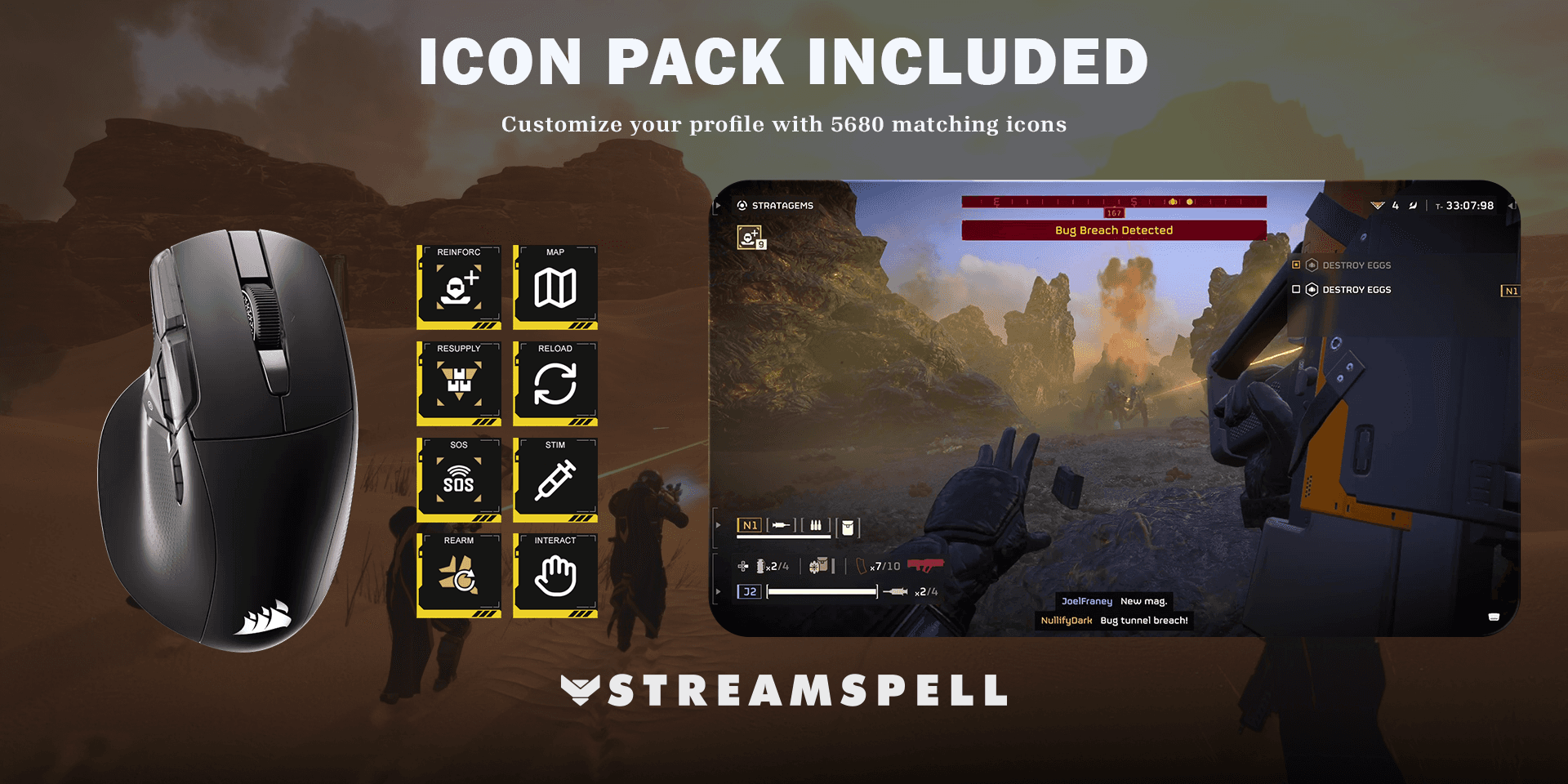
The download contains one Windows profile for NIGHTSWORD v2 WIRELESS SD, a CSV file with key mappings, an installable Stream Deck icon pack and 5,680 matching icons. The artwork helps edited or newly arranged keys stay consistent with the supplied profile.
Icons provide the visual labels; the configured Stream Deck actions send the inputs. Installing the icon pack by itself does not configure the game commands.
Setup guide: Helldivers 2 on NIGHTSWORD
Connect the NIGHTSWORD v2 WIRELESS SD by USB cable or its 2.4 GHz receiver, then open the current Elgato Stream Deck app and select the mouse. CORSAIR documents the connection and device selection in its NIGHTSWORD manual.
Download this device-specific product from the StreamSpell store and extract the ZIP.
Open its .streamDeckProfile file and confirm Install. Select the imported profile for the matching mouse in Stream Deck.
Read the supplied key-mapping CSV and check the game-specific requirements below.
Try one ordinary command in a safe game context, then review Home and All Actions before relying on the shortcuts during play.
In Helldivers 2, set Open Stratagems List to Home in Press mode and bind the four stratagem directions to the arrow keys. Start with the list closed when using a stratagem button. You still aim and throw the beacon in the game. Match indicated custom shortcuts against your game bindings; availability depends on loadout and mission.
Keep the Stream Deck app running. This is a software-driven Stream Deck profile, not an iCUE hardware-memory profile or a new mouse firmware. For the general file-import process, use Elgato's profile installation guide.
Frequently asked questions
Can every stratagem be called in every mission?
No. The profile provides the included sequences; your loadout, unlocks and current mission determine what the game permits.
Does a button aim or throw the beacon?
No. After the input sequence, aiming and throwing remain manual in Helldivers 2. The profile does not choose a deployment location for you.
Can I use a different CORSAIR mouse?
This download is made for NIGHTSWORD v2 WIRELESS SD. Do not assume the older NIGHTSWORD RGB has the same native Stream Deck integration. Choose the product made for your actual device.
Get the Helldivers 2 NIGHTSWORD profile
Check the current contents and requirements, then get Helldivers 2 for NIGHTSWORD v2 WL SD from StreamSpell. This link is for this mouse version, not the standard multi-device bundle.
Independent StreamSpell product. Not affiliated with or endorsed by the game’s creators, CORSAIR or Elgato. Software and hardware are not included.
Level up your stream with practical guides for OBS, Twitch, YouTube and Stream Deck.

AI Stream Deck Profile Generator: Build Profiles Faster
Build Stream Deck profiles faster with Deck Smith, a free AI Stream Deck profile generator by StreamSpell.

40 Webcam Overlay Bundle by StreamSpell
Get 40 stream-ready webcam overlays with animated styles, color customization, and themes like anime, neon, RPG, cute, and more.

5 Strategies for Staying Motivated as a Content Creator
Take care of yourself with these quick tips for staying motivated throughout your content creation journey.
Browse All Articles
Browse Stream Overlays