
VIEW DEALS
Julia Pazin
free webcam overlays, webcam frames, OBS Studio, Streamlabs Desktop, Twitch, RPG overlays, gaming overlays

Looking for a free webcam overlay for OBS Studio, Streamlabs Desktop, Twitch or YouTube? StreamSpell has a collection of free webcam frames in different styles, from dark fantasy and RPG designs to kawaii, cyberpunk, pixel art and cozy lofi themes.
You can download the webcam overlays below for free and use them to give your facecam a more polished look without changing your entire stream setup.
Some of these free webcam overlays are static versions of designs included in larger animated StreamSpell Stream Packages. If you like the free version, you can upgrade to the complete matching package for animated screens, alerts, transitions, overlays, widgets and other stream assets, depending on the design.
You can also browse the Free Stream Overlays collection for more free assets for OBS Studio, Streamlabs Desktop and StreamElements.
Free Webcam Overlays for OBS and Streamlabs
FREE Animated Neon Webcam Overlay
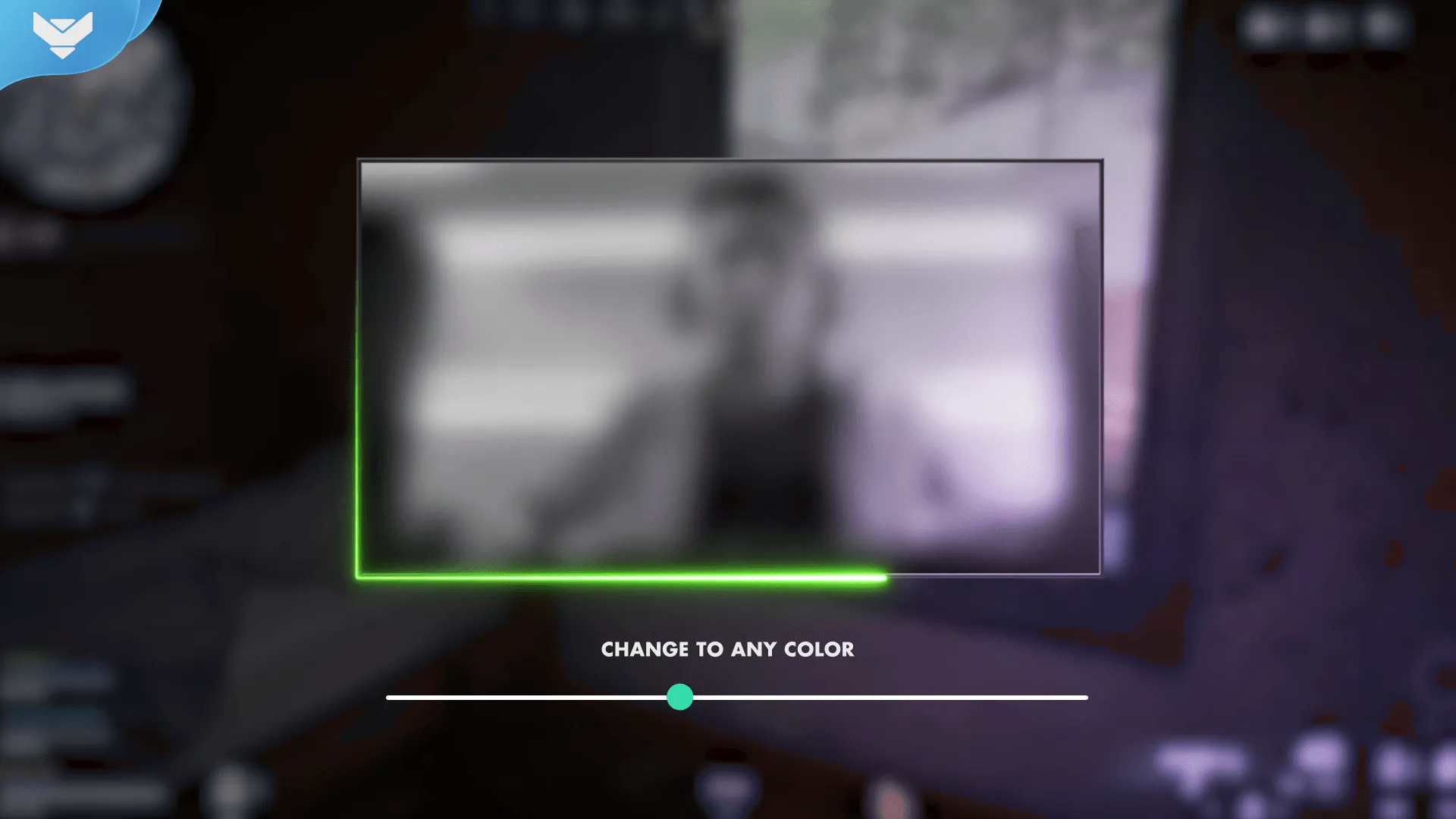
Want something animated from the start? The FREE Animated Neon Webcam Overlay gives your facecam a clean neon frame with animated details, making it an easy fit for gaming, Just Chatting, music and variety streams.
Unlike most of the static webcam overlays in this list, this one is already fully animated. It works with OBS Studio, Streamlabs Desktop and StreamElements, and its colors can be adjusted with color correction to better match your stream branding.
It is a simple option for streamers who want to add motion around their camera without purchasing or replacing an entire stream layout.
FREE Samurai Webcam Overlay + Slot by StreamSpell
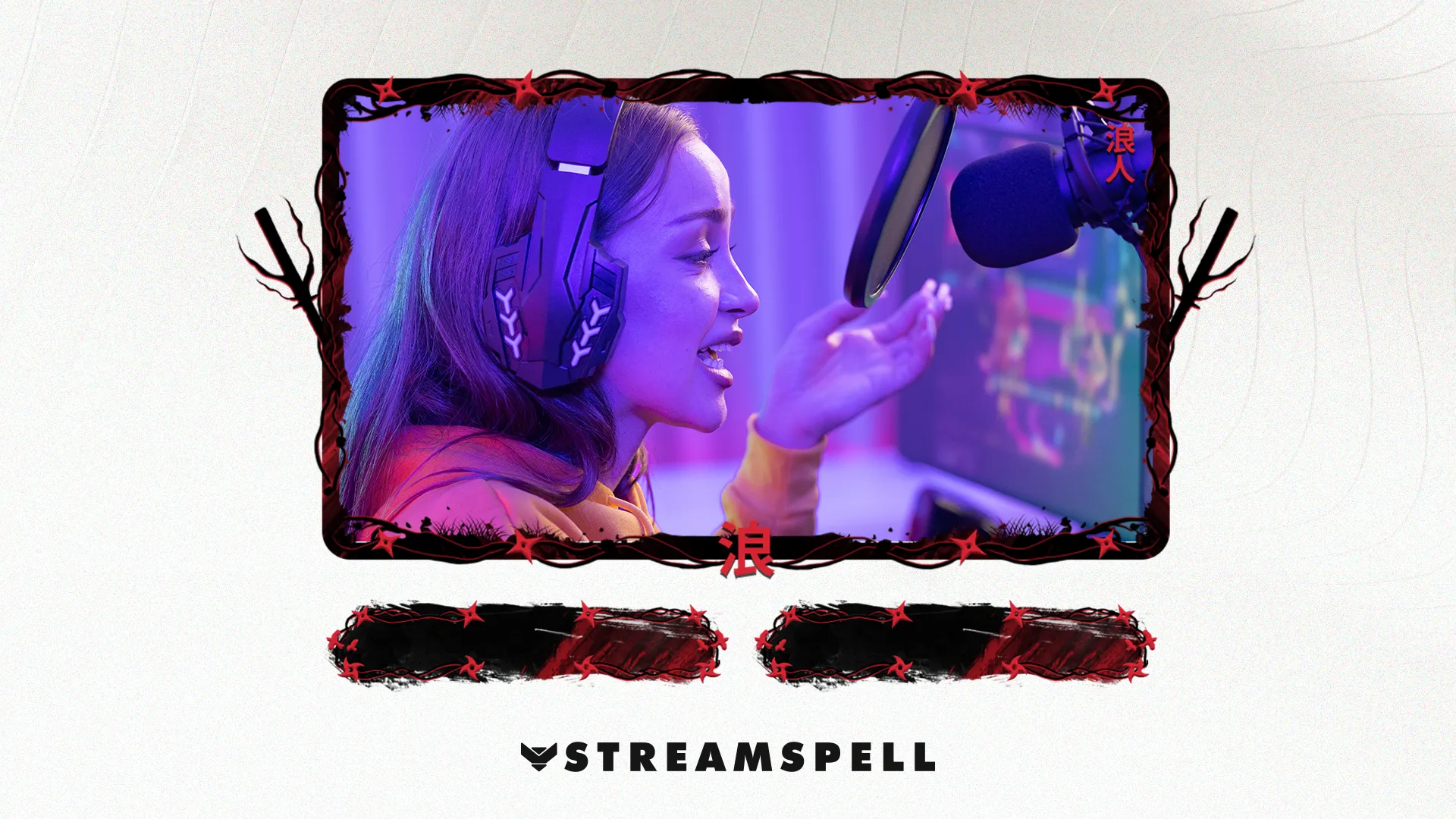
The FREE Samurai Webcam Overlay brings a Japanese warrior-inspired look to streams focused on action games, RPGs and samurai aesthetics. It works especially well with games such as Ghost of Tsushima, Sekiro, Nioh and other sword-focused or fantasy titles.
The free download includes a static 16:9 webcam frame, a matching static overlay slot and setup tutorials.
Want the complete animated Samurai setup?
The free webcam design comes from the Samurai Stream Package, which expands the theme into a complete animated stream layout.
Video: Samurai Stream Package preview.
The full package includes 4 animated screens for Starting Soon, BRB, Ending and Just Chatting, 12 animated alerts with sound effects, an animated 16:9 webcam frame, modular stream labels, 43 stream panels, an animated stinger transition, social media assets, source files and setup tutorials.
It is a good next step if you like the free webcam but want your scenes, alerts and transitions to follow the same Samurai visual style.
FREE RPG Webcam Overlay by StreamSpell
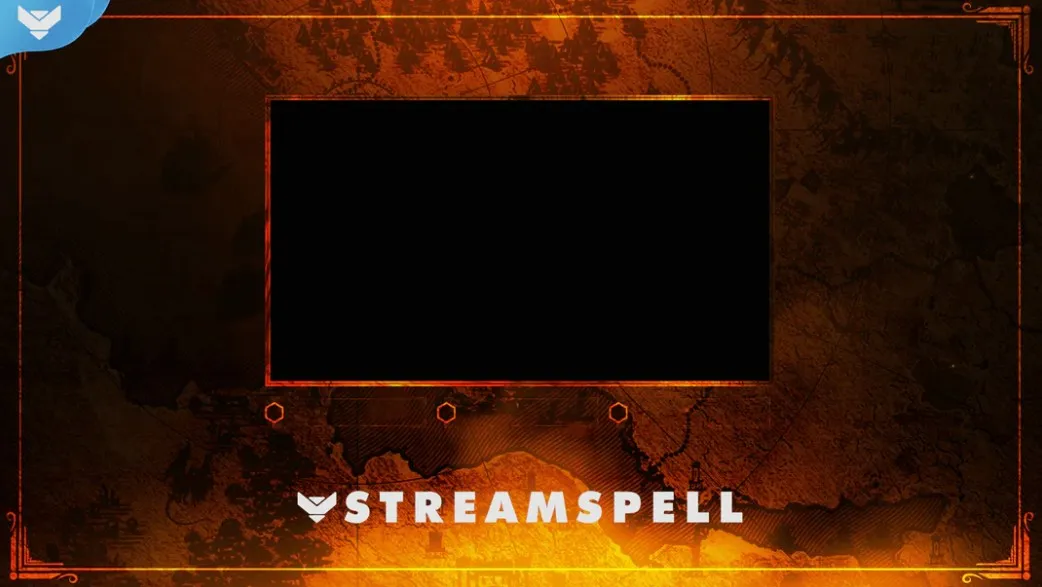
The FREE RPG Webcam Overlay is designed for fantasy games, tabletop sessions, Dungeon Masters and story-driven streams.
The free download includes a static 16:9 webcam frame, static overlay slot, event icons and setup tutorials, giving you more than just a basic camera border.
It works naturally with RPGs such as Baldur’s Gate 3, World of Warcraft and other fantasy adventures.
Upgrade to the Dungeon Master Stream Package
This free RPG webcam design is connected to the Dungeon Master Stream Package.
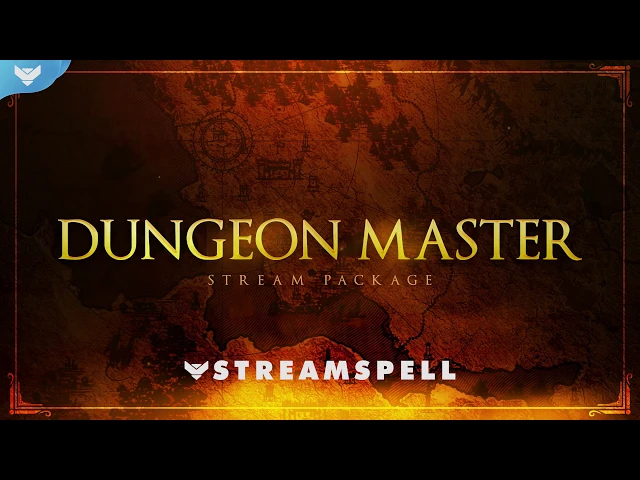
Video: Dungeon Master Stream Package preview.
The full animated package includes animated Starting Soon, BRB, Ending and Just Chatting screens, 12 animated alerts with sound effects, a 16:9 webcam frame, modular stream labels with custom event icons, 43 stream panels, an animated stinger transition, social media headers and profile assets, source files, a font and setup tutorials.
For tabletop campaigns, RPG podcasts, multiplayer sessions and fantasy game streams, the complete package lets you carry the same visual identity across the rest of your broadcast.
FREE Viking: Odin Webcam Overlay
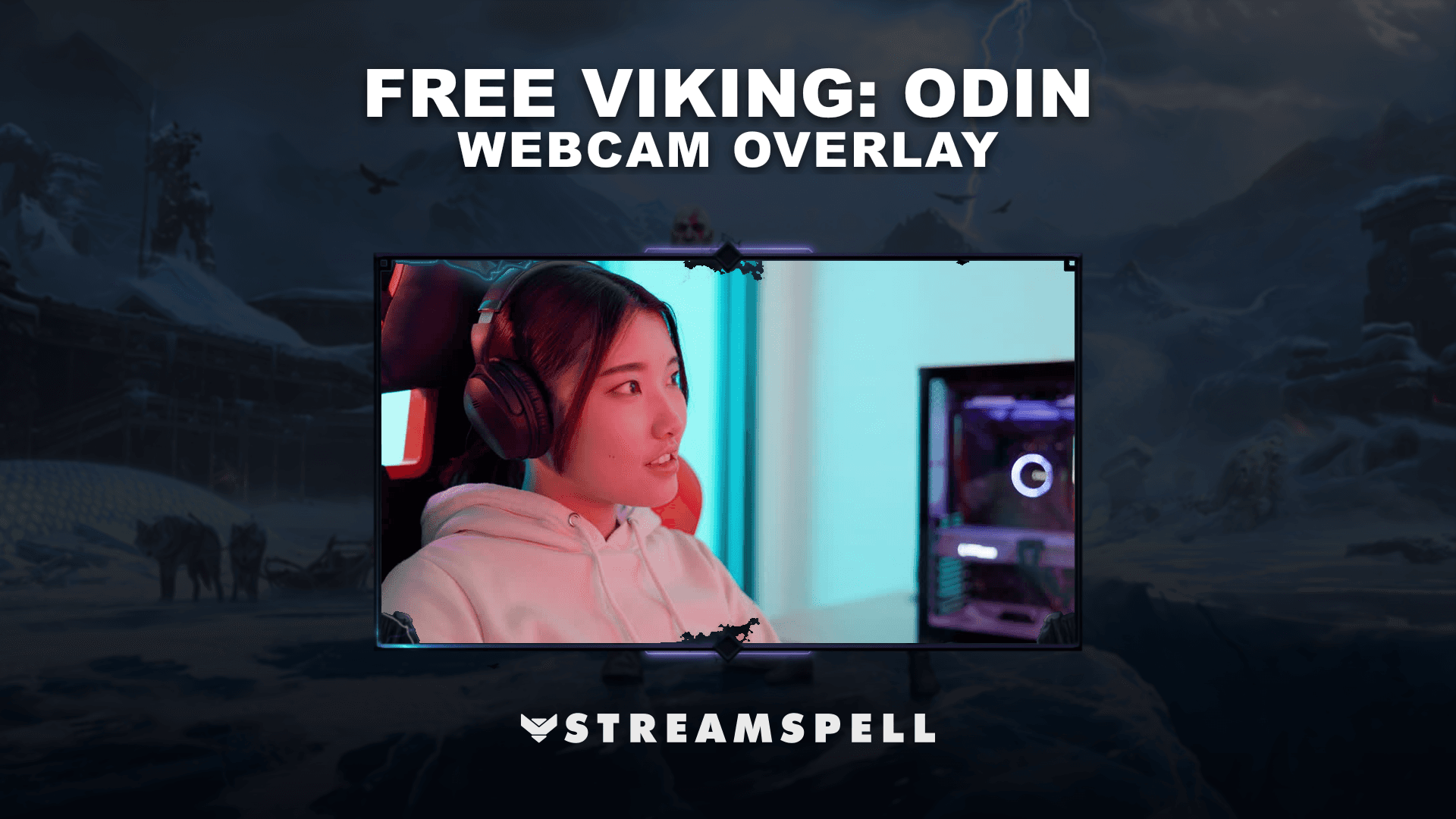
Bring Norse-inspired details to your stream with the FREE Viking: Odin Webcam Overlay.
The free download includes a static 16:9 webcam overlay and setup guide, making it easy to add the design to OBS Studio, Streamlabs Desktop or another compatible streaming app.
Its rune-heavy Nordic aesthetic works especially well with games such as God of War, Assassin’s Creed Valhalla, Valheim, Skyrim and other fantasy or mythology-based titles.
Upgrade to the animated Viking: Odin Stream Package
The Viking: Odin Stream Package expands the same aesthetic into a complete animated stream setup.
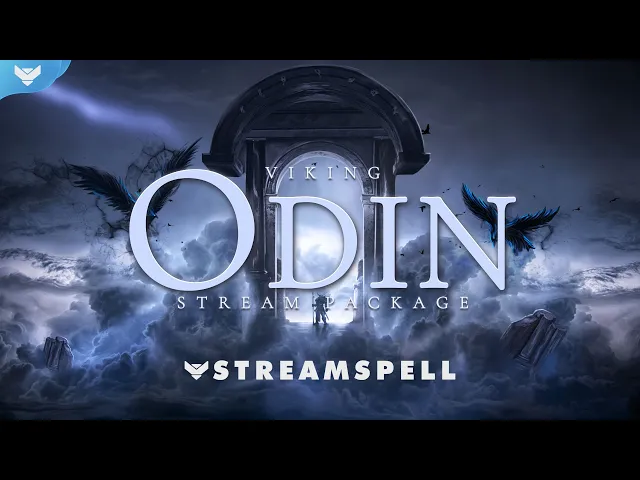
Video: Viking: Odin Stream Package preview.
It includes 4 animated screens, an offline screen, 12 animated alerts with sound effects, a 16:9 webcam frame, modular stream labels, 43 stream panels, an animated stinger transition, PSD panel files, an editable After Effects file, sound effects, a font and setup tutorials.
The package is also available in multiple languages, including English, Brazilian Portuguese, Spanish, German, French and Turkish.
FREE Kawaii: Kuromi Webcam Overlay
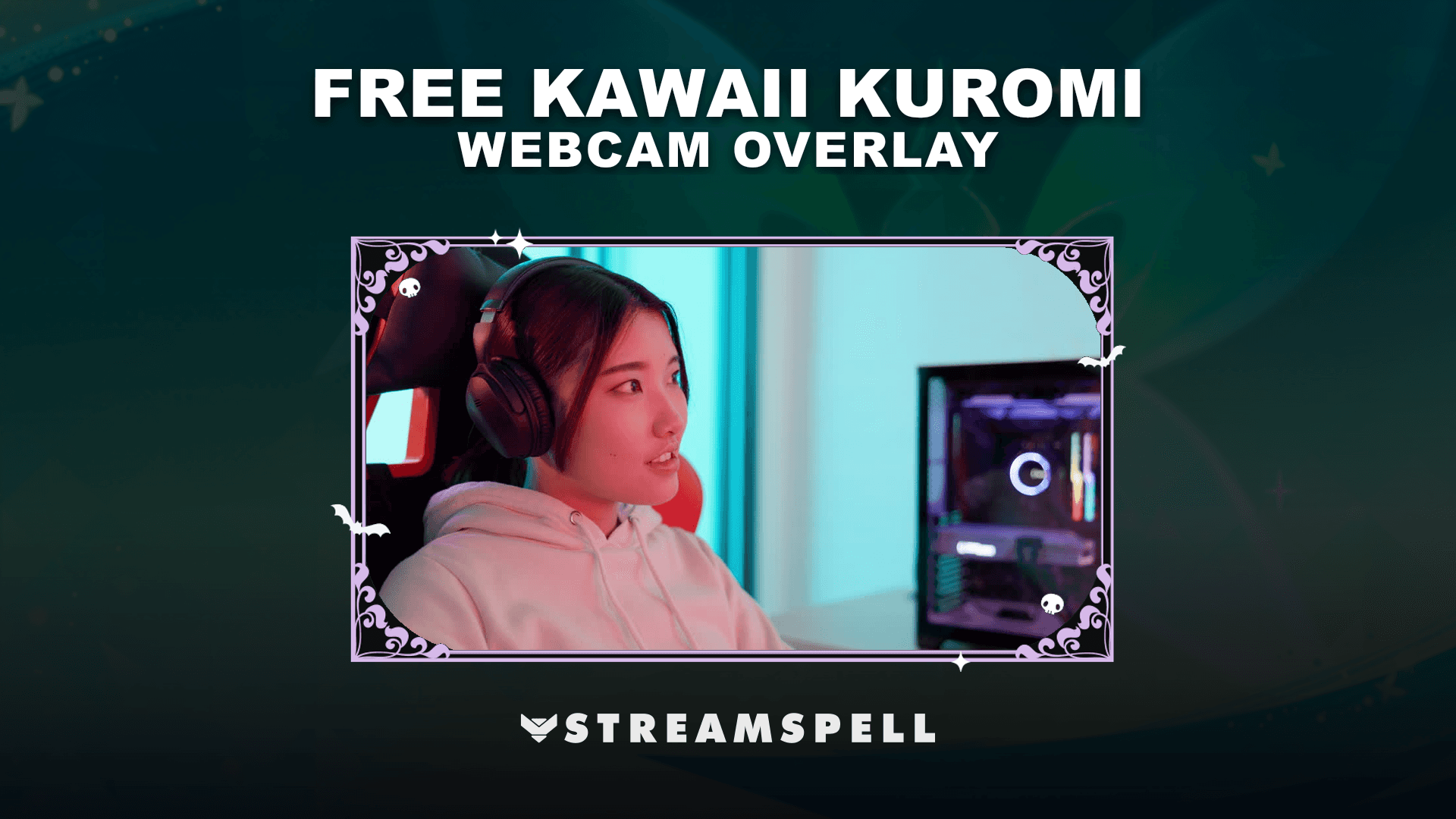
The FREE Kawaii: Kuromi Webcam Overlay combines cute aesthetics with darker punk-inspired details for cozy gaming, anime-inspired content, Just Chatting and kawaii stream layouts.
The free download includes one static PNG webcam overlay and a setup guide.
It is an easy way to test the visual style before building an entire stream setup around it.
Want the full Kawaii: Kuromi Stream Package?
The free webcam frame matches the Kawaii: Kuromi Stream Package, a fully animated overlay package built around the same black, lilac and kawaii-punk aesthetic.
Video: Kawaii: Kuromi Stream Package preview.
The package includes animated horizontal and vertical stream screens, 12 animated alerts, a webcam overlay, event slot, animated transition, offline screen, stream panels, profile picture, banners, source files, fonts, icons and setup guide.
The full product page also includes multiple webcam formats and additional animated layouts, making it a more complete option for creators who want to extend the free webcam style across their entire channel.
FREE MARVELOOSE! Webcam Overlay
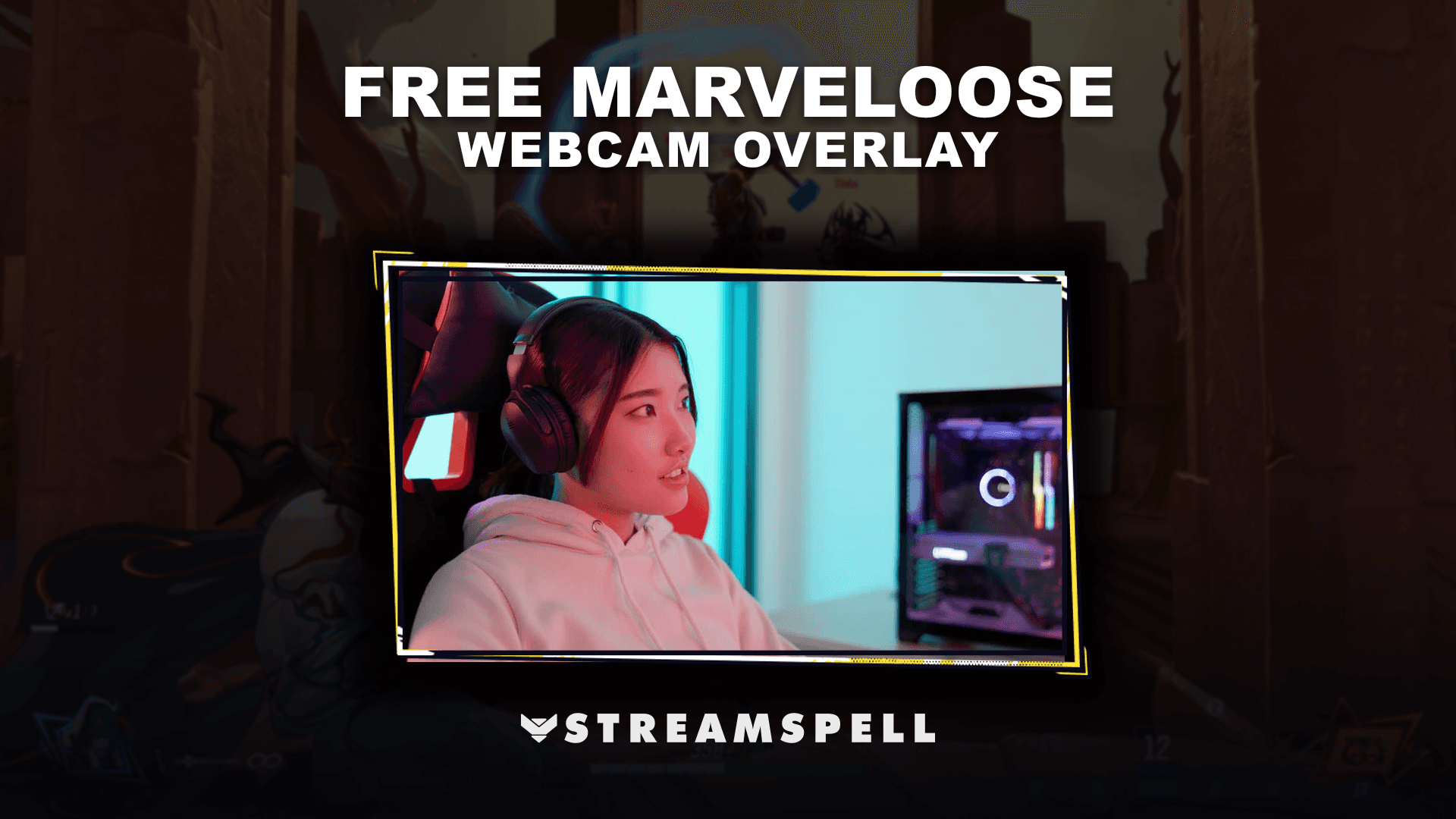
The FREE MARVELOOSE! Webcam Overlay gives your facecam a bold superhero-inspired look designed for action-heavy streams, competitive games and comic-style setups.
The free download contains one static PNG webcam overlay plus access to the setup guide.
It works particularly well for Marvel Rivals streams and other superhero or action-focused content.
Go further with the MARVELOOSE! Stream Package
The MARVELOOSE! Stream Package turns the same concept into a complete animated setup.
Video: MARVELOOSE! Stream Package preview.
Along with the webcam overlay, the package includes horizontal and vertical animated screens, animated alerts, event slots, a stinger transition and three matching stream widgets: Chat Box, Event List and Goal Bar.
It also includes Reactive Overlays for Streamlabs Desktop, including gameplay counters supported by compatible games, plus setup tutorials and editable After Effects files.
If you start with the free webcam and later want matching scenes, widgets and gameplay features, the complete package keeps everything in the same superhero-inspired style.
FREE Night Realm Webcam Overlay
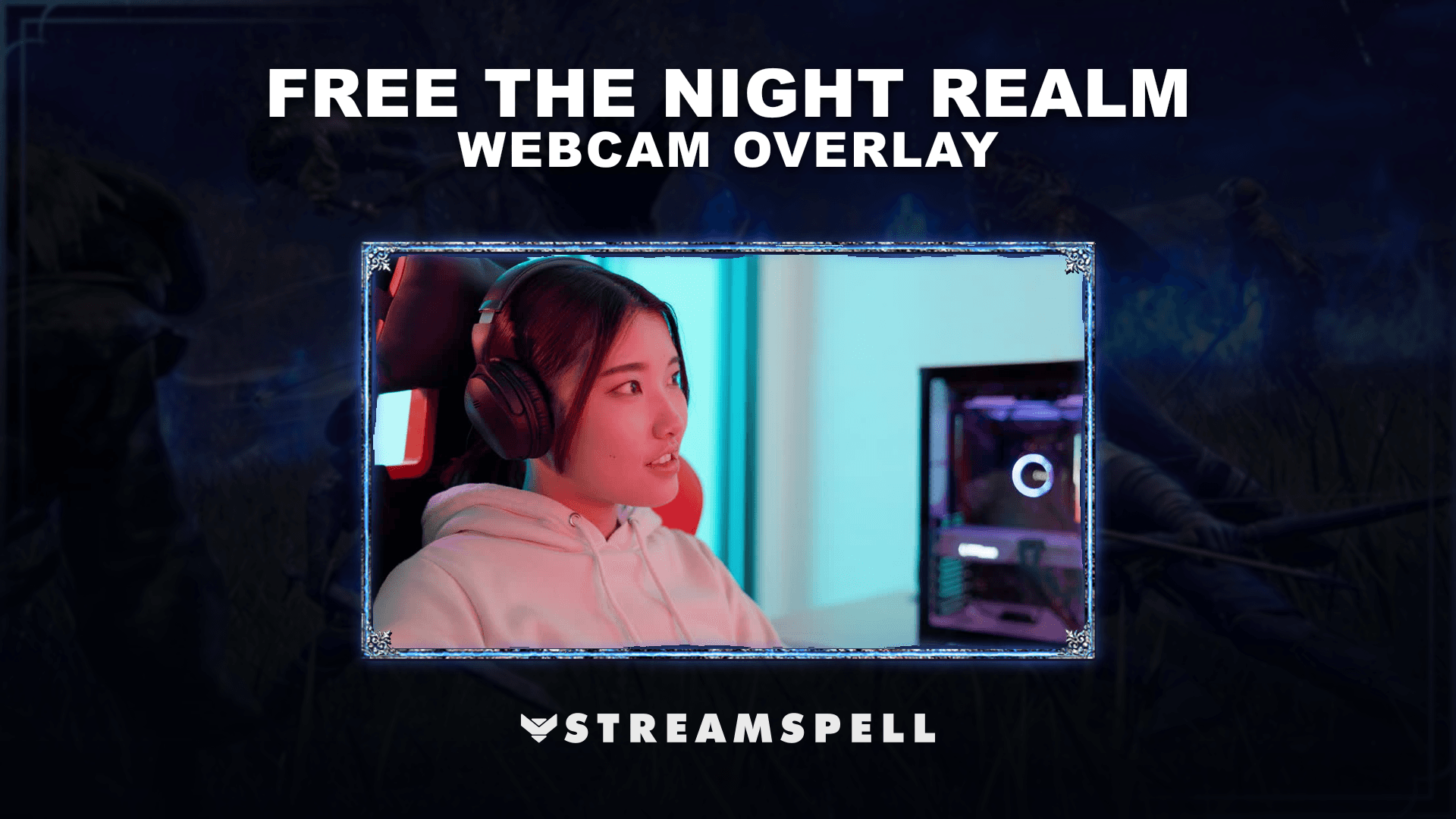
The FREE Night Realm Webcam Overlay is a static dark fantasy webcam frame designed for RPGs, Soulslike games, horror streams and atmospheric late-night broadcasts.
The free download includes one static PNG webcam overlay plus a setup guide.
Its darker fantasy styling makes it an easy match for games such as Elden Ring, Dark Souls and Baldur’s Gate 3.
Build the full setup with The Night Realm Stream Package
The matching The Night Realm Stream Package includes a much larger collection of animated assets.
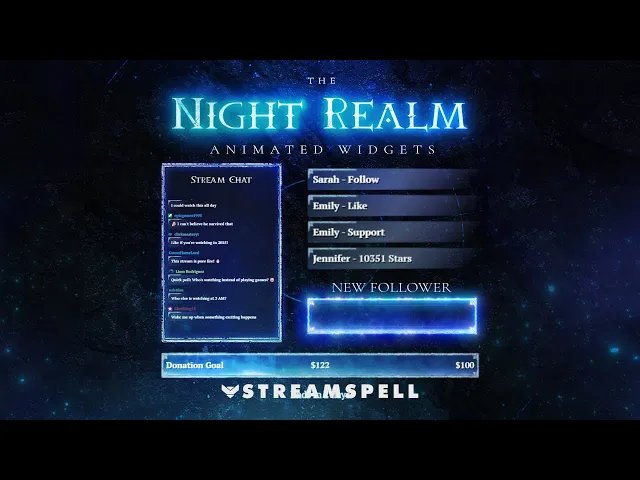
Video: The Night Realm Stream Package preview.
You get horizontal and vertical animated screens, 12 animated alerts with sound effects, a 16:9 webcam overlay, modular stream labels, six stinger transitions and three animated stream widgets: Chat Box, Event List and Goal Bars. The package also includes stream panels, social media assets and setup tutorials.
Vertical layouts are included as well, making the package useful for creators building both traditional 16:9 and vertical stream scenes.
FREE Cyberpunk: Night City Webcam Overlay
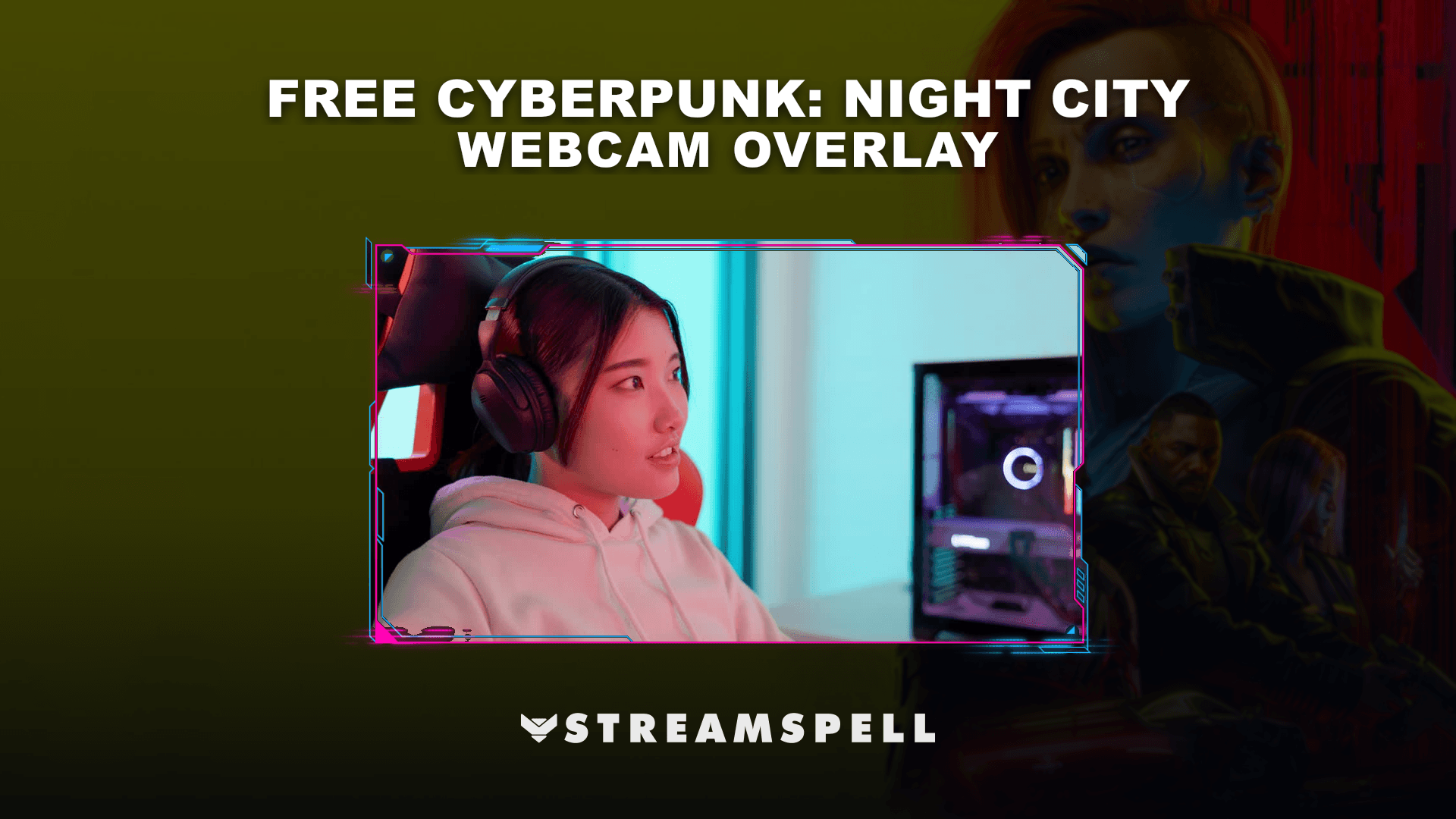
Give your camera a futuristic neon frame with the FREE Cyberpunk: Night City Webcam Overlay.
The free download includes one static PNG webcam overlay and a setup guide.
Its neon sci-fi styling fits Cyberpunk 2077, futuristic shooters, racing games, tech streams, DJ broadcasts and other cyberpunk-inspired content.
Upgrade to the Cyberpunk: Night City Stream Package
The Cyberpunk: Night City Stream Package expands the webcam aesthetic into a fully animated cyberpunk stream layout.
Video: Cyberpunk: Night City Stream Package preview.
The package includes 4 animated screens, an offline screen, 12 animated alerts, a 16:9 webcam overlay, an event slot, an animated transition, stream panels, profile and banner assets, PSD source files, fonts, icons and a step-by-step setup guide.
It is designed for OBS Studio, Streamlabs Desktop and StreamElements, making it a natural upgrade if the free webcam becomes part of your regular streaming setup.
FREE Pixel Japan Webcam Overlay
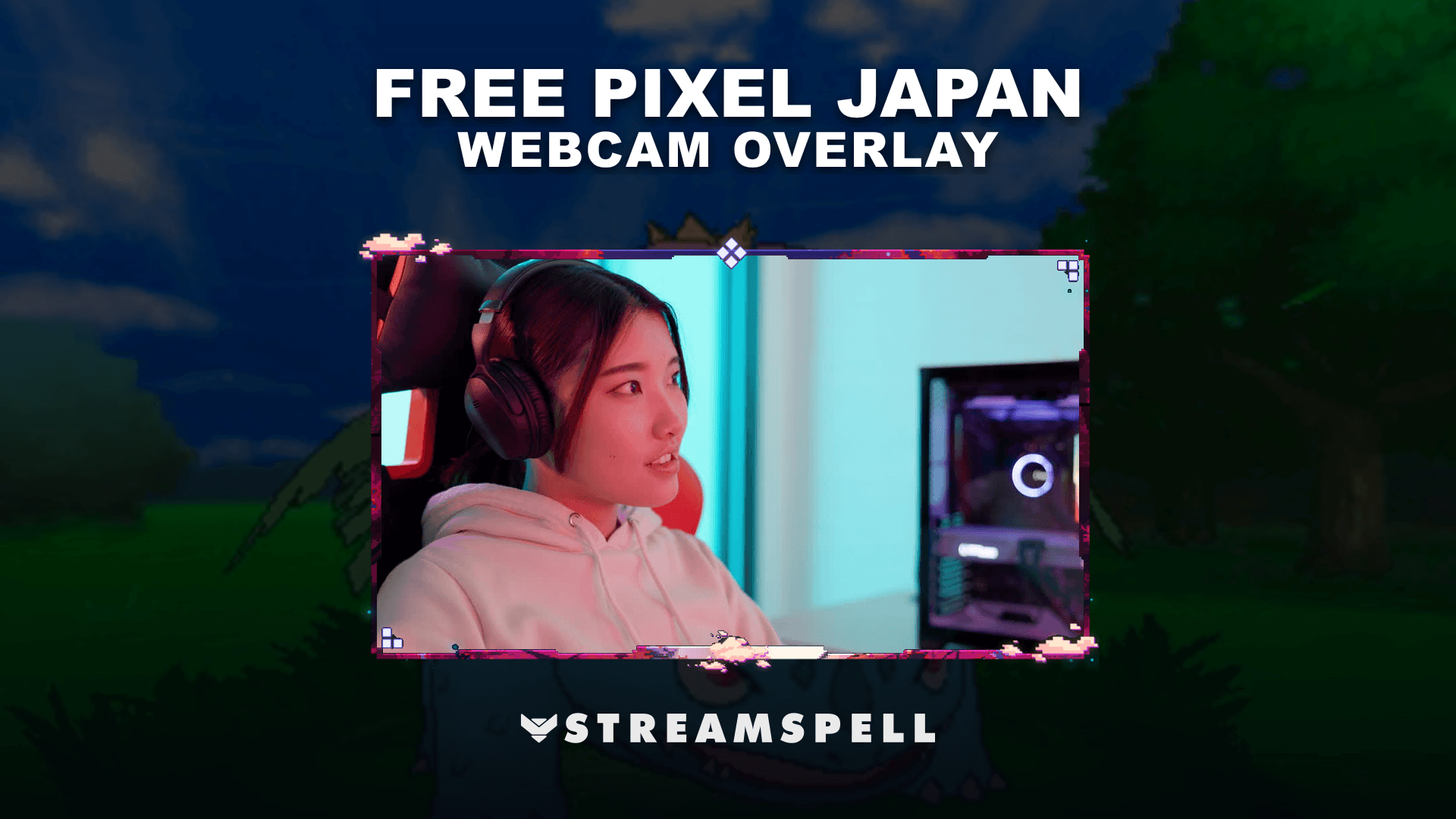
The FREE Pixel Japan Webcam Overlay mixes pixel art with Japanese-inspired scenery and colors for retro games, indie titles, anime-inspired channels and nostalgic gaming streams.
The free download contains one static PNG webcam overlay plus a setup guide.
Continue the theme with the Pixel Japan Stream Package
The Pixel Japan Stream Package includes the matching animated stream setup.
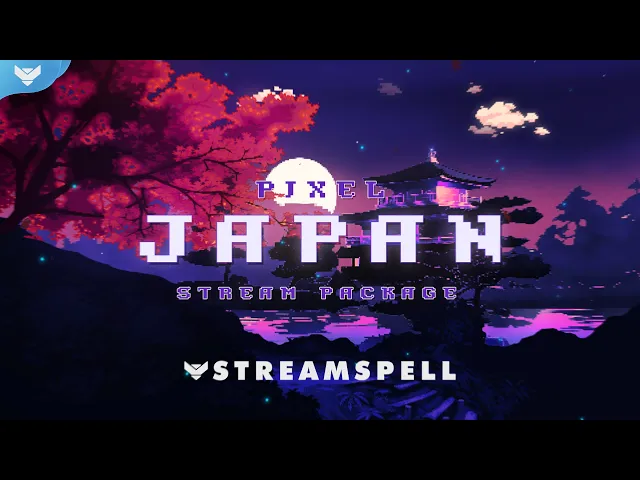
Video: Pixel Japan Stream Package preview.
Along with the webcam frame, it features animated horizontal and vertical screens, animated alerts, an event slot, animated stinger transition, modular stream labels, stream panels, social media assets and setup tutorials.
The package also includes Reactive Overlays for Streamlabs Desktop, with gameplay counters and trackers available for supported games.
This makes the full package a useful upgrade for creators who want the pixel-art aesthetic to continue beyond their facecam.
FREE Lofi Dream Webcam Overlay
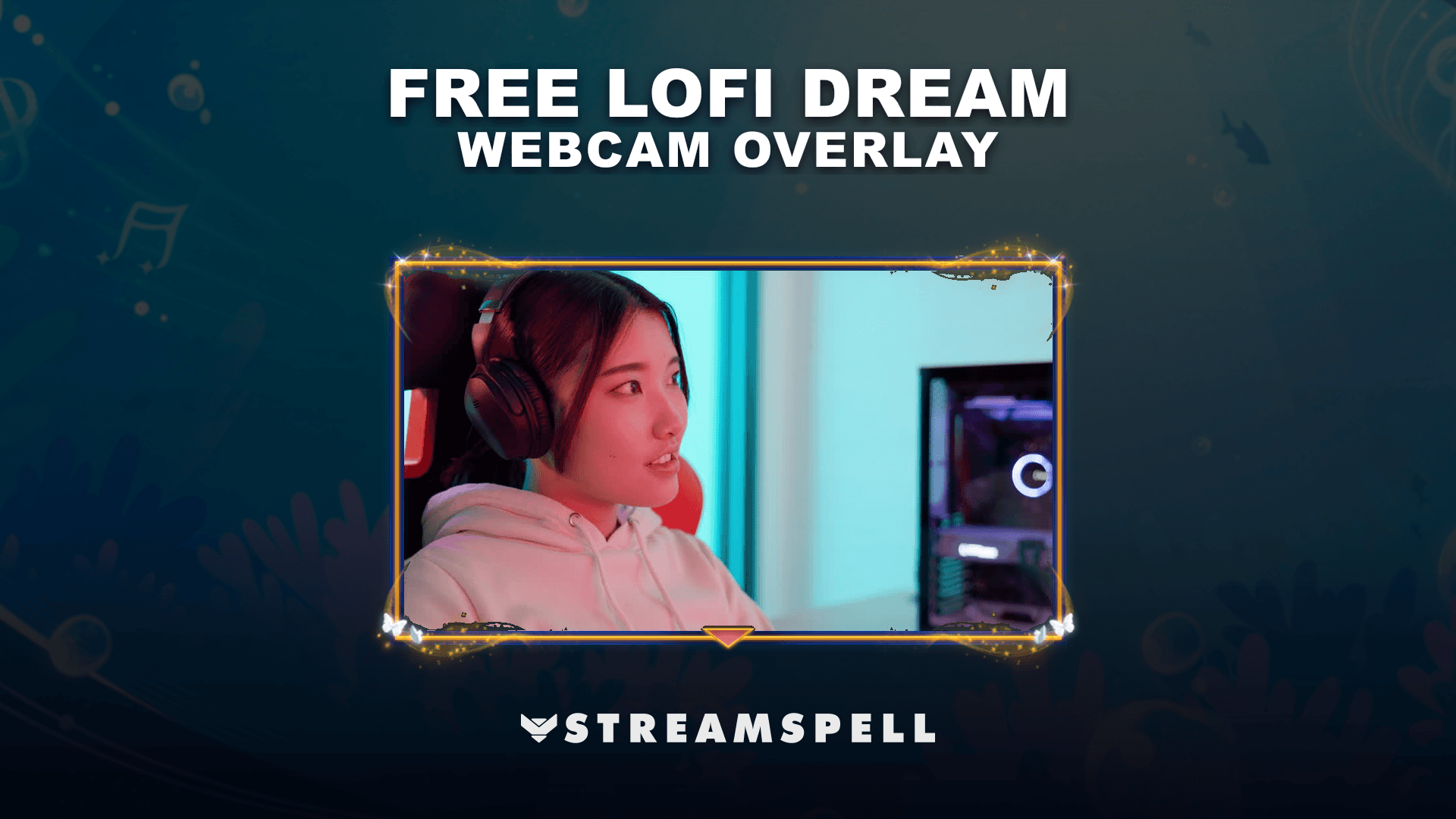
The FREE Lofi Dream Webcam Overlay brings a softer pastel look to cozy gaming, study streams, music, art sessions and relaxed Just Chatting broadcasts.
The free download includes one static PNG webcam overlay plus a setup guide.
It works well for creators who want a quieter webcam design that does not overpower the content on screen.
Create a complete cozy stream with the Lofi Dream Stream Package
The matching Lofi Dream Stream Package expands that style into a fully animated overlay setup inspired by sunsets, butterflies and cozy lofi visuals.
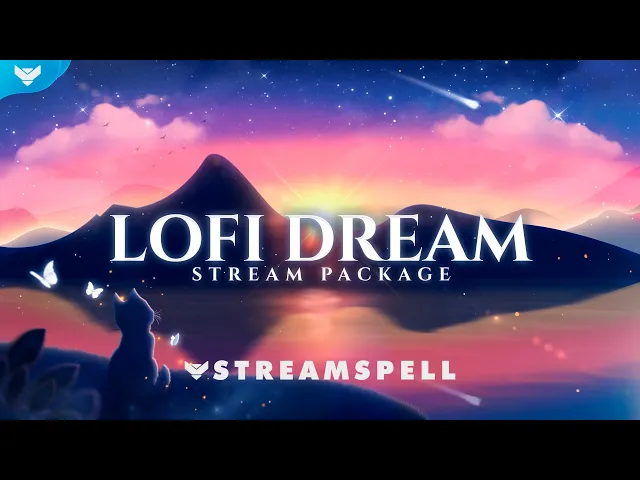
Video: Lofi Dream Stream Package preview.
The package includes animated stream screens (dual format), an offline screen, a Live Now screen, 12 animated alerts with sound effects, webcam frames in 4:3, 9:16 and 16:9 formats, modular stream labels, 43 stream panels, an animated stinger transition, social media assets, source files and setup tutorials.
Horizontal and vertical assets are available, so the same visual identity can be used across traditional and vertical streaming layouts.
Free Monster Hunter Webcam Overlay
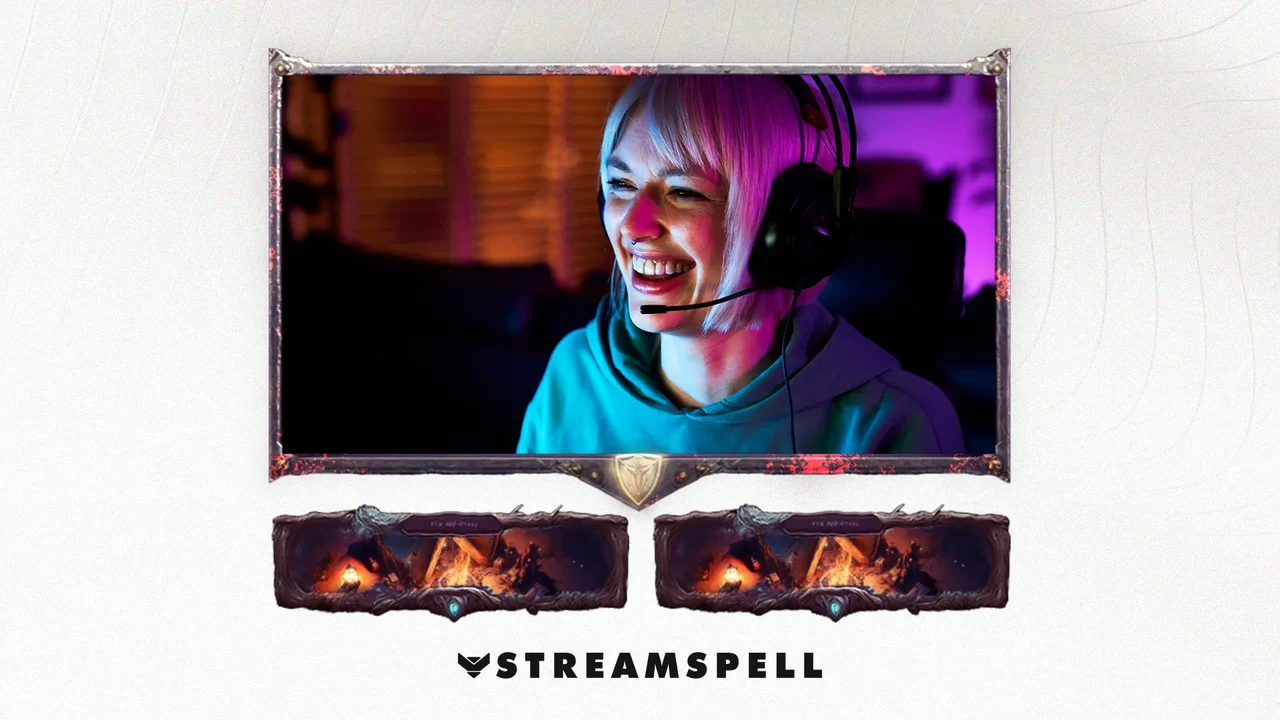
The FREE Monster Hunter Webcam Overlay by StreamSpell brings a rugged fantasy-adventure look to your camera setup, with red, dusty and battle-ready details that fit naturally into Monster Hunter streams.
The free download includes a static webcam overlay PNG, matching slot, event icons and a setup guide. It works with OBS Studio, Streamlabs Desktop, StreamElements, Lightstream, XSplit and other streaming apps that support overlay files.
It is a strong match for Monster Hunter Wilds, Monster Hunter World, The Witcher 3, Baldur’s Gate 3, action RPGs, fantasy games and adventure streams.
You can explore the RPG Stream Overlays collection for more fantasy, action RPG and roleplay-ready stream designs!
How to Add a Free Webcam Overlay to OBS or Streamlabs
Adding a webcam frame only takes a few steps.
For a static PNG webcam overlay, add the downloaded file as an Image Source in OBS Studio or Streamlabs Desktop. Place your camera source underneath the webcam overlay, then resize and position both sources until the camera fits inside the frame.
For an animated WEBM webcam overlay, add the file as a Media Source instead.
Keep the webcam overlay above your camera in the Sources panel so the frame remains visible.
If you need help installing or configuring your StreamSpell assets, visit the StreamSpell Support page!
Find More Free Stream Overlays
A webcam overlay is an easy place to start, but you can also build more of your stream setup with free alerts, overlays and other assets.
Check out these StreamSpell guides:
Free Animated Stream Alerts for Twitch: Find free animated alerts for follows, subscriptions, donations and other stream events.
The Best Free Stream Overlays: Explore more free overlays and stream assets for OBS Studio, Streamlabs Desktop, Twitch and YouTube.
You can also browse the StreamSpell Store for animated Stream Packages, stream widgets, alerts, transitions, Stream Deck assets and other tools for Twitch, YouTube, Kick and more.
Start with a free webcam overlay, test the style on your stream, and upgrade to the matching animated package if you want to bring the same design to the rest of your setup.
💙Extra Resources
Find more animated stream overlays, animated stream alerts, animated transitions, Stream Deck Icons, emotes and badges, stream widgets (Chat Box, Event List, Goal Bar), and custom stream designs:
Thank you for following our blog!
See you in the next post 💙
Level up your stream with practical guides for OBS, Twitch, YouTube and Stream Deck.

AI Stream Deck Profile Generator: Build Profiles Faster
Build Stream Deck profiles faster with Deck Smith, a free AI Stream Deck profile generator by StreamSpell.

40 Webcam Overlay Bundle by StreamSpell
Get 40 stream-ready webcam overlays with animated styles, color customization, and themes like anime, neon, RPG, cute, and more.

5 Strategies for Staying Motivated as a Content Creator
Take care of yourself with these quick tips for staying motivated throughout your content creation journey.
Browse All Articles
Browse Stream Overlays