VIEW DEALS

StreamSpell
ETS2, SCIMITAR, Profiles

Organize Euro Truck Simulator 2’s cab and road shortcuts around the SCIMITAR ELITE WIRELESS SE. Eleven direct Home shortcuts let you keep a wider selection close, while additional driving, trailer and camera tools remain accessible in the action library.
View Euro Truck Simulator 2 for SCIMITAR ELITE in the StreamSpell store.
Driving and road controls
The included command groups cover throttle, braking/reverse, steering, shifting, engine, parking brake, motor brake and cruise control. Road utilities include headlights, left and right indicators, hazard lights, horn and wipers.
These controls are useful to organize around how you actually drive. For example, a driver already using another steering input can prioritize lighting, indicators and wipers on the mouse rather than filling Home with duplicate steering keys. That is a layout choice, not a promise of a separate steering-wheel integration.
Camera, trailer and interface shortcuts
Camera options include cab, chase, top, roof, bumper, wheel and drive-by views. Mirrors and Route Advisor controls provide a separate group of interface tools. Trailer controls, activation commands and screenshots round out the collection.
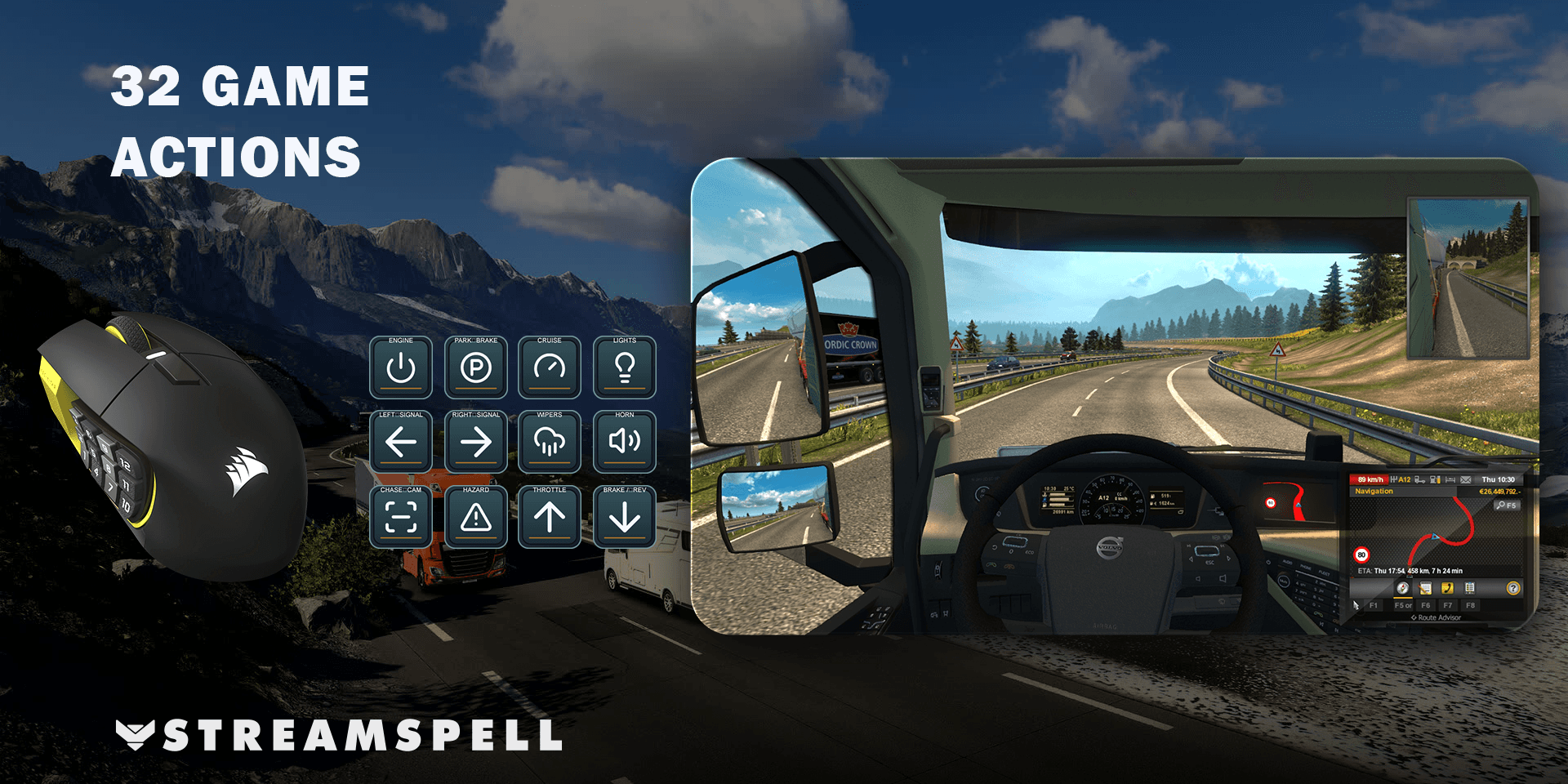
The mouse product lists 32 game actions. It is a separate device-specific download from the XENEON EDGE version, so do not use that product’s action count to describe this one.
Home shortcuts and the full action library
The supplied Home page keeps 11 direct shortcuts beside an All Actions entry. All Actions leads to the complete library; Back and Next keep its additional pages reachable. The library is larger than the number of physical mouse buttons, so the download does not discard commands to fit the first page.
The larger Home selection can accommodate a broader cab-and-road grouping. Choose a mix you can recognize quickly instead of replacing all eleven shortcuts at once. In the Stream Deck editor, copy the action you want from All Actions and paste it onto Home. Keep the navigation entry available if you still want to reach the rest of the collection.
What comes in this device-specific download?
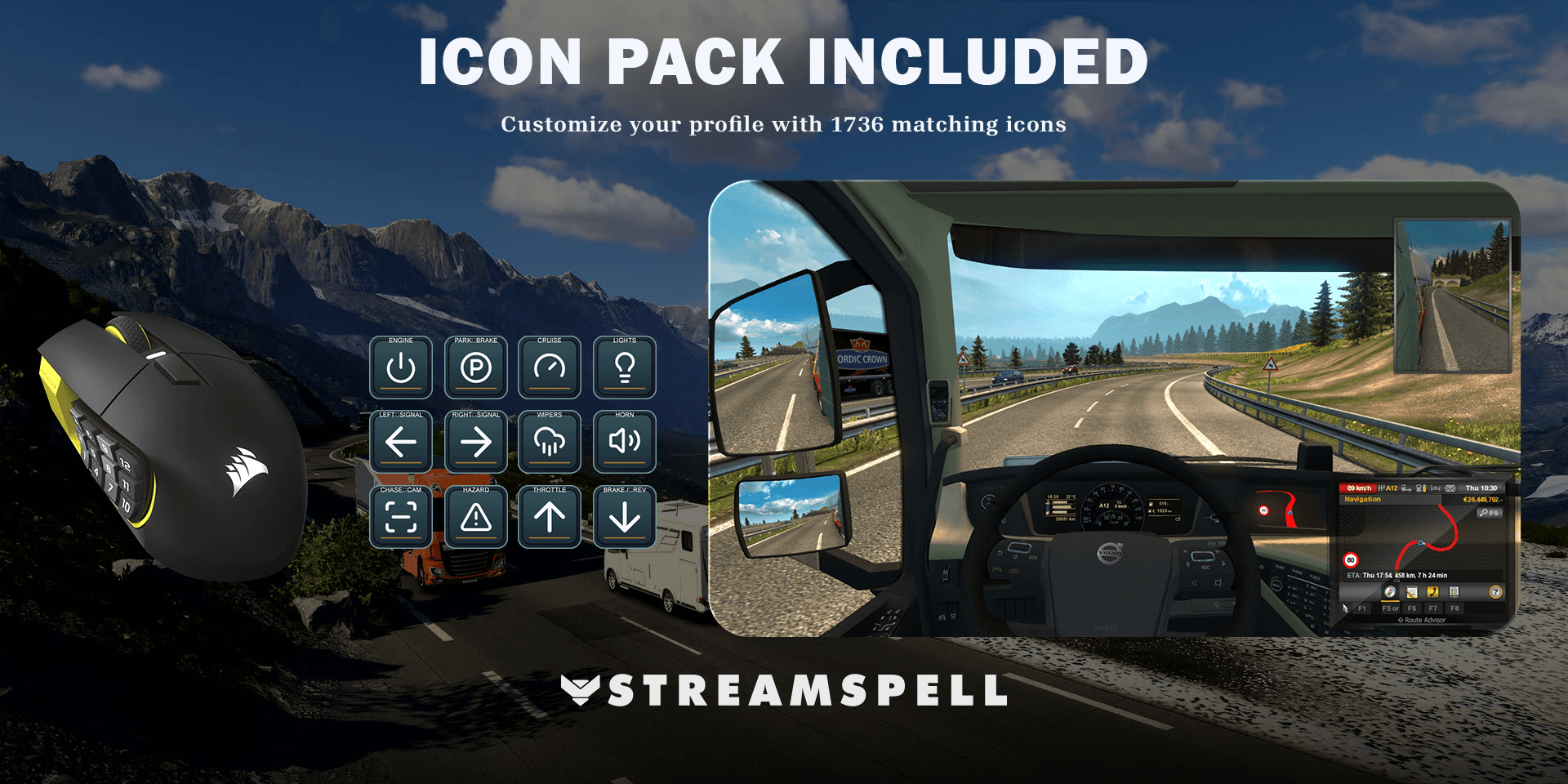
The download contains one Windows profile for SCIMITAR ELITE WIRELESS SE, a CSV file with key mappings, an installable Stream Deck icon pack and 1,736 matching icons. The artwork helps edited or newly arranged keys stay consistent with the supplied profile.
Icons provide the visual labels; the configured Stream Deck actions send the inputs. Installing the icon pack by itself does not configure the game commands.
Setup guide: Euro Truck Simulator 2 on SCIMITAR
Use the SCIMITAR ELITE WIRELESS SE, connect it to the PC and open the current Elgato Stream Deck app. Select the mouse as your target device. CORSAIR's SCIMITAR integration guide explains its native Stream Deck support and optional Virtual Stream Deck panel.
Download this device-specific product from the StreamSpell store and extract the ZIP.
Open its .streamDeckProfile file and confirm Install. Select the imported profile for the matching mouse in Stream Deck.
Read the supplied key-mapping CSV and check the game-specific requirements below.
Try one ordinary command in a safe game context, then review Home and All Actions before relying on the shortcuts during play.
Compare the included mapping CSV with Euro Truck Simulator 2’s keyboard settings, especially if you have remapped controls. Check engine, parking brake, lights and indicators with the truck stationary first. Then review camera and trailer commands in the corresponding game context.
Keep the Stream Deck app running. This is a software-driven Stream Deck profile, not an iCUE hardware-memory profile or a new mouse firmware. For the general file-import process, use Elgato's profile installation guide.
Frequently asked questions
Is this a steering wheel or a driving autopilot?
No. It is a Stream Deck shortcut profile. Steering decisions, route choice and vehicle operation remain yours; keyboard actions do not establish a hardware wheel integration.
Can I move camera commands onto Home?
Yes. Copy the desired action from All Actions in the Stream Deck editor and paste it into a Home position, retaining library navigation if needed.
Can I use a different CORSAIR mouse?
The supported model is SCIMITAR ELITE WIRELESS SE. The similar names SCIMITAR RGB ELITE and SCIMITAR ELITE WIRELESS do not establish equivalent native Stream Deck support; confirm the SE model before choosing this download.
Get the Euro Truck Simulator 2 SCIMITAR profile
Check the current contents and requirements, then get Euro Truck Simulator 2 for SCIMITAR ELITE from StreamSpell. This link is for this mouse version, not the standard multi-device bundle.
Independent StreamSpell product. Not affiliated with or endorsed by the game’s creators, CORSAIR or Elgato. Software and hardware are not included.
Level up your stream with practical guides for OBS, Twitch, YouTube and Stream Deck.

AI Stream Deck Profile Generator: Build Profiles Faster
Build Stream Deck profiles faster with Deck Smith, a free AI Stream Deck profile generator by StreamSpell.

40 Webcam Overlay Bundle by StreamSpell
Get 40 stream-ready webcam overlays with animated styles, color customization, and themes like anime, neon, RPG, cute, and more.

5 Strategies for Staying Motivated as a Content Creator
Take care of yourself with these quick tips for staying motivated throughout your content creation journey.
Browse All Articles
Browse Stream Overlays