
VIEW DEALS
Julia Pazin
EA Sports FC 27, FC 27 Web App, Football Stream Overlays, Goal Bar Widget

A new EA Sports FC season always starts before the first full match. Squad planning, Web App access, early access, and the worldwide release each have their own date, so it is worth getting the timeline right before you plan a stream or publish a countdown.
EA's September 14 Launch Update confirms that the Web App opens on September 16 at 17:00 UTC. The Companion App refresh follows on September 17 at 17:00 UTC.
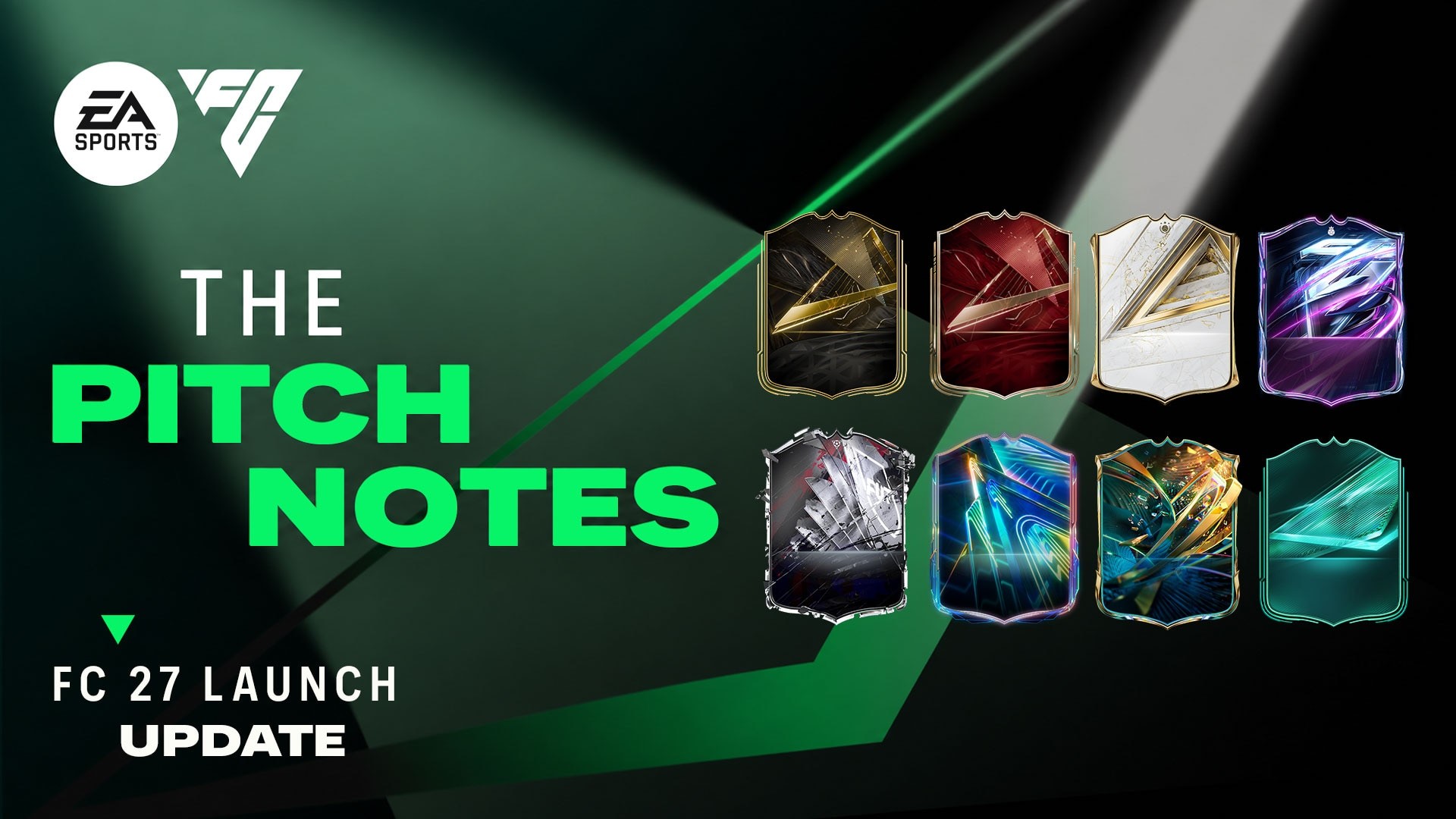
EA Sports FC 27 begins its launch rollout on September 16, before the worldwide release on September 25, 2026.
EA Sports FC 27 launch timeline
Web App: September 16, 2026 at 17:00 UTC
Companion App refresh: September 17, 2026 at 17:00 UTC
PC early access: September 17 at 23:00 UTC
Early access on other platforms: September 18 at 00:00 local time
Worldwide PC launch: September 24 at 23:00 UTC
Worldwide launch on other platforms: September 25 at 00:00 local time
Ultimate Edition players receive early access. The Standard Edition launches globally on September 25 across EA App, PlayStation 5, PlayStation 4, Xbox Series X|S, Xbox One, Nintendo Switch, Nintendo Switch 2, Steam, and Epic Games Store.
What to prepare before the Web App opens
The Web App is useful for club management, squad planning, and the early Ultimate Team market, but it is not a replacement for the full game. Before it opens, check that you can sign in to the correct EA Account and that your platform accounts are linked as expected. A rushed login recovery is not how anyone wants to begin a new season.
For creators, this is also a good moment to prepare reusable scenes: one for squad building, one for match gameplay, and one clean Just Chatting layout for market or Career Mode discussion. Keeping your overlays compact helps the player cards, menus, and match HUD stay readable.
What EA has said about launch content
EA says FC 27 will continue to support Football Ultimate Team, The Grounds, and Career Mode after launch. The launch roadmap also points to more tradeable rewards across Ultimate Team and an early season built around Ones to Watch. Exact live content can change, so the official launch update should remain your reference point.
StreamSpell products for football streams
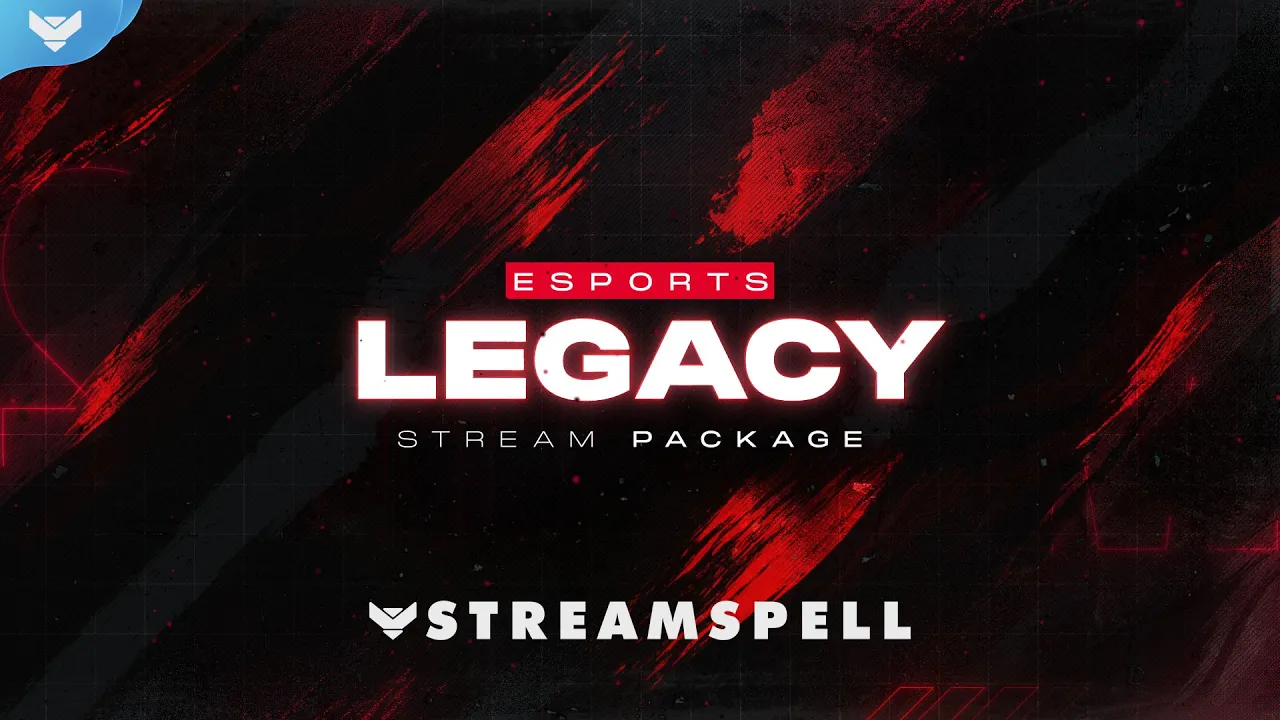
ESports: Legacy Stream Package
ESports: Legacy Stream Package video preview.
The ESports: Legacy Stream Package brings a sharp red-and-black style to competitive broadcasts. It fits EA Sports FC 27 Ultimate Team, Rivals, and Champions streams, while the same esports look also works for Valorant, Counter-Strike 2, Call of Duty, Apex Legends, and other ranked games.
Four animated screens for Starting, Be Right Back, Ending, and Just Chatting, plus one offline screen.
12 silent animated alerts.
A 16:9 webcam frame, modular stream labels, 43 stream panels, and an animated stinger transition.
Social media headers, a profile image, PSD source files, the font, and setup tutorials.
Team Player Stream Package
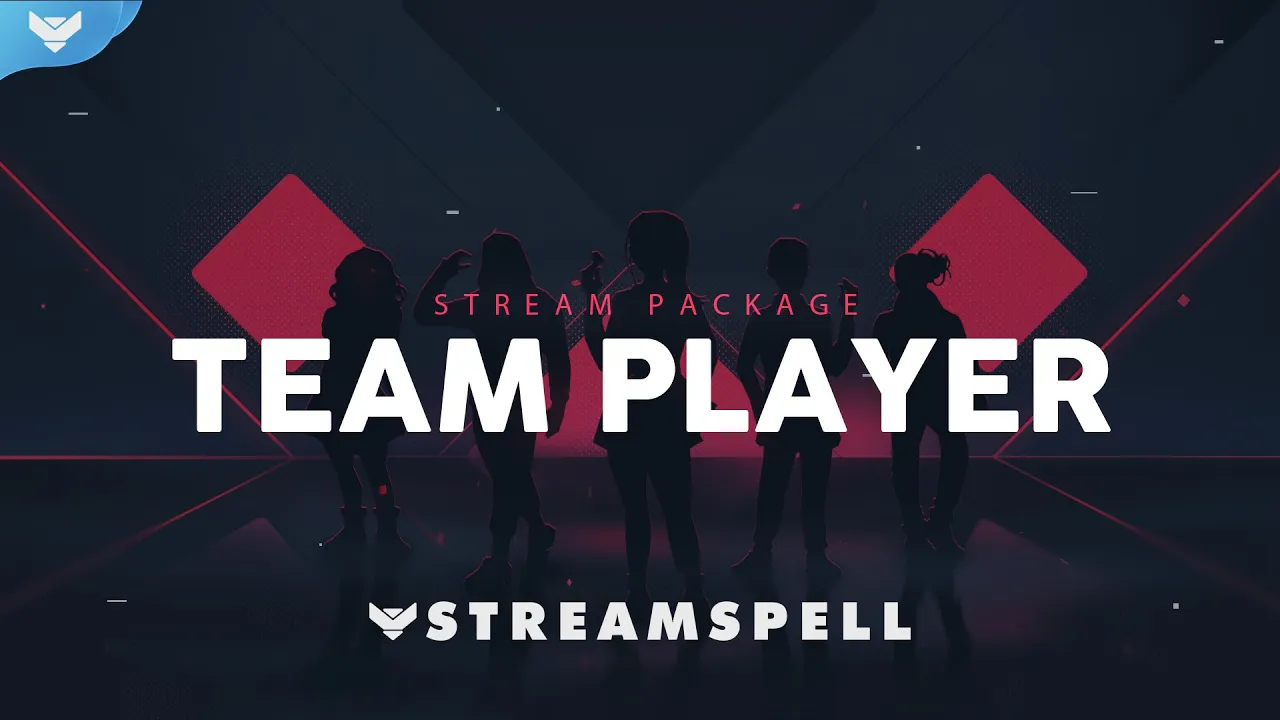
Team Player Stream Package video preview.
The Team Player Stream Package is a better match for Clubs sessions, co-op content, and community-led channels. Its team-focused design can also suit Valorant, Rocket League, Overwatch 2, and other squad-based games.
Ten animated screens, including six Just Chatting layouts, plus one offline screen.
12 animated alerts with sound effects.
Webcam frames in 4:3, 9:16, and 16:9, modular stream labels, 41 stream panels, and an animated stinger transition.
Social media headers, a profile image, PSD source files, an editable After Effects file for text, the font, and setup tutorials.
The package supports horizontal and vertical presentation needs, making it easier to prepare assets for a standard stream and short-form or mobile-first content.
Free Goal Bar from Stream Widgets Hub
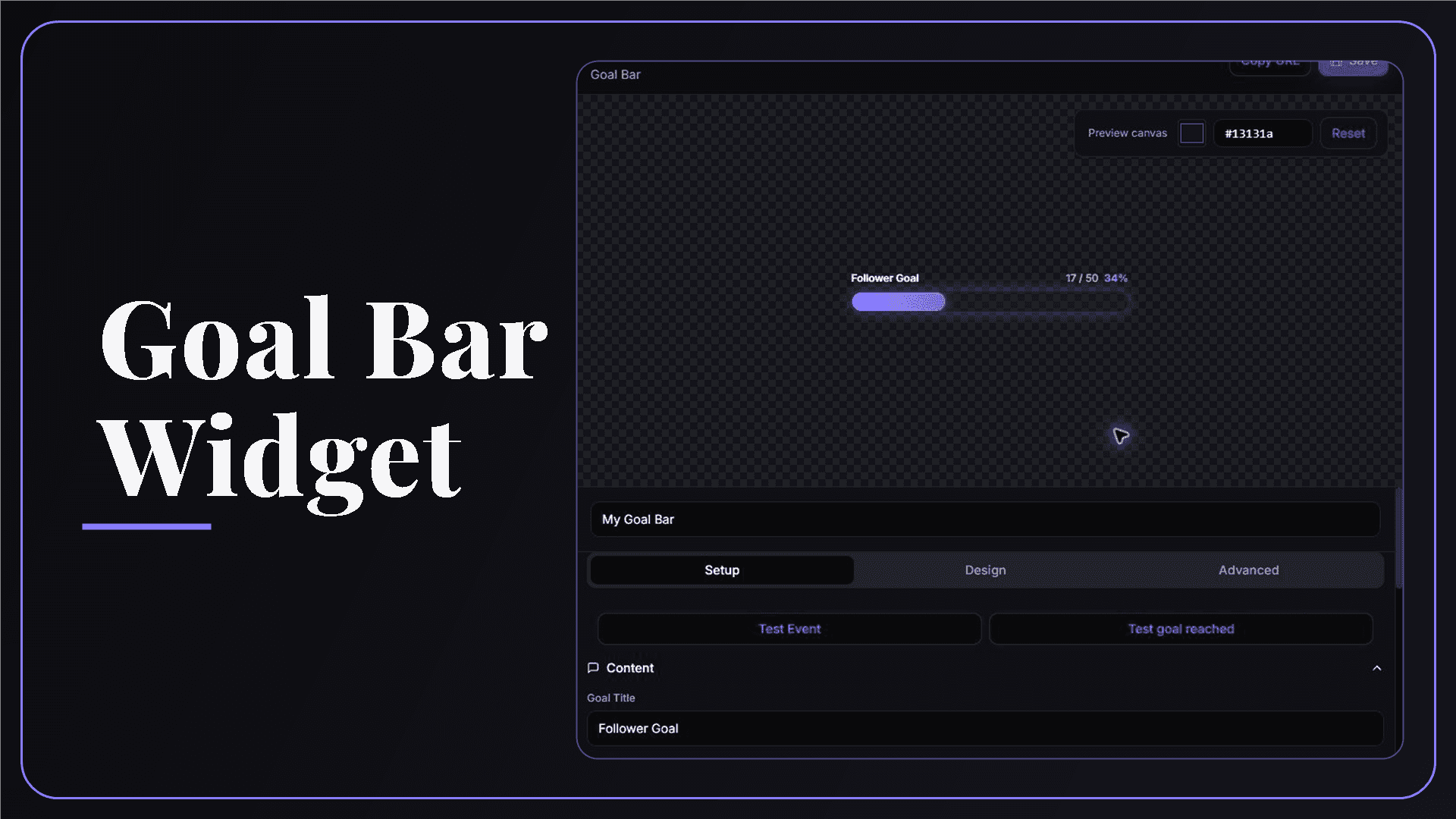
StreamSpell Goal Bar Widget editor with a customizable live goal preview.
The free Goal Bar from Stream Widgets Hub is a natural add-on for football streams. Use it for a Road to Division 1 challenge, a Weekend League win target, or follower and subscriber milestones. Customize the colors, fonts, and animation, then add it to OBS Studio, Streamlabs, or StreamElements as a Browser Source.
Official sources
Related StreamSpell posts
💙Extra Resources
Find more animated stream overlays, animated stream alerts, animated transitions, Stream Deck Icons, emotes and badges, stream widgets (Chat Box, Event List, Goal Bar), and custom stream designs:
Thank you for following our blog!
See you in the next post 💙
Level up your stream with practical guides for OBS, Twitch, YouTube and Stream Deck.

AI Stream Deck Profile Generator: Build Profiles Faster
Build Stream Deck profiles faster with Deck Smith, a free AI Stream Deck profile generator by StreamSpell.

40 Webcam Overlay Bundle by StreamSpell
Get 40 stream-ready webcam overlays with animated styles, color customization, and themes like anime, neon, RPG, cute, and more.

5 Strategies for Staying Motivated as a Content Creator
Take care of yourself with these quick tips for staying motivated throughout your content creation journey.
Browse All Articles
Browse Stream Overlays