VIEW DEALS

StreamSpell
CORSAIR XENEON EDGE, iCUE widgets, streaming setup, gaming setup
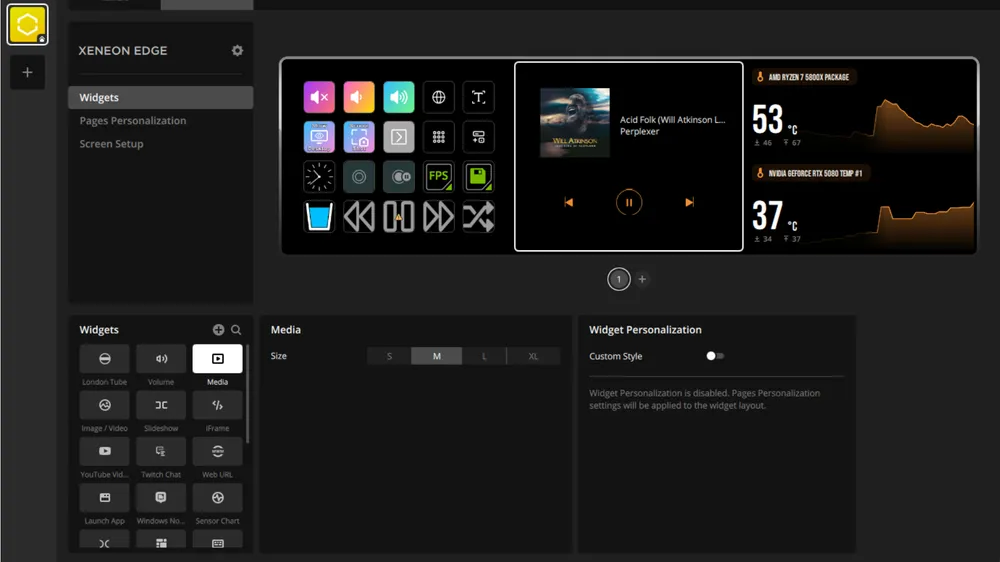
A focused companion display for your desk
CORSAIR XENEON EDGE is a 14.5-inch, 2560×720, 60Hz five-point capacitive touchscreen intended to keep useful information within view beside a main monitor. Think of it as a dedicated glanceable surface: it does not replace the game, editor, or broadcast view, but can keep a small, purposeful view close at hand.
Disclosure: As an Amazon Associate I earn from qualifying purchases.
Don’t have a XENEON EDGE yet? Check it out on Amazon.
What are iCUE widgets?
iCUE widgets are compact visual panels that surface selected information or controls on supported display surfaces. Their job is not to create another crowded dashboard. A good widget keeps one task easy to scan, so you can check it quickly and return to the game, stream, or work in progress.
How the ecosystem works at a high level
At a high level, iCUE provides the software environment where compatible devices and widget experiences can be managed. The display becomes the focused destination for the information a widget exposes. What appears there depends on the device, software version, and widget actually available, so a planned setup should be checked against current documentation and hardware support.
Useful widget types for gamers and streamers
Common at-a-glance categories include system monitoring, media controls, time and date, weather, calendar reminders, and chat. For a streamer, that may mean keeping an eye on a single status without covering the broadcast controls. For a gamer, it can mean moving a small reference or control away from the main display so the primary screen stays clear.
Where custom widgets fit
The wider iCUE widget ecosystem also includes a path for custom-widget development. Official CORSAIR Labs material describes a web-based approach with HTML, CSS, JavaScript, a manifest, and a command-line workflow. That is a development path, not a guarantee that any particular third-party widget is published, accepted, compatible with every device, or available in a Marketplace.
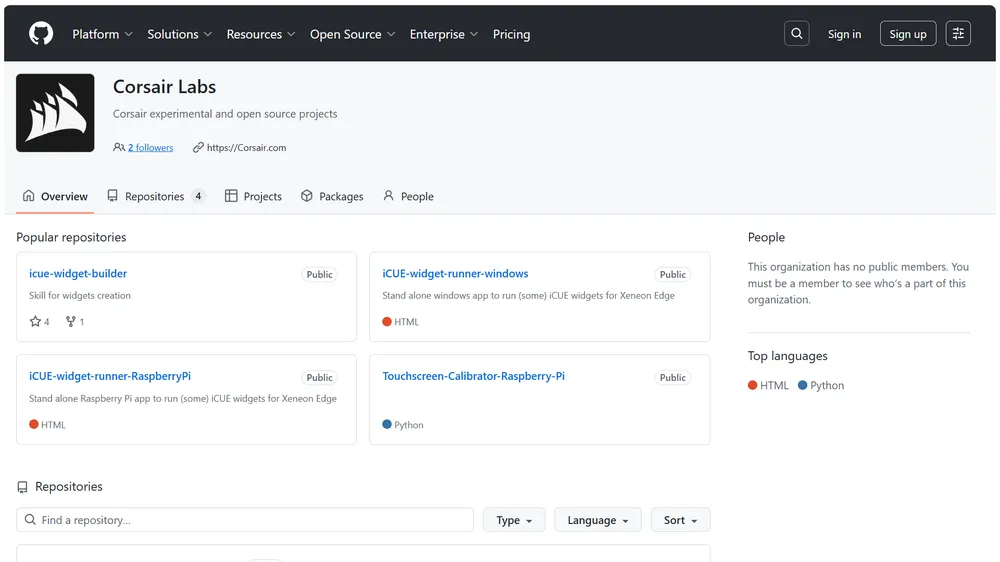
CORSAIR Labs resources for developing and packaging custom iCUE widgets.
Why a separate display can help on stream
The benefit is focus. A dedicated screen can reduce context switching when it carries only the next piece of information you need: a clock, a media state, a short checklist, chat, or a system status. The best setup is selective rather than exhaustive. If every metric competes for attention, the display becomes noise instead of a useful companion.
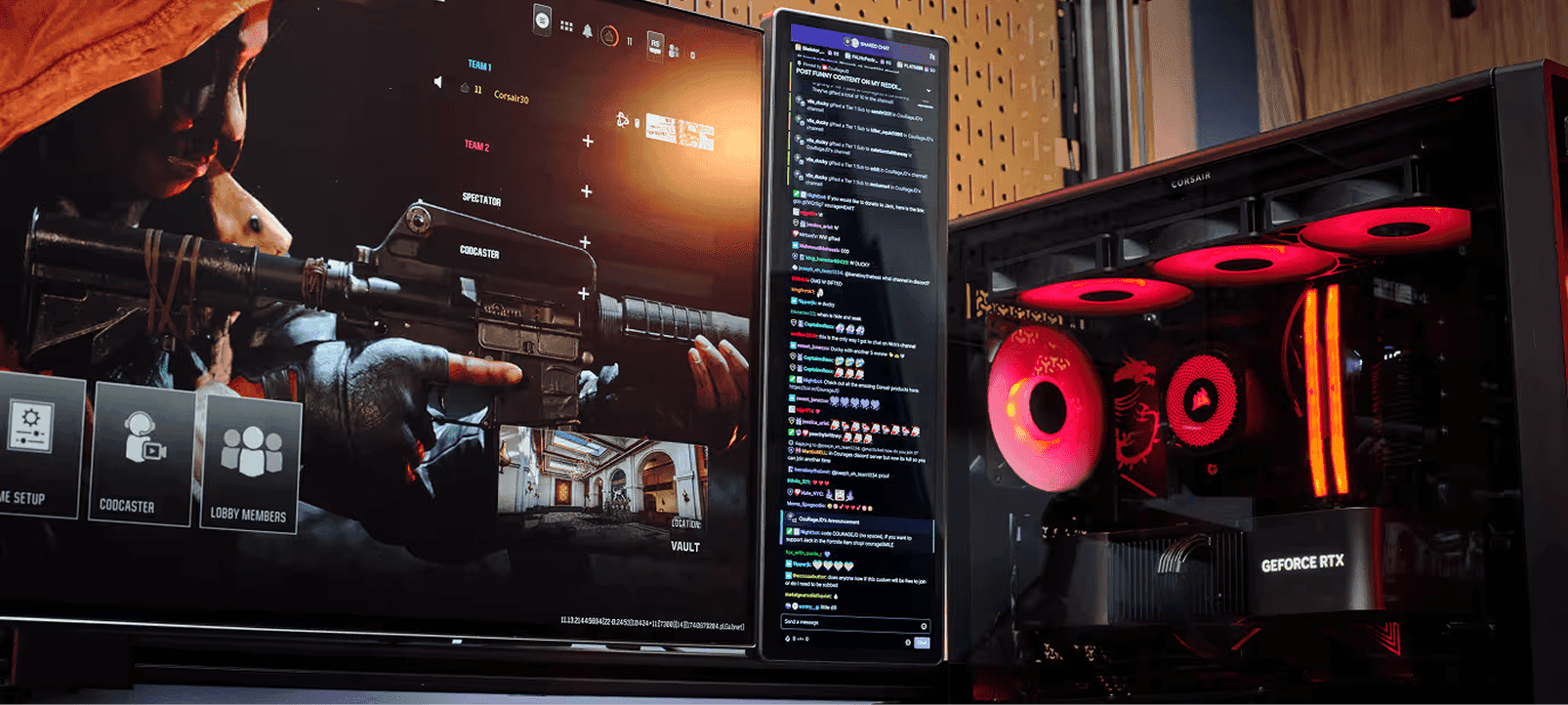
CORSAIR XENEON EDGE used as a compact companion display in a streaming setup.
Plan the information before the layout
Start with one question: what do you repeatedly need to check while playing or live? Choose one or two answers, then select widgets that make those answers legible at a glance. This keeps the XENEON EDGE useful whether it sits beside a gaming monitor, an editing setup, or a streaming control surface.
Explore current StreamSpell releases
The public StreamSpell iCUE Widgets collection does not currently list products. Browse the StreamSpell Store for current releases.
All images used in this article are official CORSAIR images.
A focused XENEON EDGE setup works best when each widget earns its place and keeps the main screen clear.
💙Extra Resources
Find more animated stream overlays, animated stream alerts, animated transitions, Stream Deck Icons, emotes and badges, stream widgets (Chat Box, Event List, Goal Bar), and custom stream designs:
Thank you for following our blog!
See you in the next post 💙
Level up your stream with practical guides for OBS, Twitch, YouTube and Stream Deck.

AI Stream Deck Profile Generator: Build Profiles Faster
Build Stream Deck profiles faster with Deck Smith, a free AI Stream Deck profile generator by StreamSpell.

40 Webcam Overlay Bundle by StreamSpell
Get 40 stream-ready webcam overlays with animated styles, color customization, and themes like anime, neon, RPG, cute, and more.

5 Strategies for Staying Motivated as a Content Creator
Take care of yourself with these quick tips for staying motivated throughout your content creation journey.
Browse All Articles
Browse Stream Overlays