
VIEW DEALS
StreamSpell
Harry Potter Stream Overlays, Harry Potter HBO Series, Twitch Overlays, Stream Packages, Ultimate Hogwarts Collection
Best Harry Potter Stream Overlays for 2026: 5 Magical Packs
The wait just became a little more real. The first official teaser for the new Harry Potter HBO series is here, giving Potterheads a fresh reason to count down to December 2026. For streamers, it is also a perfect moment to start shaping the kind of magical on-screen world your community will want to spend time in.
Whether your content is built around rewatches, theories, countdown streams, cozy chat nights, or a premiere-night discussion, a strong visual identity helps turn anticipation into a shared experience. Below, you can watch the official trailer, see what HBO has confirmed about the series, and compare five Harry Potter stream overlays from the Ultimate Hogwarts Collection.
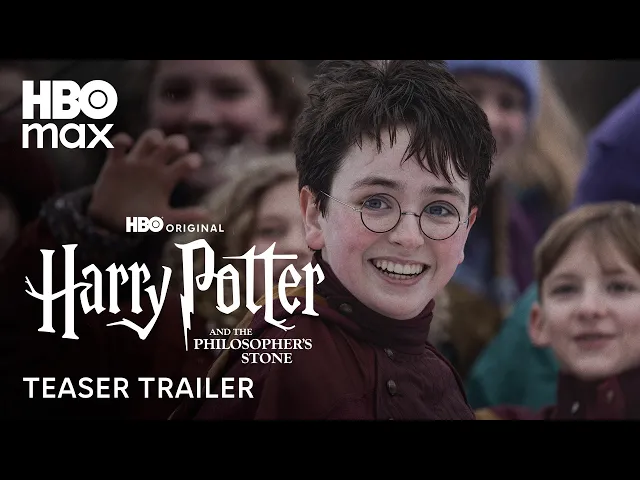
Watch the official Harry Potter HBO series trailer
The teaser introduces the atmosphere of the upcoming HBO original series and marks the beginning of a new television adaptation for the Wizarding World. It is a short look, but it already gives fans plenty to discuss, speculate about, and turn into great live-stream conversation.
What HBO has officially confirmed about the Harry Potter series
The new Harry Potter television series premieres on December 25, 2026, on HBO and HBO Max where available. The first season is titled Harry Potter and the Philosopher’s Stone and has eight episodes.
According to HBO, the story follows Harry as he receives his letter to Hogwarts and enters a hidden world of magic, friendship, and adventure.
Production is based at Warner Bros. Studios Leavesden in the United Kingdom.
Why this is a great time to refresh your stream setup
A major release gives a community a reason to gather, and that is exactly where a cohesive stream design can shine. A themed Starting screen builds anticipation before you go live. Alerts make follows, subs, and raids feel like part of the occasion. BRB and Ending screens keep the experience polished even when the conversation pauses.
The goal is not to imitate the show. It is to create a space that feels magical, personal, and instantly recognizable as yours. If you want more ideas for combining wizarding aesthetics with game-focused content, take a look at our guide to the best Hogwarts Legacy stream overlays.
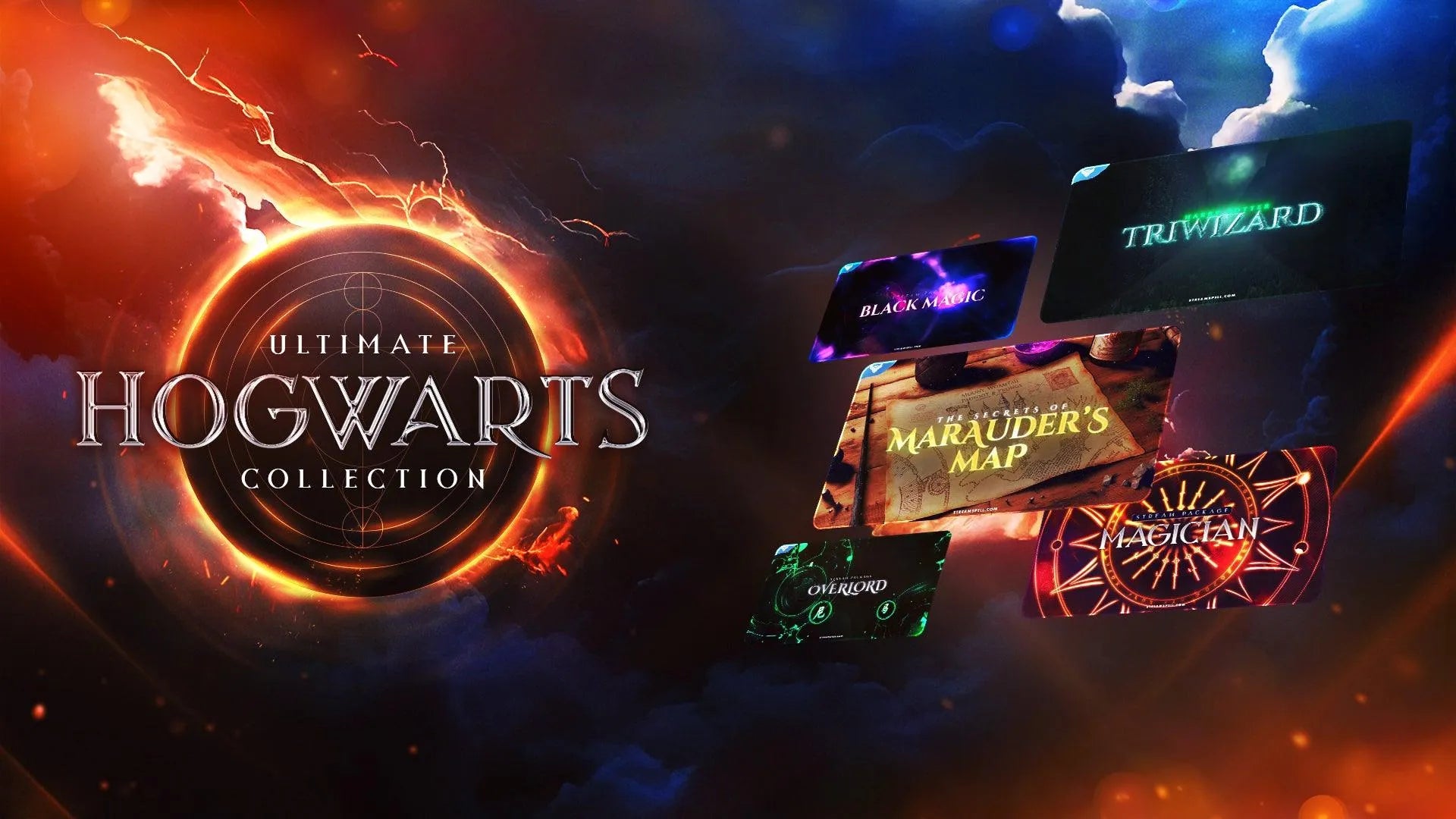
What is included across the Ultimate Hogwarts Collection
The Ultimate Hogwarts Collection brings together five distinct StreamSpell packages. Each pack has its own visual personality, while sharing a practical set of stream assets for building a complete look instead of a one-screen setup.
Setup tutorial
Four animated screens: Starting, BRB, Ending, and Just Chatting
Offline screen
12 animated alerts
16:9 webcam frame
Modular labels
42 panels
Animated stinger transition
Social headers and a profile picture
PSD files
After Effects project with editable text only
Font
Here is a closer look at the five included styles, so you can find the one that matches your channel’s version of magic.
Five wizarding stream overlay packs to explore:
Magician Stream Package
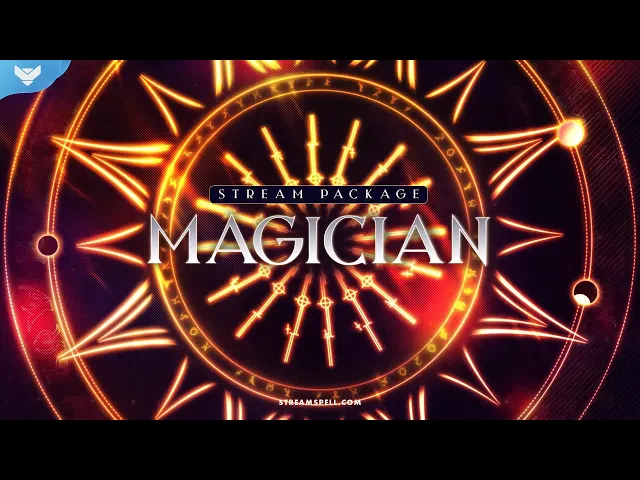
Magician Stream Package is built around rich gold details against dark red and black. It has a dramatic, ceremonial energy for creators who want their stream to feel like an ancient hall lit by fire and candlelight. Fiery alerts bring moments of community support to life, while the spiral-sun stinger gives scene changes a bold, magical movement.
Choose this direction if your content leans grand, warm, and theatrical. It is a strong match for theory streams, dramatic reactions, fantasy roleplay, and a channel identity that enjoys a little spectacle.
The Secrets of Marauder’s Map Stream Package
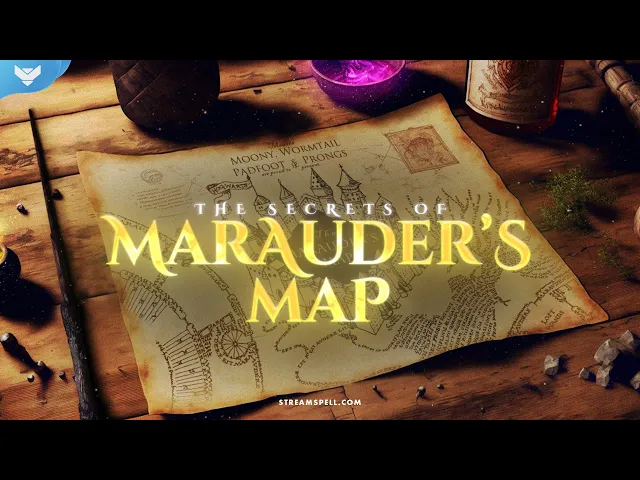
The Secrets of Marauder’s Map Stream Package takes inspiration from parchment, hidden passages, and the thrill of discovering something tucked away in a castle corridor. Its magic-themed alerts add movement without losing that tactile map-like feeling, and its transition fills the screen with the map for a memorable switch between scenes.
This pack is a natural fit for chatty creators, lore lovers, puzzle-game fans, and anyone who wants their overlays to feel adventurous instead of intimidating. It has a softer, storybook mood that leaves room for your personality and your community’s inside jokes.
Black Magic Stream Package
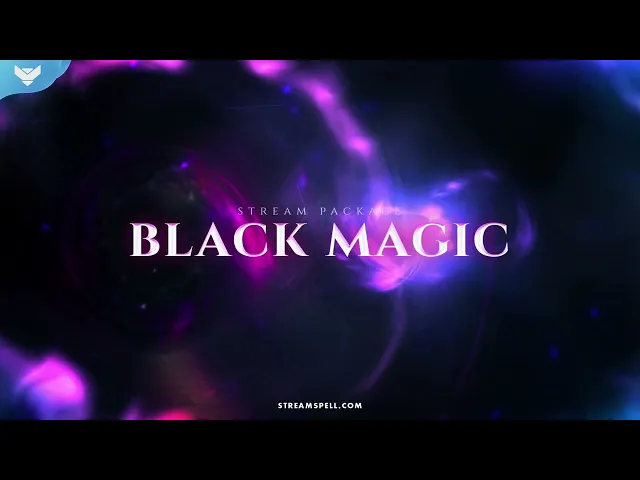
Black Magic Stream Package goes darker, pairing black and purple with spiraling sorcery effects. Purple alerts create a vivid pop when something happens in chat, while the vortex transition gives each scene change a powerful pull into the next moment.
For streamers whose brand already uses moody lighting, late-night conversations, horror games, mystery content, or a witchy aesthetic, this is the most dramatic option in the collection. It feels sleek and energetic while keeping the focus on your content, face cam, and community.
Harry Potter: Triwizard Stream Package
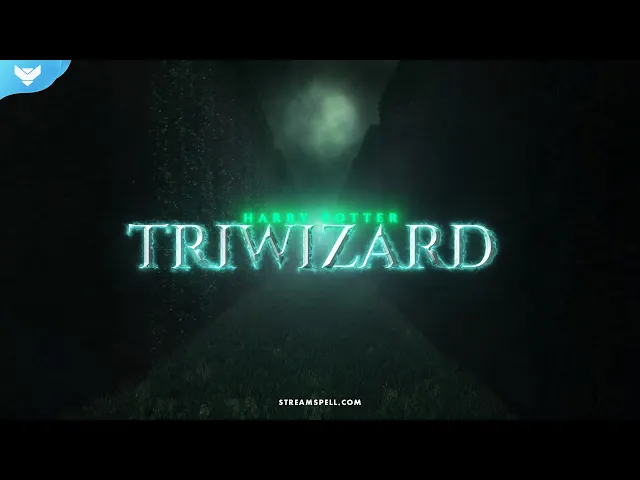
Harry Potter: Triwizard Stream Package brings tournament energy to the screen. Its design combines maze-inspired visuals, a night-sky atmosphere, blue glow, and cup-themed alerts. The blue sparkling transition adds a celebratory finish when you move from gameplay to Just Chatting, from an intro to a main event, or from one segment of a special stream to another.
This is the package for creators who want their channel to feel like an event. It suits challenge streams, competitive games, community goals, marathon sessions, and any broadcast with a clear sense that something big is happening tonight.
Overlord Stream Package
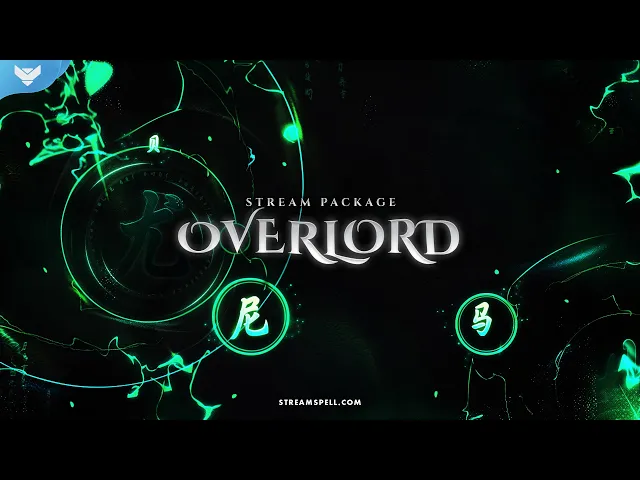
Overlord Stream Package uses green and black, visual power, and a leadership-driven mood. Green lighting alerts make chat activity impossible to miss, while spiraling green circles form the stinger transition. The result feels commanding and high-energy, with a visual language made for creators who enjoy a more assertive, cinematic presence.
If your channel is built around strategy, competitive play, big reactions, or community challenges, Overlord can give the stream a bold sense of momentum. It is the most commanding visual direction in the bundle without losing its magical atmosphere.
Pick the magic that feels like your channel
The best overlay is not necessarily the most detailed one. It is the one that gives viewers a clear feeling the moment they arrive. Magician brings fire and gold. The Secrets of Marauder’s Map leans into parchment and discovery. Black Magic is dark and spellbound. Harry Potter: Triwizard feels like a tournament under the night sky. Overlord brings green-lit power and intensity.
You can make that choice based on the kind of room you want your audience to enter before the Harry Potter HBO series arrives. Start with a visual style that already fits you, then use the included screens, alerts, panels, webcam frame, and transition to make every part of the broadcast feel connected.
These StreamSpell designs are fan-inspired creative assets. They are not affiliated with, sponsored by, or licensed by Warner Bros., HBO, HBO Max, or the Harry Potter rights holders.
💙Extra Resources
Want a stream setup
made around your own story, colors, content format, and community? Explore custom stream overlays, alerts, and widgets from StreamSpell.
Thank you for following our blog!
See you in the next post 💙
Level up your stream with practical guides for OBS, Twitch, YouTube and Stream Deck.

AI Stream Deck Profile Generator: Build Profiles Faster
Build Stream Deck profiles faster with Deck Smith, a free AI Stream Deck profile generator by StreamSpell.

40 Webcam Overlay Bundle by StreamSpell
Get 40 stream-ready webcam overlays with animated styles, color customization, and themes like anime, neon, RPG, cute, and more.

5 Strategies for Staying Motivated as a Content Creator
Take care of yourself with these quick tips for staying motivated throughout your content creation journey.
Browse All Articles
Browse Stream Overlays