VIEW DEALS

StreamSpell
American Truck Simulator, Stream Deck Profile, Elgato Stream Deck, truck simulator controls, StreamSpell

The American Truck Simulator Stream Deck Profile puts core driving, lighting, camera and trailer commands on supported Stream Deck hardware. It gives truckers a visual control surface for the actions that are easy to forget or awkward to reach while keeping the road and Route Advisor visible on the main display.
Now with dial actions
The latest American Truck Simulator profile update adds dial actions for Stream Deck +, Stream Deck + XL and CORSAIR GALLEON 100 SD, alongside the existing button layouts. Import the updated profile for your device to use its dial layout.
The refreshed download includes matching touch-strip artwork and alternative strip backgrounds. Button-only models continue to use their device-specific key layouts.
What is the American Truck Simulator Stream Deck Profile?
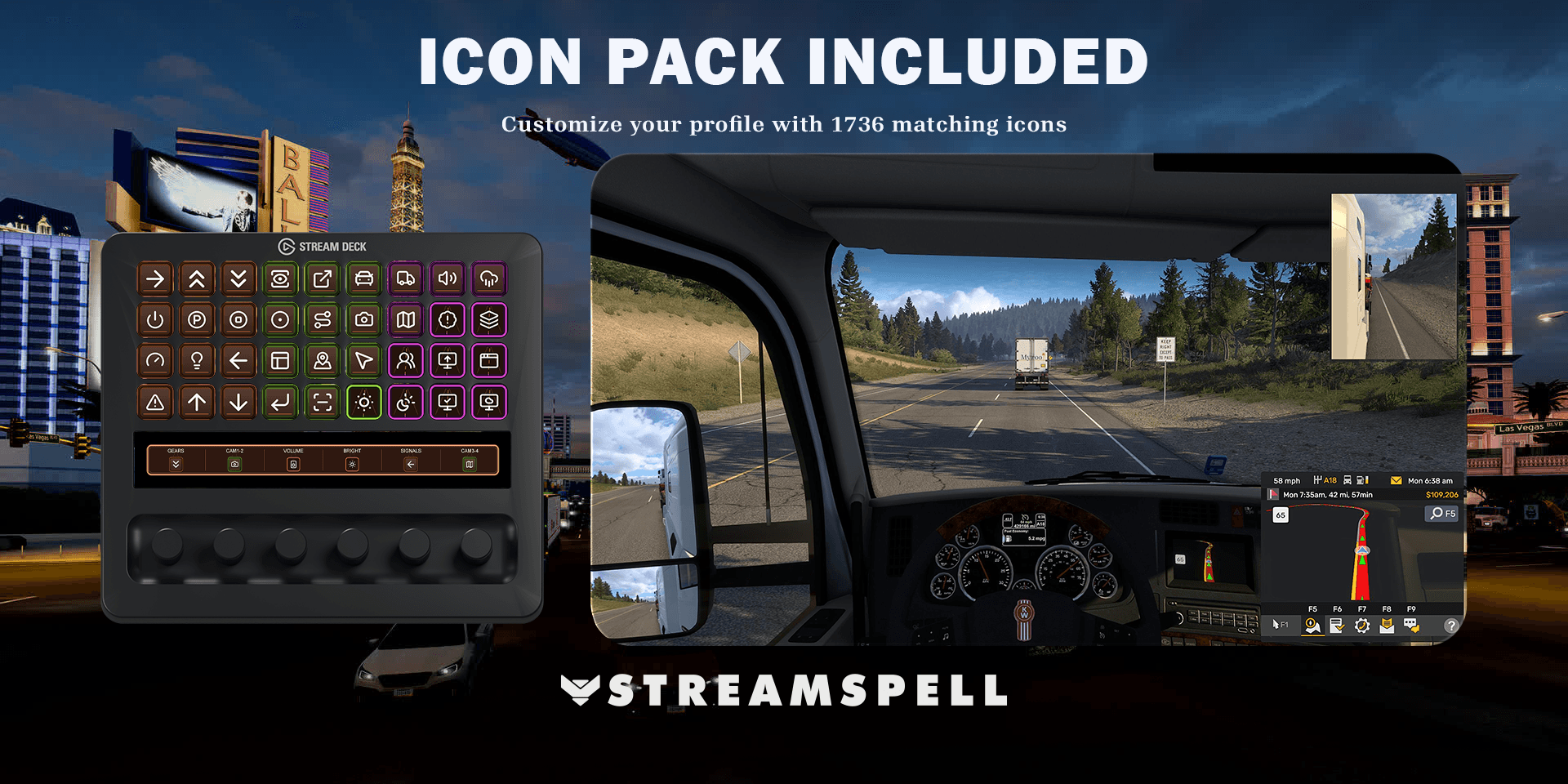
This is an import-ready profile built around American Truck Simulator. Its pages organize essential truck inputs, exterior controls, camera views and driving utilities into a highway-inspired interface. A matching icon pack is included for players who want to customize the layout without mixing visual styles.
The profile is a shortcut layout, not an automation tool or game mod. Every key triggers an action you choose, and the result depends on American Truck Simulator, the Stream Deck software and your configured key bindings.
Why use Stream Deck for American Truck Simulator?
Truck simulators use many commands that may be touched only once during a route: lights, wipers, trailer functions, cameras, mirrors and dashboard panels. Grouping them by purpose makes those controls easier to identify at a glance, especially when a wheel or controller already occupies your hands.
What controls are included?
Driving and truck controls
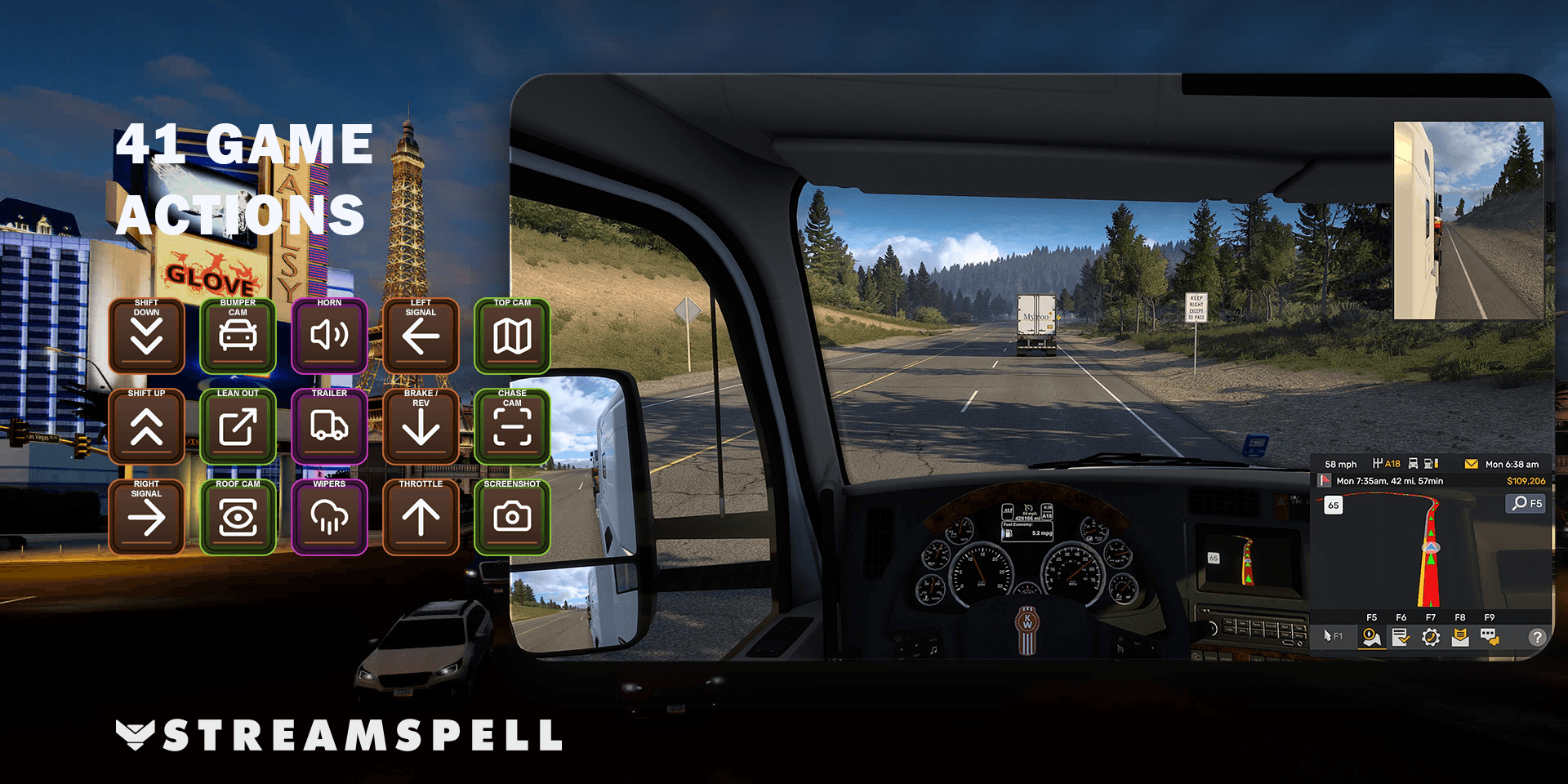
Use dedicated keys for throttle, brake, reverse, steering, shifting, engine control, parking brake, motor brake and cruise control. These shortcuts complement a keyboard, controller or wheel rather than replacing the driving hardware you already prefer.
Lights, indicators and visibility
Headlights, turn indicators, hazard lights, the horn and windshield wipers are kept within reach. A visual key can be faster to recognize than an infrequently used keyboard shortcut when weather or traffic conditions change.
Camera views and Route Advisor
Switch among cab, chase, top, roof, bumper, wheel and drive-by cameras, and access mirror or Route Advisor controls from organized pages. The available response follows the current game command assigned to each Stream Deck key.
Trailer and utility actions
The profile also covers trailer controls, activation actions and screenshots. This creates a more complete trucking dashboard without claiming to replace the information shown by the game itself.
How to install the American Truck Simulator profile
Download the product ZIP after purchase and extract its contents.
Open the folder labeled for your Stream Deck device.
Double-click the matching .streamDeckProfile file.
Choose Install when the Stream Deck software displays the import confirmation.
Select the imported profile and move through its pages to confirm the layout.
If any key shows a question mark, install the missing action or plugin required by that key before testing again.
For the current official import workflow, follow Elgato’s guide to downloading and using Stream Deck Profiles.
How to configure it before your next route
Open American Truck Simulator and compare its keyboard bindings with the actions inside the imported profile. If you have remapped a control in the game, make the same adjustment on Stream Deck. Test engine, brakes, indicators, cameras and trailer functions while parked so no incorrect shortcut interrupts a delivery.
After the essentials work, move the actions you use most to the first page. Players with a wheel may prioritize lights, cameras and Route Advisor, while keyboard players may want more driving commands up front. Stream Deck also supports assigning a profile to an application if you want it to switch automatically when the game becomes active.
Compatible devices
The current product includes layouts for Stream Deck MK.2, Stream Deck Neo, Stream Deck Mini, Stream Deck +, Stream Deck + XL, Stream Deck XL and CORSAIR Galleon 100 SD. Import the file built for your hardware because the number and arrangement of keys differ between models.
American Truck Simulator Stream Deck Profile FAQ
Does this profile drive the truck for me?
No. It provides visual shortcuts for your commands. Steering, driving decisions and every triggered action remain under your control.
Can I use it with a steering wheel?
Yes. A Stream Deck can complement a wheel by holding secondary controls such as lights, wipers, cameras, Route Advisor and trailer actions. Check your bindings so the devices do not conflict.
Can I edit the profile?
Yes. Imported profiles can be personalized in the Stream Deck software, and the included icon pack helps custom keys match the existing design.
What is included with the purchase?
The digital product includes profile files for supported devices and a matching icon pack. American Truck Simulator, Stream Deck hardware and third-party software are not included.
Get the American Truck Simulator profile
See the product and download the American Truck Simulator Stream Deck Profile from StreamSpell.
American Truck Simulator and related names are trademarks of their respective owners. StreamSpell is not affiliated with or endorsed by SCS Software or Elgato.
💙Extra Resources
Find more animated stream overlays, animated stream alerts, animated transitions, Stream Deck Icons, emotes and badges, stream widgets (Chat Box, Event List, Goal Bar), and custom stream designs:
Thank you for following our blog!
See you in the next post 💙
Level up your stream with practical guides for OBS, Twitch, YouTube and Stream Deck.

AI Stream Deck Profile Generator: Build Profiles Faster
Build Stream Deck profiles faster with Deck Smith, a free AI Stream Deck profile generator by StreamSpell.

40 Webcam Overlay Bundle by StreamSpell
Get 40 stream-ready webcam overlays with animated styles, color customization, and themes like anime, neon, RPG, cute, and more.

5 Strategies for Staying Motivated as a Content Creator
Take care of yourself with these quick tips for staying motivated throughout your content creation journey.
Browse All Articles
Browse Stream Overlays